Scan Date:Oct 23, 2026
Show More


2.0
1 Reviews
61.4 MB
File Size
Everyone
Android 7.0+
Android OS
Auto captions & subtitles for video: AI caption generator, video to text, SRT
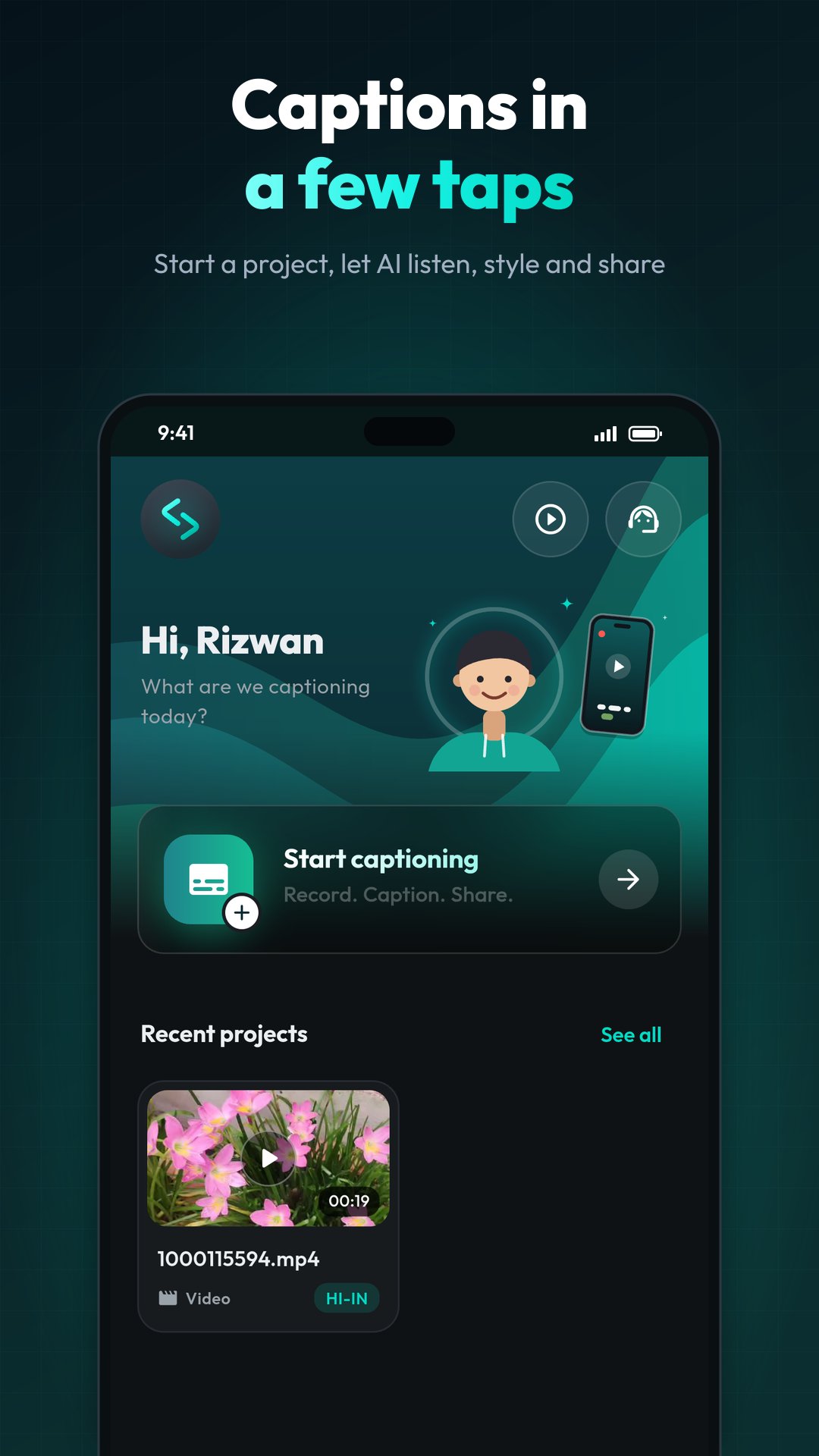
Subera is an AI caption and subtitle generator that adds automatic captions and subtitles to your videos in minutes. Pick a video and AI captioning turns speech to text, timed to every word, in 85+ languages.
Or make the whole video in one app, from idea to post:
✍️ Script: the AI script writer turns your idea into a ready-to-read script
🎥 Record: a teleprompter scrolls with your voice while you film
💬 Caption: auto captions in your style, translated into 100+ languages
🚀 Publish: add an intro and outro, then share to Reels, Shorts, TikTok and YouTube
Trusted by 500,000+ creators since 2021, and now rebuilt from scratch in Subera 4.0 with a faster, more accurate AI captioning engine.
🤖 AUTO CAPTIONS & AUTO SUBTITLES WITH AI
- Auto captioning for videos and audio in 85+ languages
- Word-by-word captions, timed exactly to when each word is said
- Smart line breaks where a sentence naturally pauses
- Names and brand words are flagged so you can fix them in one tap
- Mixed-language speech? Caption it as spoken, in native letters or in English letters
- Add subtitles and captions to video for Instagram Reels, YouTube Shorts, TikTok, YouTube, podcasts and lessons
✨ CAPTION MAKER: STYLES & ANIMATIONS
What you see in the preview is exactly what you get in the export
- Ready-made caption styles, or design your own: font, colour, outline, background and position
- A huge font library, or upload your own font
- Animated captions: karaoke highlight, word pop, word box, typewriter and more
- Entrance and exit motion: fade, slide, pop and zoom
✏️ SUBTITLE EDITOR
- Read along as the video plays and fix any word in place
- Split, join, add or delete lines and drag their timing on the timeline
- Find and replace across every caption at once
- Every change is saved as you go
🌍 TRANSLATE SUBTITLES WITH AI
- Translate captions into 100+ languages, whole sentences at a time
- Show one language or dual subtitles together
- Keep every language in one project and switch any time
🎥 EXPORT VIDEO WITH SUBTITLES OR SRT FILES
- Burn captions into your video, up to 2K
- Choose quality, frame rate and speed, and see the file size first
- Or export closed captions (CC) and subtitle files: SRT, VTT, SBV, DFXP and TXT, ready for YouTube and any video editor
🎙️ VIDEO TO TEXT & AUDIO TO TEXT
- Transcribe video and audio into text in minutes
- Voice to text for podcasts, interviews, lectures, meetings and voice notes
- Copy the transcript or save it as a TXT or subtitle file
🎬 INTROS, OUTROS & VIDEO EDITOR
- Ready-made animated intros and outros to open and close every video
- End cards and pop-up animations: subscribe, follow, like
- Add images and logos: drag, resize, rotate and set transparency
- Blur or pixelate any area to hide a face, a number plate or a screen
- Background music (MP3 or WAV) with its own volume control
- Filters and effects: black and white, vintage, light leaks, vignette
📝 AI SCRIPT WRITER & TELEPROMPTER
- Describe your video and get a script, then choose its length, tone and language
- Teleprompter that follows your voice, so you never lose your place
- Control speed, font size and camera quality
- Record, auto caption and publish without switching apps
WHO USES SUBERA?
Creators who need a subtitle maker or caption app for Reels and Shorts, YouTubers adding subtitles to videos, teachers making lessons accessible, podcasters sharing clips, and anyone who wants closed captions for people who watch with the sound off or are deaf or hard of hearing.
💰 PLANS
Simple subscriptions with prices in your own currency. Cancel any time in Google Play.
🙈 QUALITY NOTE
Subera works best with clear speech. Very loud background music or noise can make some words harder to recognise, so take a quick look in Review before you share.
Questions or ideas? Write to us at contact@subera.io. We read every message.



One-click to install XAPK/APK files on Android!

Thanks for your rating and feedback!
You have already rated.