Безопасная и Быстрая Загрузка APK на APKPure
APKPure позволяет легко и безопасно загружать HW IT AR & 3D APK с проверкой подписи.


57.1 MB
Размер файла
Everyone
Android 4.4+
Android OS
Huawei IT 3D presentation + augmented reality
HW IT AR & 3D
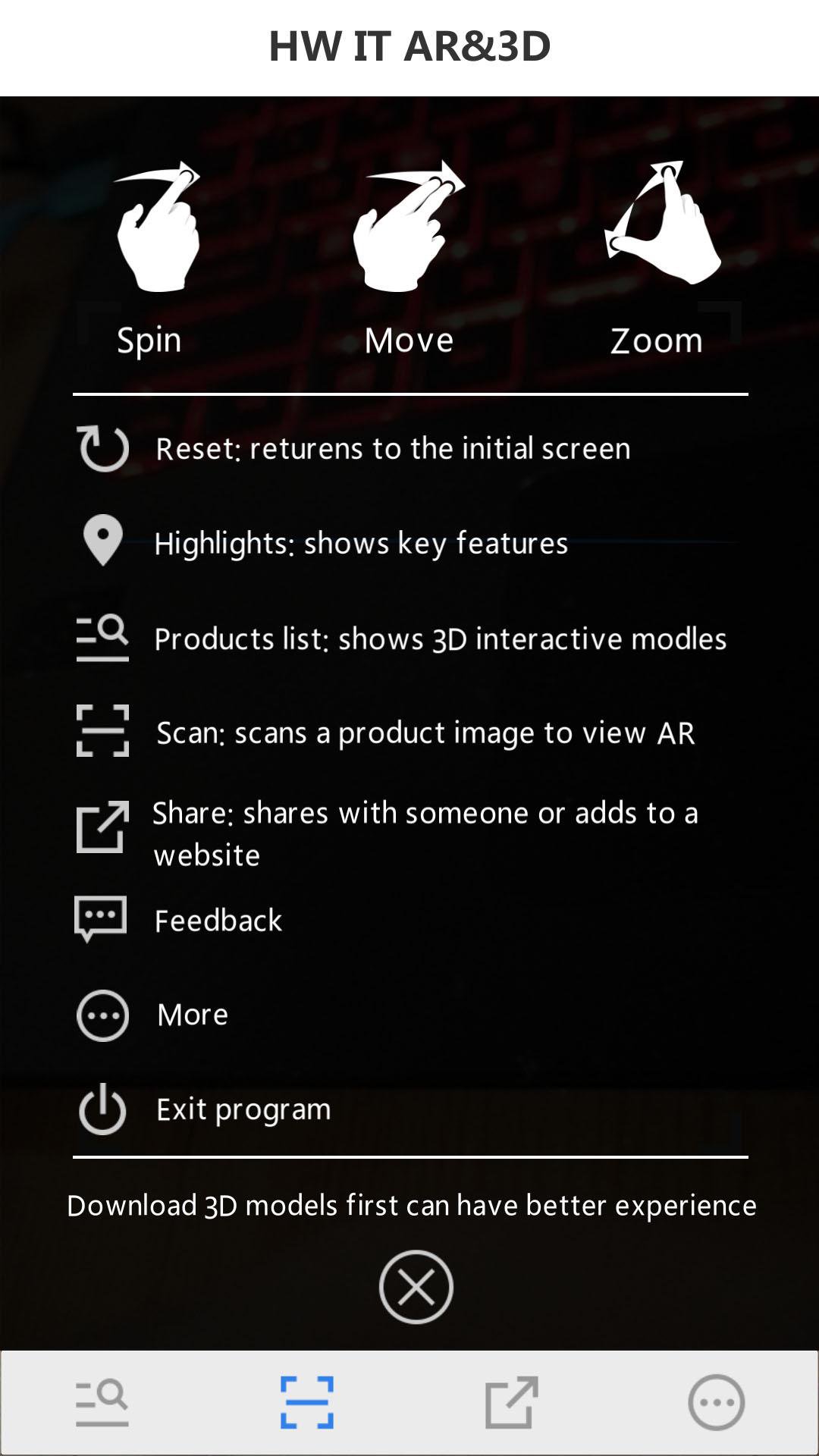
Full name: Huawei IT 3D presentation + augmented reality(by scanning the Huawei Server Portfolio or the Huawei Storage Portfolio)
In order to use the App, you should follow such steps:
Step 1: Download the "Server Portfolio".
Step 2: Search and download the Huawei server and storage AR & 3D APP in the APP Store, or scan the QR code.
Step 3: Open Huawei enterprise support and install the HW Server AR & 3D app.
Step 4: Open the HW Server & storage AR & 3D app and scan the server portfolio and obtain the AR experience.
Step 5: Tap the virtualized 3D product to display the interactive 3D model.




Один клик для установки XAPK/APK файлов на Android!

Спасибо за оценки и отзывы!
Вы уже оценили.