Bezpieczne i Szybkie Pobieranie APK na APKPure
APKPure używa weryfikacji podpisu, aby zapewnić bezpieczne pobieranie plików APK HW IT AR & 3D bez wirusów dla Ciebie


57.1 MB
Rozmiar Pliku
Everyone
Android 4.4+
Android OS
Huawei IT 3D presentation + augmented reality
HW IT AR & 3D
Full name: Huawei IT 3D presentation + augmented reality(by scanning the Huawei Server Portfolio or the Huawei Storage Portfolio)
In order to use the App, you should follow such steps:
Step 1: Download the "Server Portfolio".
Step 2: Search and download the Huawei server and storage AR & 3D APP in the APP Store, or scan the QR code.
Step 3: Open Huawei enterprise support and install the HW Server AR & 3D app.
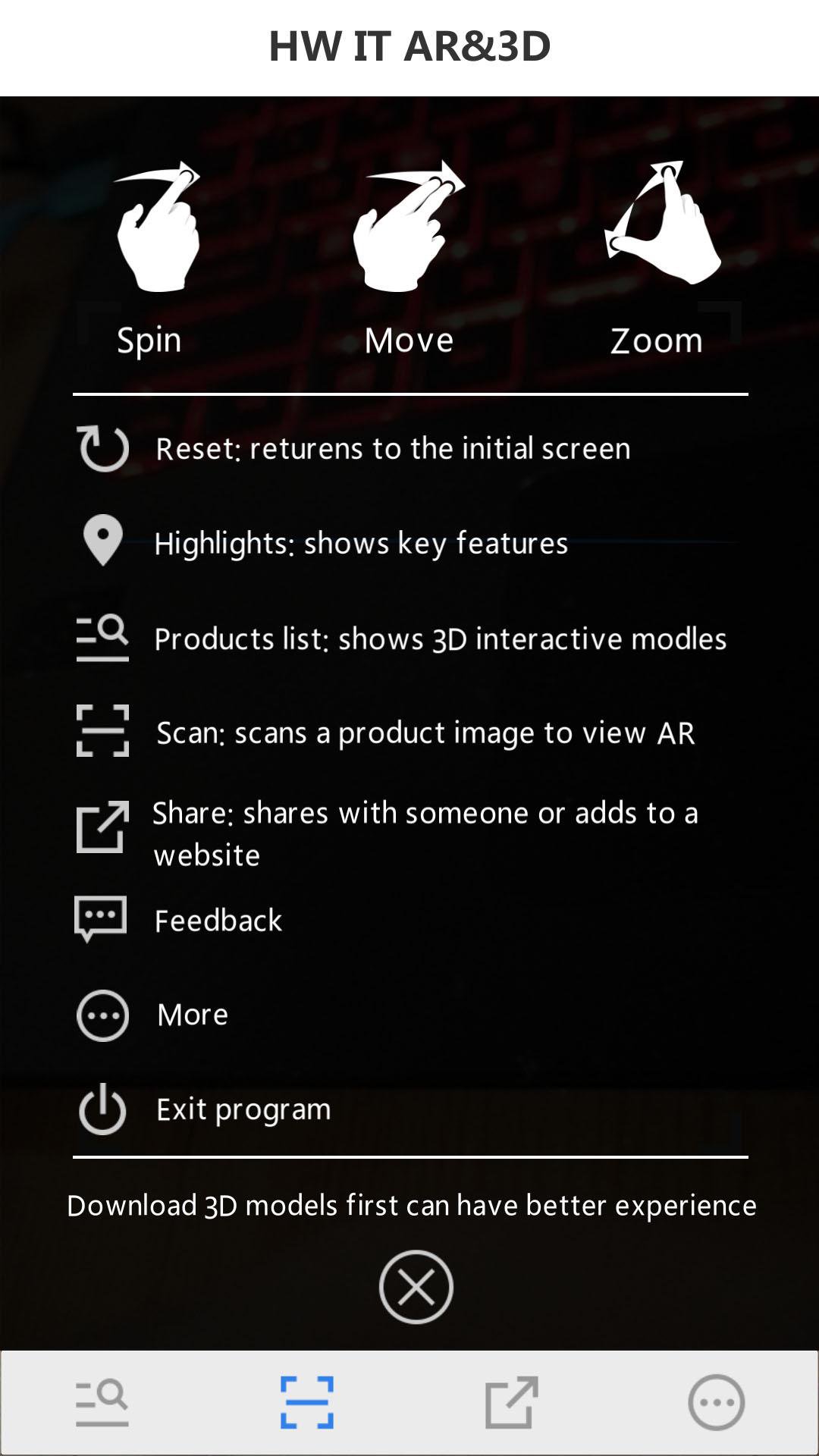
Step 4: Open the HW Server & storage AR & 3D app and scan the server portfolio and obtain the AR experience.
Step 5: Tap the virtualized 3D product to display the interactive 3D model.




Jedno kliknięcie, aby zainstalować pliki XAPK/APK na Androidzie!

Dziękuję za ocenę i opinie!
Już oceniłeś.