Sichere und schnelle APK-Downloads auf APKPure
Mit APKPure können Sie HW IT AR & 3D APK einfach und sicher mit Signaturüberprüfung herunterladen.


57.1 MB
Dateigröße
Everyone
Android 4.4+
Android OS
Huawei IT 3D-Darstellung + Augmented Reality
HW IT AR & 3D
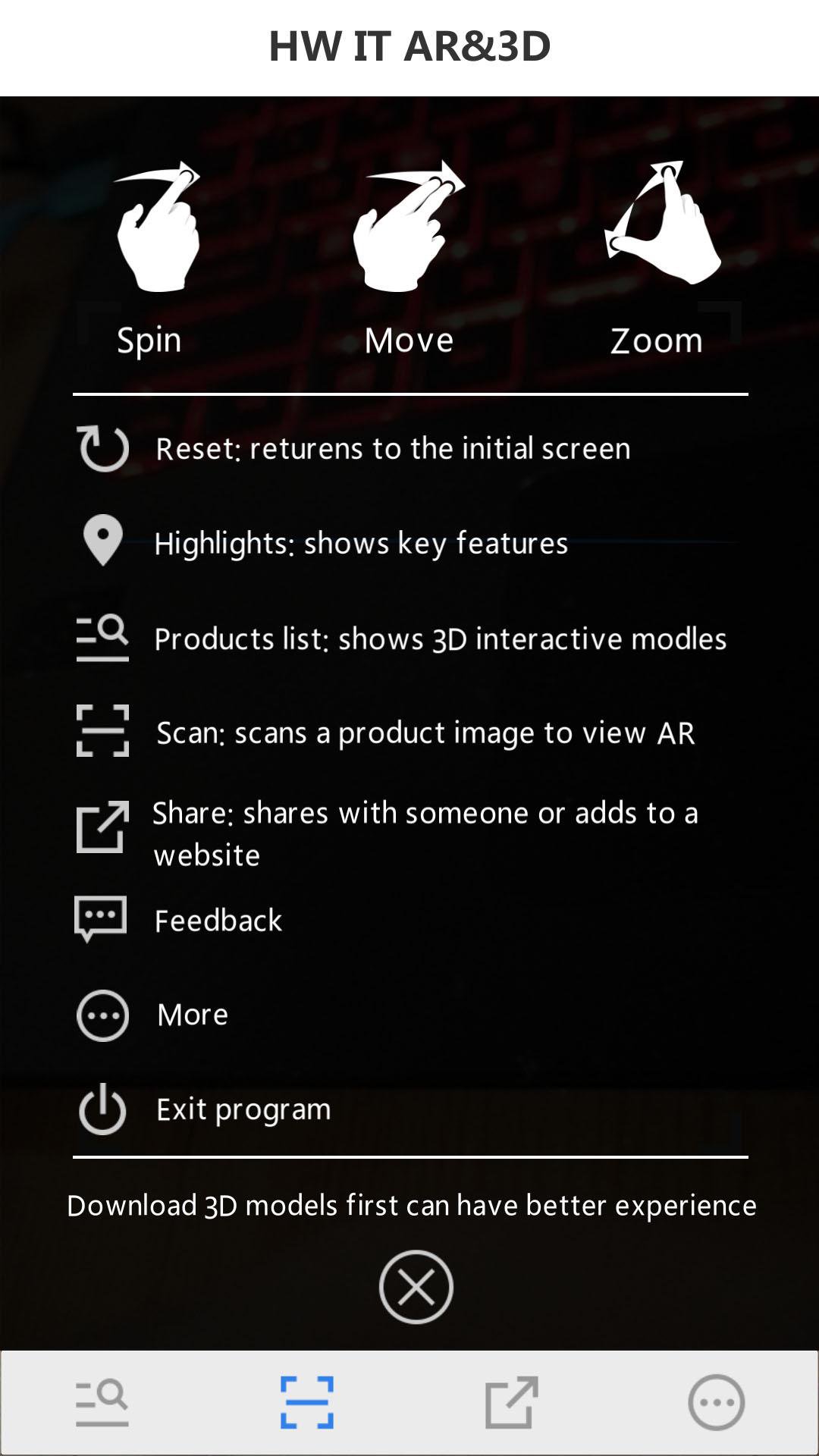
Full name: Huawei IT 3D presentation + augmented reality(by scanning the Huawei Server Portfolio or the Huawei Storage Portfolio)
In order to use the App, you should follow such steps:
Step 1: Download the "Server Portfolio".
Step 2: Search and download the Huawei server and storage AR & 3D APP in the APP Store, or scan the QR code.
Step 3: Open Huawei enterprise support and install the HW Server AR & 3D app.
Step 4: Open the HW Server & storage AR & 3D app and scan the server portfolio and obtain the AR experience.
Step 5: Tap the virtualized 3D product to display the interactive 3D model.




Ein Klick zur Installation von XAPK/APK-Dateien auf Android!

Vielen Dank für Ihre Bewertung und Ihr Feedback!
Sie haben bereits bewertet.