
APKPure에서 안전하고 빠른 APK 다운로드
APKPure는 바이러스 없는 HW IT AR & 3D APK 다운로드를 위해 서명 확인을 사용합니다.

Huawei IT 3D presentation + augmented reality
HW IT AR & 3D
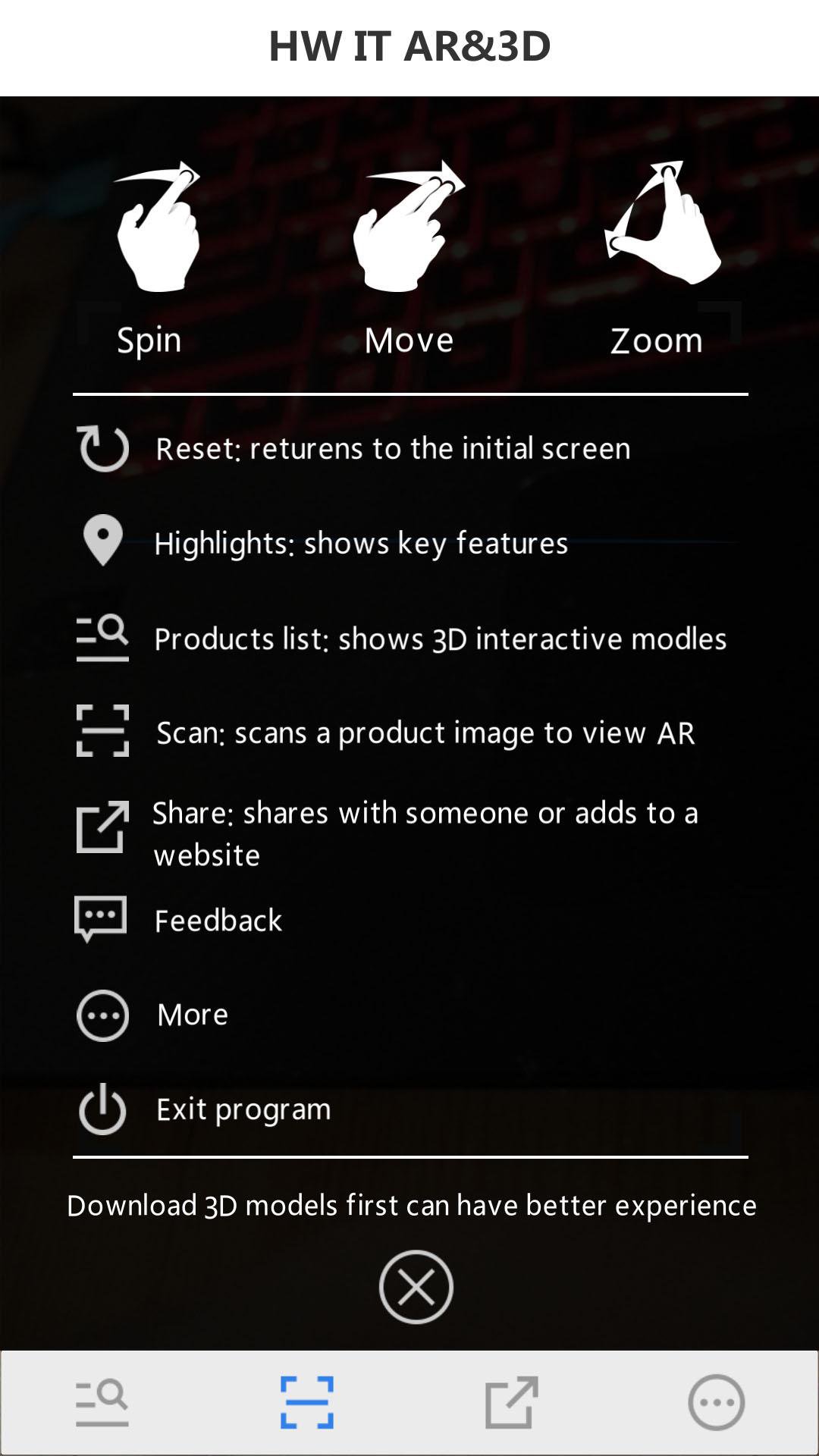
Full name: Huawei IT 3D presentation + augmented reality(by scanning the Huawei Server Portfolio or the Huawei Storage Portfolio)
In order to use the App, you should follow such steps:
Step 1: Download the "Server Portfolio".
Step 2: Search and download the Huawei server and storage AR & 3D APP in the APP Store, or scan the QR code.
Step 3: Open Huawei enterprise support and install the HW Server AR & 3D app.
Step 4: Open the HW Server & storage AR & 3D app and scan the server portfolio and obtain the AR experience.
Step 5: Tap the virtualized 3D product to display the interactive 3D model.



등급과 피드백에 감사드립니다!
당신은 이미 평가했습니다.







