Scan Date:Feb 11, 2026
Show More


10.6 MB
File Size
Everyone
Android 6.0+
Android OS
Scan, Organize & archive your important documents, invoices, contracts ...
Take all your important documents with you wherever you go (invoices, personal documents, prescriptions, bank statement, business card, contracts...). You don’t have to look through a bunch of papers to find a document or important information. Just take pictures of your document with camera / scan and keep them on your phone in a well-organized way. This makes it possible to store, organize, archive, search documents, and retrieve them quickly even if you lose the original document.
Some Use Cases :
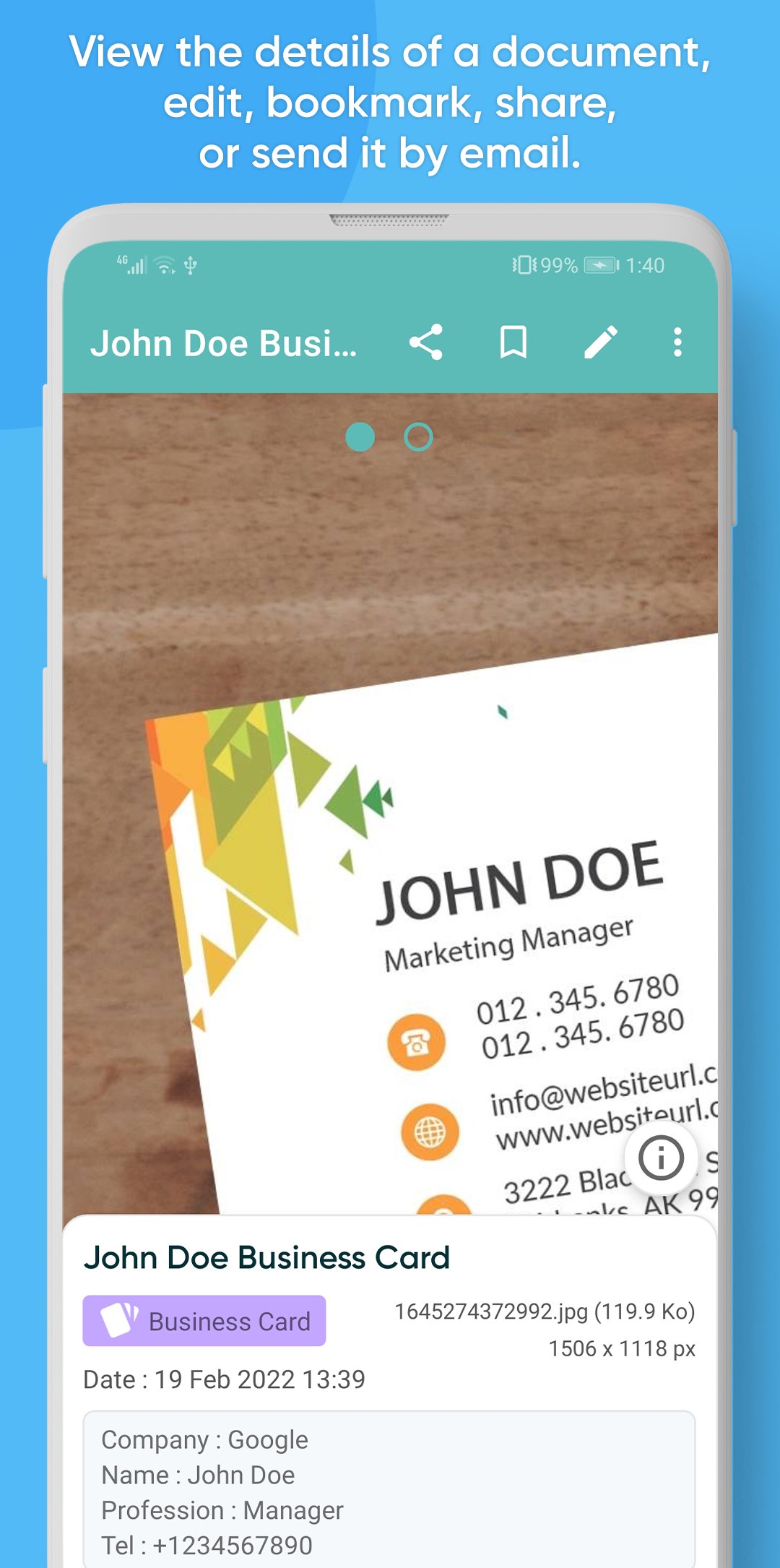
• Keeping your invoices with you to consult them without having to search too much. The same can be applied to water bills, electricity bills, business cards...
• Keeping your contracts, or the contracts of your customers, and the tasks to be done for them in the form of a checklist.
• Keeping your personal documents with you, like ID card, Passport, Visa in case you need them.
• Keeping your medical prescriptions or medications names so you don't forget or lose them.
• Keeping supermarket tickets and receipts to remember purchases and the price of each item.
• Taking photos of products, their prices, their models, and which seller you bought them from.
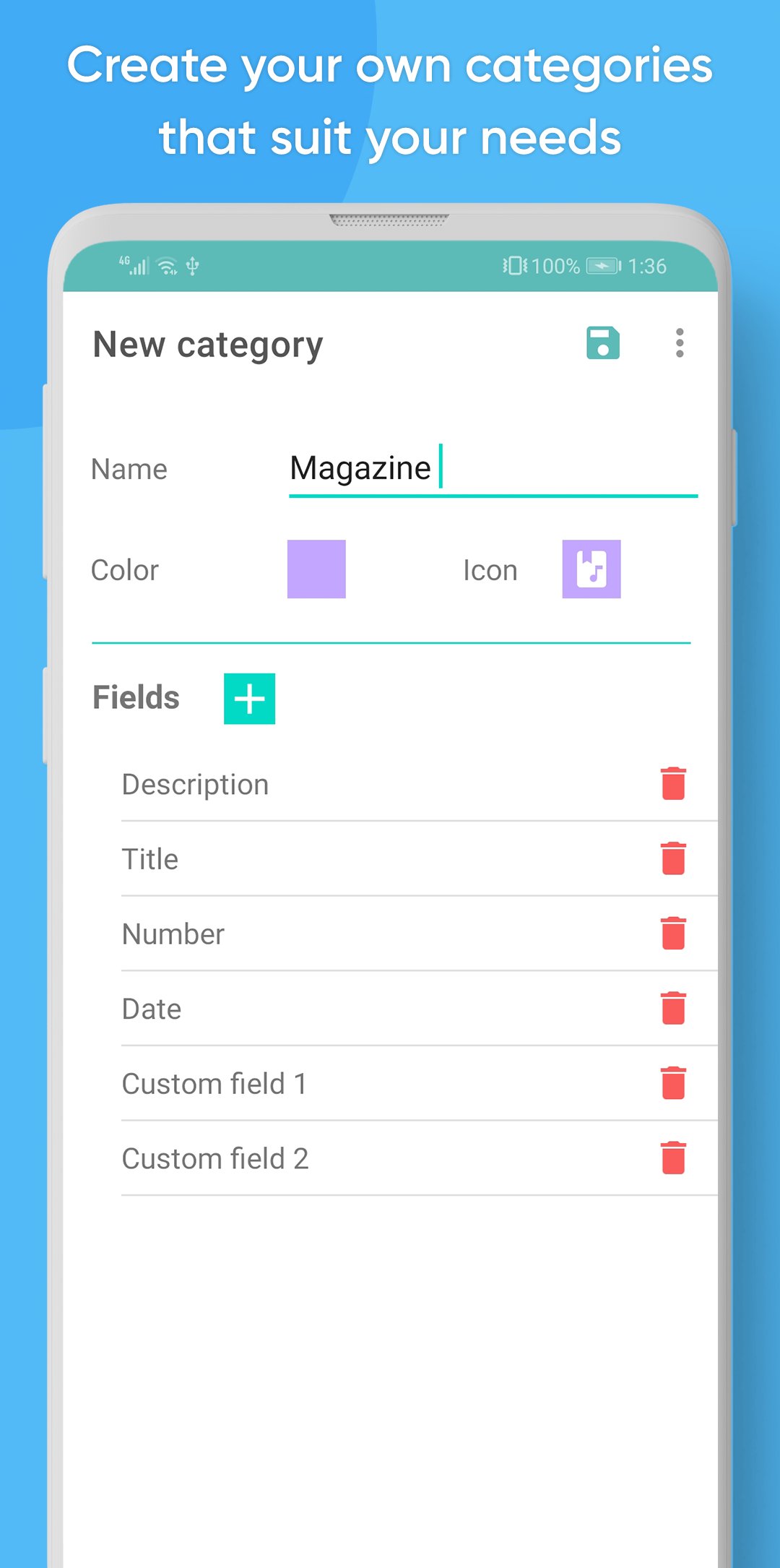
• You can always create your own categories specific to your needs.
MyDocs allows you to :
• Add / Scan documents from the camera, from the gallery, and even PDF and text files.
• Organize your documents according to several predefined categories: Invoice, Contract, Bank, Personal (e.g. identity card, etc.), Tickets (e.g. supermarket receipts...), Medicines (or prescriptions...), business card, book, water, electricity, gas bill, Product...
• You can Create your own categories that suit your needs.
• Group the documents of a category by personalized fields (for example by name of customer, supplier...)
• Add additional informations for each document, to easily find it with the search form. You can also mark a document with a color.
• Crop and correct distorted document photos/scans and their perspective.
• Display the list of documents in "Normal Mode" (with all details), "Compact Mode" or "Grid Mode" (like a gallery).
• Bookmark the most important documents, to find them even faster in "Bookmarks".
• Assign tasks for each document in the form of a check-list (To-Do List).
• Share your documents via WhatsApp or by email…
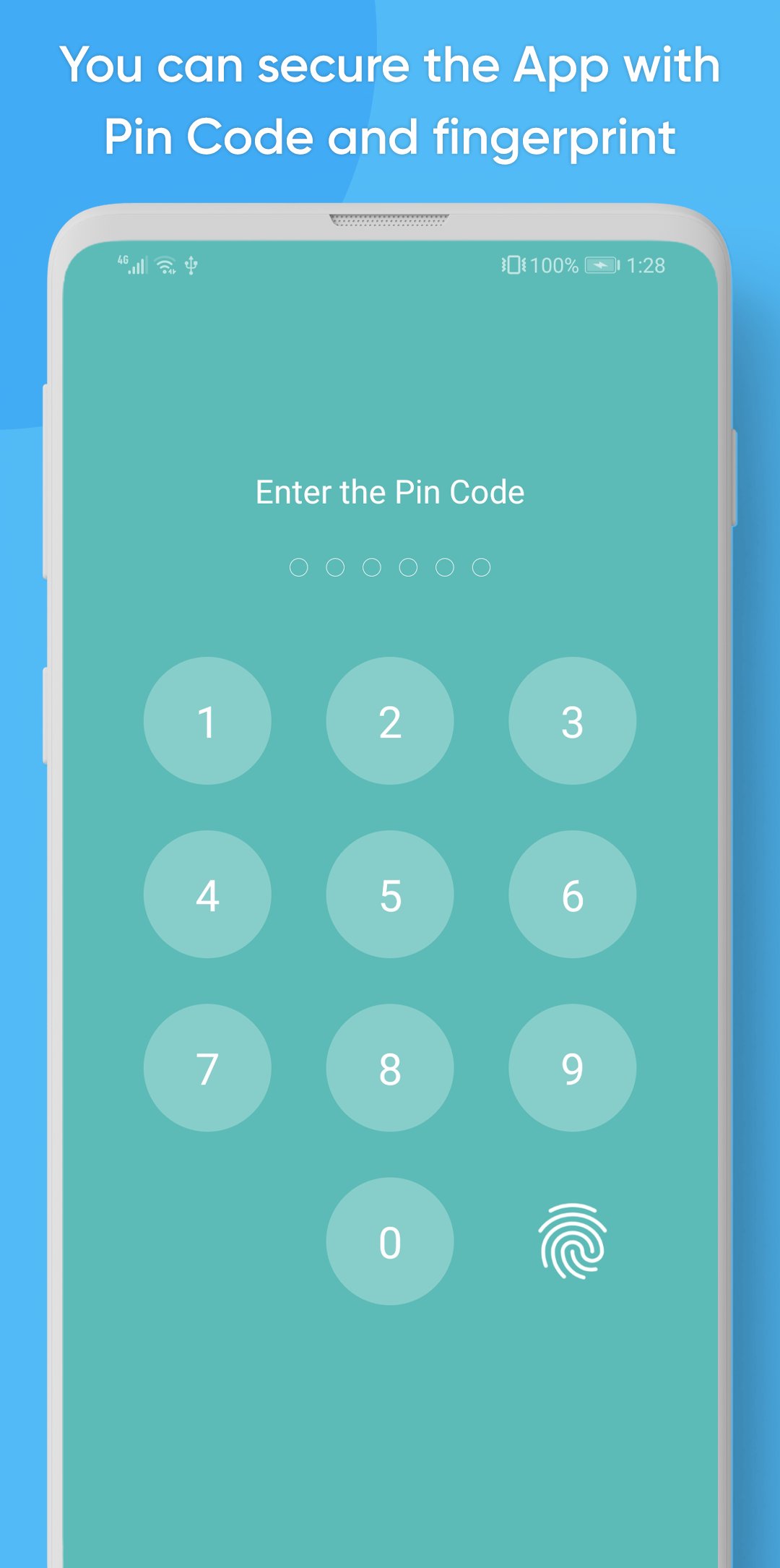
• Security: You can enable PIN Code and fingerprint authentication so that you are the only one who can access the application and see your documents.
• Sync & Backup: You can manually sync your device data with your Google Drive account or from a backup on your device or from the memory card, to retrieve them when you change or reset your phone, or to synchronize your documents between multiple devices.
Confidentiality note :
• All your documents are stored only on your device, and on your own Google Drive account if you want to make a synchronization/backup manually.






One-click to install XAPK/APK files on Android!

Thanks for your rating and feedback!
You have already rated.







