Tải APK an toàn và nhanh chóng trên APKPure
APKPure sử dụng xác minh chữ ký để đảm bảo tải APK miễn phí virus cho WAEC Result Verification.


29.6 MB
Dung lượng tệp
Everyone
Android 5.0+
Android OS
Trình xác minh kết quả WAEC
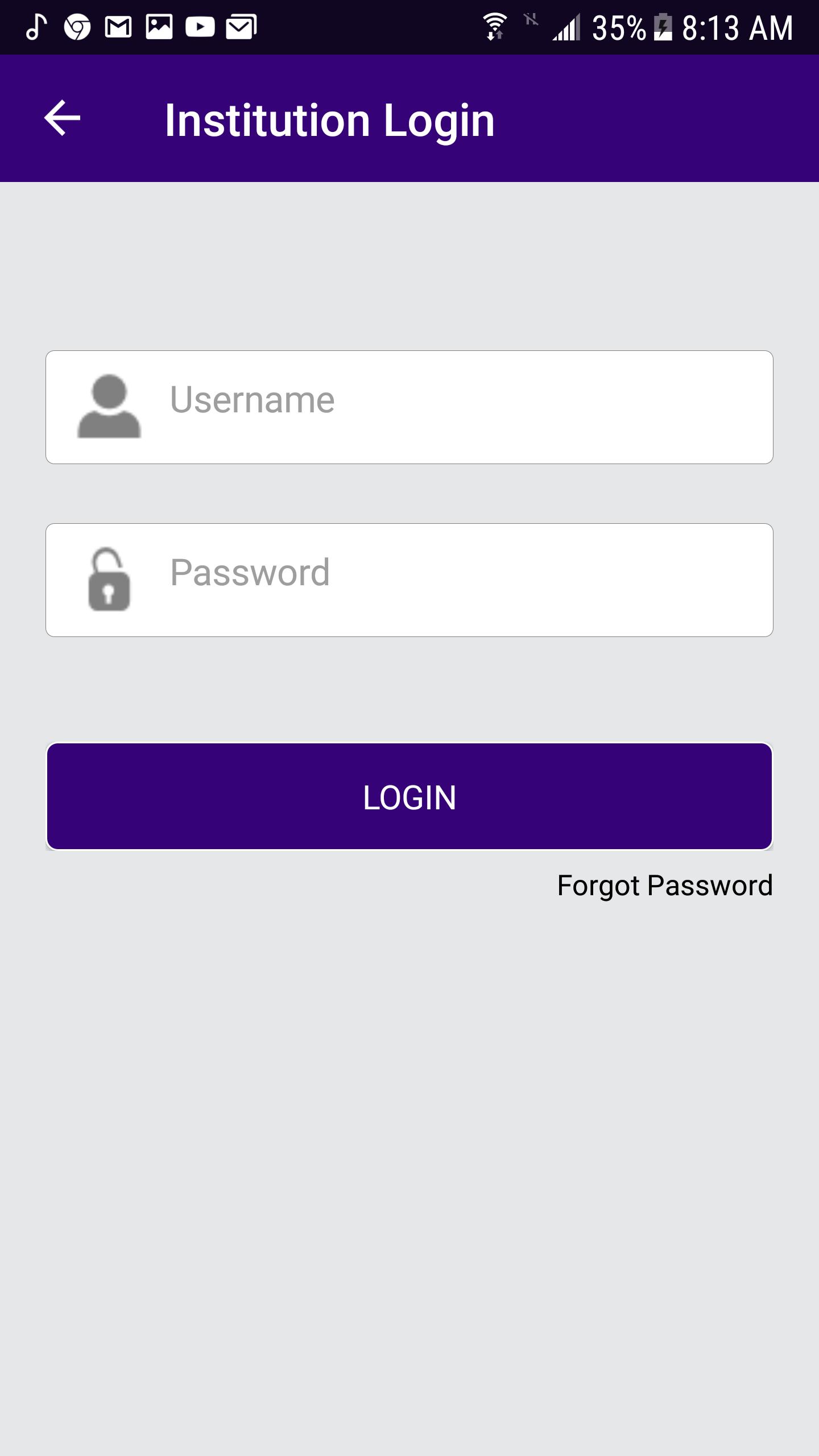
Institution Login
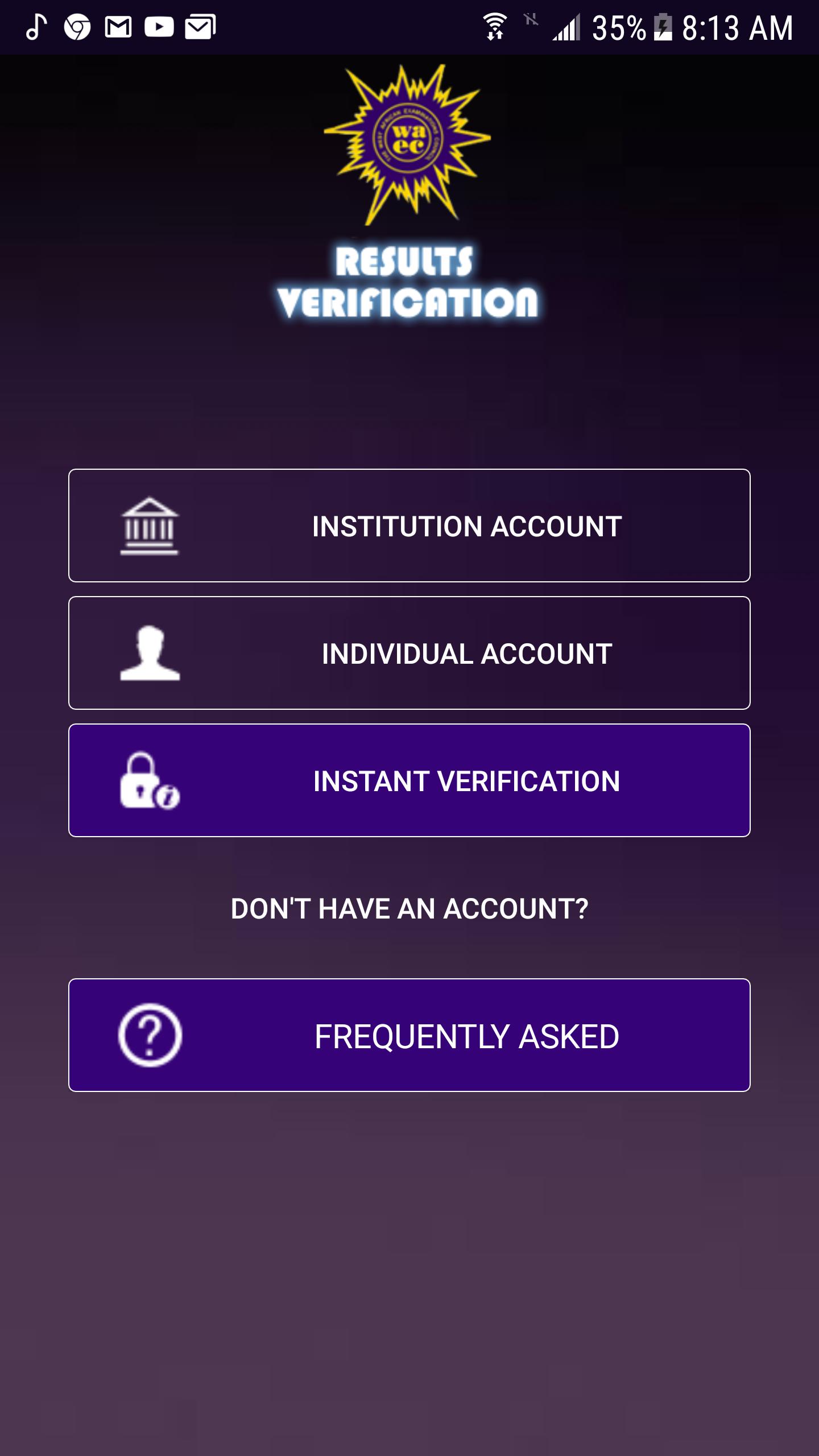
• Launch the App icon
• Click the INSTITUTION Account button
• Enter username and password
• Click Login button
Reset Password
• Enter the username.
• Enter the secret answer to the question.
• Enter New Password
• Enter Confirm password
• Click the Change button to save the new password.
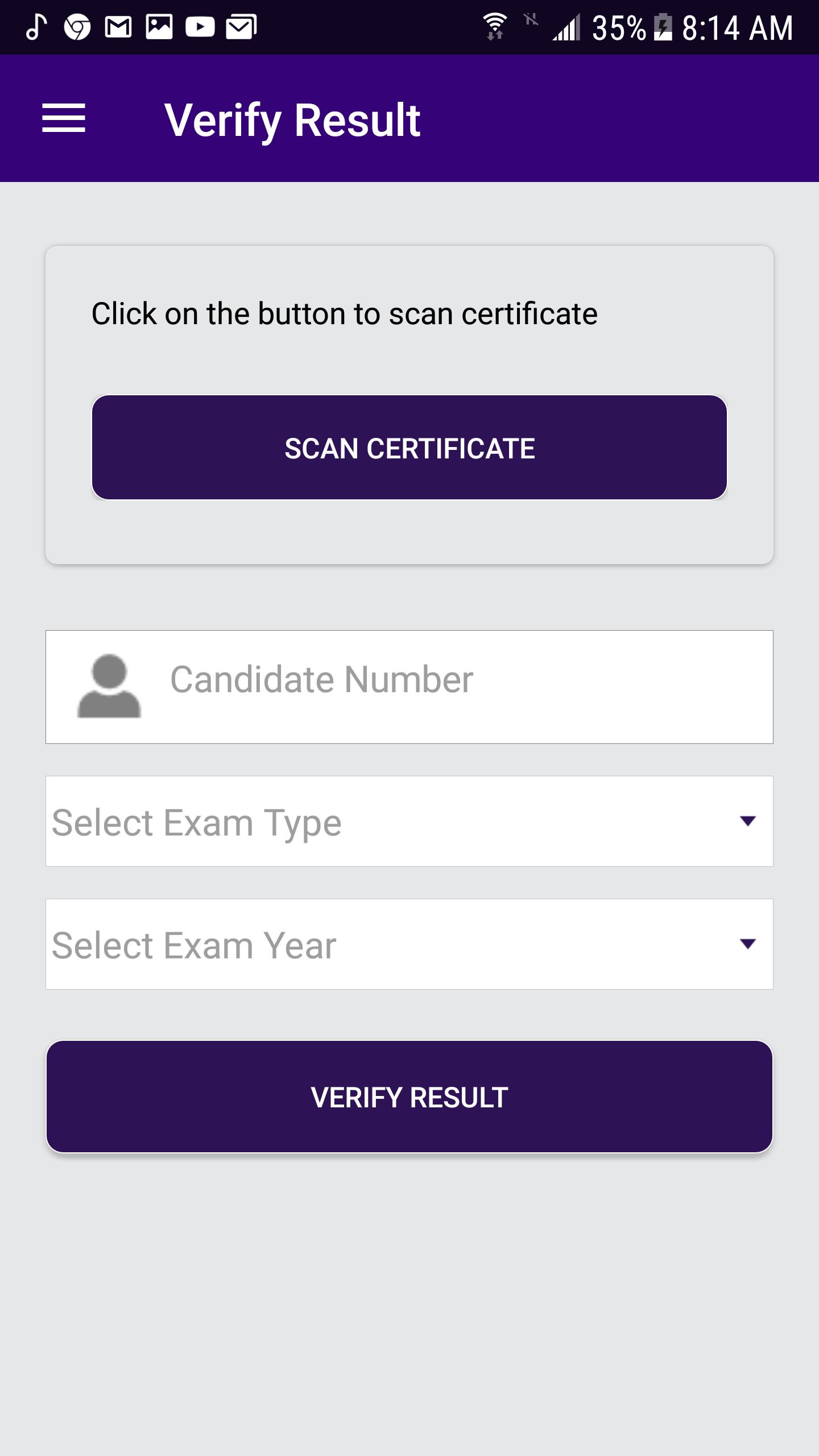
Verify Result
• From the menu item, click on Verify Result.
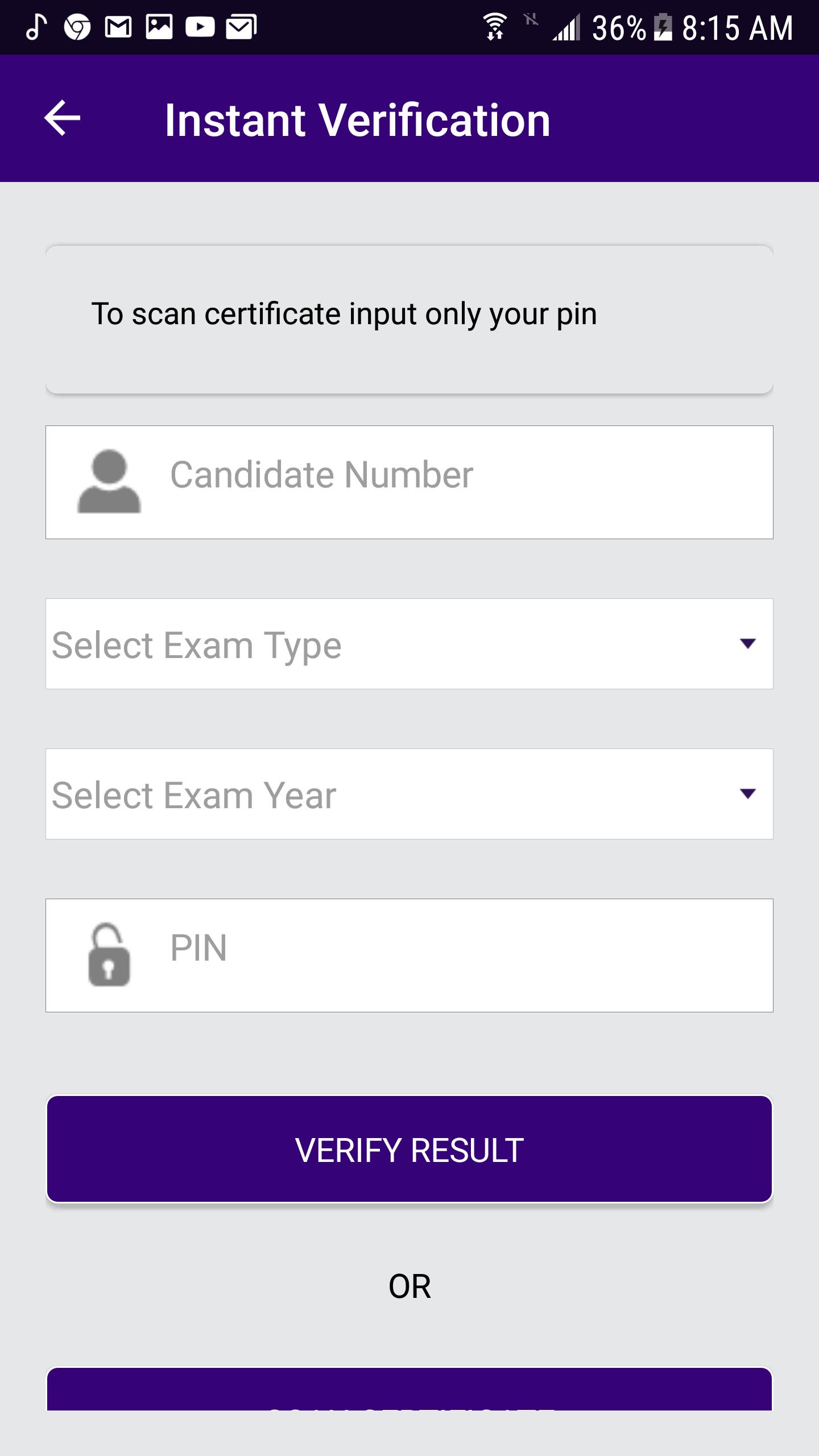
• Enter Candidate number
• Select ExamType (School candidate)
• Select Exam Year
• Click the Verify Result button.
Scan Certificate
• Click the scan certificate to access the QR code via your phone camera.
Check Subscription Status
• From the menu item, click on Subscription Status.
Change Password
• From the menu item, click on Change Password.
• Enter Old Password
• Enter New password.
• Enter Confirm password.
• Click Change button to change the user’s password.
Sign Out
• From the menu item, click on Sign Out.

Một cú nhấp chuột để cài đặt các tệp XAPK/APK trên Android!

Cảm ơn bạn đã xếp hạng và phản hồi của bạn!
Bạn đã đánh giá.