Unduh APK dengan Aman dan Cepat di APKPure
APKPure menggunakan verifikasi tanda tangan untuk memastikan unduhan APK WAEC Result Verification yang bebas dari virus untuk Anda.


29.6 MB
Ukuran file
Everyone
Android 5.0+
Android OS
Penguji Hasil WAEC
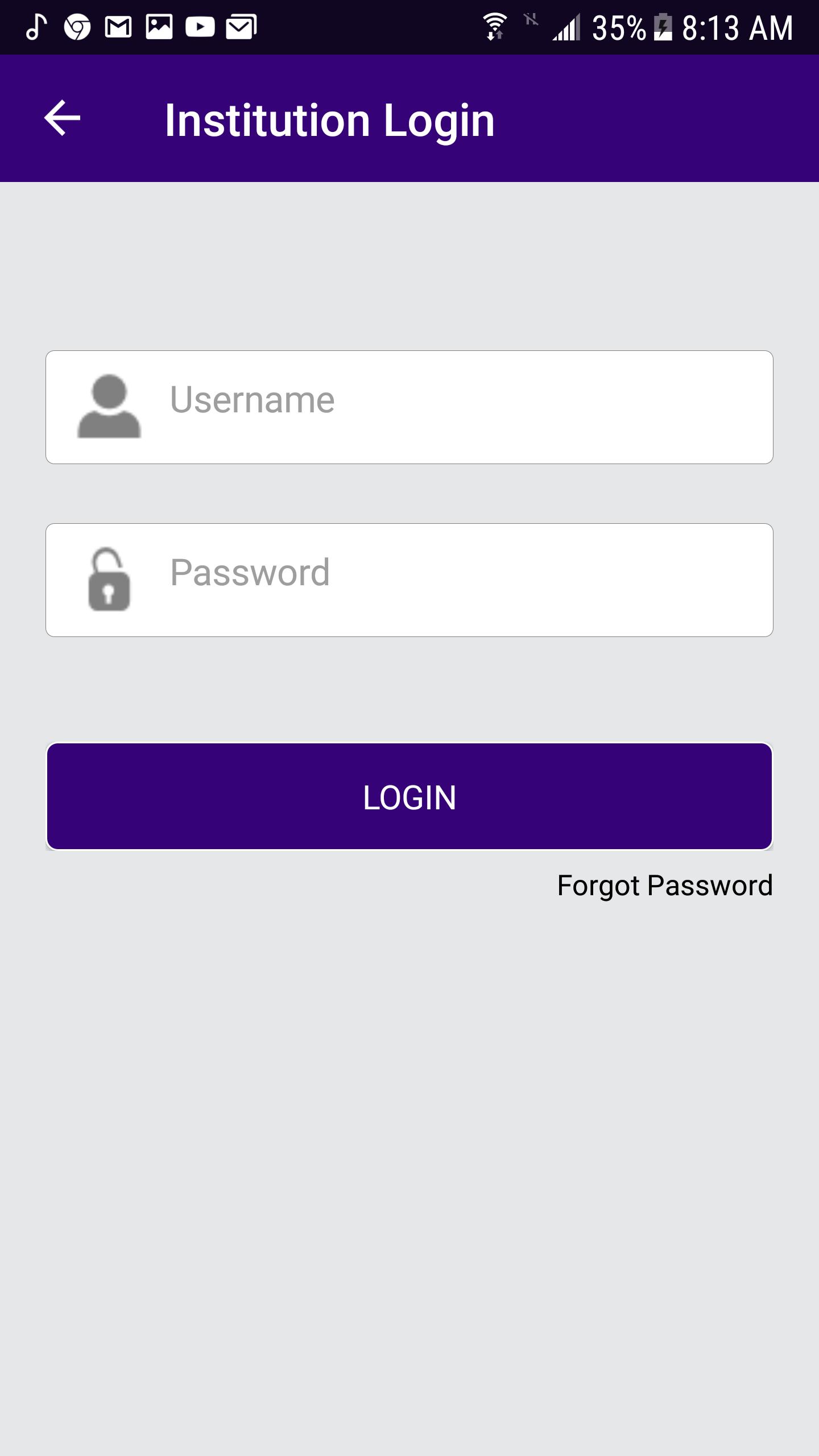
Institution Login
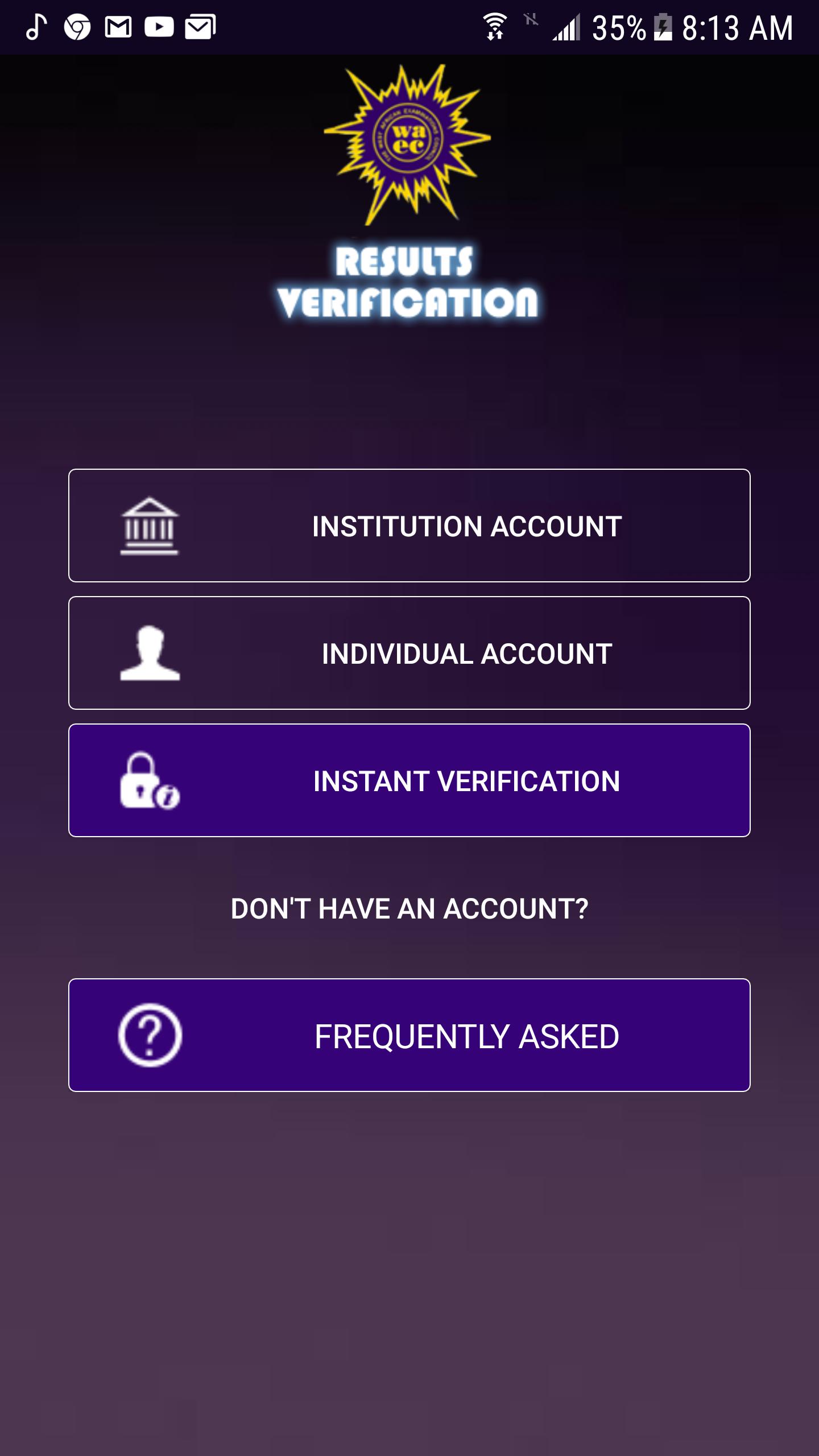
• Launch the App icon
• Click the INSTITUTION Account button
• Enter username and password
• Click Login button
Reset Password
• Enter the username.
• Enter the secret answer to the question.
• Enter New Password
• Enter Confirm password
• Click the Change button to save the new password.
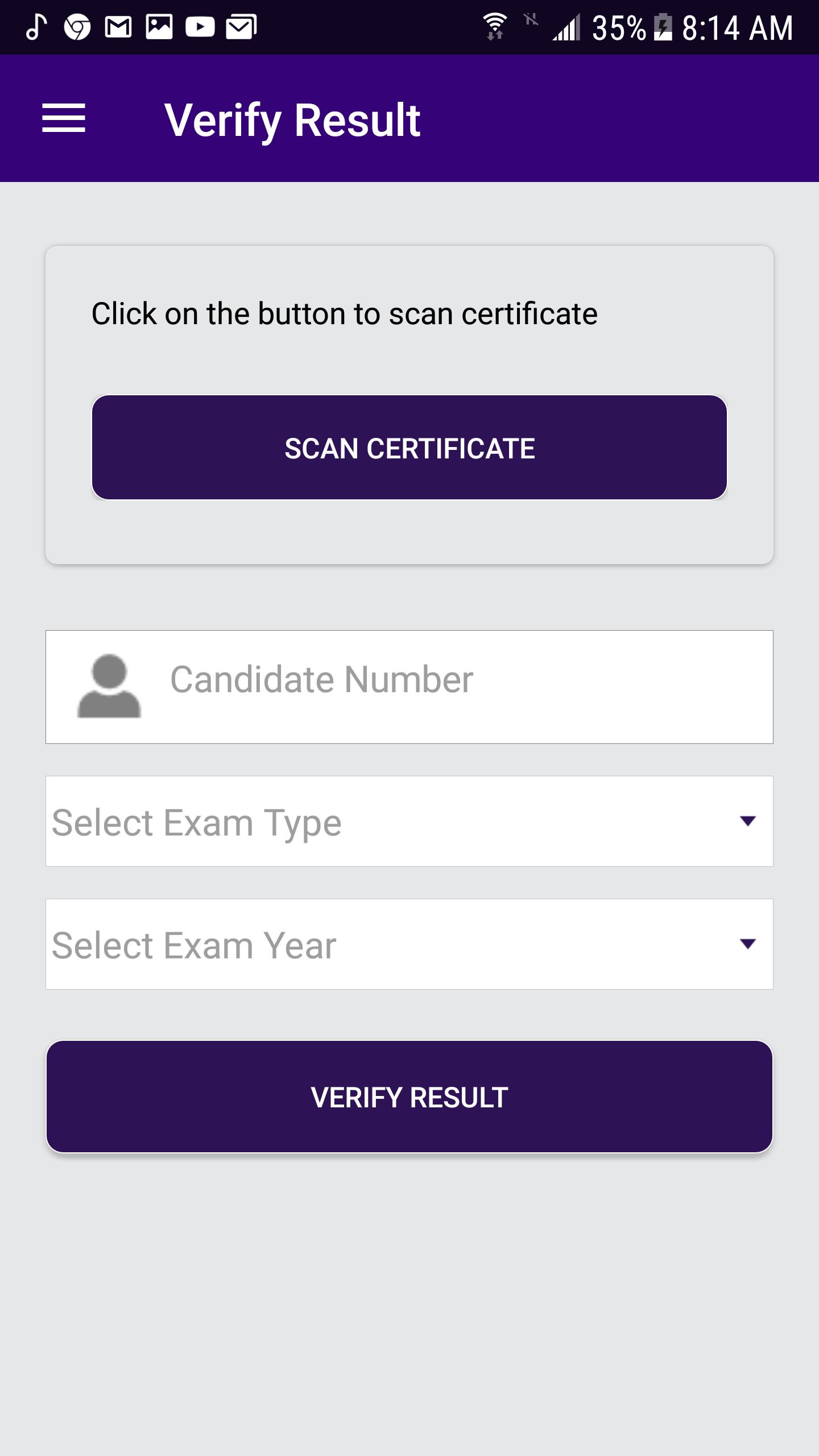
Verify Result
• From the menu item, click on Verify Result.
• Enter Candidate number
• Select ExamType (School candidate)
• Select Exam Year
• Click the Verify Result button.
Scan Certificate
• Click the scan certificate to access the QR code via your phone camera.
Check Subscription Status
• From the menu item, click on Subscription Status.
Change Password
• From the menu item, click on Change Password.
• Enter Old Password
• Enter New password.
• Enter Confirm password.
• Click Change button to change the user’s password.
Sign Out
• From the menu item, click on Sign Out.

Sekali klik untuk menginstal file XAPK/APK di Android!

Terima kasih atas peringkat dan umpan balik Anda!
Anda sudah menilai.