APKPure에서 안전하고 빠른 APK 다운로드
APKPure는 바이러스 없는 WAEC Result Verification APK 다운로드를 위해 서명 확인을 사용합니다.

WAEC 결과 검증자
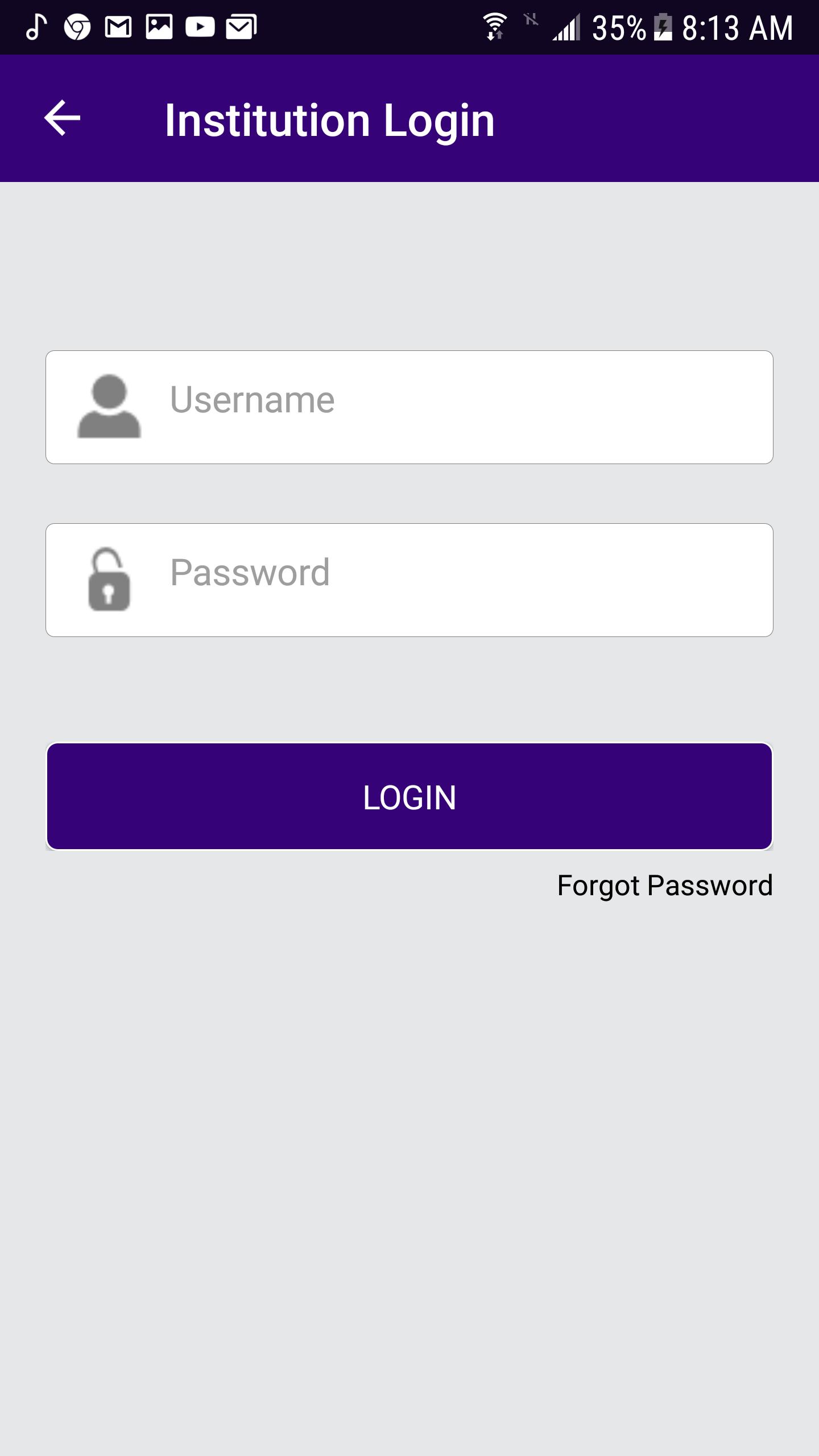
Institution Login
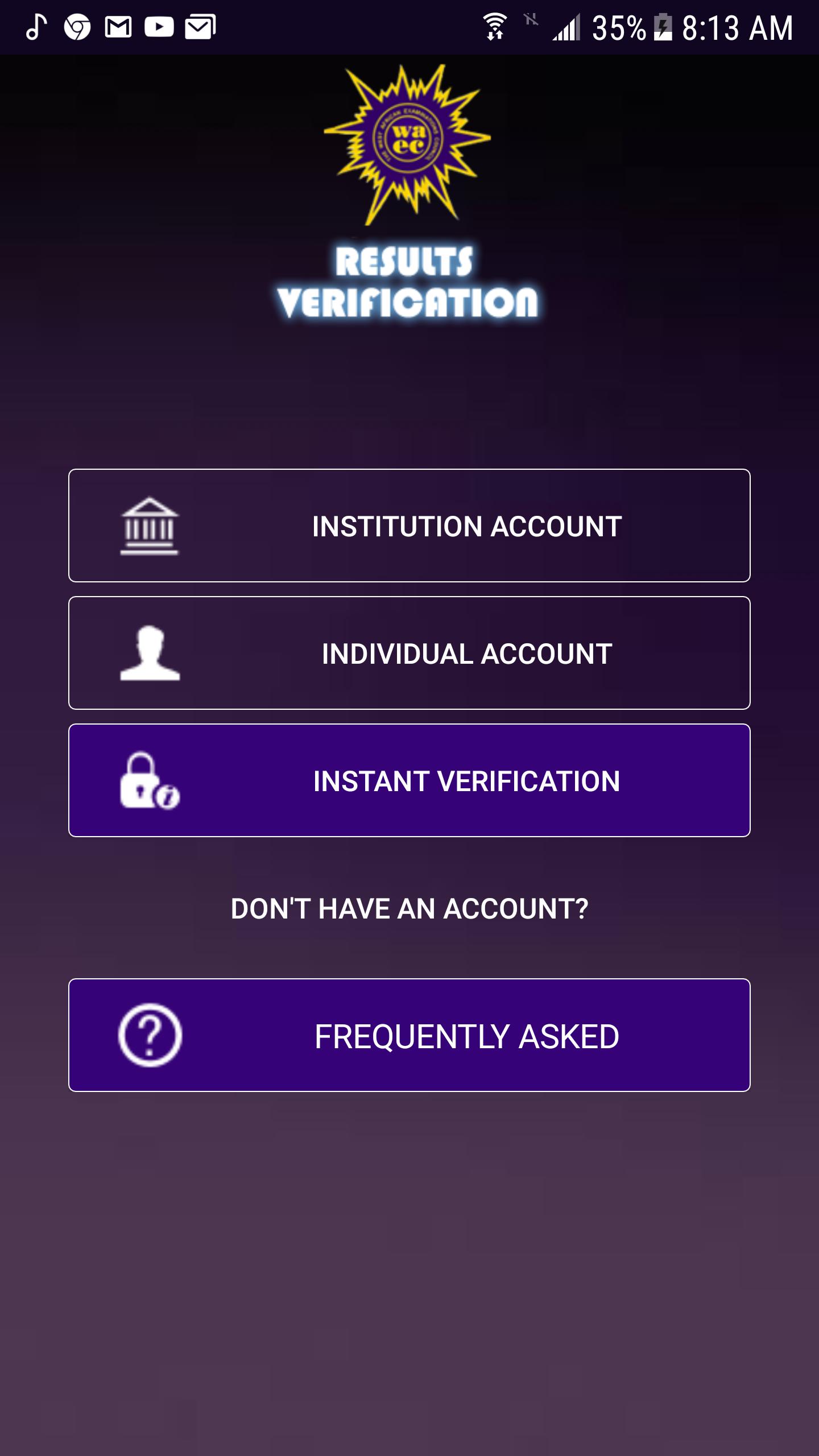
• Launch the App icon
• Click the INSTITUTION Account button
• Enter username and password
• Click Login button
Reset Password
• Enter the username.
• Enter the secret answer to the question.
• Enter New Password
• Enter Confirm password
• Click the Change button to save the new password.
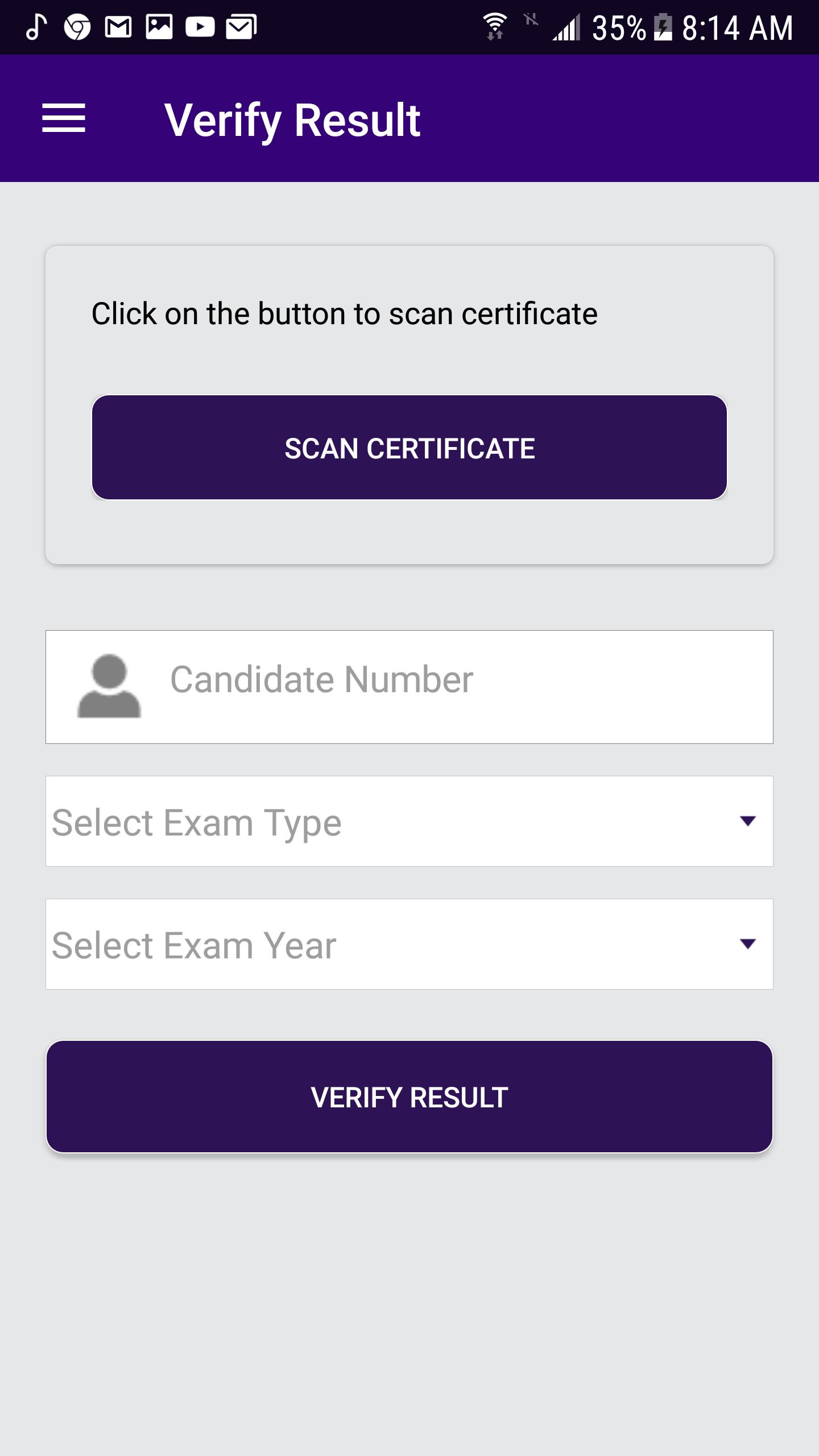
Verify Result
• From the menu item, click on Verify Result.
• Enter Candidate number
• Select ExamType (School candidate)
• Select Exam Year
• Click the Verify Result button.
Scan Certificate
• Click the scan certificate to access the QR code via your phone camera.
Check Subscription Status
• From the menu item, click on Subscription Status.
Change Password
• From the menu item, click on Change Password.
• Enter Old Password
• Enter New password.
• Enter Confirm password.
• Click Change button to change the user’s password.
Sign Out
• From the menu item, click on Sign Out.

등급과 피드백에 감사드립니다!
당신은 이미 평가했습니다.