Tải APK an toàn và nhanh chóng trên APKPure
APKPure sử dụng xác minh chữ ký để đảm bảo tải APK miễn phí virus cho OMNI.

OMNI sẽ giúp ngăn ngừa bạn khỏi bị mất đồ đạc của bạn.
OMNI app will help prevent you from losing your belongings.
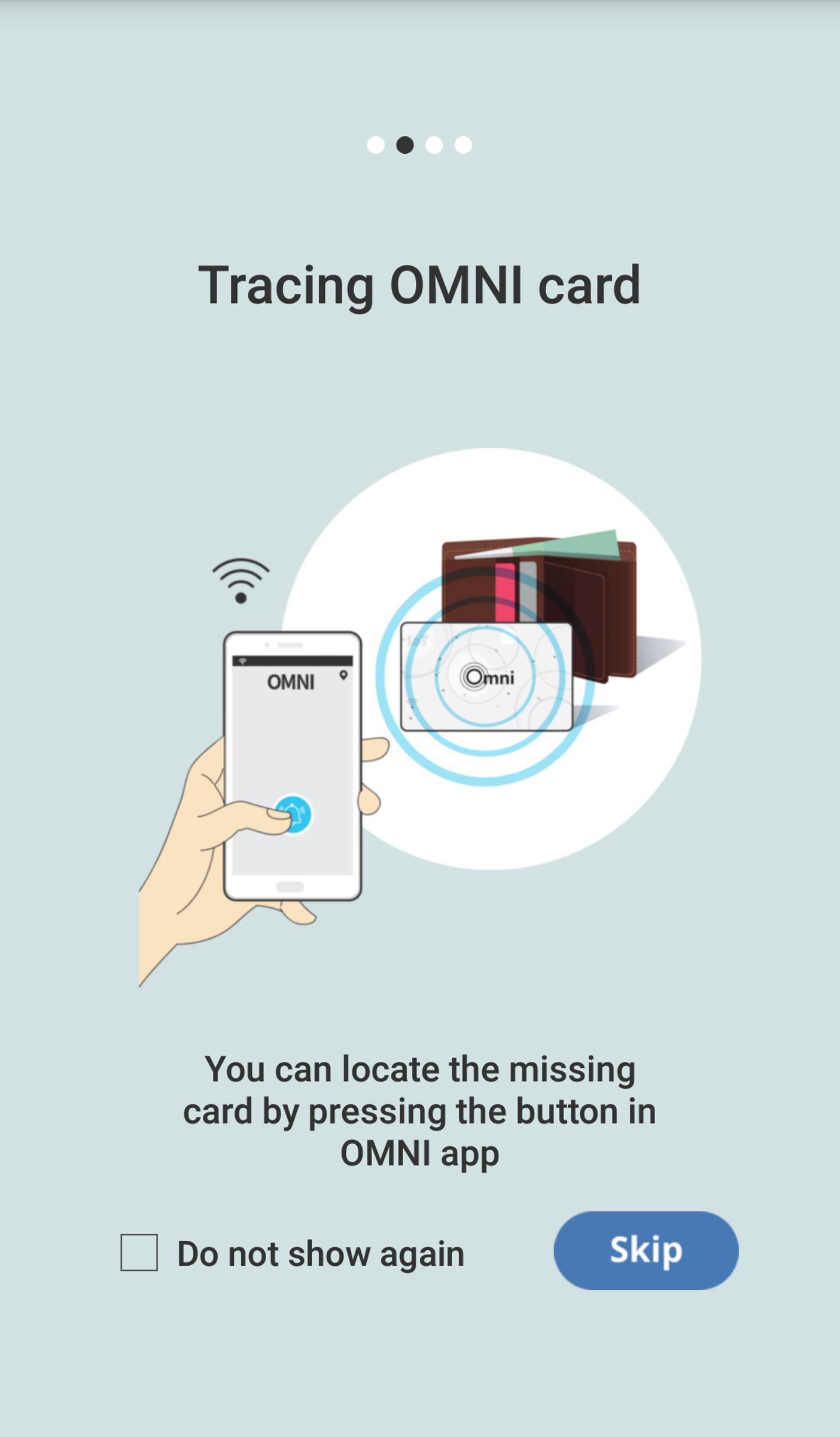
- You can locate the missing card by pressing the button in OMNI app.
- In case your OMNI card is distanced from your mobile phone, loss warning alam sets off.
- Last identified location of the card is marked on the map.
You have to register Omni Card to App as follow:
1. Open the Omni Card package.
2. Place the Omni Card next to the smartphone.
3. Run the Omni app downloaded from the Google Play Store.
4. When the app introductory screen is displayed, touch it and move your finger to the left or press the Skip button at the bottom of the screen.
5. Wait until the registration is done.
6. Once the registration is done, you can see the main screen of the app.
7. Insert the Omni Card into one of your belongings(e.g: wallet).
8. Now, the Omni Card is all set for use.




Một cú nhấp chuột để cài đặt các tệp XAPK/APK trên Android!

Cảm ơn bạn đã xếp hạng và phản hồi của bạn!
Bạn đã đánh giá.