Sichere und schnelle APK-Downloads auf APKPure
Mit APKPure können Sie OMNI APK einfach und sicher mit Signaturüberprüfung herunterladen.

OMNI werden Sie verlieren Ihre Sachen zu verhindern.
OMNI app will help prevent you from losing your belongings.
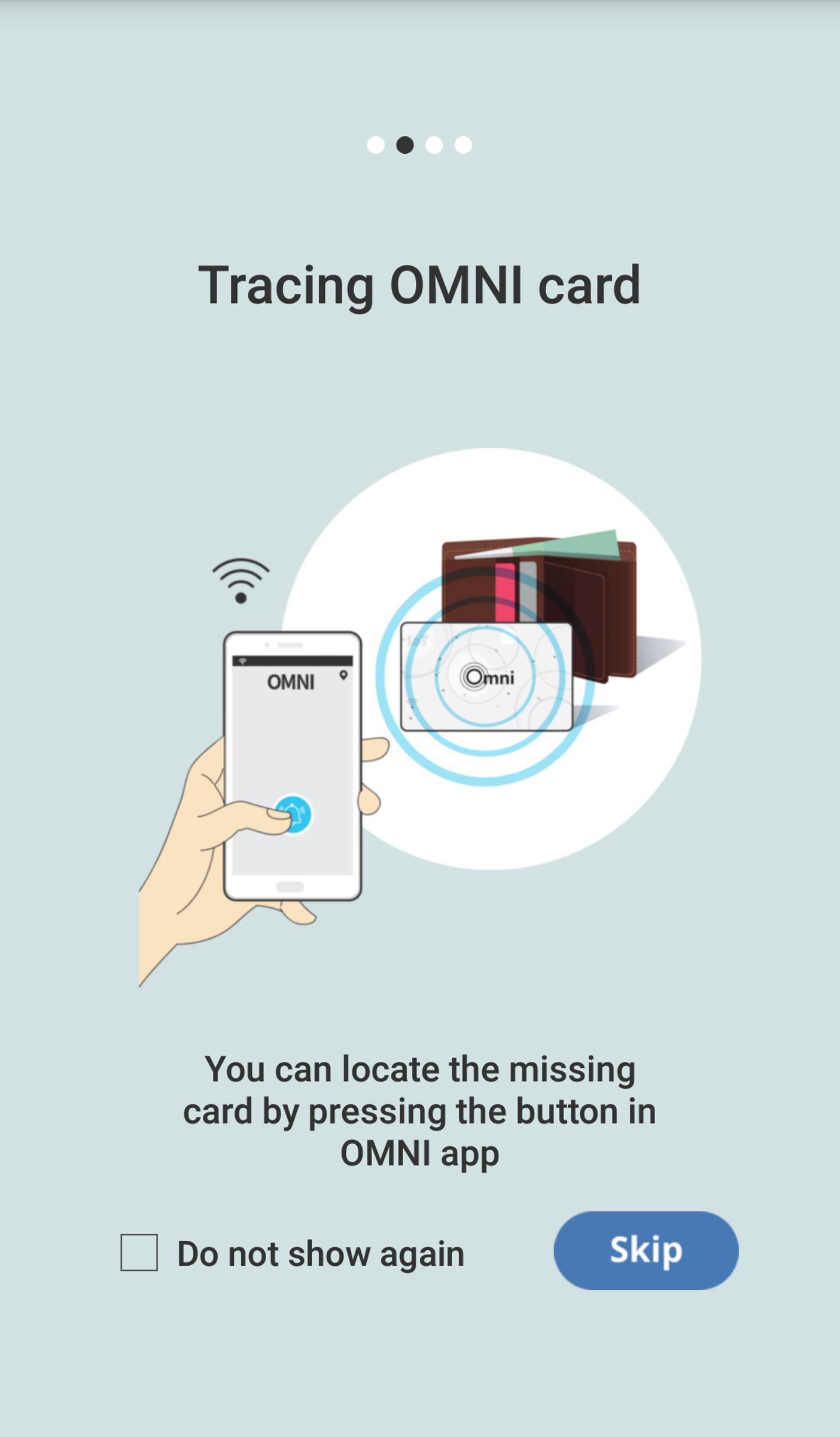
- You can locate the missing card by pressing the button in OMNI app.
- In case your OMNI card is distanced from your mobile phone, loss warning alam sets off.
- Last identified location of the card is marked on the map.
You have to register Omni Card to App as follow:
1. Open the Omni Card package.
2. Place the Omni Card next to the smartphone.
3. Run the Omni app downloaded from the Google Play Store.
4. When the app introductory screen is displayed, touch it and move your finger to the left or press the Skip button at the bottom of the screen.
5. Wait until the registration is done.
6. Once the registration is done, you can see the main screen of the app.
7. Insert the Omni Card into one of your belongings(e.g: wallet).
8. Now, the Omni Card is all set for use.




Ein Klick zur Installation von XAPK/APK-Dateien auf Android!

Vielen Dank für Ihre Bewertung und Ihr Feedback!
Sie haben bereits bewertet.