在APKPure安全快速地下載APK
APKPure 使用簽章驗證功能,確保為您提供無病毒的 OMNI APK 下載。

OMNI將有助於防止丟失你的財物。
OMNI app will help prevent you from losing your belongings.
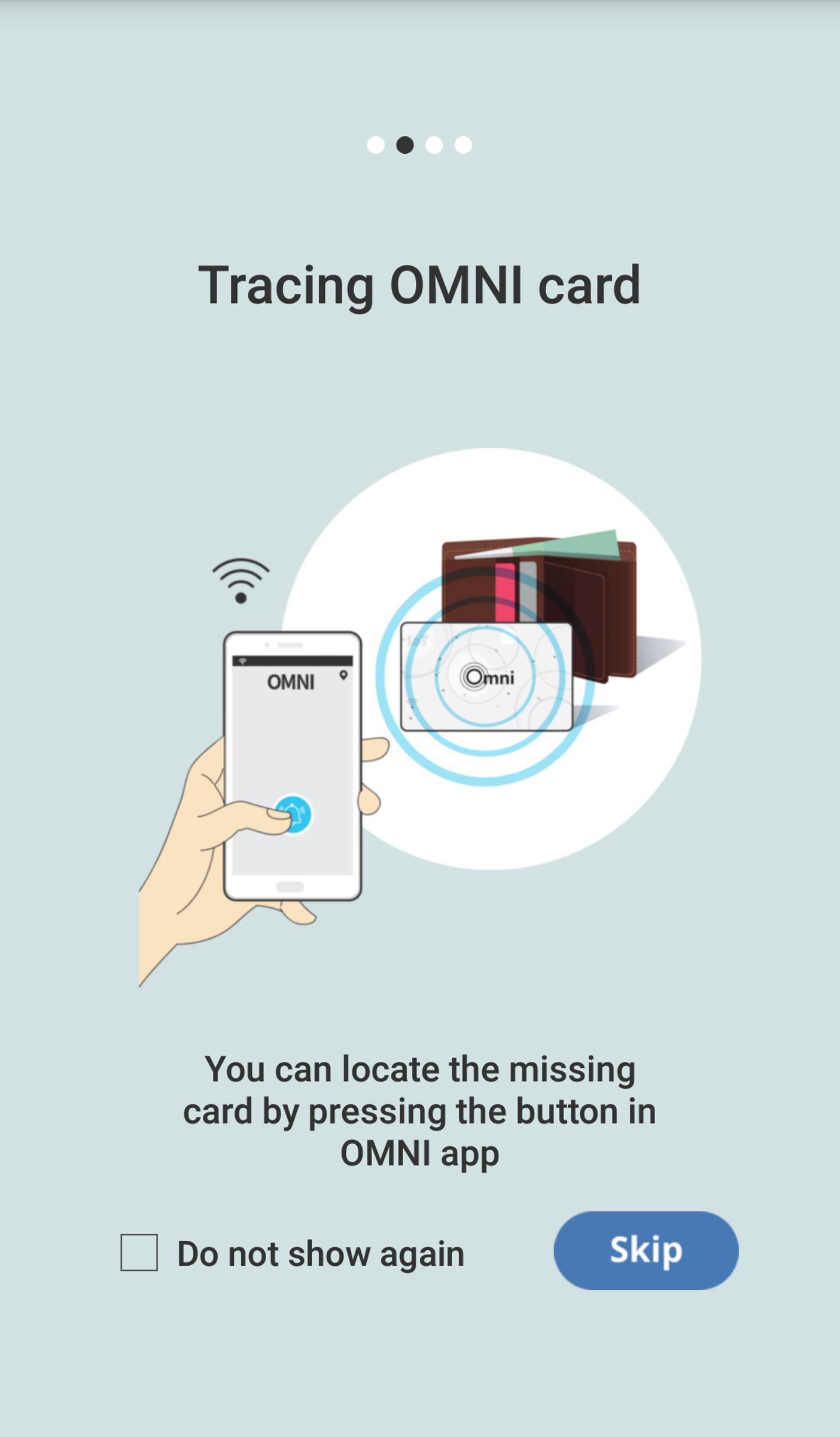
- You can locate the missing card by pressing the button in OMNI app.
- In case your OMNI card is distanced from your mobile phone, loss warning alam sets off.
- Last identified location of the card is marked on the map.
You have to register Omni Card to App as follow:
1. Open the Omni Card package.
2. Place the Omni Card next to the smartphone.
3. Run the Omni app downloaded from the Google Play Store.
4. When the app introductory screen is displayed, touch it and move your finger to the left or press the Skip button at the bottom of the screen.
5. Wait until the registration is done.
6. Once the registration is done, you can see the main screen of the app.
7. Insert the Omni Card into one of your belongings(e.g: wallet).
8. Now, the Omni Card is all set for use.




感謝您的評分和反饋!
您已經評分了。