Package Name:in.minitick.android.taskmanager
Show More

Monitor CPU, RAM, GPU, cores, processes, battery & storage.
**Task Manager & System Monitor — Monitor Your Android Device**
Take control of your device with Task Manager & System Monitor, a powerful utility for exploring system performance, hardware information, memory usage, and available app and process details.
Inspired by desktop task managers, this app brings essential device monitoring tools together in one clean, modern dashboard.
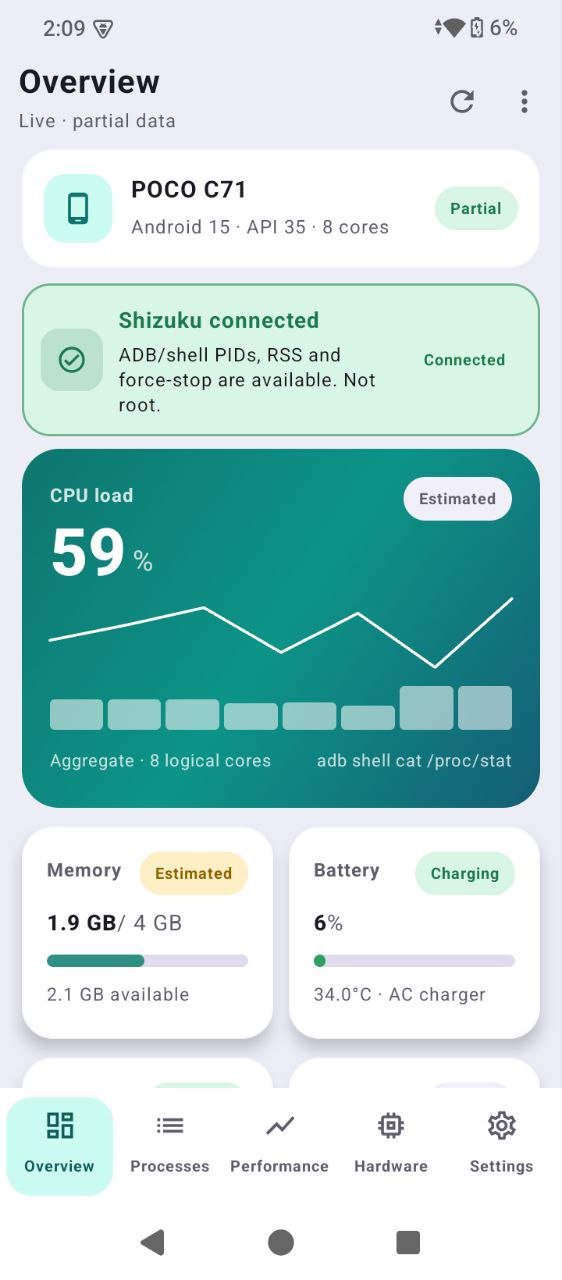
📊 **CPU MONITOR**
• View CPU usage and processor information.
• Explore CPU cores and per-core activity where supported.
• Check available processor and frequency information.
• Track performance with visual graphs where available.
🧠 **RAM & MEMORY MONITOR**
• View total system memory and available RAM.
• Monitor estimated memory usage.
• Understand memory usage through clear visual indicators.
• Explore app memory information where Android permits access.
🎮 **GPU & GRAPHICS INFORMATION**
• View GPU vendor, renderer, and graphics version.
• Explore supported graphics capabilities.
• Check available OpenGL information.
• Discover GPU details supported by your device.
📱 **TASK & PROCESS EXPLORER**
• Browse applications visible to the app.
• Search and explore available app information.
• View package details and other supported process information.
• Open applications and access their Android App Info pages.
🔋 **BATTERY MONITOR**
• Check battery percentage and charging status.
• View available battery information.
💾 **STORAGE MONITOR**
• Explore storage capacity and available space.
• Check used and free storage information.
📈 **PERFORMANCE DASHBOARD**
• View key system metrics in one place.
• Explore visual performance charts where supported.
• Switch between system overview, performance, hardware, and process information.
• Enjoy a clean interface designed for quick access to important details.
⚙️ **HARDWARE & DEVICE INFORMATION**
• Explore processor and CPU core details.
• Check device model and Android version.
• View graphics and system capabilities.
• Discover hardware information exposed by Android.
✨ **DESIGNED FOR EVERYDAY USE**
• Modern interface inspired by desktop task managers.
• Clear charts, organized information, and readable statistics.
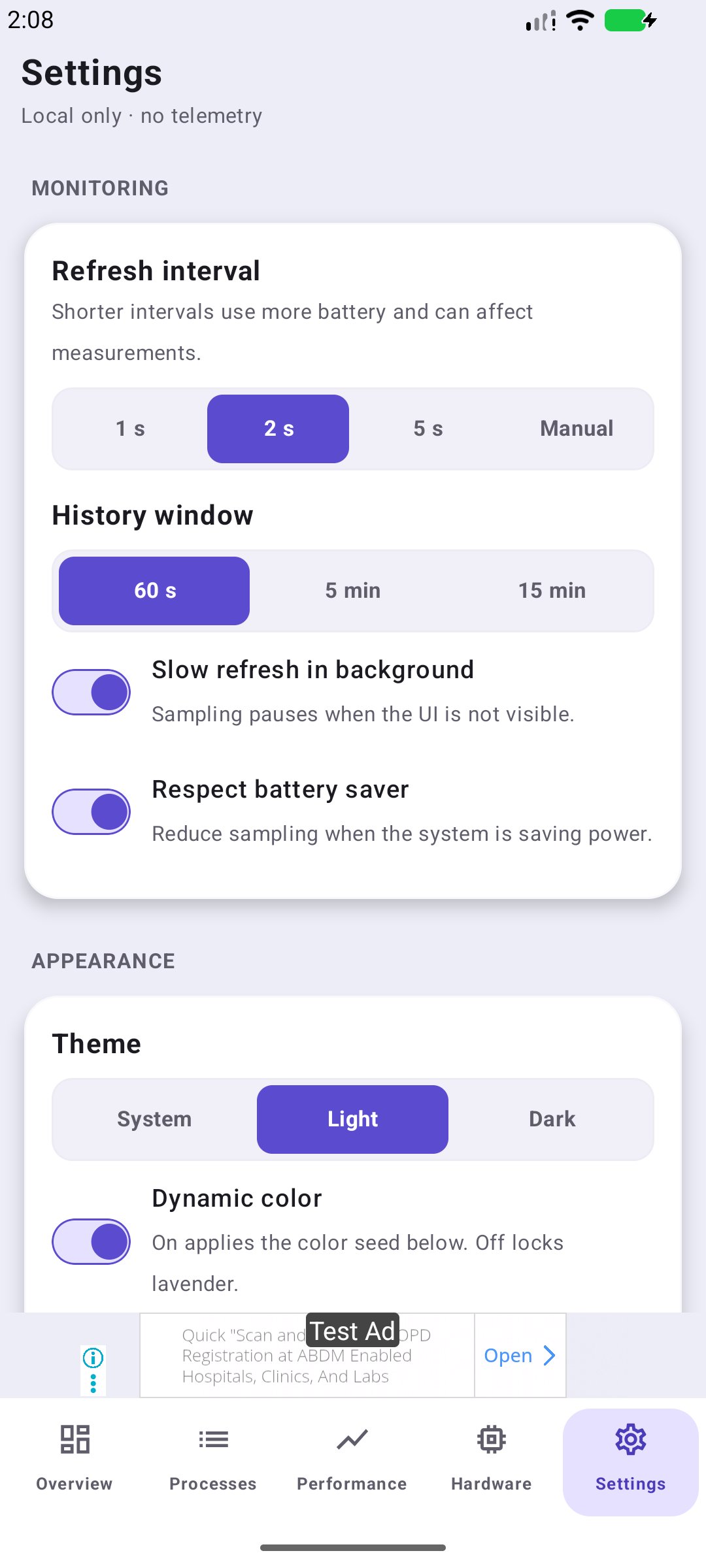
• Dark and light themes, where supported.
• Convenient navigation between monitoring tools.
• Efficient monitoring designed to minimize unnecessary resource usage.
**IMPORTANT ANDROID LIMITATIONS**
Android restricts access to certain system metrics and other applications' processes. Available CPU, per-core, GPU, frequency, and app-level memory information varies by device and Android version. Some advanced readings may be unavailable.
This app does not guarantee complete access to every running process or unrestricted control over other applications. It displays information only when it can be obtained through supported methods.
**Privacy-focused monitoring**
System information is intended for on-device viewing. Any optional data collection or sharing, if introduced, will be disclosed clearly.
Whether you want to check CPU performance, monitor RAM, explore GPU information, inspect visible apps, or understand your device hardware, Task Manager & System Monitor brings useful system tools into one convenient application.
Download Task Manager & System Monitor by Minitick and explore your device's performance today.





One-click to install XAPK/APK files on Android!

Thanks for your rating and feedback!
You have already rated.