Package Name:in.minitick.toolkit.display
Show More

4.4 MB
File Size
Everyone
Android 7.0+
Android OS
Touch screen test, refresh rate, HDR, DPI & color checks. No permissions needed.
Screen Test: Dead Pixel & Info is a display testing toolkit for Android. Run a dead pixel test, check touch screen response and see your real resolution, DPI, refresh rate and HDR support in seconds. No permissions required.
Buying a used phone, testing a screen after repair or building Android apps? Every display check is in one lightweight app.
DISPLAY INFO FROM LIVE ANDROID APIS
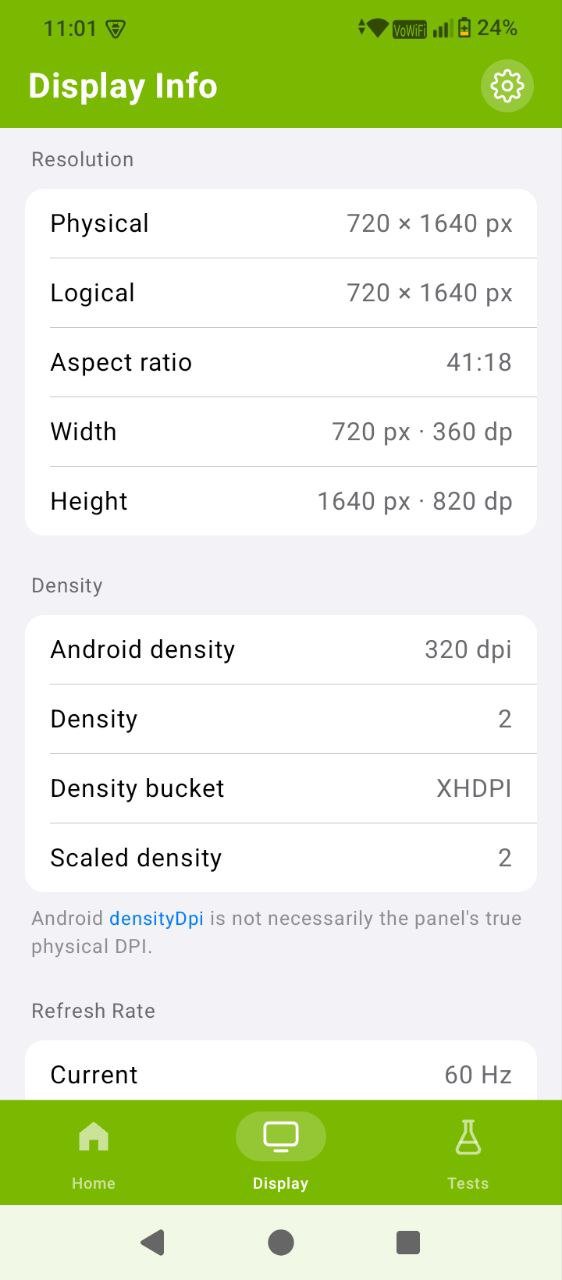
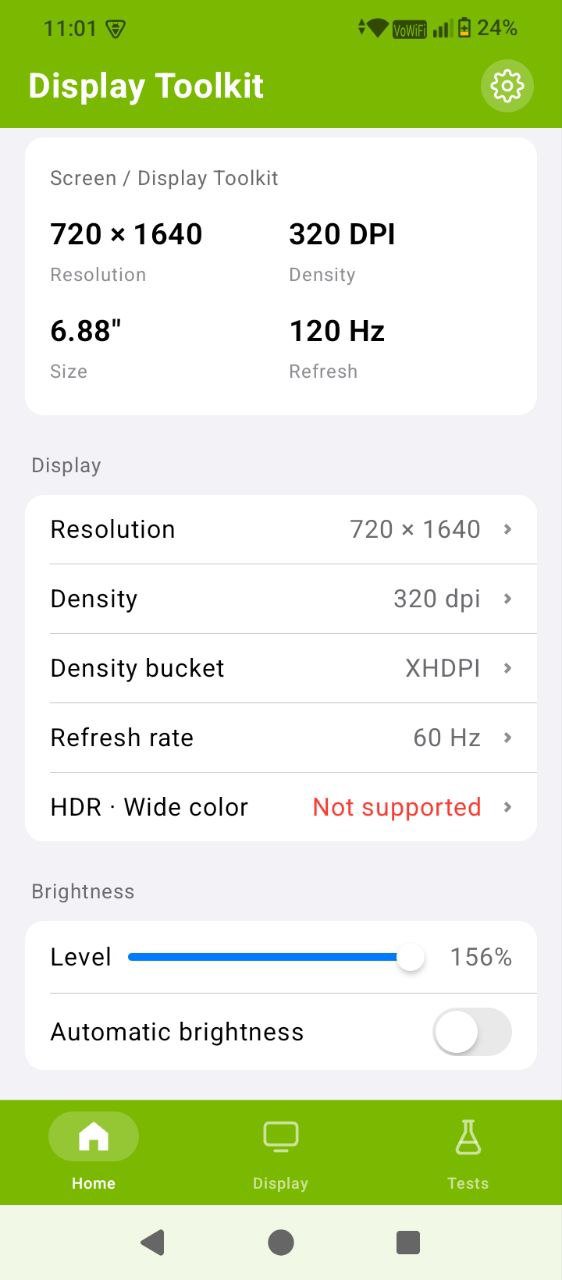
• Resolution: physical and logical pixels, aspect ratio, width and height in px and dp
• Screen size: estimated physical size in inches from the reported pixel density
• Density: DPI, density factor, density bucket (LDPI to XXXHDPI) and scaled density
• Refresh rate: current and peak Hz, plus every supported mode such as 60Hz, 90Hz, 120Hz or 144Hz
• HDR: HDR10, HDR10+, HLG and Dolby Vision support as reported by your device
• Color: wide color gamut support and color space
• Brightness: current level, auto brightness state and supported range
• Touch: touchscreen support and maximum simultaneous touch points
• Orientation, rotation and display ID
All values update live when you rotate the device, switch refresh rate or change brightness.
DEAD PIXEL & STUCK PIXEL TEST
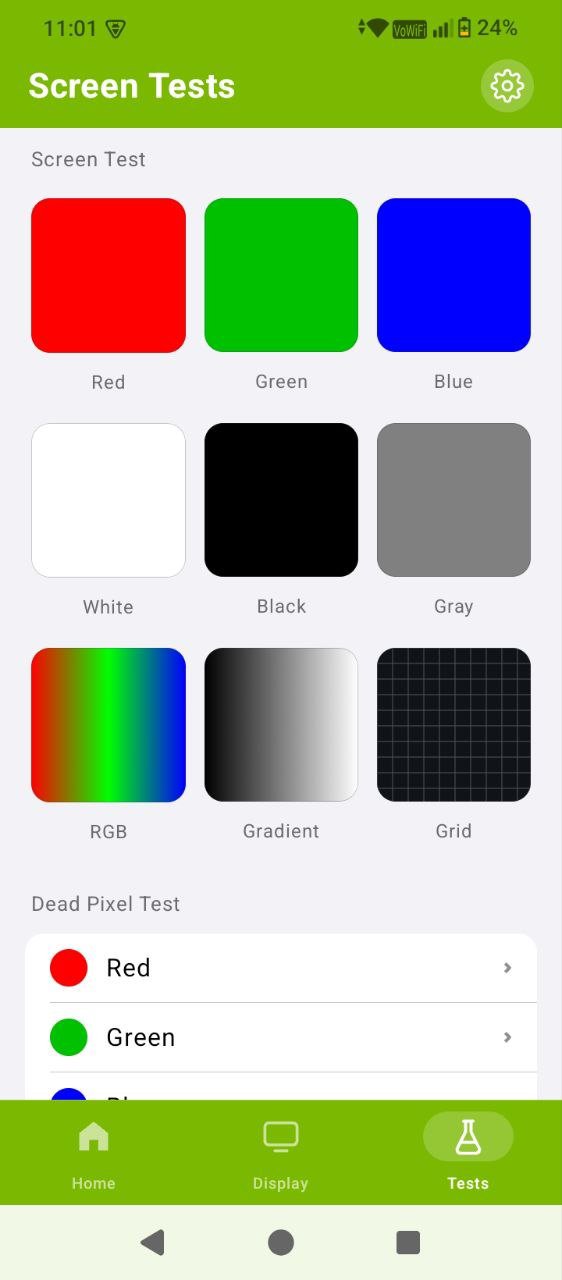
Fill the whole screen with solid red, green, blue, white, black or gray and cycle colors with one tap. A black screen makes stuck or bright pixels stand out, while white and colored screens reveal dead pixels, tint, uneven backlight, backlight bleed and OLED or AMOLED burn-in.
COLOR, GRADIENT & BANDING TESTS
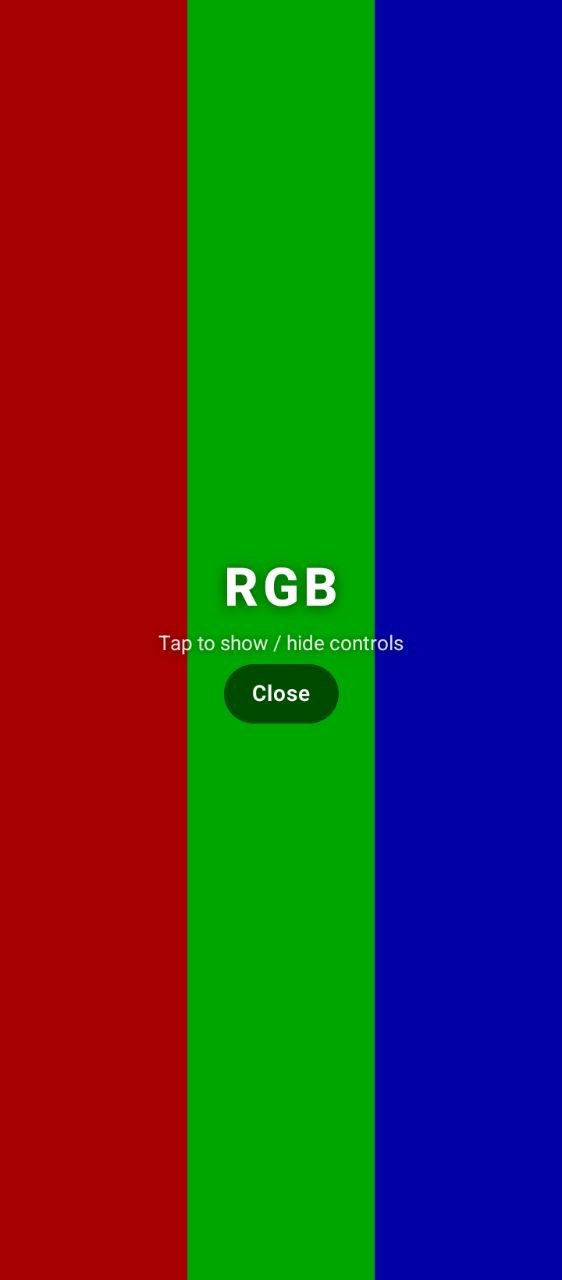
• RGB color bands to compare red, green and blue channels
• Smooth grayscale ramp to check gamma and color banding
• Gradient test that toggles between black-to-white and a full rainbow spectrum
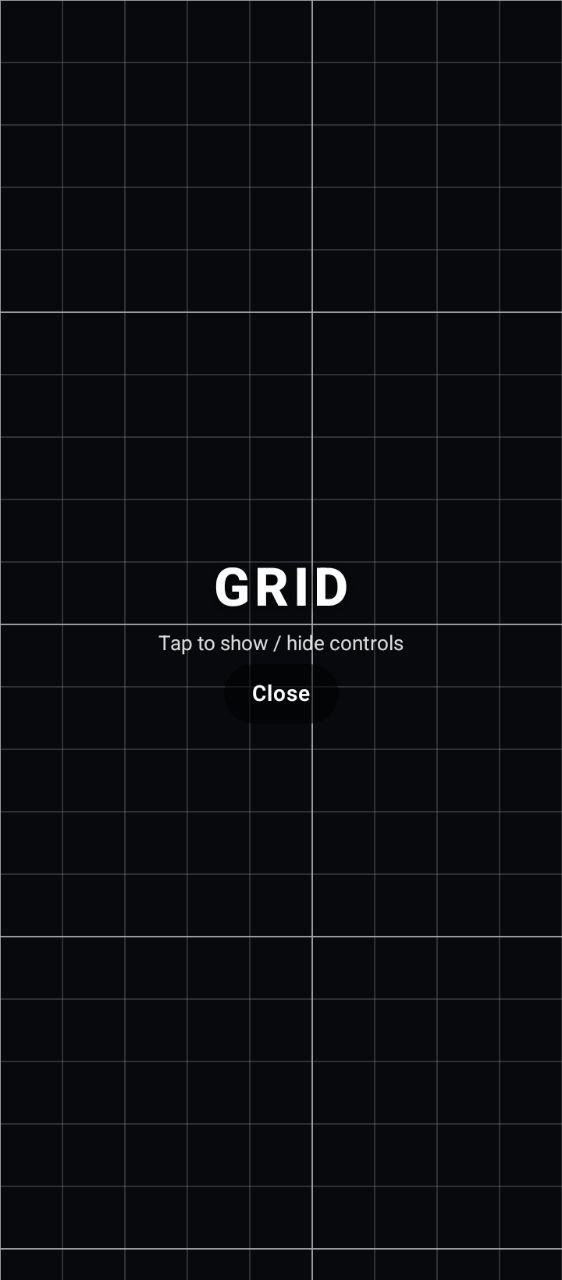
• Grid pattern to check alignment, geometry and screen distortion
• Text test at small and large sizes to check sharpness and readability
MULTI-TOUCH SCREEN TEST
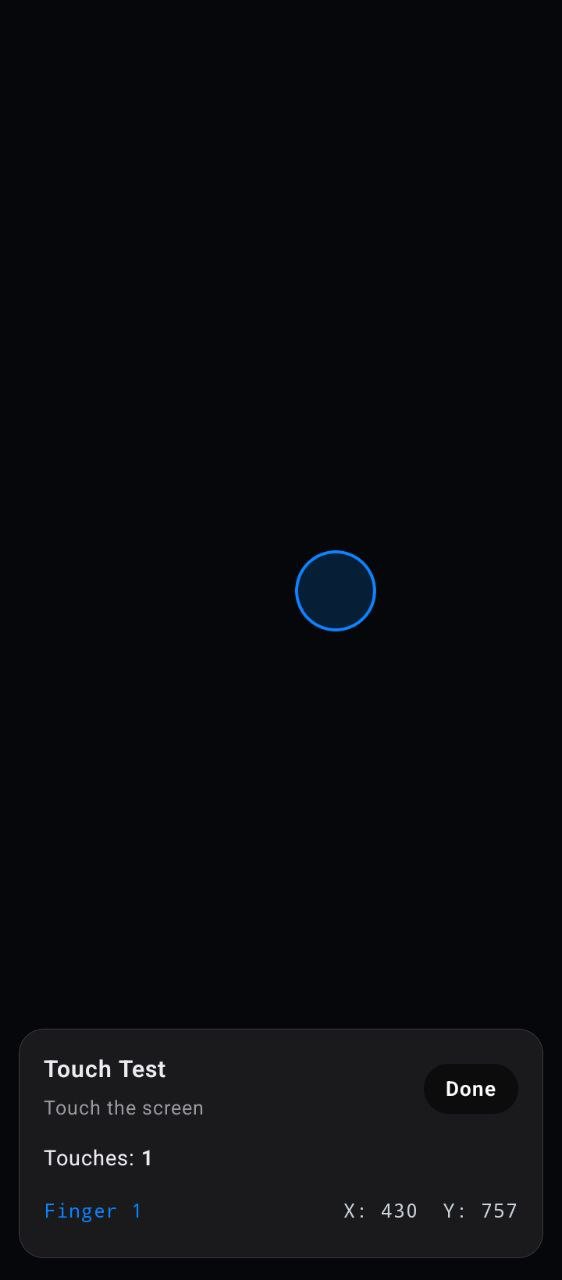
Touch the screen with one or more fingers and see a circle under every touch point, with a live finger count and X/Y coordinates. Find dead zones, ghost touches and unresponsive areas, and confirm a replaced digitizer works edge to edge. The maximum number of fingers detected is saved to your display info.
BRIGHTNESS PREVIEW
Use the brightness slider to preview the screen at different levels without changing your system setting. It resets automatically when you leave, so you can check visibility and uniformity safely.
CLEAN FULLSCREEN TESTING
• Immersive fullscreen with controls that hide automatically
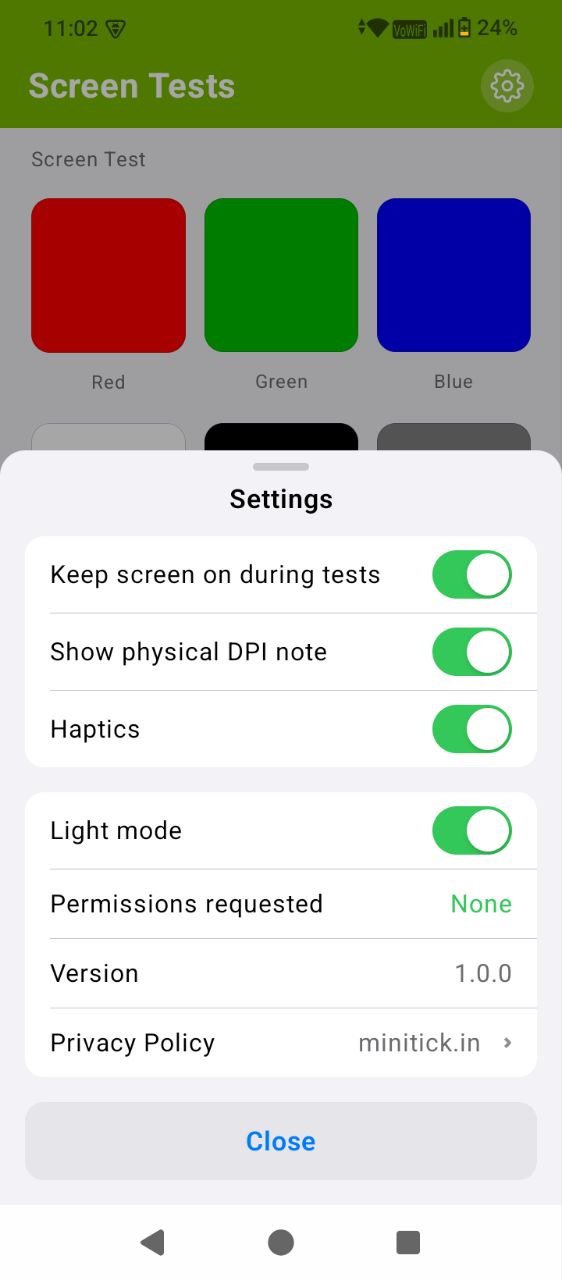
• Optional keep screen on during tests
• Haptic feedback, light and dark mode
PRIVACY FRIENDLY
The app requests no permissions: no location, storage, contacts or camera access. No account or sign-up. All display tests run on your device and work offline.
USED & REFURBISHED PHONE CHECK
The display is one of the most expensive parts of any phone. Before you pay for a second-hand or refurbished device, run the dead pixel test, color test and touch test to spot hidden screen defects in under a minute.
AFTER SCREEN REPLACEMENT
Had your display or touch panel replaced? Check every pixel, color and corner of the touchscreen to confirm the repair.
FOR ANDROID DEVELOPERS & TESTERS
See exact resolution in px and dp, density bucket, scaled density and supported refresh rates to understand how your layouts render on each test device.
WHO IS IT FOR?
• Android phone and tablet owners
• Used and refurbished phone buyers
• Repair shops and mobile technicians
• Android developers, UI designers and QA testers
• Anyone who wants to test their phone screen
IMPORTANT
Values come from Android and your device manufacturer, so some details such as HDR formats or refresh rates may not be reported on every phone. Visual screen tests help you find possible display problems but do not replace professional hardware diagnostics. Display Toolkit is an independent app and is not affiliated with any phone manufacturer.
Download Screen Test: Dead Pixel & Info and test your display, touch screen and refresh rate today.


One-click to install XAPK/APK files on Android!

Thanks for your rating and feedback!
You have already rated.