Scan Date:Apr 8, 2026
Show More


9.2
33 Reviews
12.1 MB
File Size
Everyone
Android 5.0+
Android OS
FX File Explorer is a privacy-focused Android file manager with desktop-like productivity.
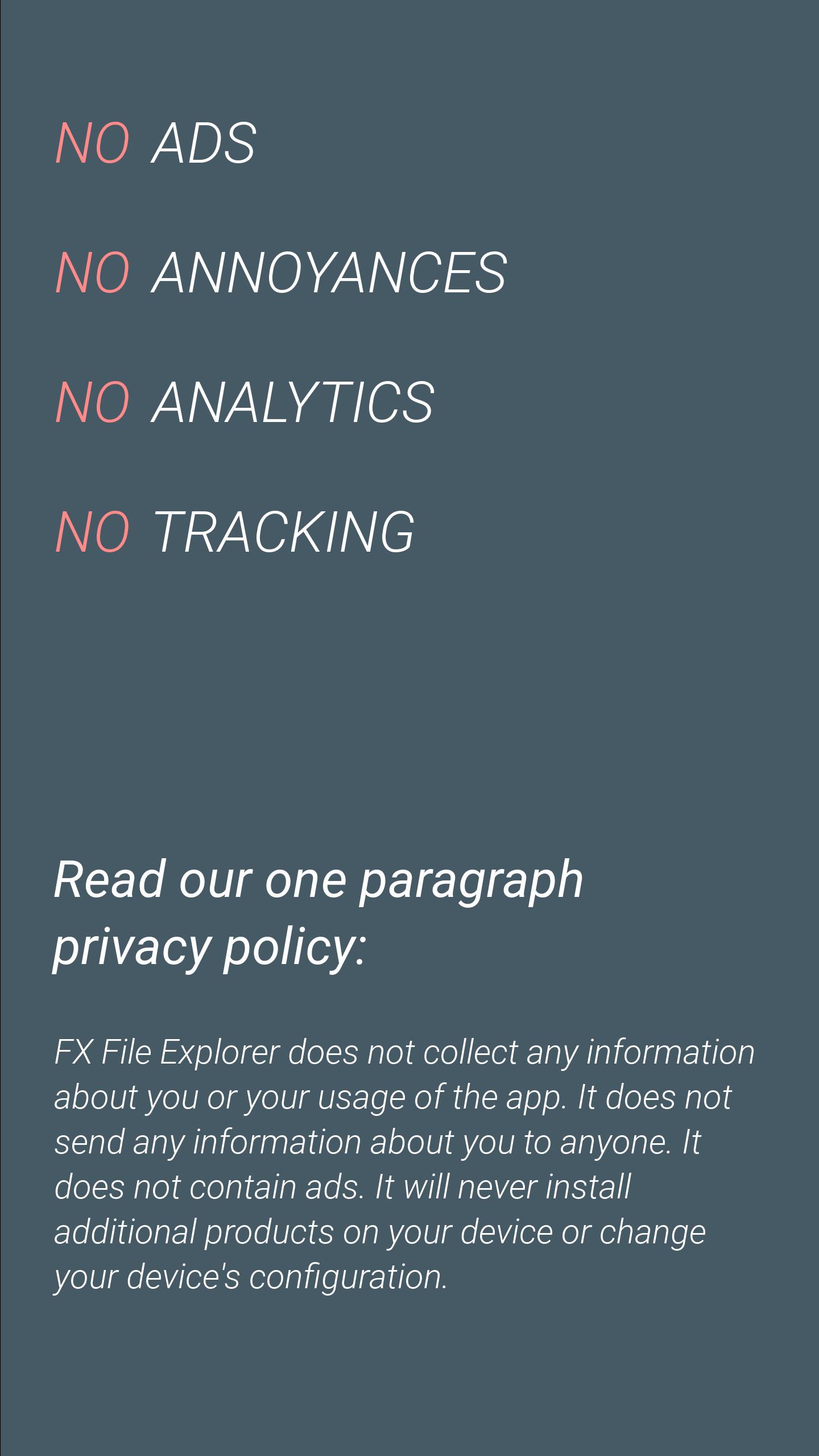
Built by NextApp, Inc., it focuses on privacy and ad-free productivity. Grab the FX APK and explore its core tools below.
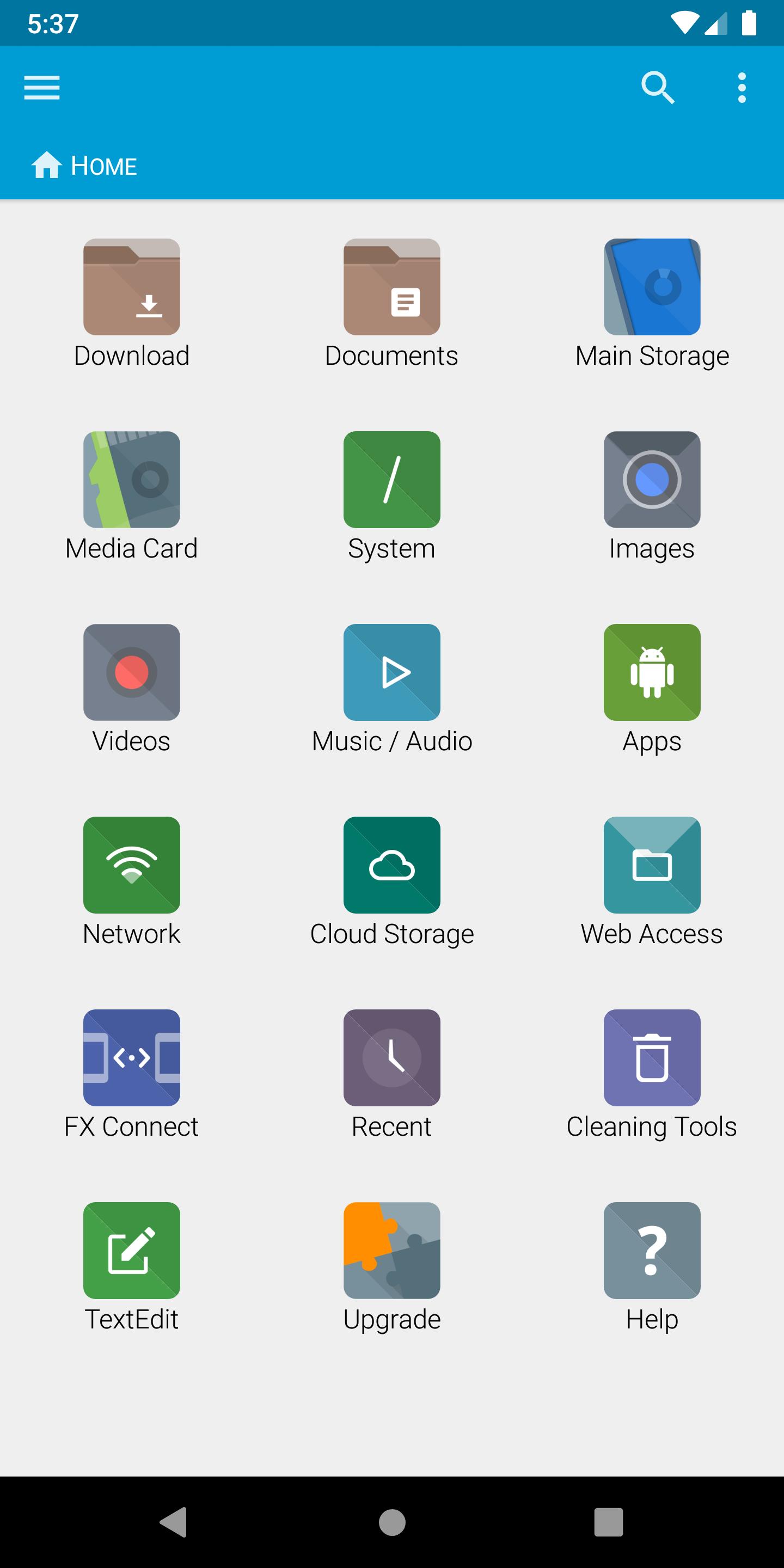
Managing two locations side by side saves time, especially when organizing large collections. FX File Explorer makes multitasking feel familiar, almost like a desktop. With dual-window enabled, you can keep your camera roll open on one side and a cloud folder or SD card on the other, then drag and drop to sort quickly. The Home screen adds speed by pinning favorite folders, media libraries, and connected storage so frequent destinations are only a tap away. It feels natural for everyday tasks like triaging downloads, moving work docs, or staging backups.
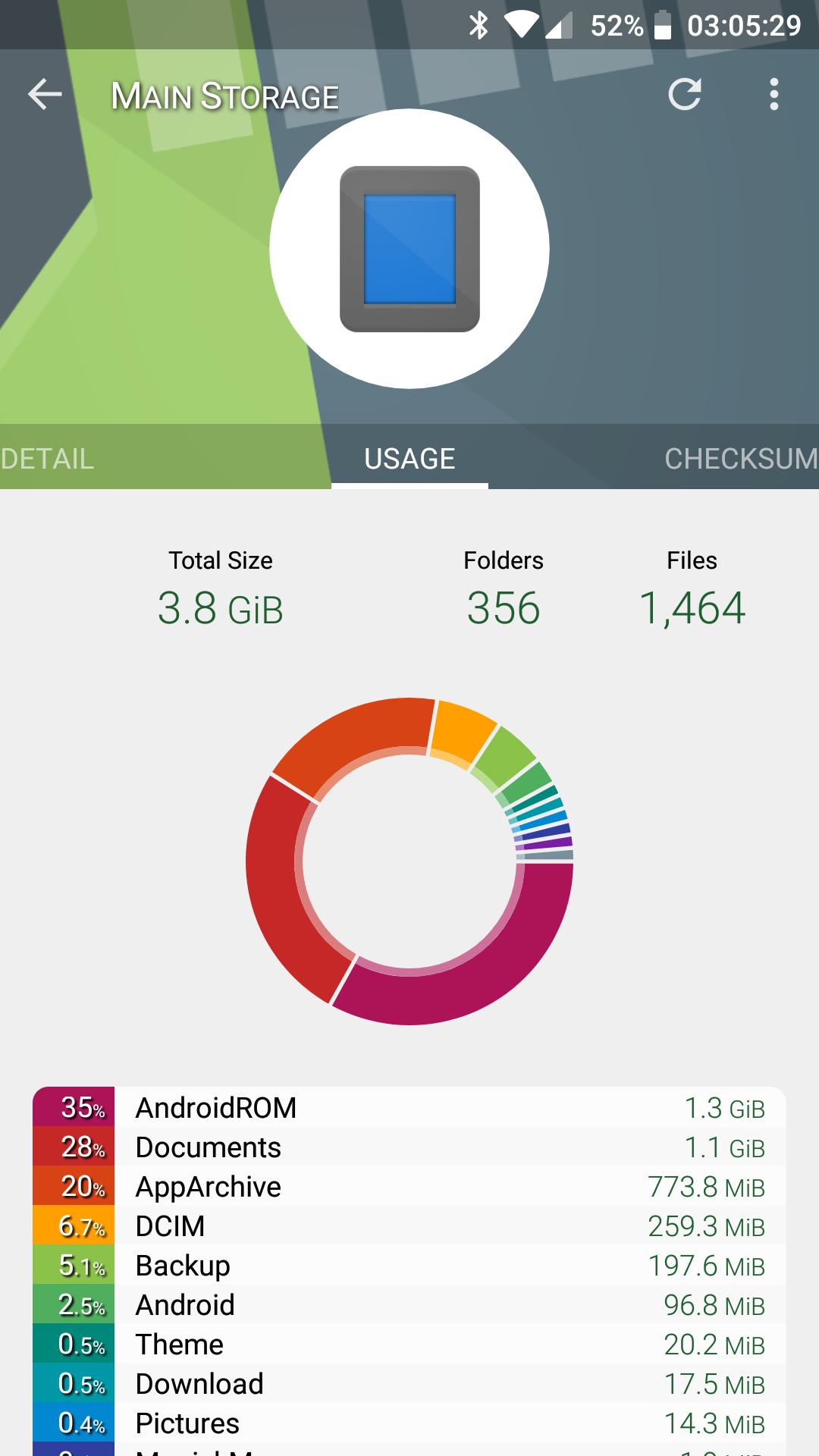
Usage View surfaces folder sizes and content composition while you browse, turning navigation into a live storage checkup. Within FX File Explorer, Usage View turns every folder into a quick report, showing how much space is tied up in videos, images, audio, and other files. This makes it easy to spot space hogs before they become a problem. When cleanup time comes, you can focus on the largest folders and remove old screen recordings, duplicate photos, or cached files with confidence.
Sharing files directly between devices is straightforward with Wi‑Fi Direct. FX File Explorer uses FX Connect to send photos, videos, and folders phone-to-phone without cables or mobile data. Pairing is quick, and on supported devices the optional NFC tap-to-pair feature is available with FX+. For Android 8 and 9, the system may request location permission when using Wi‑Fi Direct; that is an OS requirement for peer-to-peer Wi‑Fi. If you prefer working from a computer, Web Access lets you open a browser on the same Wi‑Fi network, manage files with drag-and-drop, and even stream playlists. Web Access is part of FX+.
Connecting to servers and cloud services can be part of a daily workflow. FX File Explorer supports SMB1/SMB2 for Windows and NAS shares, FTP and SSH FTP for servers, and WebDAV for many hosted setups, available with FX+. You can also link popular cloud accounts like Google Drive, Dropbox, Box, SugarSync, OneDrive, and OwnCloud and browse them as if they were local. It’s handy for copying vacation photos to a NAS, pulling PDFs from a team share, or checking a cloud folder before a meeting. Everything appears in one place, which reduces app switching and keeps transfers simple.
Compression and preview tools are built in, so everyday tasks require fewer apps. FX File Explorer can create and extract Zip, Tar, GZip, Bzip2, and 7zip archives, and it can extract RAR files too. When privacy matters, you can create AES‑128 or AES‑256 encrypted zip files to protect contents before sharing. An encrypted password keyring, available with FX+, stores credentials securely to avoid retyping sensitive information. The integrated text editor, hex viewer, image viewer, and media player simplify quick edits and previews, while a pop-up audio player keeps music accessible during long sorting sessions.
Built for everyday file work and privacy-minded users, FX File Explorer combines clean design with powerful utilities. The result is a capable manager that scales from simple moves to complex transfers.
ProsYou can download the FX latest version on APKPure to get the newest features and fixes. The download typically completes in moments on a stable Wi‑Fi connection, though speed varies by network. APK size may vary depending on the version, so ensure sufficient storage before starting.
Once installation finishes, open FX File Explorer and grant storage access so it can manage files. Some features may ask for extra permissions, such as location for Wi‑Fi Direct on Android 8/9. If you plan to transfer files from a computer browser or add cloud accounts, consider the FX+ add-on for Web Access and cloud integration.
Tap Download to quickly download FX, then try dual-window browsing or toggle Usage View to map out storage. For smooth updates, return to APKPure whenever you need the FX APK or want to check for newer builds.





One-click to install XAPK/APK files on Android!

Thanks for your rating and feedback!
You have already rated.