Package Name:app.cliprec
Show More


44.4 MB
File Size
Everyone
Android OS
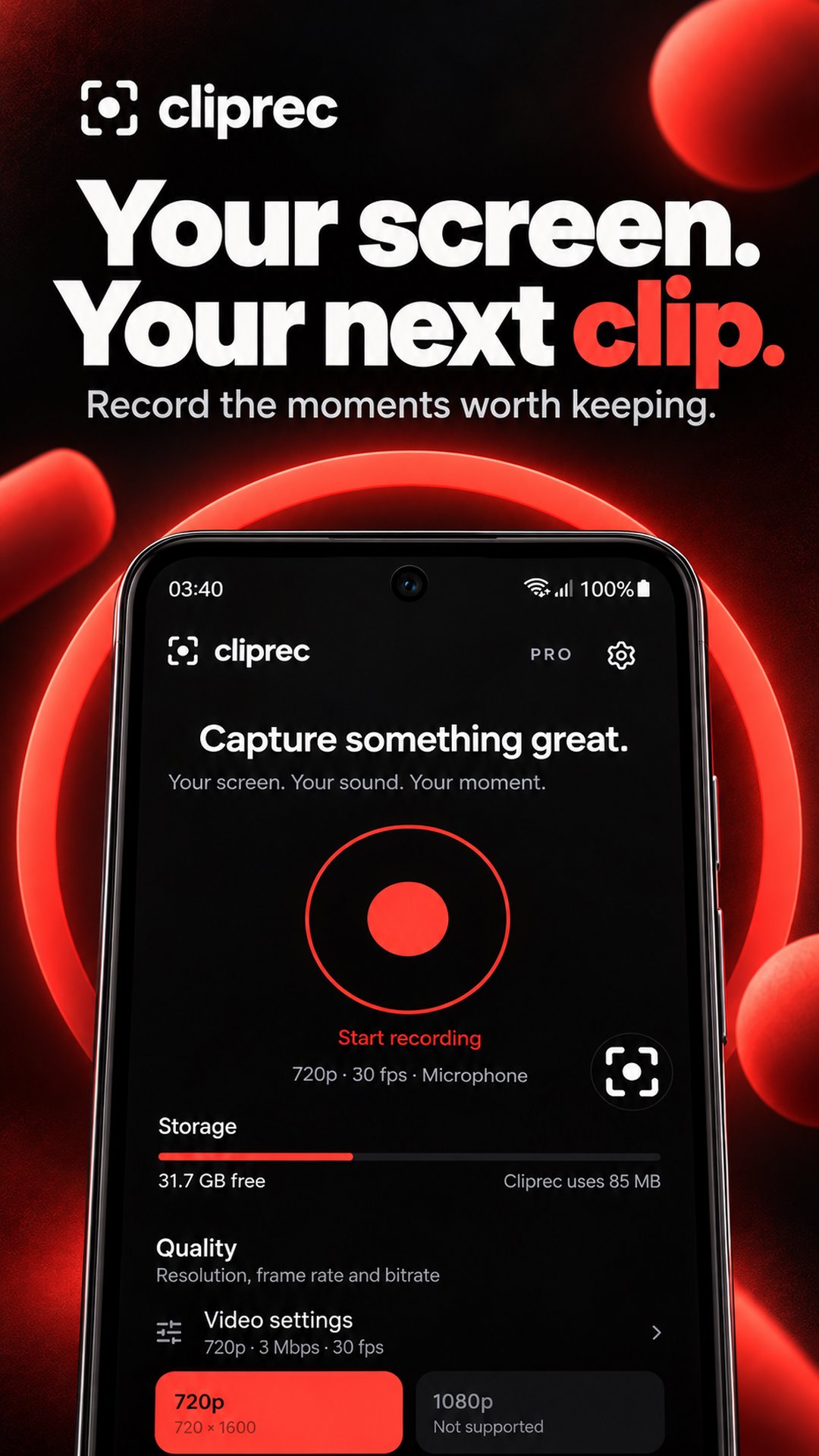
Best screen recorder with audio and cam. Capture gameplay, edit, share videos.
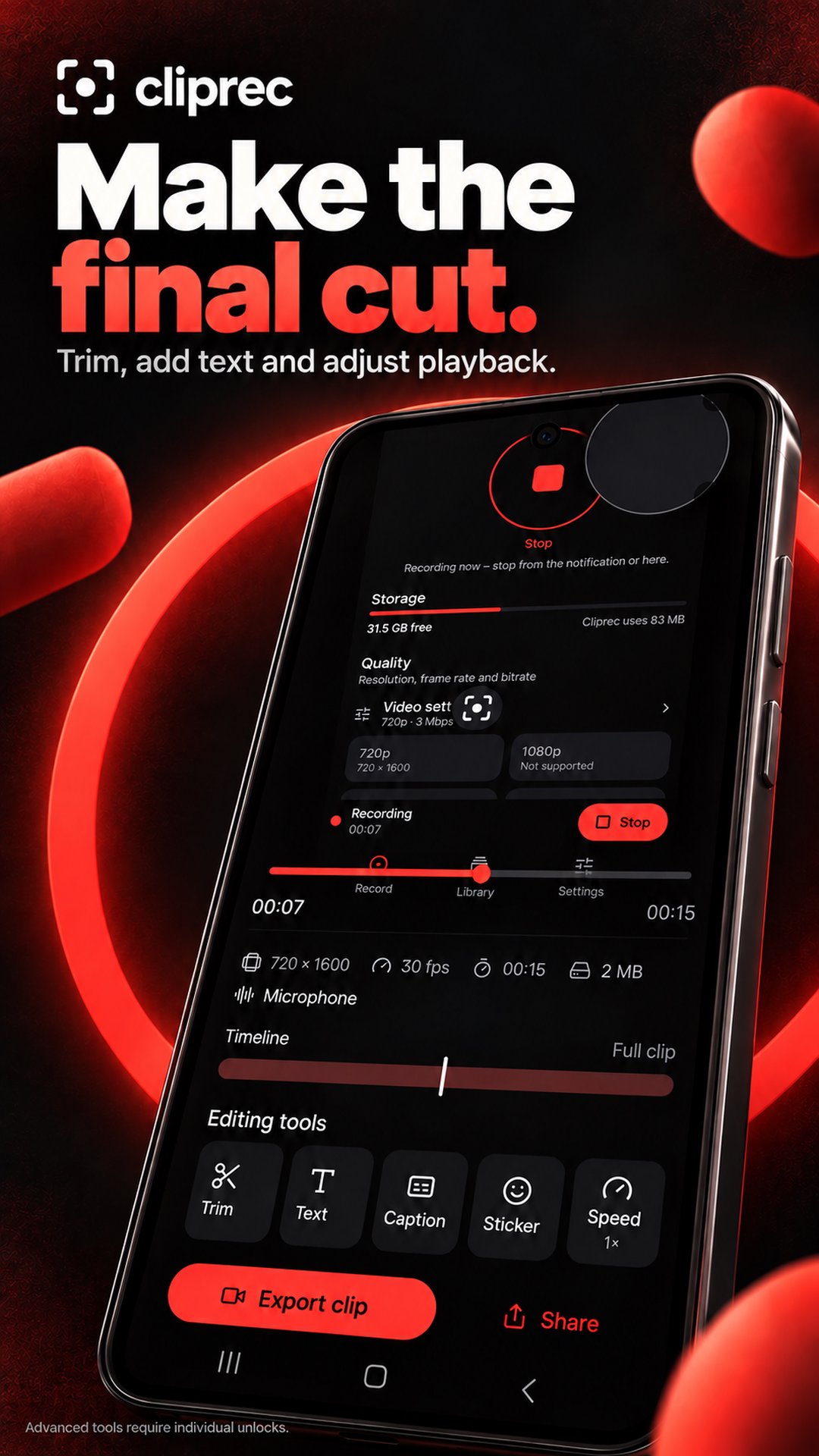
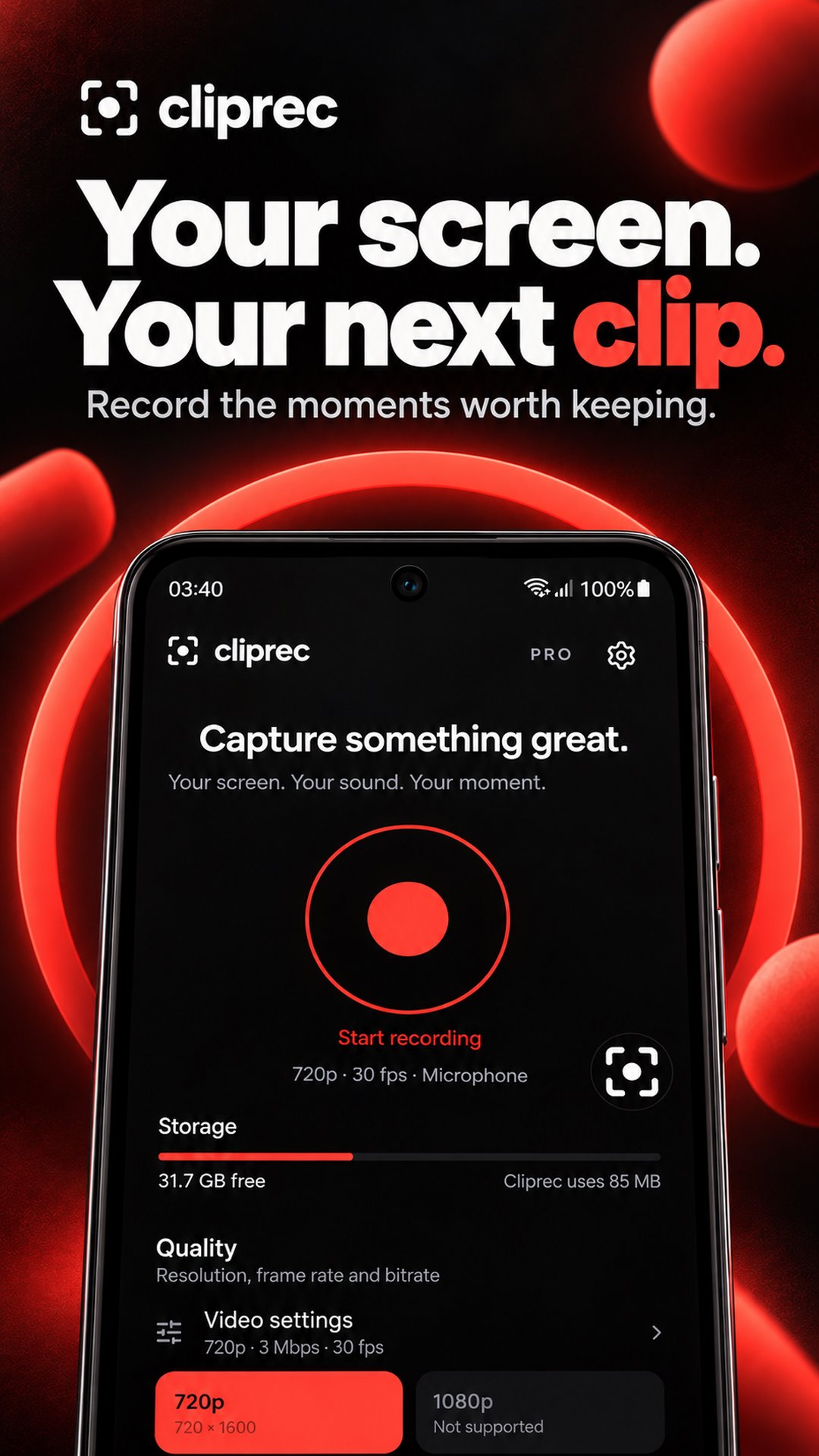
Cliprec is a screen recorder with audio, facecam and built-in video editing. Capture gameplay, make video tutorials or show someone exactly what to do. Trim your recording, add text and share the finished clip from one app.
SCREEN RECORDING WITH AUDIO
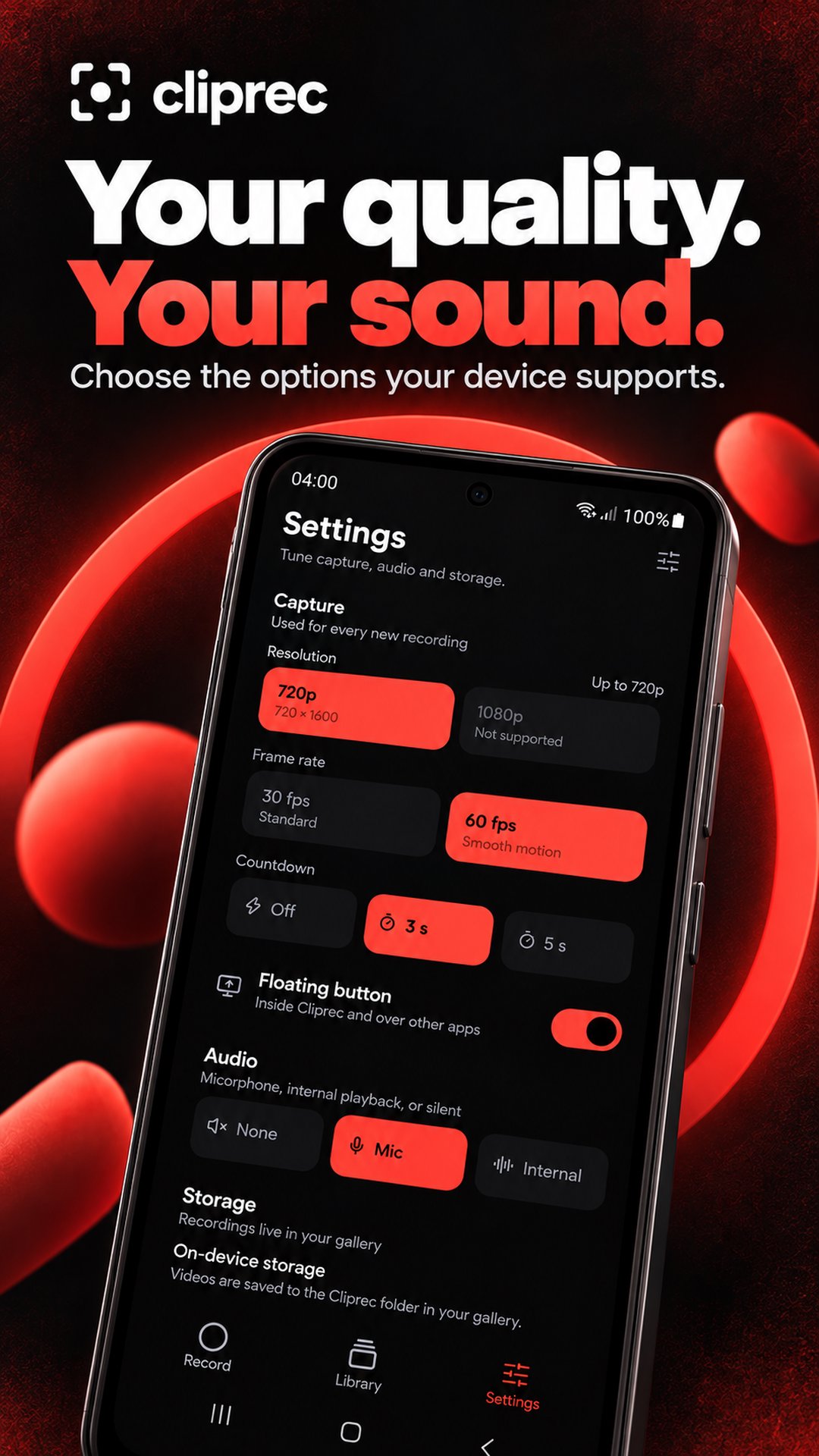
Choose the sound that fits your video. Explain each step in your own words or capture game audio for your next gameplay clip.
• Choose your recording quality.
• Set a countdown before screen capture starts.
• Pause and resume your recording when needed.
• Stop recording and find your video in the library.
GAMEPLAY, TUTORIALS AND EVERYDAY MOMENTS
Save a winning move, walk through an app or record a useful moment on your screen. Create a how-to video for a friend, demonstrate a feature or capture a bug to show what happened.
FACECAM AND DRAWING TOOLS
Add a facecam overlay to show your reactions or give tutorials a personal touch. Draw on the screen while recording to highlight a button, point out a detail or help viewers follow along.
FLOATING RECORDING CONTROLS
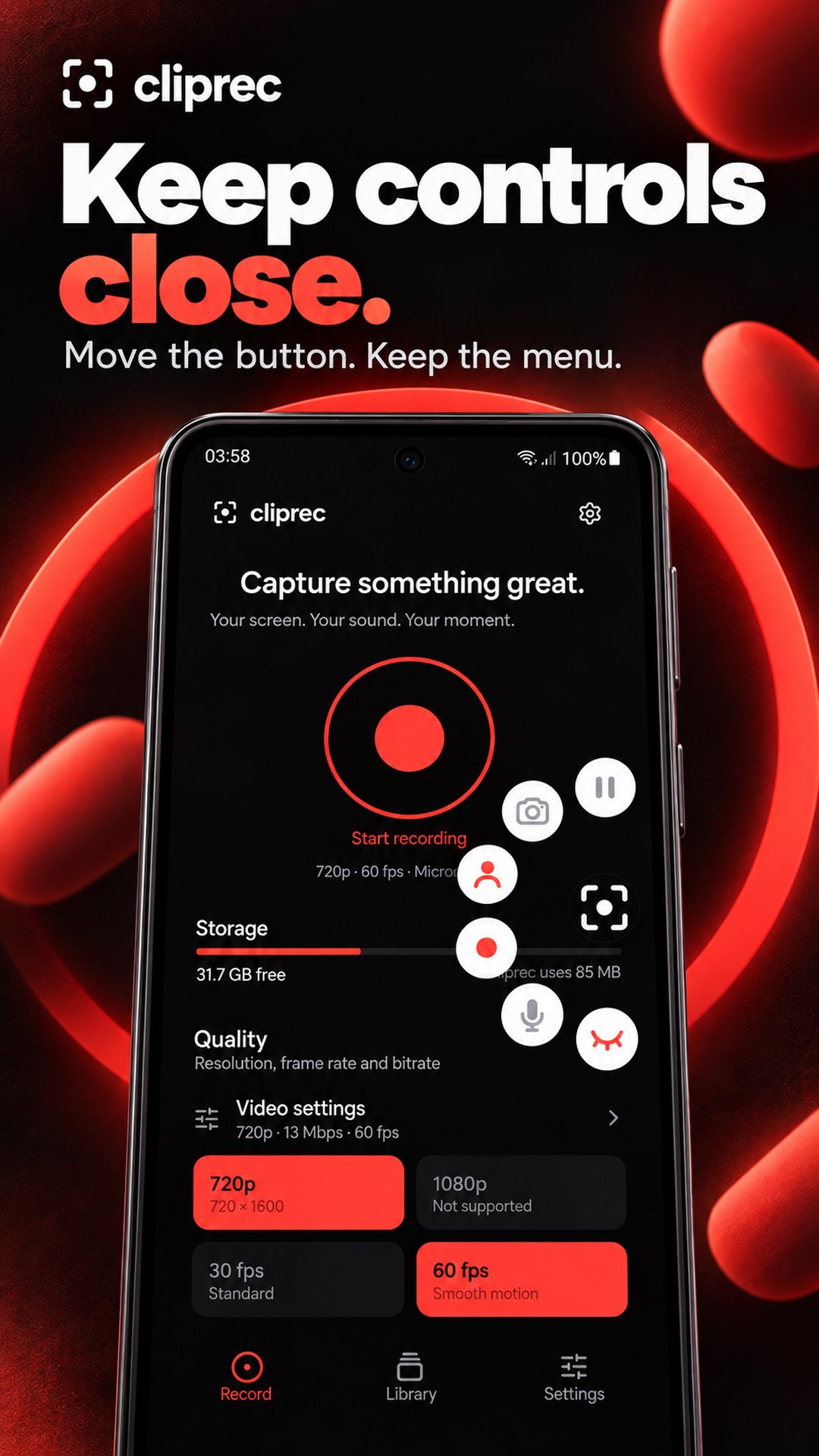
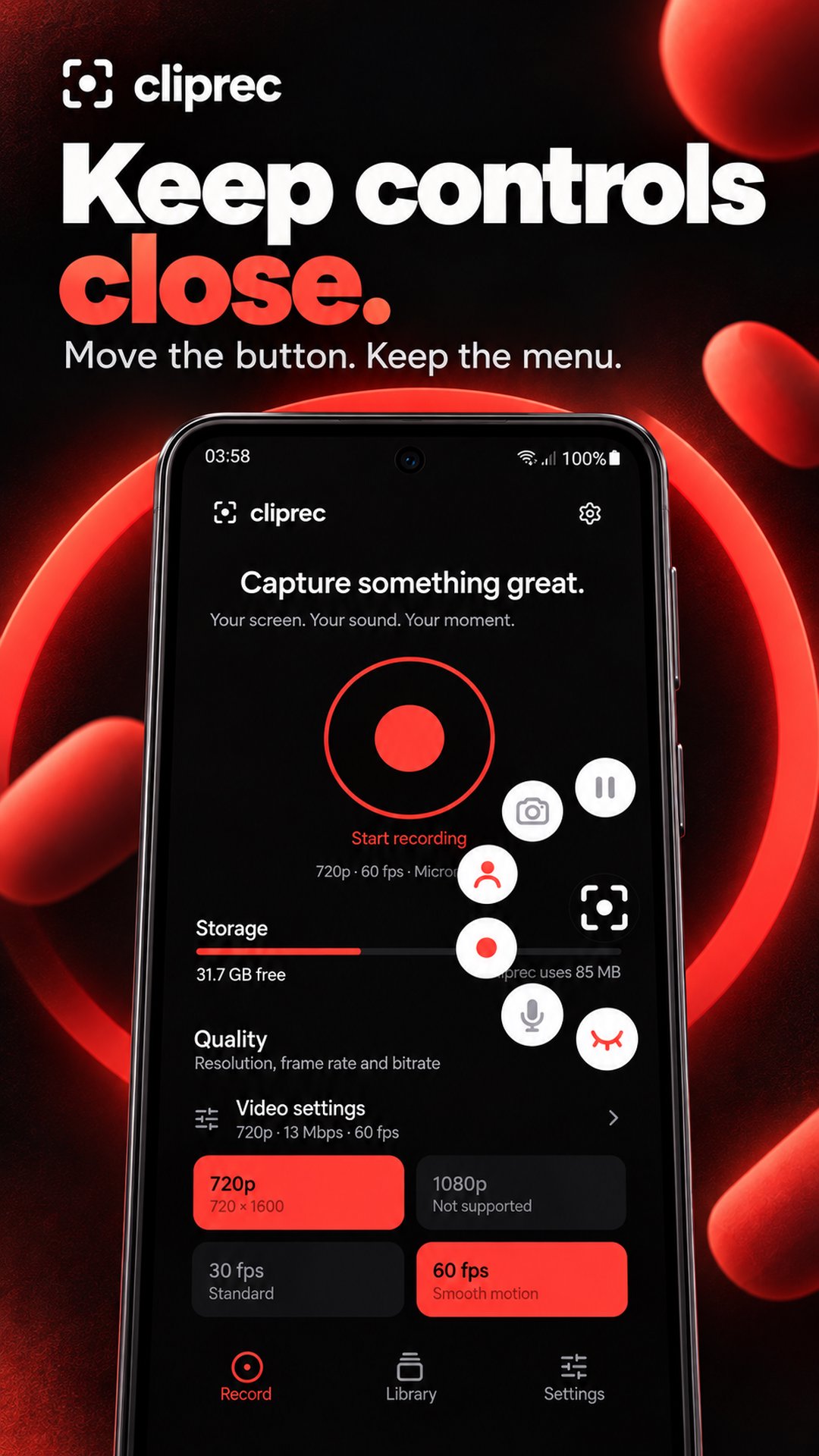
Keep capture controls within reach with a movable floating button. Access screen recording, screenshots and capture tools, and move the controls to a comfortable spot on your screen.
VIDEO EDITOR FOR YOUR RECORDINGS
Make your clip clear and ready to share with built-in editing tools.
• Trim videos to remove unwanted footage from the start or end.
• Add text and captions to explain a step or label a moment.
• Personalize clips with emoji or supported image stickers from your Android keyboard.
• Adjust video playback speed to speed up or slow down your clip.
• Position text and stickers before saving your edit.
Save an edited copy while keeping your original recording unchanged.
SAVE, ORGANIZE AND SHARE
Browse your video library, search recordings by name, rename clips and check recording details. Delete videos you no longer need.
Save edited videos to a folder on your device or another storage provider available in Android's save picker. Share saved clips through the apps you already use.
RECORDINGS PROCESSED ON YOUR DEVICE
Cliprec saves recordings on your device and processes video edits locally. Recording content is not uploaded to Cliprec servers. You choose when to share a clip or export it through another storage provider.
From your first screen capture to the final edit, Cliprec keeps your recording tools together. Choose your settings, tap Record and capture your next clip.



One-click to install XAPK/APK files on Android!

Thanks for your rating and feedback!
You have already rated.