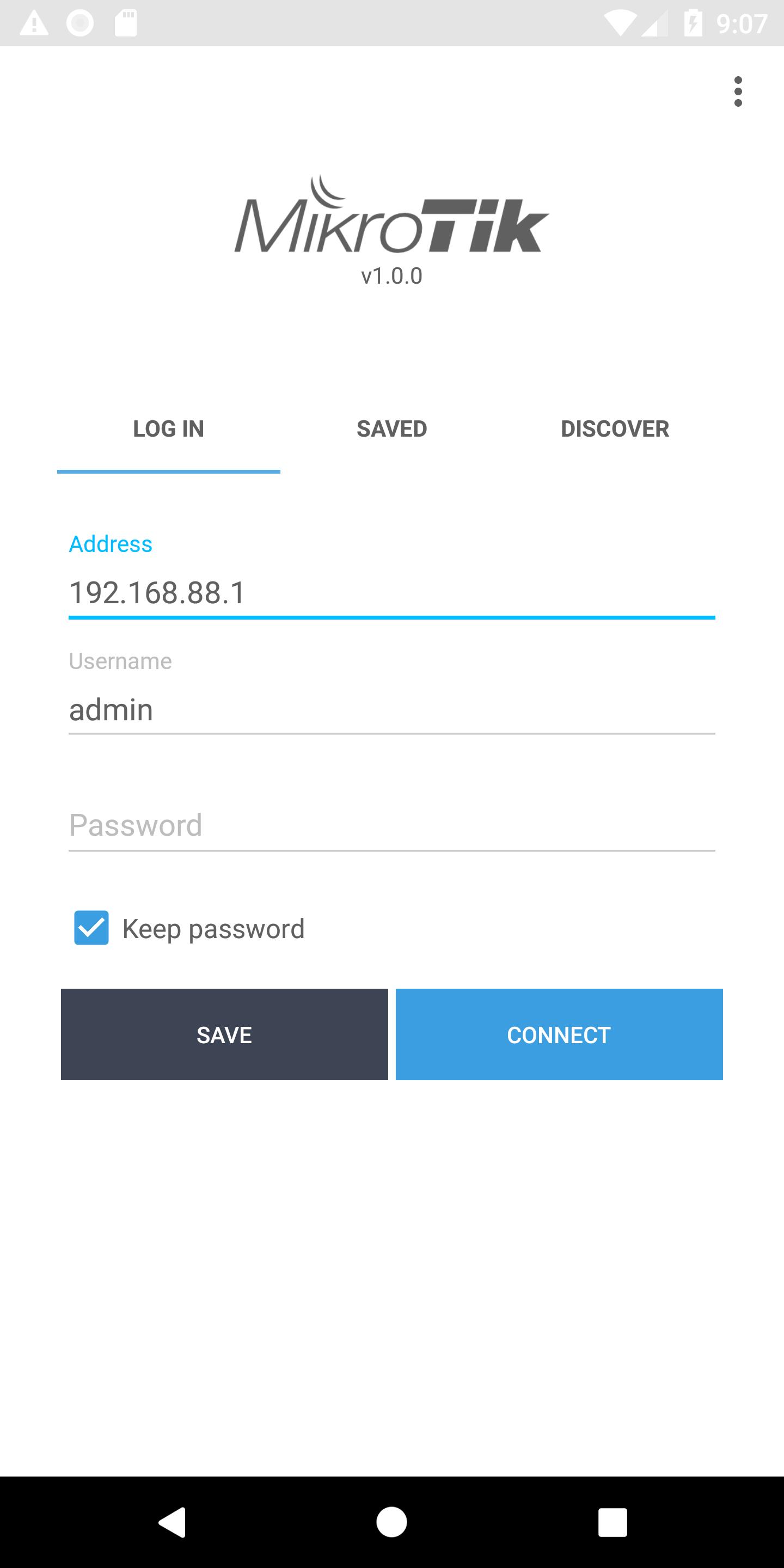
About MikroTik Pro
Configure your MikroTik hardware, full configuration is accessible.
RouterOS provides all the core features for your network - routing, firewall, bandwidth management, wireless access point, backhaul link, hotspot gateway, VPN server and more.
Use the MikroTik smartphone app to configure your router when a computer is not available.
Default username on new routers: admin. There is usually no default password (leave empty), or it is specified in the accompanied document.
Requirements: a MikroTik router running RouterOS v6 or newer.
Discussion forum: https://forum.mikrotik.com
What's new in the latest 1.5.10
Last updated on 2026-03-25
- Added saved device multi-select for remove and group change
- Fix interface/wlan nv2 security selection
- Fix backup restore buttons
- Fix missing Channels tab in WiFi interface
- Fix eSIM provisioning DNS resolver
- Fix missing GPS status info
- Fix preshared key input for Wireguard peers
- Fix crash on special char input in terminal
- Fix interface/wlan nv2 security selection
- Fix backup restore buttons
- Fix missing Channels tab in WiFi interface
- Fix eSIM provisioning DNS resolver
- Fix missing GPS status info
- Fix preshared key input for Wireguard peers
- Fix crash on special char input in terminal
MikroTik Pro APK Information
Security Check Completed
No Virus
No Spyware
No Malware
No Virus
No Spyware
No Malware
Package Name:com.mikrotik.android.tikapp
Show More
Verified by: APKPURE
Old Versions of MikroTik Pro
Super Fast and Safe Downloading via APKPure App
One-click to install XAPK/APK files on Android!