
Safe & Fast APK Downloads on APKPure
APKPure uses signature verification to ensure virus-free Video Player All Downloader APK downloads for you.

Perfect video player with video playback and video downloader.
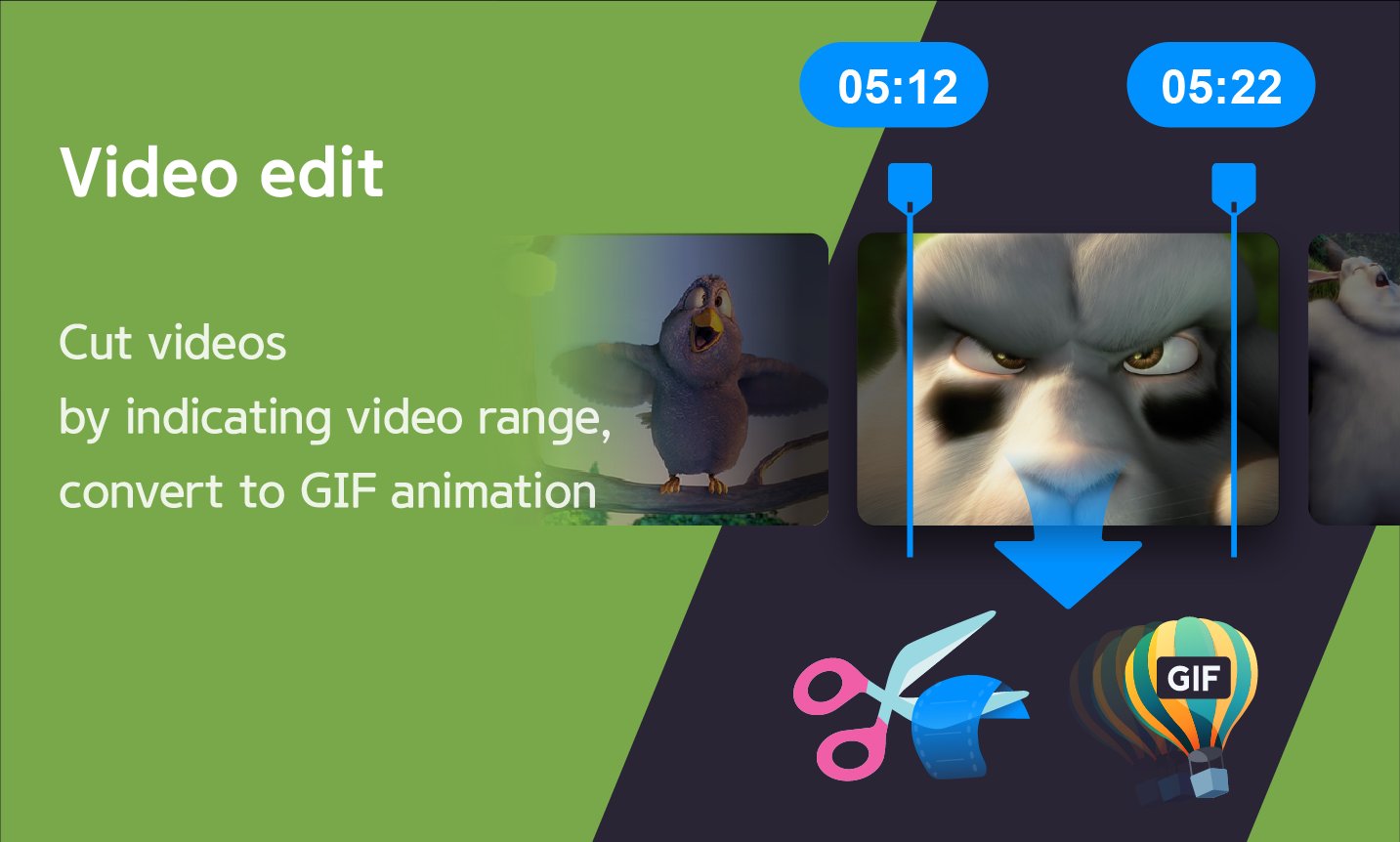
'DIIX - YT Video Player & Downloader' is available for free and offers features such as fast browsing and downloading of popular social media videos, the ability to play videos in all formats, codecs, and subtitles both online and offline, as well as free editing features like video to MP3 conversion, video trimming, and creating animated GIFs from videos.
Be sure to try out all of DIIX's features!
◼︎ All-in-one video player
- Video Player: Smooth switching between full screen videos, mini videos and preview videos
- Floating(PIP) player: PIP player with progress bar
- Network Player: Play FTP video, SMB video, WebDAV video, URL video with subtitles
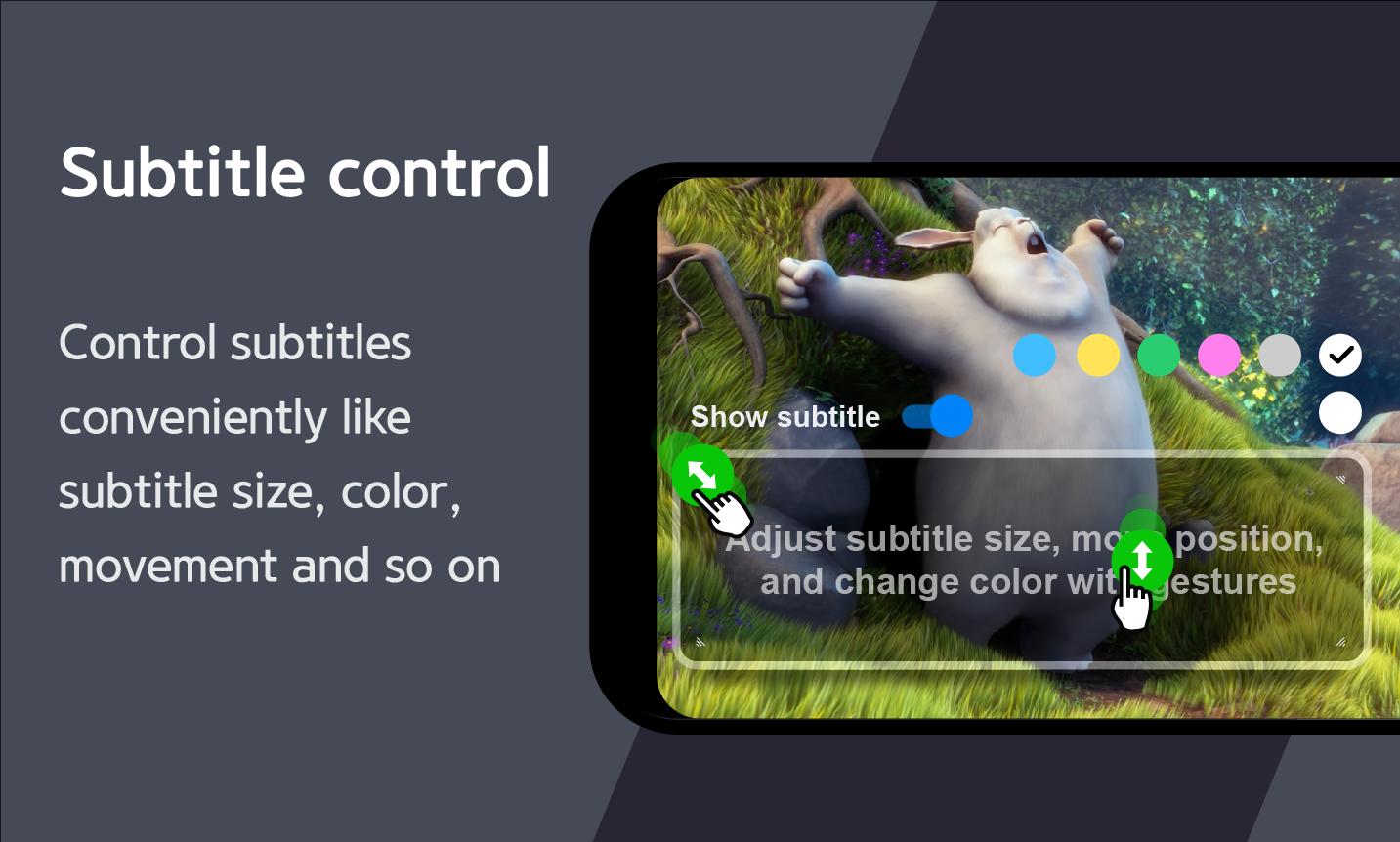
- Subtitle Player: Multilingual and all subtitle formats(SRT, SMI, SUB, VTT, etc)
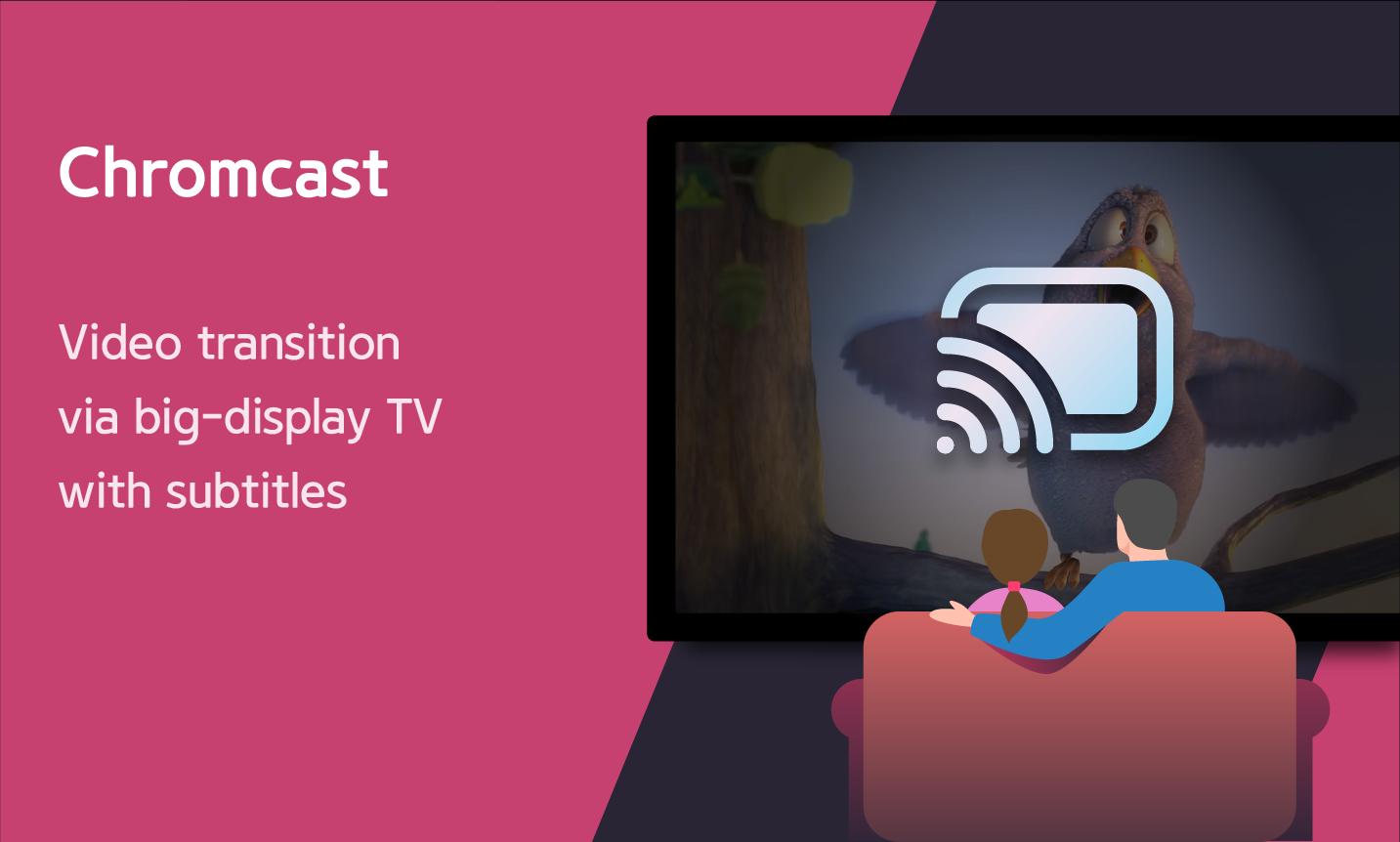
- Chromecast Player: Cast video to TV with subtitles(SRT, SMI, SUB, VTT, etc)
- Everything is free!
◼︎ Web Video Downloader
- Download videos from popular SNS
- Bookmark website
- Download Manager
- Everything is free!
◼︎ All media formats and codecs
- All video resolutions - SD, VGA, DVD, HD, Full HD, UHD, 2K, 4K, 720p, 1080p, 2160p, 10bit etc.
- All video formats - MKV, MP4, 3GP, AMV, ASF, AVI, FLV, MOV, MPEG, MPG, OGV, RM, RMVB, TS, VOB, WebM, WMV etc.
- All video codecs - H265, H264, HEVC, MPEG, VP6, VP7, VP8, VP9, WMV, x265, x264, DivX, Xvid etc.
- All audio codecs - AC3, AAC, MP3, MP2, AMRNB, FLAC, APE, OPUS, VORBIS, APE, WMA, WAV etc and DTS, EAC3, TrueHD other external codecs.
◼︎ Video function
- Supports SDcard and USB(OTG)
- Hardware(HW), software(SW), HW+SW(HW+) decoder priority settings
- Background playback(audio mode)
- Audio equalizer: 7 presets including custom, normal, rock, jazz, classical, dance, pop music etc.
- Slow motion(0.5x~), fast motion(~4x) playback speed
- Set double tap navigation interval(seconds)
- Brightness, volume, mute
- Fill, optimal fit, video fit, optimal crop, 21:9, 16:9, 4:3, 1:1 etc screen ratio
- Zoom in/move screen to 500%
- Random, repetition, AB section repetition
- Landscape/Portrait automatic and manual screen switching
- Video embedded audio(multilingual) track
- One touch auto audio sync
- Subtitle sync
- Select subtitle file saved on the device
- Video external/internal(multilingual) subtitle track
- Screen left/right reverse playback
- Screen capture
- Sleep timer
- Extraction MP3: Convert video to MP3
- Video cut and trim
- Create animated GIFs
- Select all and AB sections
- Function order sorting
- File share
- Info etc.
- Everything is free!
◼︎ Video gestures
- Playback speed: Two fingers up/down on the screen and long-touch(play button) default
- Pause/Resume: Double tap in the center of the screen
- Volume: Top/bottom right of screen with one finger
- Brightness: Top/bottom left of screen with one finger
- Double tap navigation: Double tap left/right of the screen
- Navigation: One finger screen left/right
- Screen zoomin/move: Pinch zoom-in/out, double tap(default)
◼︎ Video service
- Change home menu: All menus(default), All videos, Network
- OUTPUT: Saving and playing video editing results
- Secret: Hide the video you want to hide with a password.
- Trend: Play Top 100 music videos from 50 countries, add to favorites
- Search: Search device video files and online videos
- Everything is free!
Meet DIIX, available for free, right now!





One-click to install XAPK/APK files on Android!

Thanks for your rating and feedback!
You have already rated.