Safe & Fast APK Downloads on APKPure
APKPure uses signature verification to ensure virus-free VPN Kaspersky: Fast & Secure APK downloads for you.


8.2
11 Reviews
125.0 MB
File Size
Everyone
Android 7.0+
Android OS
VPN Kaspersky: Fast & Secure is an Android VPN for private, encrypted internet connections.
Developed by Kaspersky ME, it focuses on protecting everyday connections, especially when a phone joins public Wi-Fi. It hides your IP address while encrypting traffic for browsing, streaming, and gaming, with more server choices available through the Unlimited plan. Users looking to download VPN Kaspersky: Fast & Secure can expect these practical tools:
One-tap connection for quick encrypted internet access.
Fastest server option prioritizes a suitable speed-focused connection.
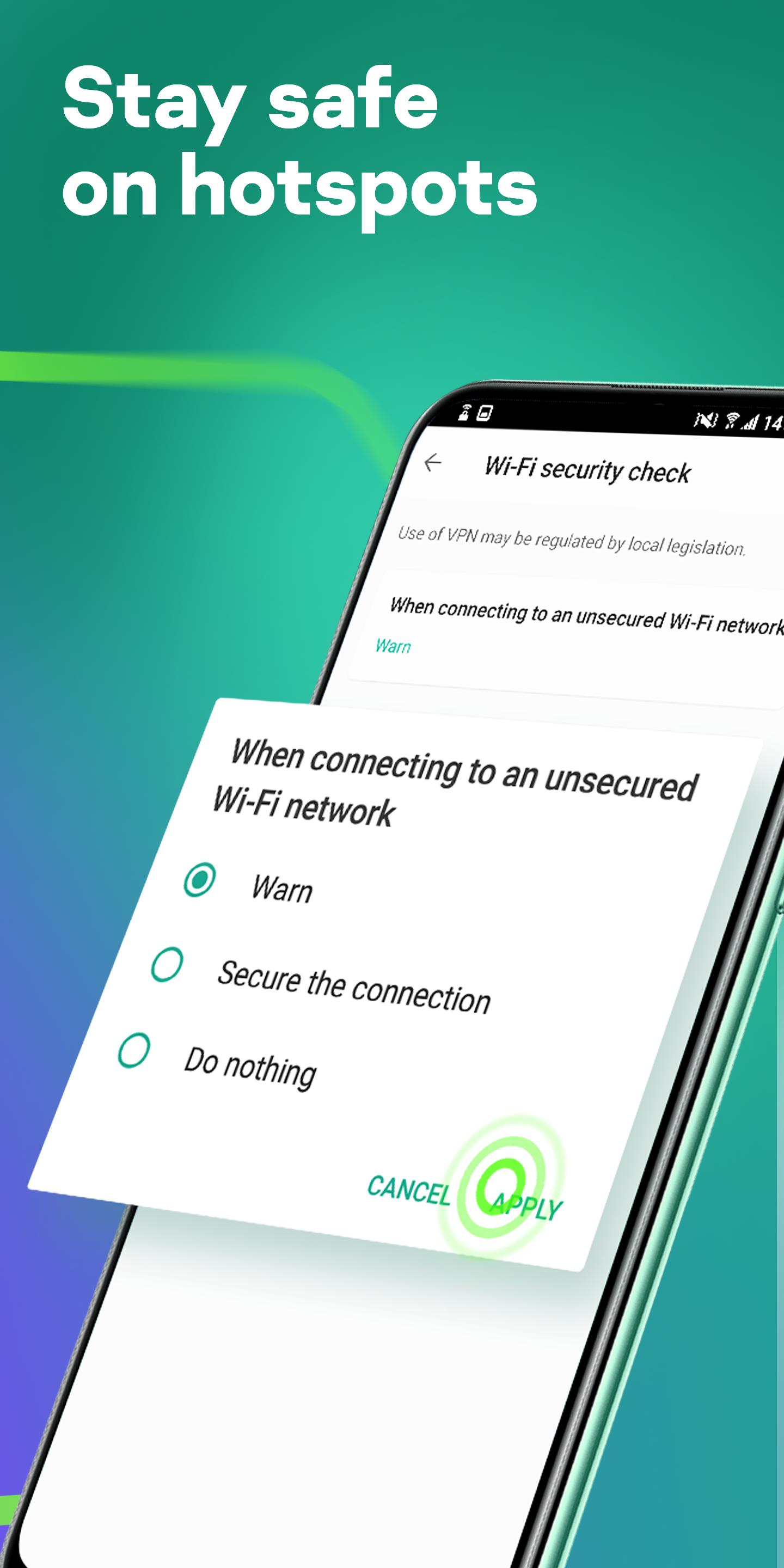
Automatic protection when potentially unsafe public Wi-Fi is detected.
Kill Switch blocks traffic if VPN protection unexpectedly disconnects.
Split tunnelling protects selected apps while others stay direct.
VPN Kaspersky: Fast & Secure makes its main connection screen easy to understand: the large connection control starts or stops protection without requiring a complicated setup. This suits routine situations such as checking messages at a café, browsing on airport Wi-Fi, or joining an online game away from home. Once connected, the service encrypts network data and masks the device’s IP address.
The server list adds useful flexibility when speed or location matters. Selecting Fastest server lets the service choose a server intended to provide a better connection, while manual country and region selection is available when a particular location is needed. The network covers more than 85 countries and over 2,000 servers, although the available regions can depend on the user’s plan and location.
VPN Kaspersky: Fast & Secure includes Smart Protection, which can activate VPN coverage when the device connects to an unsafe network or visits an unsafe website. Instead of relying entirely on the user to remember each connection, the feature provides an extra layer of automation for public Wi-Fi use. It is especially relevant for people who regularly move between coffee shops, hotels, campuses, and transport hubs.
Rules can be adjusted from the Smart Protection area to match personal habits. For example, a user who often connects to unknown Wi-Fi networks can set protection to start in those situations, while keeping normal home connections less intrusive. Smart Protection uses an accessibility service to check websites and apps for this purpose, so users who closely manage permissions should review that access before enabling it.
VPN Kaspersky: Fast & Secure offers a Kill Switch for moments when a VPN connection drops unexpectedly. When enabled, it stops the device from continuing online through an unprotected connection, reducing the chance that traffic is exposed during a brief interruption. This is a meaningful safeguard for users handling sensitive accounts on unstable public networks.
The feature works in the background once turned on, rather than asking for action during a connection failure. The trade-off is that internet access may pause until VPN protection reconnects, which can interrupt a video, game, or download. Users who value uninterrupted access may prefer to use it mainly on unfamiliar Wi-Fi, while those prioritizing privacy can leave it active more often.
VPN Kaspersky: Fast & Secure supports split tunnelling, allowing selected apps to use the encrypted VPN route while other apps connect normally. This helps when banking, social, or other privacy-sensitive apps need protection, but local services or low-latency activities work better over the regular connection. It also avoids sending every app through the same server unnecessarily.
From Split Tunnelling, users choose the apps that should receive VPN coverage, such as a banking or social app. Unselected apps remain on the direct network connection. Availability of split tunnelling, additional servers, and some streaming support may require an Unlimited subscription, so free-plan users should check which options appear on their device.
VPN Kaspersky: Fast & Secure combines simple daily use with controls that matter on public networks, but several advanced options are tied to a subscription. Its permission-based Smart Protection also deserves attention from privacy-conscious users.
Pros
Clear one-tap connection control for daily use.
Fastest server option simplifies server selection.
Public Wi-Fi protection can start automatically.
Kill Switch helps prevent unprotected traffic leaks.
Split tunnelling supports app-specific protection.
Cons
Advanced features may require an Unlimited subscription.
Streaming and server access vary by plan and region.
Smart Protection requires accessibility service access.
You can download the latest VPN Kaspersky: Fast & Secure APK from APKPure. The download is around 125 MB, so it should finish fairly quickly on a stable Wi-Fi connection, while mobile data may take longer and use a noticeable portion of a data plan. Keeping extra storage free is sensible because installation also needs temporary space.
After installation, review the VPN permission request and decide whether Smart Protection’s accessibility access suits your privacy preferences. Start with Fastest server for normal browsing, then choose a specific region only when a service or connection requires it. Check APKPure for the VPN Kaspersky: Fast & Secure latest version when server options or protection features need updating.








One-click to install XAPK/APK files on Android!

Thanks for your rating and feedback!
You have already rated.