Package Name:org.dwmedia.videotransbatch
Show More

Batch-convert videos & audio to any format—AV1, H.265, GIF, and more
Tired of running out of storage? VideoTransBatch lets you compress and convert hundreds of videos overnight with hardware-accelerated encoding—no quality loss.
✨ Key Features:
• High Quality, High Compression — Drastically reduce file size without losing quality.
• Latest Formats — AV1, H.265 (HEVC), H.264 (AVC), VVC, VP9, and more.
• AI Video to Animated GIF — Convert AI-generated videos into shareable GIFs for WhatsApp, Discord, and social media.
• Animated AVIF — The next-gen format with ultra-high quality at a fraction of a GIF's file size.
• Powerful Editing — Cut, merge, and adjust playback speed (Slow Motion / Fast Motion).
• Super Simple UI — Just select files and choose your target format.
• Overnight Batch Processing — Convert massive amounts of files in the background while you sleep.
• Cross-Platform — Export to iPhone-ready formats (H.264/H.265 MOV) or any other format.
Recommended Use Cases:
Create high-quality animated GIFs for social media and messaging.
Convert and optimize smartphone videos for easy sharing with family and friends.
Shrink massive video files into high-quality, ultra-compressed AV1 format to free up gigabytes of space.
Other:
Converted files are saved to your smartphone's album for easy sharing.
Please keep your device charged if conversion takes a long time.
How to Convert Videos:
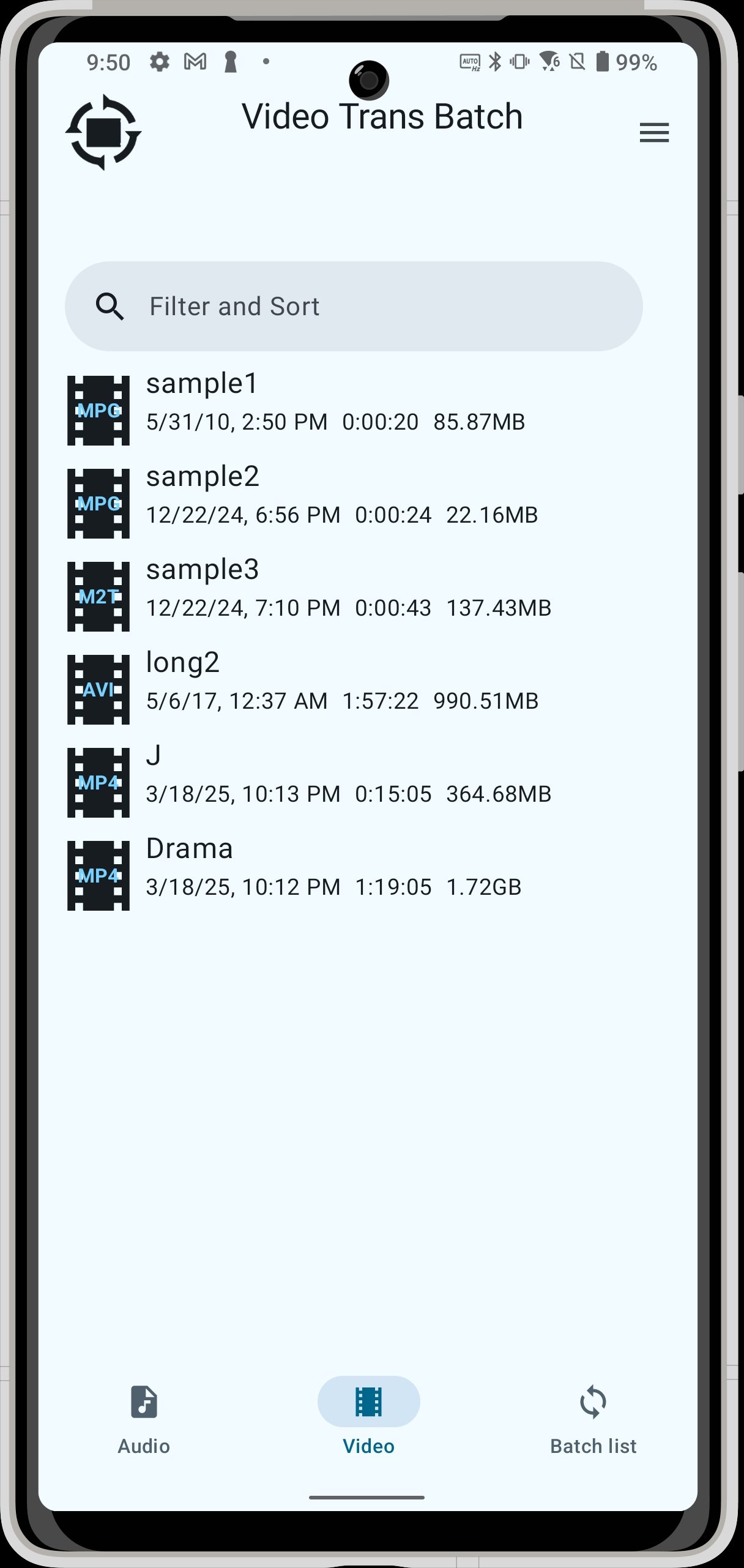
1. Open the Video List
Tap "Videos" from the menu at the bottom of the app.
A list of videos saved on your smartphone will be displayed.
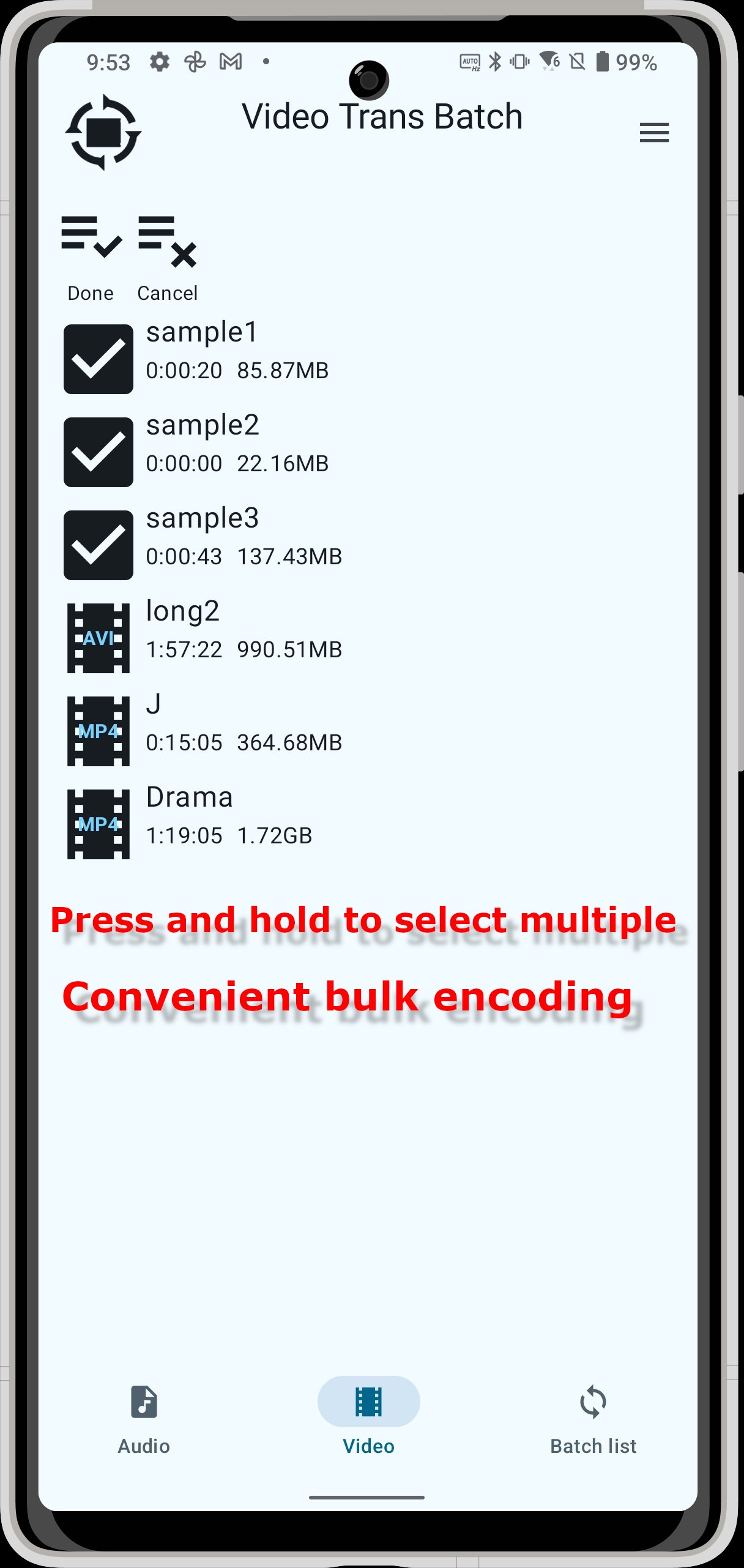
2. Select a Video
Tap and select the video you want to convert.
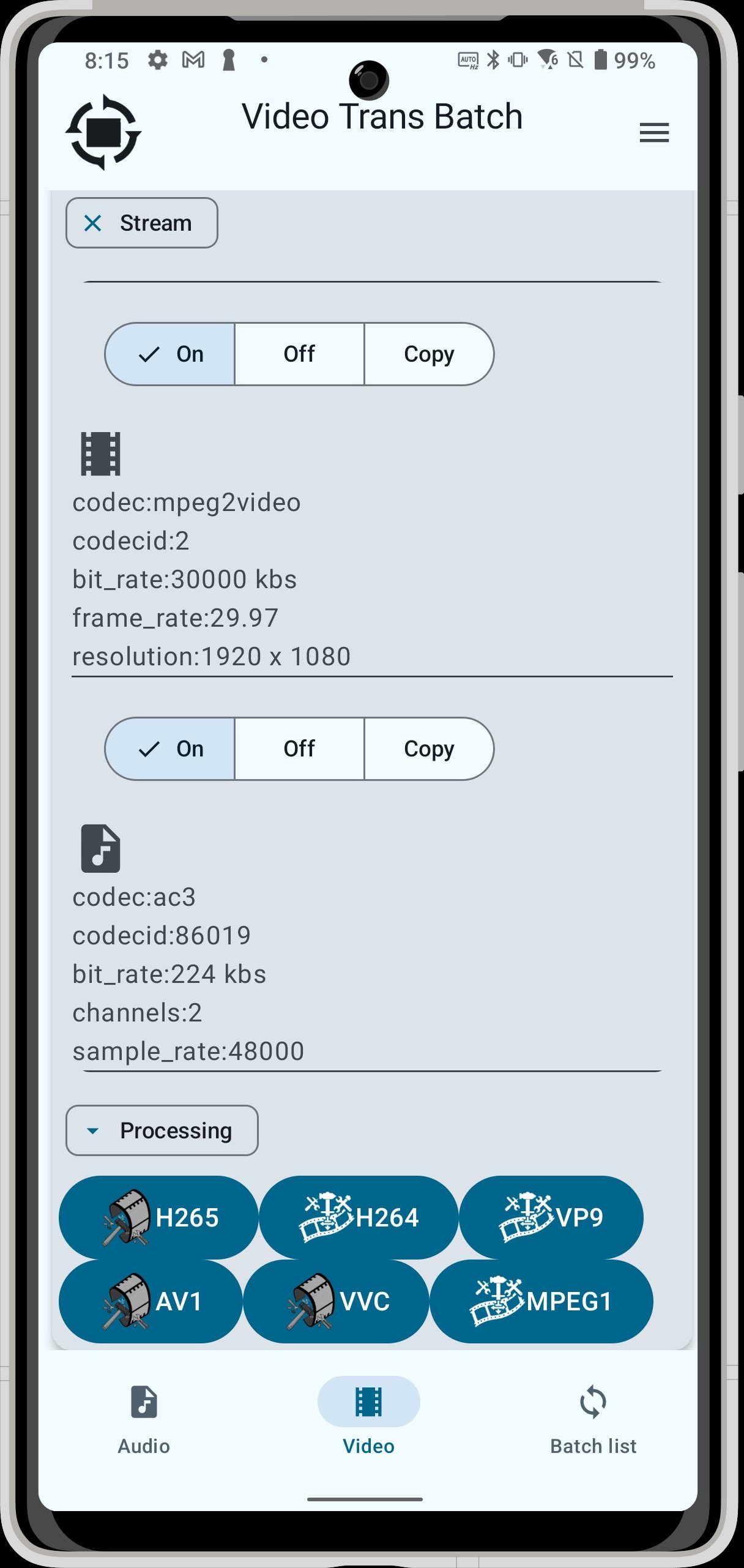
Buttons for selecting the encoding format (AV1, H.265, VVC, H.264, VP9) will be displayed at the bottom of the screen.
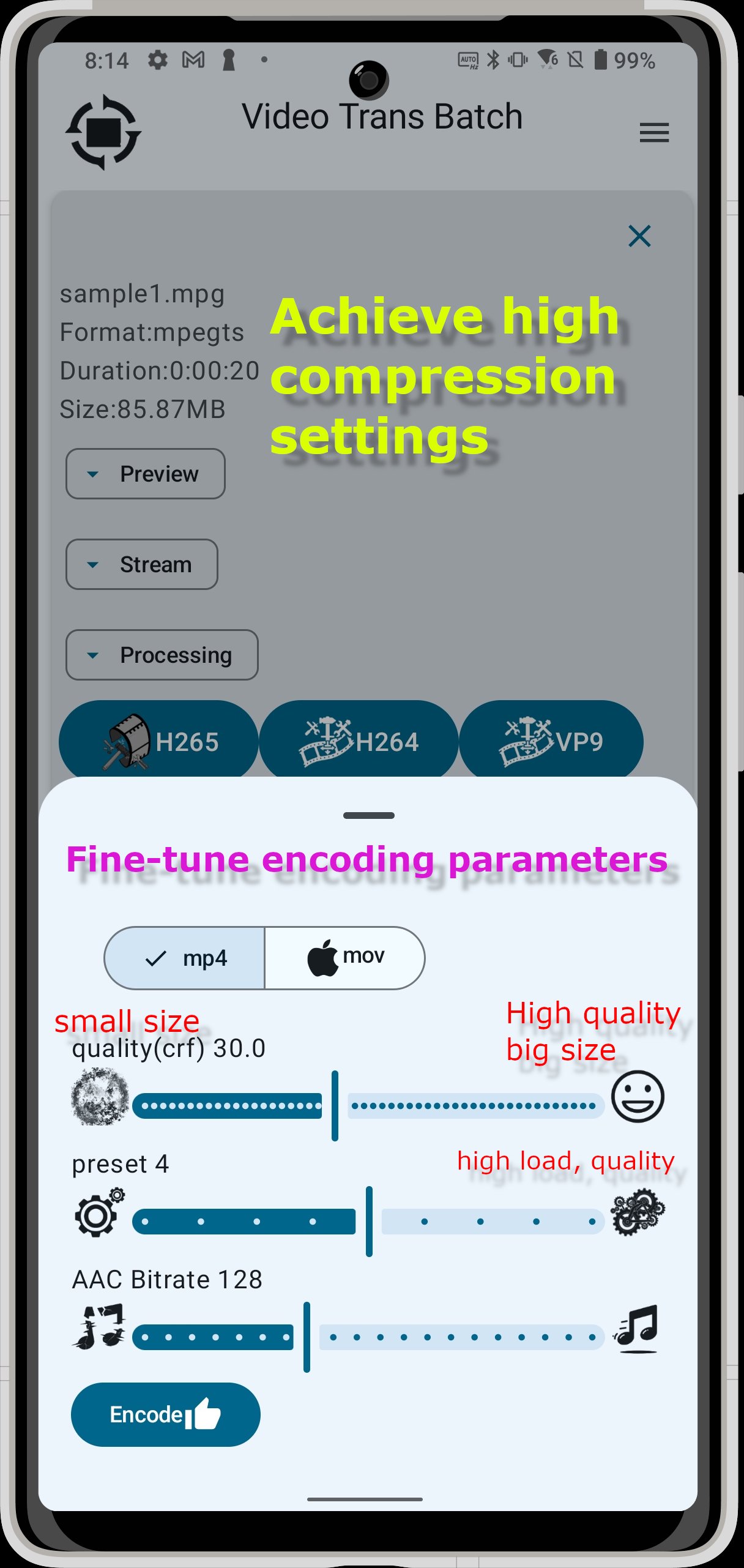
3. Configure Encoding Settings
Tap the desired encoding format button.
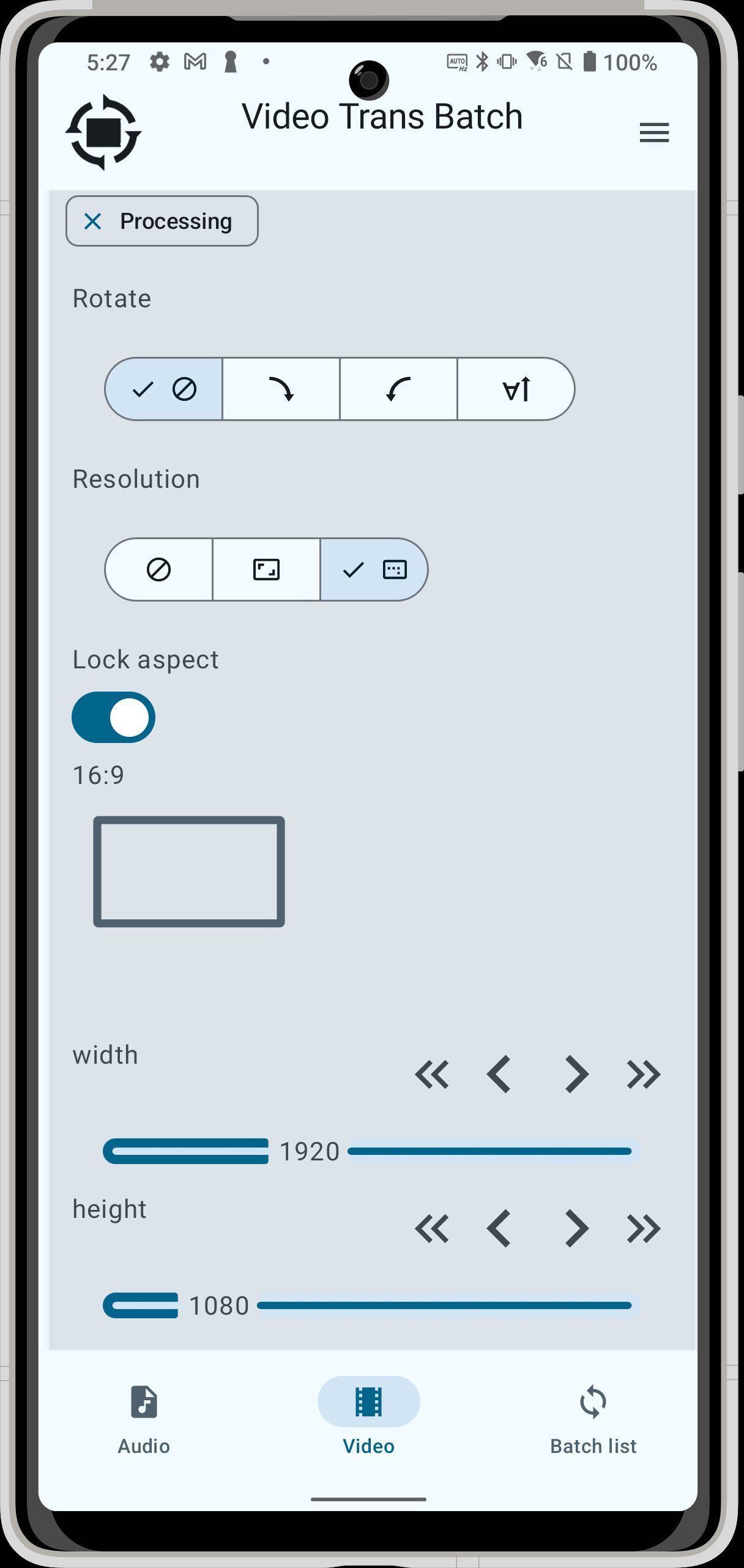
Detailed parameters will be displayed below the convert button, as shown in the image.
Check the parameters, and if there are no problems, tap the convert button.
4. Check the Processing List
Tap "Processing List" from the menu at the bottom of the app.
You can check the progress of the conversion process.
5. Manage Processing
The processing list is displayed in the order of completed processing, processing in progress, and processing waiting list from the top.
During processing, the progress can be checked with the progress bar, and the estimated completion date and time are also displayed.
After the conversion is completed, it will be saved in the album (or gallery) of the smartphone.
Tap an item that is processing or waiting for processing to display the cancel button, and you can cancel the processing.
Supported Encoding Codecs:
Video:
AV1 (Latest high-efficiency video format)
H.264 (High-quality, high-compression)
H.265 (Even higher compression)
VVC (H.266: Equipped with the latest ultra-high compression technology. Reduces file size further while maintaining high image quality. (Experimental feature))
VP9
MPEG1
MPEG2
FFV1
GIF
WEBP
AVIF
Audio:
AAC (High-compression, high-quality, high compatibility)
OPUS (High-compression, high-quality, maintains quality even at low bit rates)
Vorbis
MP3
FLAC
-----------------------------------------------------------------------------------------------
Open Source Software (OSS) Used:
ffmpeg
cJSON
fdk-aac
libopus
libsvtav1
libvpx
libx264
libx265
vvenc
kvazaar
dav1d
vorbis
lame
Contact
Twitter:@qrdayo
2025 DangerousWOO


One-click to install XAPK/APK files on Android!

Thanks for your rating and feedback!
You have already rated.