Scan Date:Nov 20, 2026
Show More


7.3 MB
File Size
Everyone
Android 10.0+
Android OS
Split long videos into 60-second or custom-length clips for Status and Stories.
Video Splitter cuts long videos into short clips in seconds, ready to post as Status updates, Stories or Reels, or to send in group chats. Great for WhatsApp Status, Instagram Stories and more.
FOUR WAYS TO SPLIT
• 60-second splits: cut a long video into one-minute parts automatically.
• Custom splits: choose any clip length, from a few seconds to several minutes, and split the whole video into equal parts.
• One split: set a start and an end to cut out just the best part.
• Manual splits: play the video and tap Break at marker wherever you want a cut. Undo anytime.
CROP AND RESHAPE
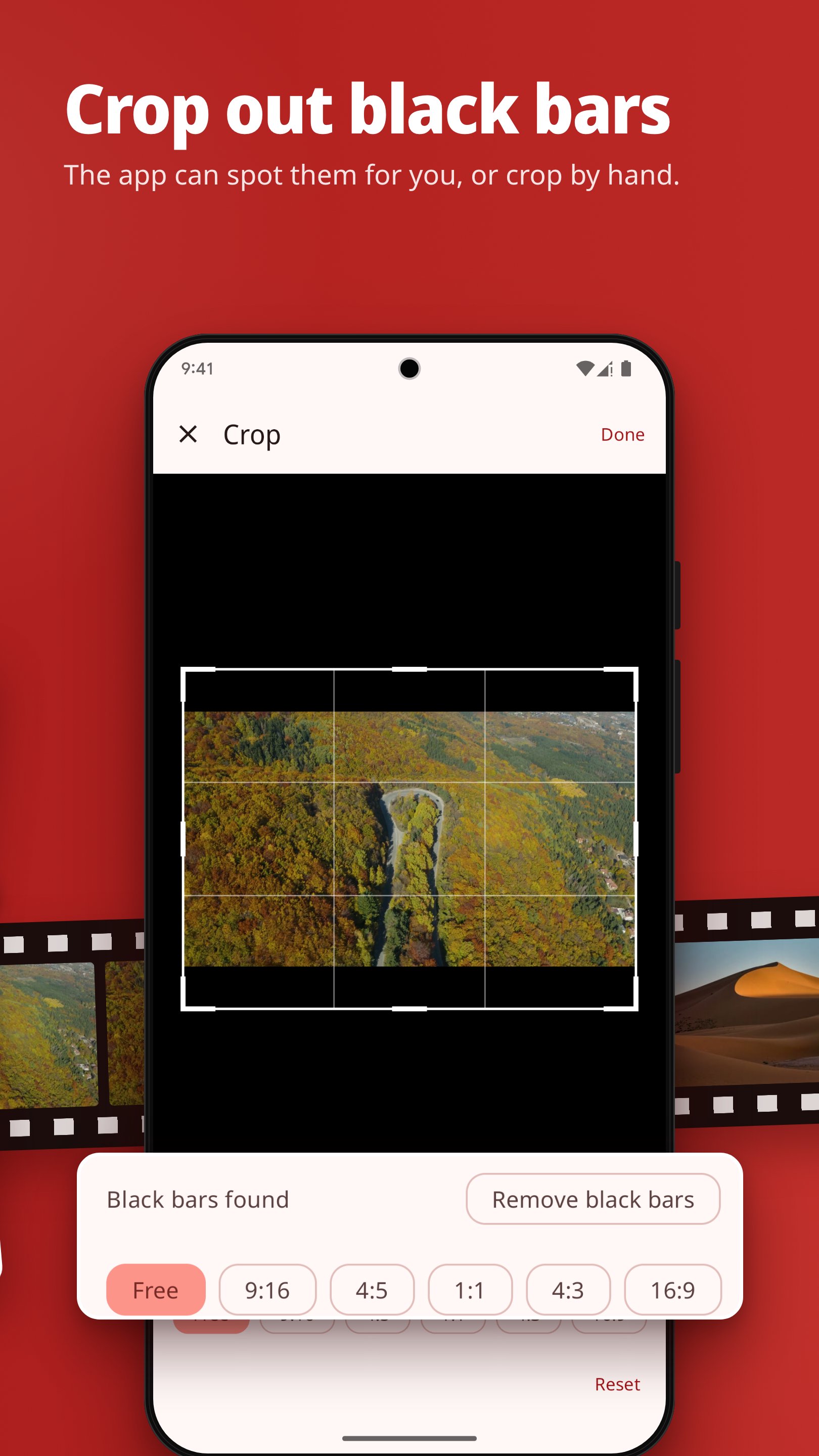
• Crop: keep only the part of the picture you want. The app looks for black bars and can remove them for you, or crop by hand.
• Aspect ratio: change the shape of the parts to 9:16, 4:5, 1:1, 4:3 or 16:9. A blurred copy of the video fills the empty space.
BUILT FOR LONG VIDEOS
• Keeps splitting in the background while you use other apps, with progress in a notification. On Android 14, keep the app open: Android allows this for only about three minutes after splitting starts.
• If Android stops a split, finish the remaining parts the next time you open the app.
• Export up to 4K, or keep the source resolution.
• Choose H.264 for the widest compatibility or H.265 (HEVC) for smaller files.
• Optional fast mode re-encodes as little of the video as possible (experimental).
• Clips are saved to Movies/Video Splitter and organized by project in the Library.
• Select one clip or many and share them in one go.
• Light and dark themes.
• The app's screens are in English, Arabic, French, German, Hindi, Indonesian, Marathi, Portuguese (Brazil), Spanish (Latin America), Turkish and Vietnamese. On Android 13 and later, you can choose the app's language in Settings, separate from your phone's language. The Privacy Policy and Terms and Conditions are in English.
YOUR VIDEOS STAY ON YOUR PHONE
• Splitting, re-encoding and saving all happen on your device. Your videos are never uploaded.
• Splitting works offline. No sign-up needed.
VIDEO SPLITTER PRO (OPTIONAL ONE-TIME IN-APP PURCHASE)
The tools above do not need Pro. Video Splitter Pro adds five more:
• Split several videos back to back without waiting for each one to finish.
• Split videos into parts by file size in MB.
• Step through videos frame by frame and cut at exact times.
• Remove the parts you don't want and save the rest as one video.
• Open videos straight from the share sheet of other apps.
The price is shown in the app before you buy. One-time purchase, not a subscription. Payment is handled by Google Play and needs an internet connection.
Video Splitter is made by Mikasa Labs LLC.
Privacy Policy: https://mikasa-labs.com/VideoSplitter/privacy.html
Terms and Conditions: https://mikasa-labs.com/VideoSplitter/terms.html
WhatsApp and Instagram are trademarks of their respective owners. Video Splitter is not affiliated with or endorsed by them.




One-click to install XAPK/APK files on Android!

Thanks for your rating and feedback!
You have already rated.