Scan Date:Feb 17, 2026
Show More


43.5 MB
File Size
Everyone
Android 7.0+
Android OS
Its a full-featured Video editor with powerful tools to Compress, Trim and more
Video Editor All - Compress, Trim, Converter
Video editor is a full-featured editor for Android. It has powerful tools which are easy to use video layers, blending modes, voice-overs, speed control, and more.
This is the best video editor with different types of editing tools where you can trim, extract, merge and convert various format's. Unleash your creativity, it is an opportunity to create something new and unique.
You can add video filters, transitions, music, voice over to the video, and you can rotate, zoom, trim, split your video. Play your video in slow motion. The slow-motion editor lets you change video speed to produce slow-mo video clips!
You create a slow-motion video show, change the video speed, then an amazing slow-motion video show will be ready!
=====Key Features of Video Editor=====
Add Overlay
It has an option which allows you to apply the stickers to the video or add the borders to it. Click on the overlay and select any related frame and add stickers to it and click on the done button. This gives a unique touch to your video.
Change Audio
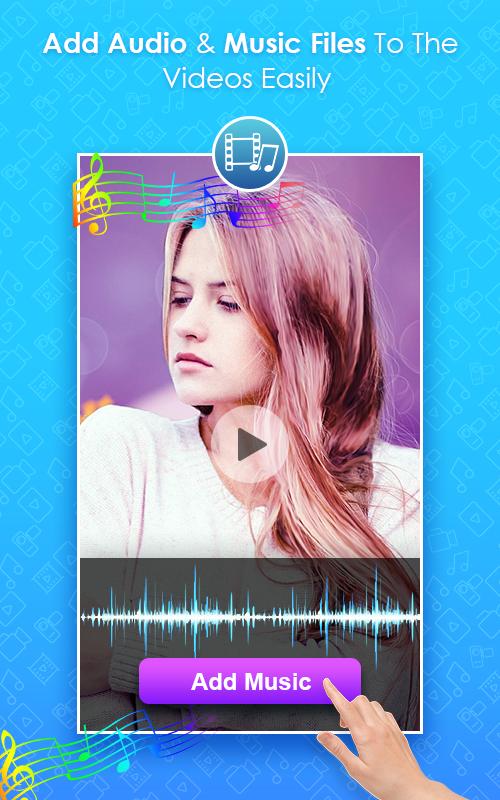
You have an option to change the audio running in the background of the video. Click on the video and tap on select audio either you choose the file from the gallery or you can record it, adjust the audio and upload in it.
Speed up
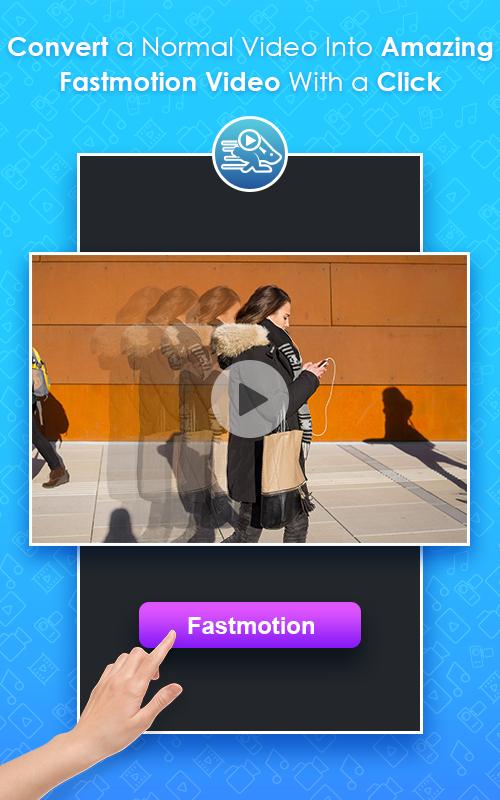
It supports you in changing the speed of video playing at 4 different levels. Click on the video, change the speed you prefer and convert it. If the video playing in quite slow you can set the speed settings to play the video.
Slow motion
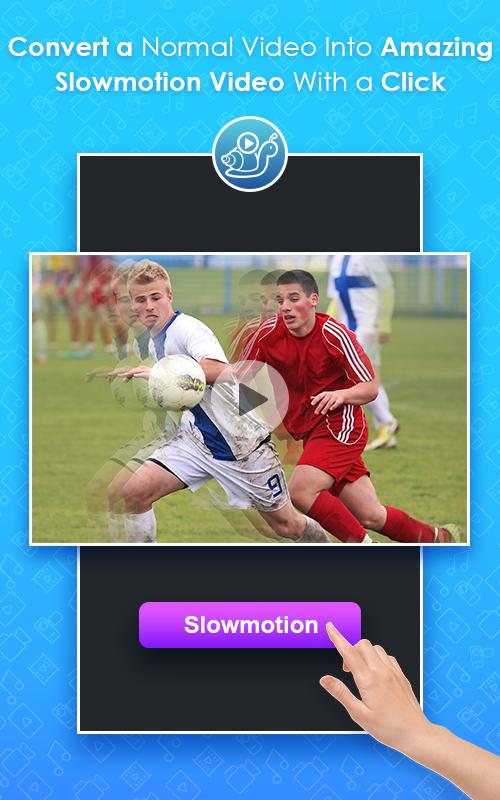
This feature helps you to convert the play speed into slow motion at 4 different levels. Select any video, click on the change speed button and set the low speed which you prefer and convert it. It creates a unique video version while playing it.
Flip video
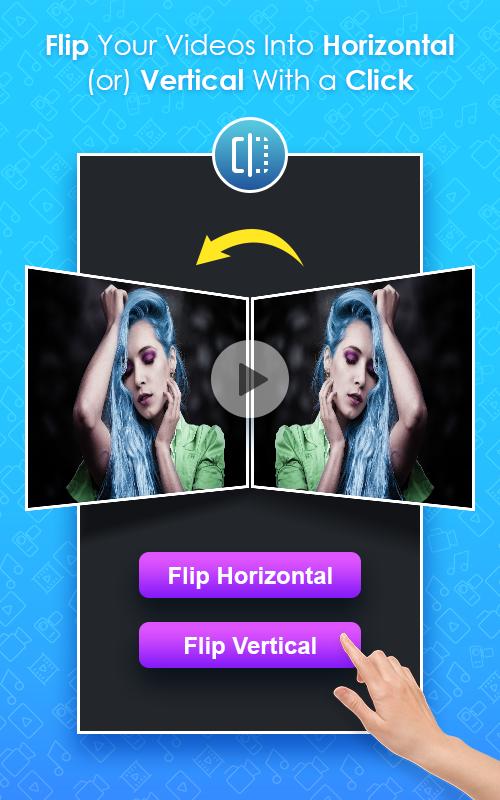
Flip video mode helps you in changing the position of video from a standard angle to the opposite angle. Select the video and choose the flip type and tap on the “ Flip ” button and check it once it loaded the file.
Video Compressor
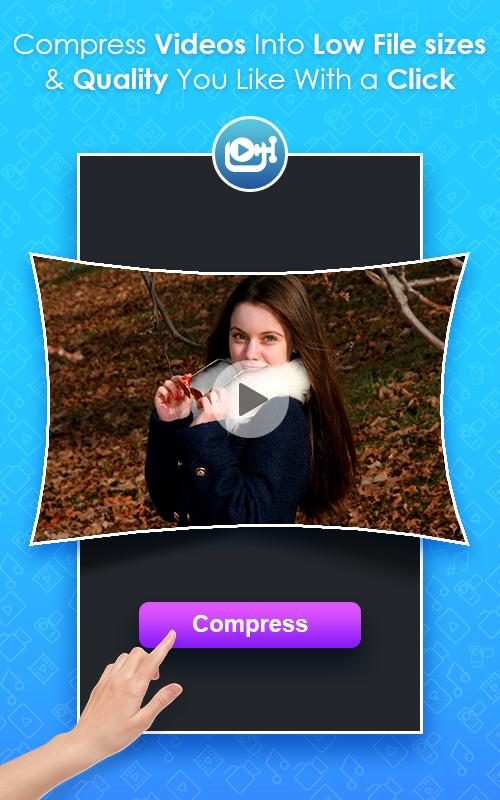
This tool supports in compressing the large video into small size of the video. Choose any video and click on compress level it in shows the percentage level select anyone and compress it. This makes your sharing activity more simple by compressing it in the required size.
Video Trim
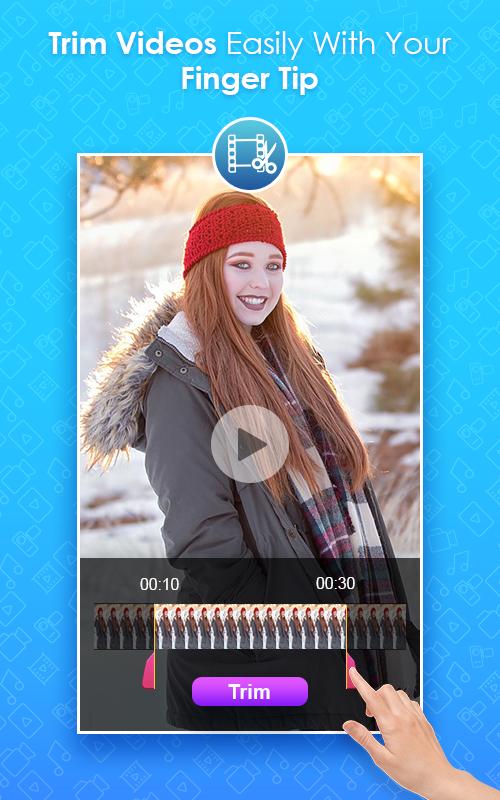
It allows you to crop the video if it is large to post. Click on the selected video and trim it by adjusting the start and end points as you prefer to trim and click to finish it. share it with friend or family.
Converter
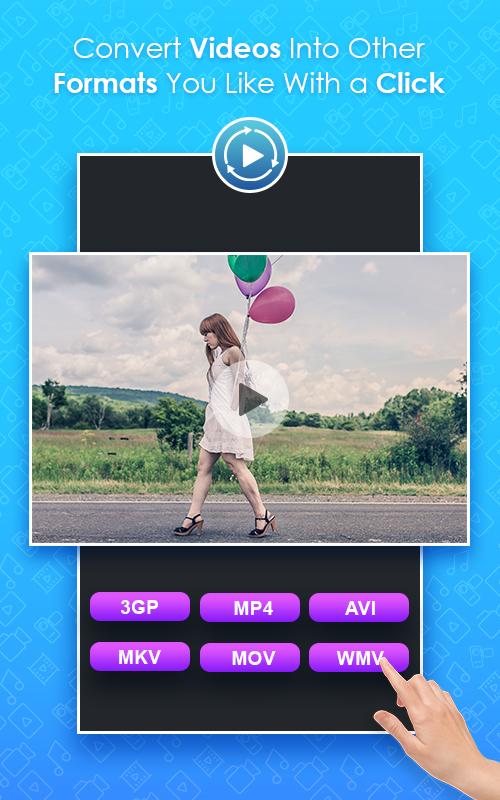
You can covert the video from current Mp4 into different video formats like AV1, FLV, MKV, 3GP mode. This conversion works and supports according to the mobile software version.
Don't forget to save all your creations and you can find it in your gallery. Share it to your family or your mates to show your creativity.
You can share it or post it in any social media apps, or website to unleash your creativity.
Its all about how you want to present your video creation.
Sounds interesting?... Rate us if you love the app..
your feedback is our booster to improve our services and create more interesting apps ahead...
Hope you have a great experience and enjoy our service …


One-click to install XAPK/APK files on Android!

Thanks for your rating and feedback!
You have already rated.