
Package Name:io.github.jaehyoo.prism
Show More

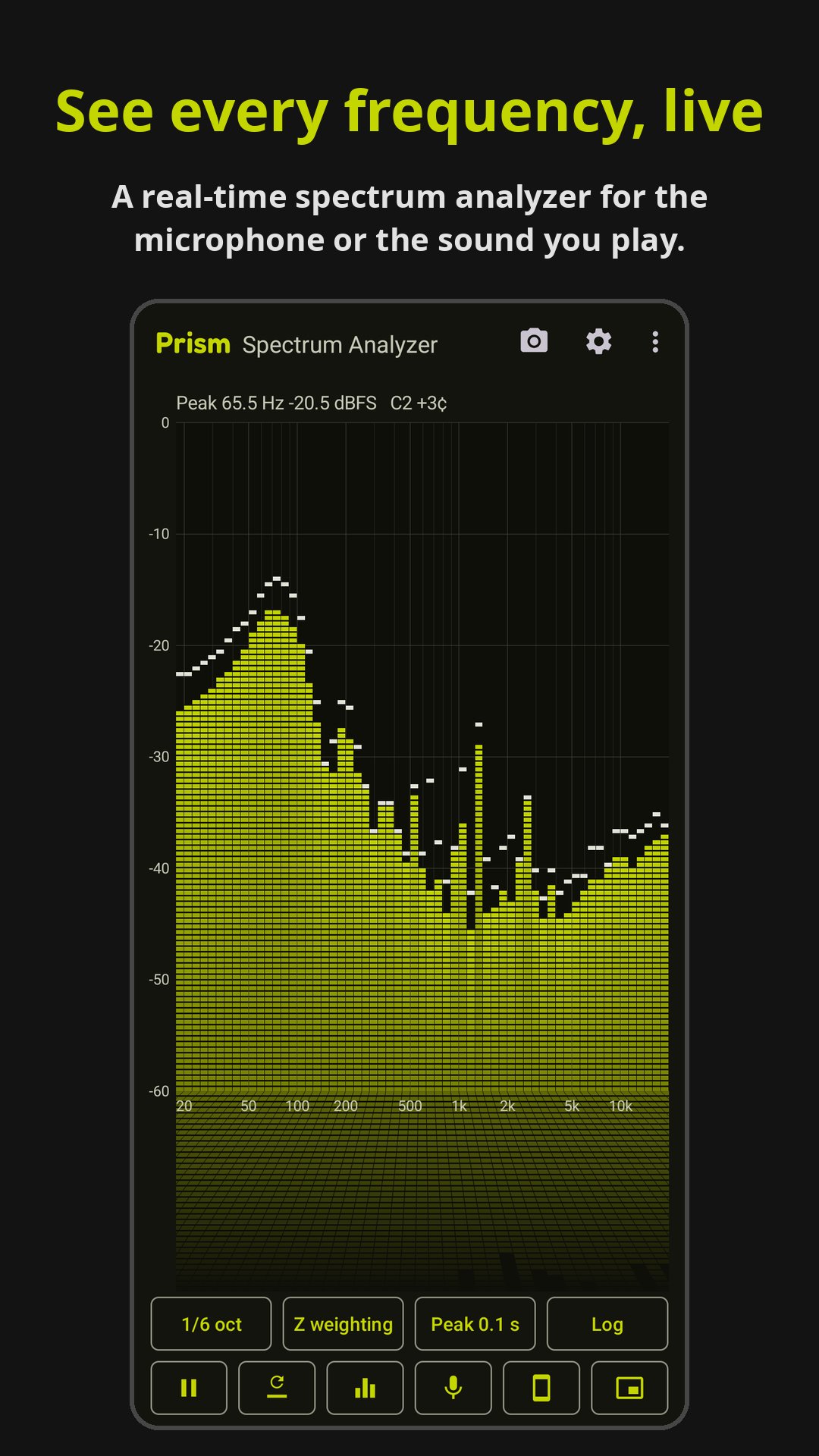
Real-time audio spectrum analyzer (RTA) for the mic or the sound you play.
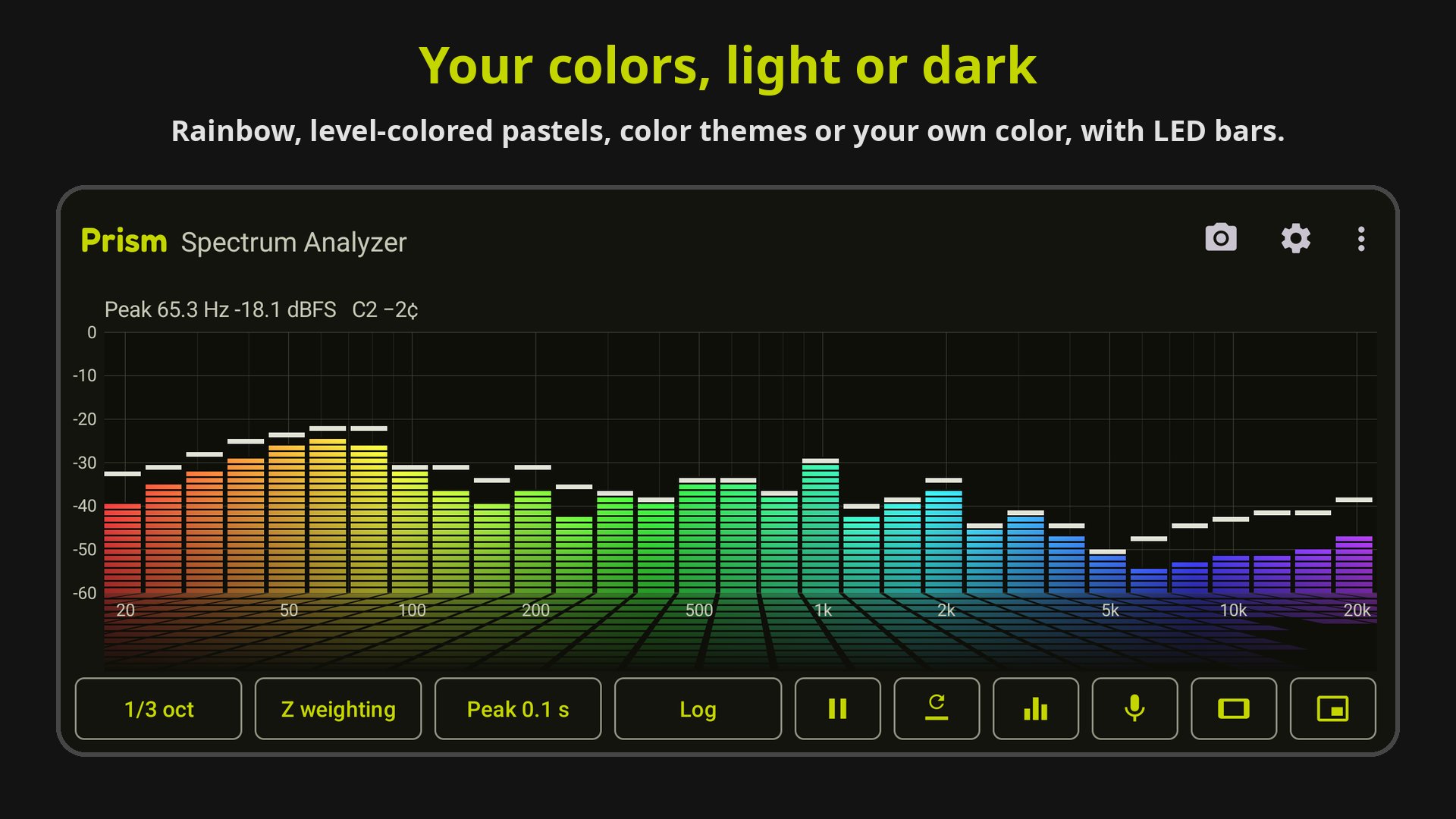
Prism is a real-time audio spectrum analyzer (RTA) for your phone. It shows the
frequency spectrum of sound as it happens, with nothing in the way: bars or a
line, a level grid in dBFS and a frequency axis.
What it's good for
- Seeing which frequencies a song, an instrument or a voice is made of.
- Finding a hum, a whine or a feedback ringing frequency before you cut it with
an equalizer.
- Comparing speakers, headphones or room positions by ear and by eye.
- Checking the low end of a mix or a game's sound, straight from the phone.
- Learning what octave bands, weighting and FFT settings actually change.
Two inputs
- Microphone: what's around you, read from the least processed source the
phone offers, without noise suppression or automatic gain.
- Internal audio (Android 10 and later): the sound your music, video and game
apps play, straight from the phone, with no room or microphone in between.
Display
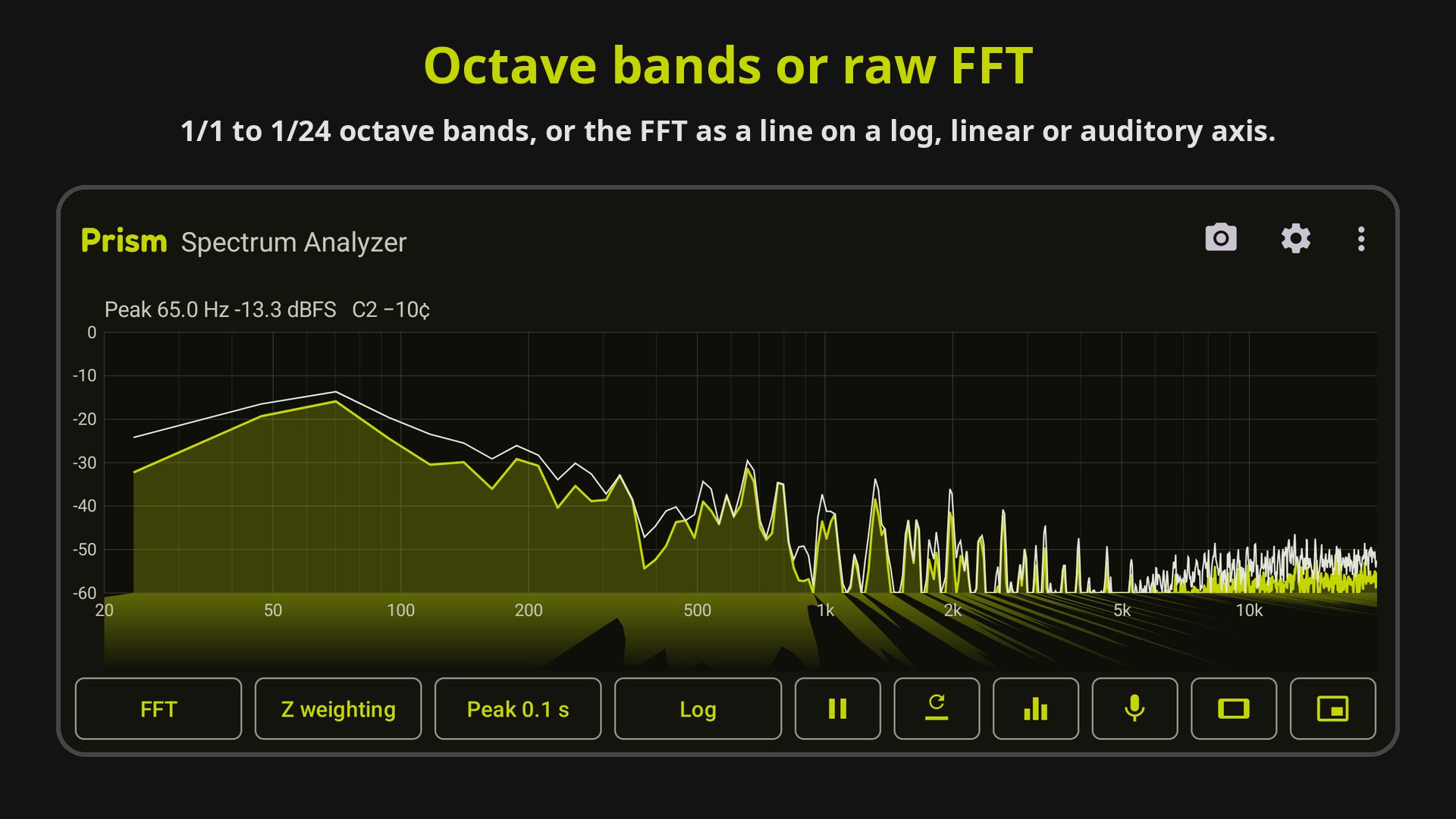
- 1/1, 1/3, 1/6, 1/12 or 1/24 octave bands (IEC 61260 centers), or the raw
FFT as a line on a log or linear frequency axis.
- An auditory (ERB) frequency axis that spaces the spectrum the way the ear
does, so the bass takes less room.
- Peak hold from 0.1 to 5 seconds or max hold, with a selectable peak drop
rate.
- Bar fall rate and averaging (off, fast, slow).
- LED segment bars, gradient bars, and a reflection that fades out under the
plot like light on water.
- Touch the spectrum to read the frequency and level under your finger; the
loudest frequency is shown, interpolated between FFT bins.
- CLIP indicator when the input reaches full scale.
Analysis
- Z, A and C frequency weighting.
- FFT size 2048 to 16384; Hann, Blackman-Harris, flat top or rectangular
window.
- Levels in dBFS: a full-scale sine reads 0 dB in every mode.
Also
- Freeze, peak reset, and portrait or landscape lock.
- A see-through floating window that keeps the spectrum over other apps; drag
it anywhere and resize it to any shape, even a thin strip.
- Optional auto-hide of everything but the bars.
- Color themes, a rainbow that colors the spectrum by frequency, pastels that color
each bar by its level, cool when quiet and warm when loud, or a color of your own (Android 11
and later), light or dark.
- A short guide on first launch and a Help & FAQ screen that explains dBFS,
bands, weighting and internal audio.
- A spectrogram view that scrolls the last 10 seconds of sound down the screen.
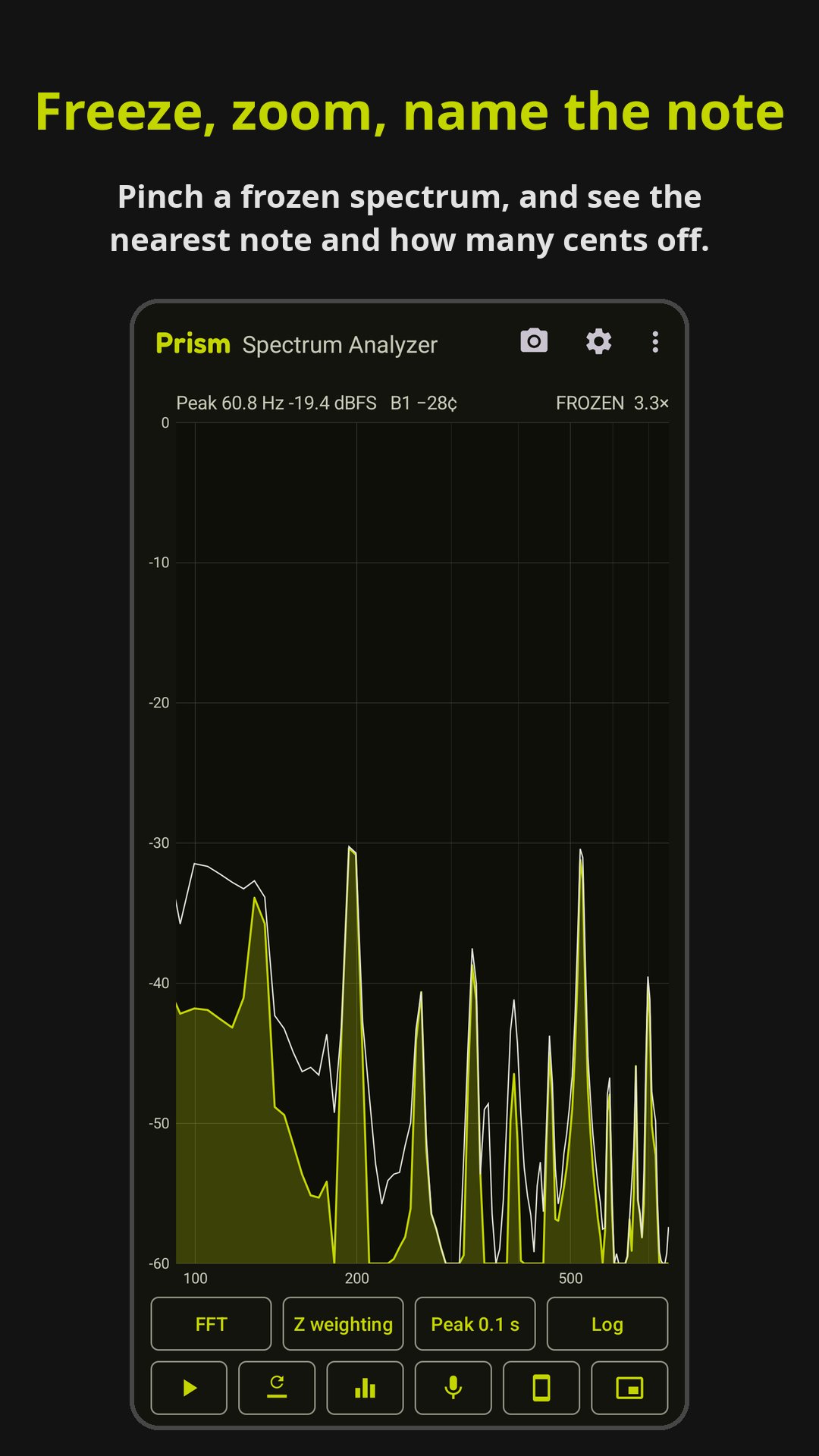
- The note nearest the loudest frequency, and how many cents sharp or flat it is.
- Pinch a frozen display to zoom in on the frequencies.
- Save a snapshot of the spectrum as a picture, or share it.
- Presets that bring back your colors, view and response settings in one tap.
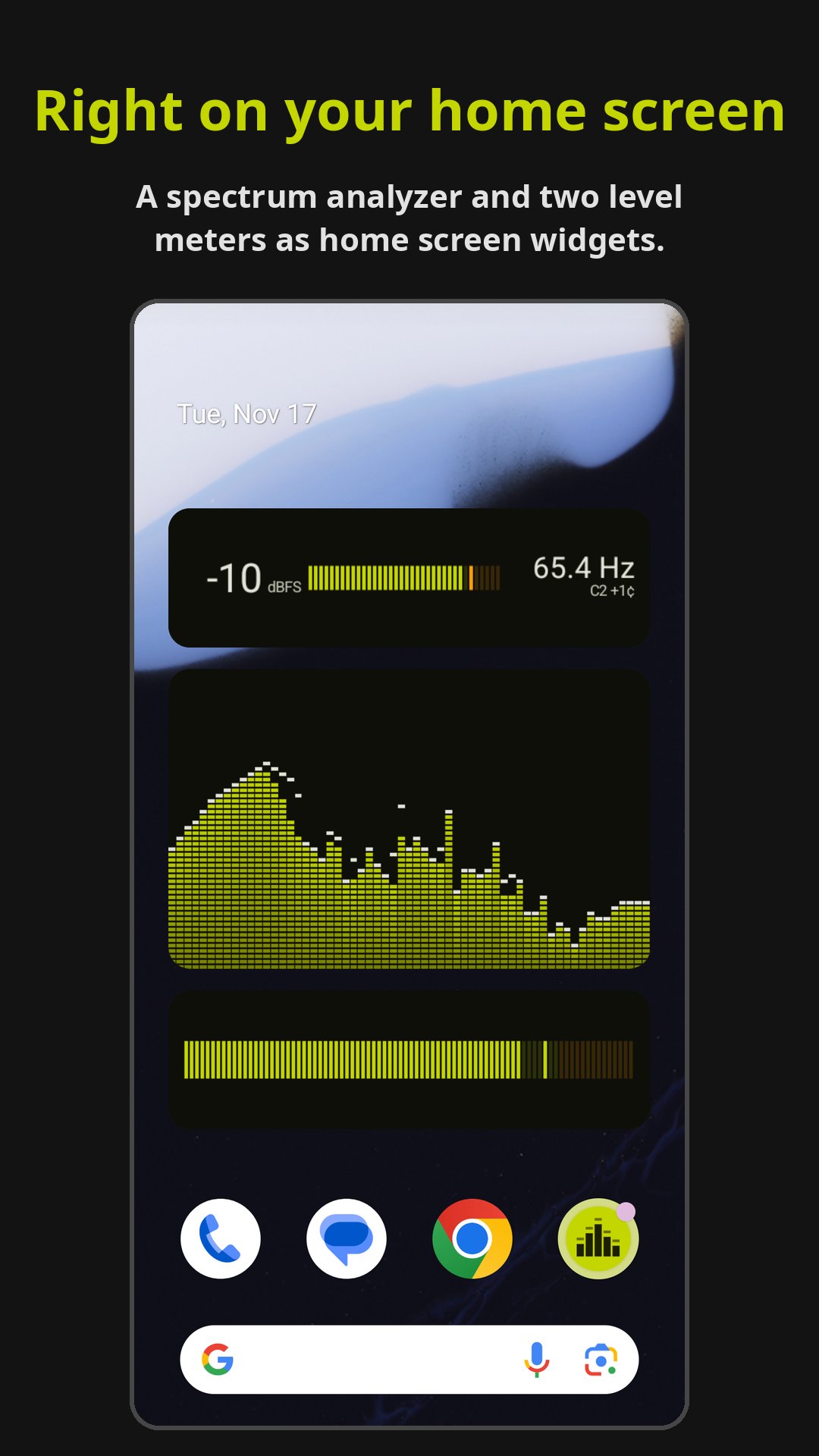
- Home screen widgets: a live spectrum analyzer, a level meter, and a level
meter that also shows dBFS and the loudest frequency and note.
- 19 languages.
Prism is free with every feature. It shows a full-screen ad only when you open
the settings, at most once every 10 minutes. A one-time purchase removes ads on
every device signed in to your
Google account.
No accounts. Sound is analyzed on the phone and never recorded or sent
anywhere.
Phone microphones aren't calibrated, so levels are dBFS, not dB SPL. Some apps
block capture of their sound; their audio then shows as silence.



One-click to install XAPK/APK files on Android!

Thanks for your rating and feedback!
You have already rated.