

Package Name:com.janitor.ai
Show More


Janitor is a chat-driven interactive fiction app for romance, fantasy, fanfiction, and role-play stories.
Developed by janitorai, its main appeal is letting each message shape the scene, character reactions, and next part of the plot. Its main tools are easy to spot:
Browse romance, fantasy, fanfiction, and role-playing story categories.
Chat with characters and influence how scenes develop.
Filter community content with tags such as Anime and AnyPOV.
Create characters, introductions, and original world settings.
Use compatible custom AI models through API settings.
Conversations are the center of the experience. Janitor turns a character chat into an ongoing scene, where a reply can change the mood, topic, relationship, or direction of the story. This works especially well for users who prefer writing their own dialogue over selecting from a short list of preset choices.
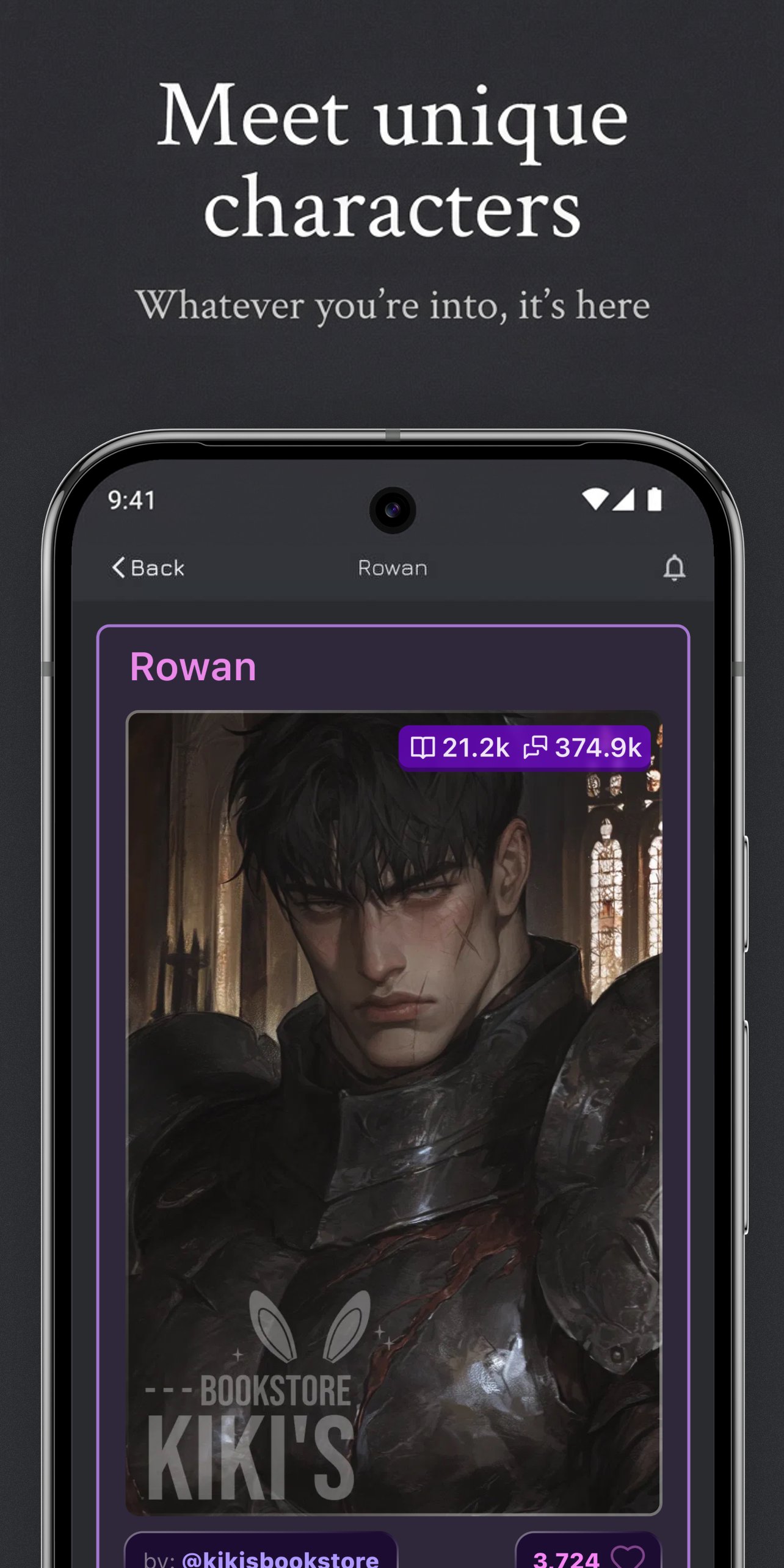
After opening a character profile, you can read its introduction and select Chat to begin. A romantic character may respond to a quiet first meeting differently than to a bold challenge, while a fantasy character can react to details you add about the setting. These chat stories leave room for personal writing style, so the same character can support casual role-play, dramatic scenes, or slower character development.
The home screen helps users find content by popular worlds, genres, searches, and tags. Janitor includes romance, fantasy, fanfiction, RPG, Magical, Anime, and AnyPOV options, making it easier to narrow down a large collection of community-made characters and scenarios. Character pages give a short introduction before a conversation begins, which helps set expectations.
Filtering is useful when a broad search produces mixed results. Someone looking for a magical adventure can browse relevant tags instead of sorting through unrelated romance chats, while fanfiction readers can look for familiar character styles. Community content naturally varies in writing quality, detail, and themes, so checking the description first is the most practical way to find a character that matches your preferred tone.
Creators can build their own characters and worlds for other users to explore. Janitor provides creation fields for character traits, introductions, and world settings, allowing a simple idea to become a shareable role-play setup. It suits writers who want to prepare a clear premise, whether that is a fantasy kingdom, an original romance setting, or a familiar fan-created universe.
The creation tools are most useful when the opening description establishes who the character is and what kind of interaction it invites. A detailed setting can give chats a stronger starting point, while a shorter profile may suit flexible, open-ended role-play. Once published, content joins a community with many different styles, so clear descriptions help interested readers understand the intended scenario before entering a conversation.
Users with their own compatible AI service access can connect a custom model through API and model settings. Janitor supports OpenAI-compatible custom APIs, including options such as DeepSeek V3 or R1 when the required details are available. This gives experienced users more choice over which configured model is used in a new or existing chat.
The relevant area is found in Profile or Settings under API Settings or Model Settings, where users enter an API key and API base URL before saving. A configured model can then be selected from the menu at the top of a chat. This feature is optional and has a higher entry barrier because the API key and service address must come from an external provider, so standard community chatting remains the simpler starting point.
You can download the latest Janitor APK from APKPure. The file is around 110MB, so it should finish quickly on a stable connection, although slower mobile data may take longer. Keeping some extra free storage is sensible because updates and cached chat content can add to the space used over time.
Janitor latest version is still in public beta, so occasional glitches may appear after installation as Android development continues. If your device asks for installation approval, review the prompt and continue only when ready. After opening the app, browse a genre or character description first to find an interactive fiction scenario that suits your mood.





One-click to install XAPK/APK files on Android!

Thanks for your rating and feedback!
You have already rated.





