在APKPure安全快速地下載APK
APKPure 使用簽章驗證功能,確保為您提供無病毒的 Screen Mirroring Tv APK 下載。

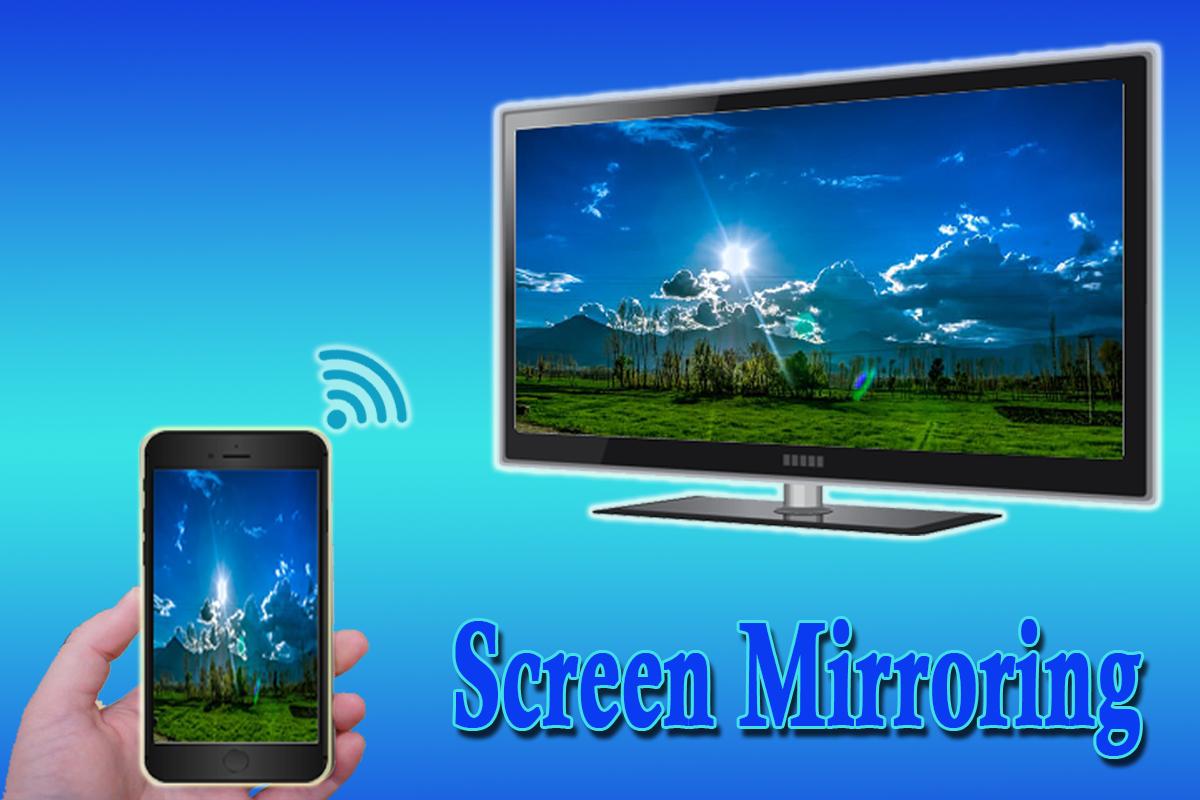
Screen Mirroring show you how to screen mirror your android phone's screen to TV
Screen Mirroring Tv will tell you how to screen mirror your android phone's screen to tv
Screen Mirroring Tv is a powerful application for mirroring and broadcasting the screen and play videos, music, photos, etc!in your smartphone with any devices (smartphone, smartTV, laptop, tablet, etc) at anywhere.
You can share your Android screen live to any other device or PC on your local network, via a media player, web browser, Chromecast, or UPnP compatible devices / DLNA (many Smart TVs or other devices).
Please follow below steps to mirror your mobile screen to smart Tv :
1) Your TV should support Wireless Display.
2) The TV must be connected to wifi network same as your phone.
3) The Phone version must be android 4.2 and above.
4) Download and run Mirroring stream Tv app.
5) Enjoy :D
+++Features++++
- how to screen mirror phone to Tv
- Scren mirroring android
- mirror screen
- screen mirroring samsung tv
- mirror phone to Television
- Screen Stream Mirroring
- tv mirror stream from phone
- cast screen android
- Miracast For Android To TV


感謝您的評分和反饋!
您已經評分了。