تنزيلات APK آمنة وسريعة على موقع APKPure
يستخدم APKPure التحقق من التوقيع لضمان تقديم تنزيلات خالية من الفيروسات لـ Screen Mirroring Tv APK لك.

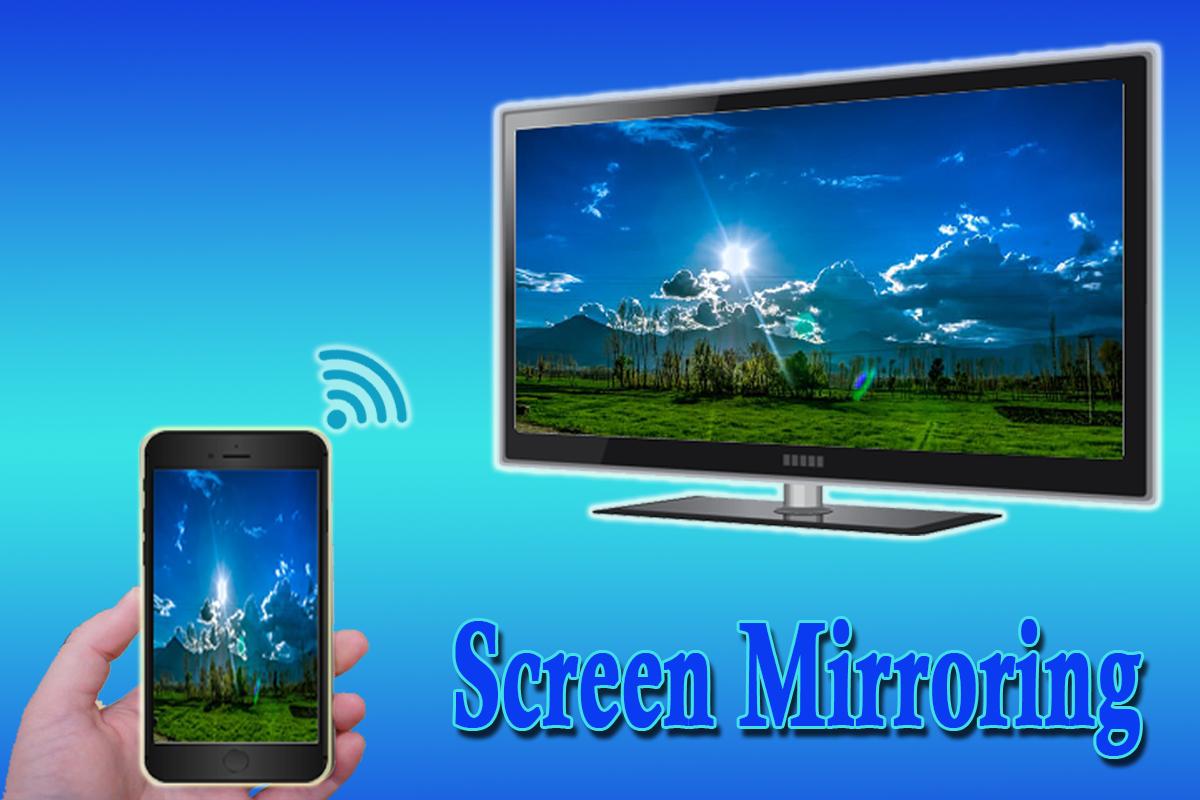
Screen Mirroring show you how to screen mirror your android phone's screen to TV
Screen Mirroring Tv will tell you how to screen mirror your android phone's screen to tv
Screen Mirroring Tv is a powerful application for mirroring and broadcasting the screen and play videos, music, photos, etc!in your smartphone with any devices (smartphone, smartTV, laptop, tablet, etc) at anywhere.
You can share your Android screen live to any other device or PC on your local network, via a media player, web browser, Chromecast, or UPnP compatible devices / DLNA (many Smart TVs or other devices).
Please follow below steps to mirror your mobile screen to smart Tv :
1) Your TV should support Wireless Display.
2) The TV must be connected to wifi network same as your phone.
3) The Phone version must be android 4.2 and above.
4) Download and run Mirroring stream Tv app.
5) Enjoy :D
+++Features++++
- how to screen mirror phone to Tv
- Scren mirroring android
- mirror screen
- screen mirroring samsung tv
- mirror phone to Television
- Screen Stream Mirroring
- tv mirror stream from phone
- cast screen android
- Miracast For Android To TV



قم بتثبيت ملفات XAPK/APK بنقرة واحدة على أندرويد!

شكرًا لتقييمك وتعليقاتك!
لقد أكملت التقييم سابقًا