







Thanks for your rating and feedback!
You have already rated.

TRM TUNNEL is a fast, free Android VPN that secures traffic and helps you access blocked sites and services with unlimited bandwidth.
Developed by TF TECHNOLOGY, it focuses on simple one-tap privacy with no registration. In the TRM TUNNEL APK latest version, a new protocol improves stability and fixes known issues. Here are the core features users look for in a daily VPN.
One-tap Connect for instant secure browsing anywhere
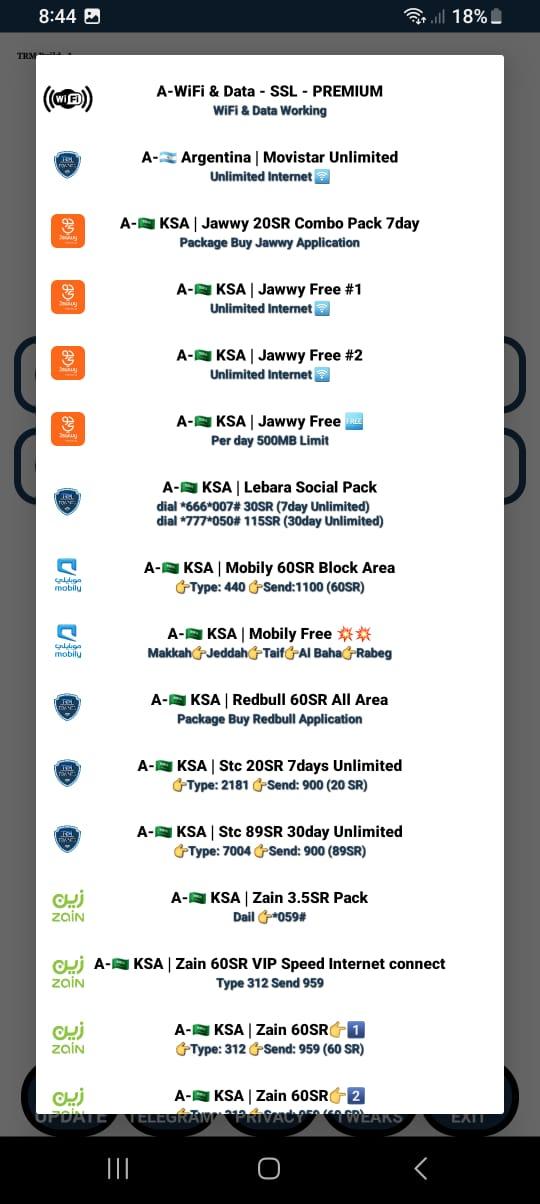
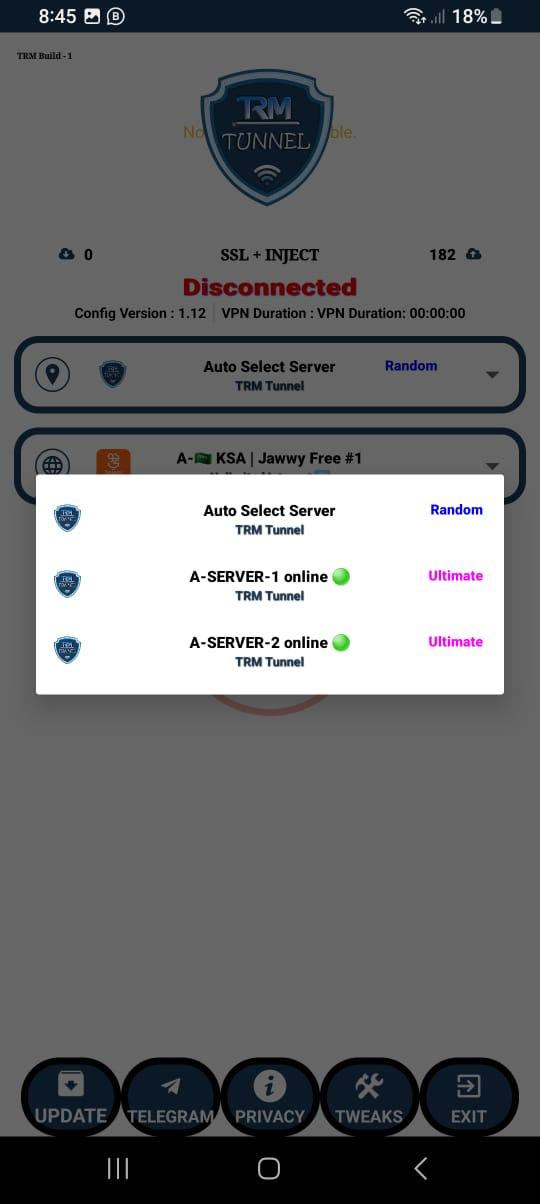
Large server list with high-speed bandwidth worldwide
Split tunneling to choose which apps use VPN (Android 4.4+)
No account, no logs, minimal required permissions
Free, unlimited data; lightweight build supported by ads
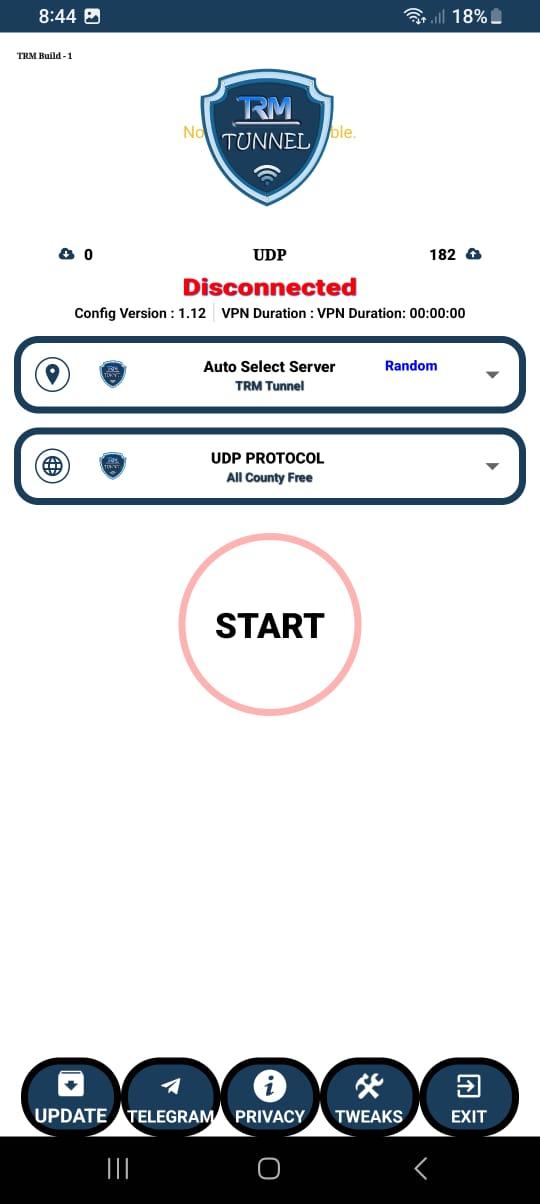
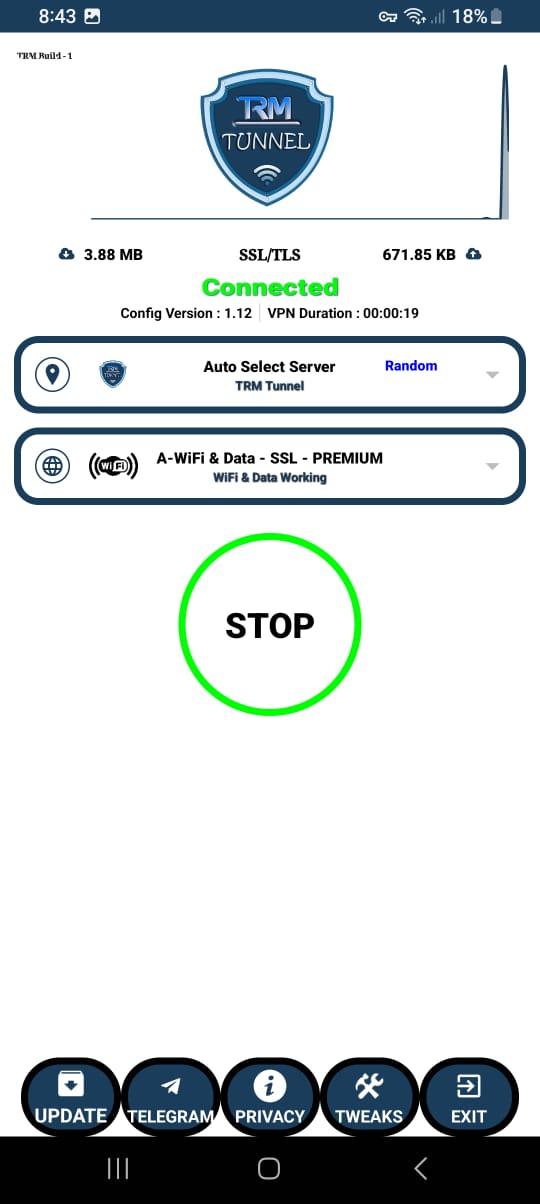
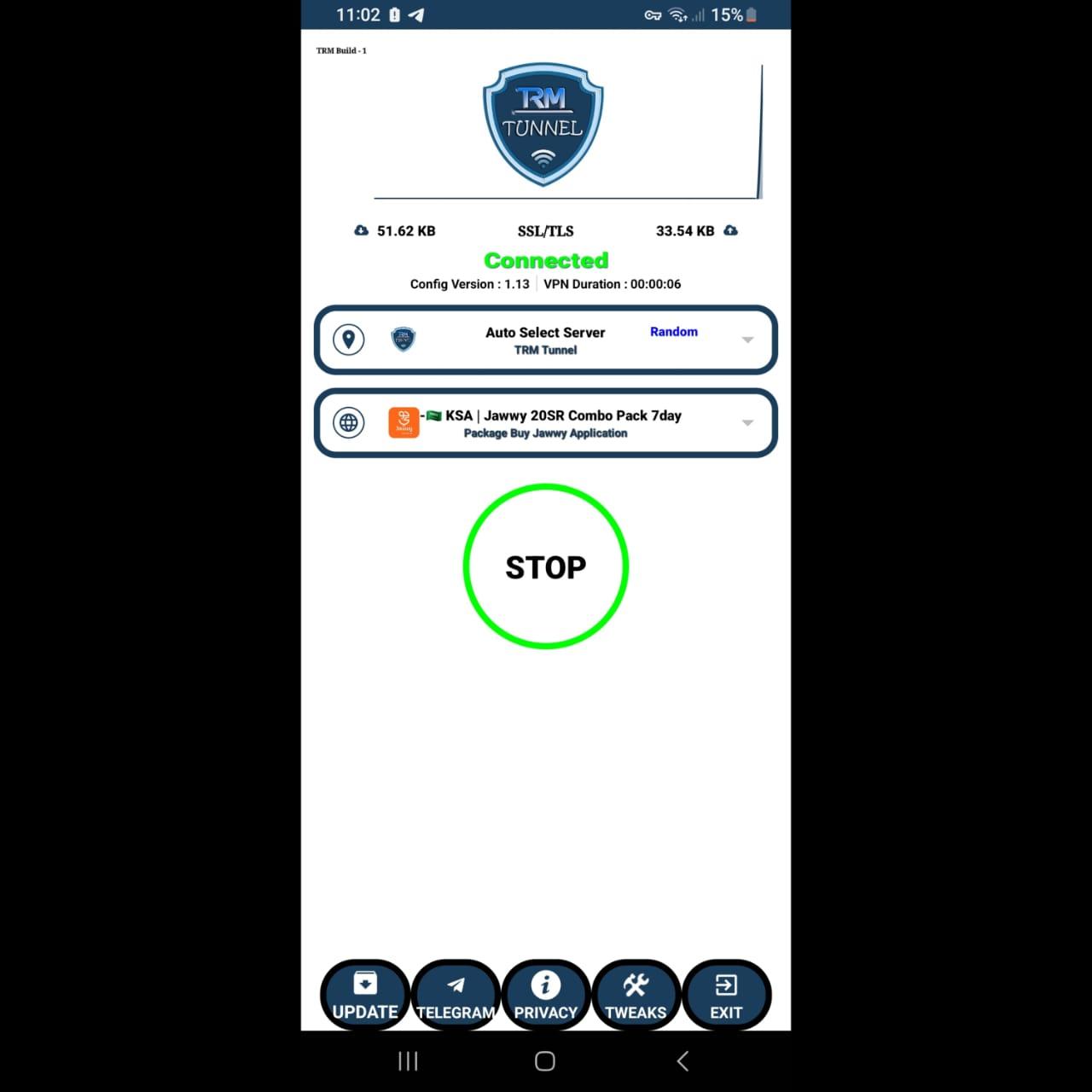
Quick, secure access starts with a single tap. The TRM TUNNEL app connects in seconds and routes your traffic through a high-speed server for faster loading and fewer buffering pauses. When you need lower latency or a closer region for streaming, open the server list and pick a nearby location. This approach works well for everyday tasks like checking social apps on campus Wi-Fi or reading news from abroad. If a connection feels slow, switching to a different server often improves speed without changing any other settings.
Split tunneling lets you choose which apps use the VPN and which connect directly to the internet. This helps reduce latency for real-time apps while keeping sensitive apps encrypted. On Android 4.4 and higher, go to “Choose apps that use VPN” to include or exclude specific apps. For example, keep banking outside the tunnel while routing video and browser traffic through the VPN. TRM TUNNEL supports Android 6.0 and up for installation, so most modern devices can use split tunneling and fine-tune their setup without extra steps.
Privacy is the central promise here. No account is required, and the service follows a strict no-log approach that avoids collecting or sharing user data. Traffic is encrypted in transit, and failure logs are only sent if you tap Feedback after a connection error. This makes it suitable for travelers who need a fast proxy to open blocked sites without sharing personal details. TRM TUNNEL keeps permissions minimal, which helps limit exposure while you browse, stream, or message as usual.
Different networks behave differently, and protocol choice can affect speed and reliability. In Settings, open Protocol and try the available options; the latest update adds a new protocol for improved stability on restrictive Wi-Fi or spotty mobile data. If you notice drops, switching protocols is often the quickest fix. TRM TUNNEL also shows a Feedback option after failed connections, so you can submit a failure log to help troubleshooting. Updating to the latest build is recommended, as recent updates have specifically addressed an “update issue fixed” in the changelog.
Unlimited time, data, and bandwidth are included at no cost. The app is lightweight at about 43.4 MB, so it fits easily on devices with limited storage. To keep the service free, ads appear during use, which some users may find distracting. Permissions are kept minimal, and you can connect or disconnect without extra steps. TRM TUNNEL suits daily browsing, quick streaming sessions, and secure messaging when you want simple protection without signing up.
Based on recent updates and everyday use cases, the strengths focus on speed, simplicity, and privacy, while ads and occasional connection quirks can appear in the latest builds of TRM TUNNEL.
Pros
Free, unlimited usage without registration
Large, fast server selection worldwide
No logs and minimal permissions
Split tunneling and protocol switching available
Lightweight APK for most Android devices
Cons
Contains ads during use
Occasional update prompts and connection drops
You can download the latest TRM TUNNEL APK from APKPure. The installation file is around 43.4 MB, so it usually finishes quickly. Over Wi-Fi, the download should complete in under a minute on typical home connections. On mobile data, expect one to three minutes depending on signal quality, and plan for the data usage.
This version (2.8) supports Android 6.0 and above. After installation, open the app and allow the VPN connection permission when prompted. If you see an update prompt, accept it to get the TRM TUNNEL APK latest version with bug fixes and the new protocol. For unstable performance, try switching protocols in Settings or pick a closer server from the list.
Once connected, you can browse blocked sites, stream region-based content, or use split tunneling to control app routing. For a quick start, download TRM TUNNEL, tap Connect, and test a nearby server for the best speed on your network.


One-click to install XAPK/APK files on Android!
Thanks for your rating and feedback!
You have already rated.