Package Name:tph.calculator
Show More


3.6 MB
File Size
Everyone
Android 7.0+
Android OS
Scientific Calculator : Solve math with scientific calculator tools
Scientific Calculator is an app designed for students, teachers, engineers, and anyone who needs accurate and reliable mathematical tools for study and work.
Scientific Calculator lets you perform everyday arithmetic and advanced scientific work with an easy-to-use calculator interface. Choose your preferred angle unit, adjust decimal precision, and customize the result display to match your calculation needs. A short homework problem and a longer engineering calculation both stay easy to enter, review, and correct.
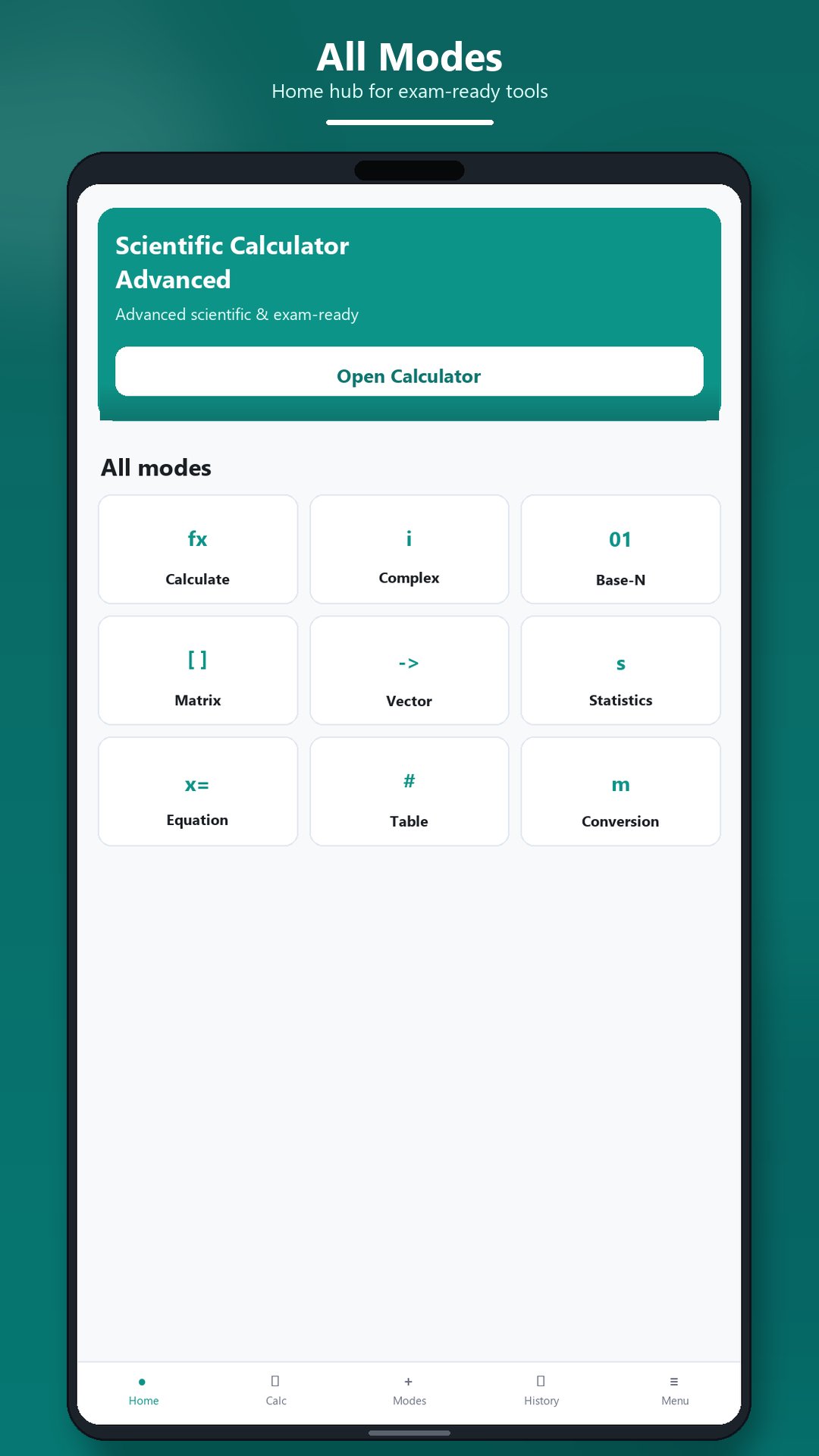
The app provides simple navigation between Calculator, Modes, History, and Settings, so advanced mathematical tools are easy to reach. You can start with a basic calculation, open a specialized mode, check the result, and return to the main screen for the next problem.
Features included in Scientific Calculator:
• Scientific calculations with trigonometric, logarithmic, exponential, power, root, and fraction functions
• Complex number calculations
• Equation solving tools
• Inequality solving tools
• Ratio calculations
• Scientific constants
• Unit conversion tools
• Number base conversions and calculations
• Matrix operations
• Vector calculations
• Statistical analysis tools
• Probability distribution tools
• Function table generation
These tools are part of Scientific Calculator, so classroom topics and technical calculations stay in one place. Degree, radian, and gradian angle units are available for trigonometric work, and you can choose how many decimal places appear in the answer.
Scientific Calculator stores your calculation history on your device, so you can review previous calculations at any time. You can also clear your history whenever needed. Saved results help you check an earlier step while studying, without typing the whole expression again.
Customize Scientific Calculator with light, dark, or system theme, preferred angle unit, vibration feedback, sound effects, display format, and calculation precision. A clear theme and a readable display make long study sessions and laboratory work more comfortable.
Scientific Calculator is suitable for classroom learning, homework, engineering calculations, laboratory work, and everyday mathematical tasks. Copy and paste support makes it easy to reuse calculation results in other apps. Students can practice with it, and teachers and engineers can rely on it when they need a result on a phone.
The interface is designed for clear input, readable results, organized navigation, and quick access to advanced mathematical tools. Common operations and scientific functions are grouped so they are easy to find during class, revision, or professional work.
An internet connection is required to use the app.
Download Scientific Calculator and keep powerful calculation tools ready whenever you study or work.






One-click to install XAPK/APK files on Android!

Thanks for your rating and feedback!
You have already rated.