Package Name:com.sixthsense.todolist
Show More


2.7 MB
File Size
Everyone
Android 5.0+
Android OS
Organize & manage your daily tasks and get reminder with todo list App 2021
About Todo List App 2021:
Todo List App : Task Planner & Todo Reminder 2021 is an easy to use free ultimate smart todo list,task list,planner and reminder app. You can easily organize and manage day to day task with this todo list app 2021.
This App can provide support for every kind of task with a due date,all day long and a task for a specific time with better usage performance than anyone else.Get better organized with this amazing smart todo list,task list,planner and reminder app.
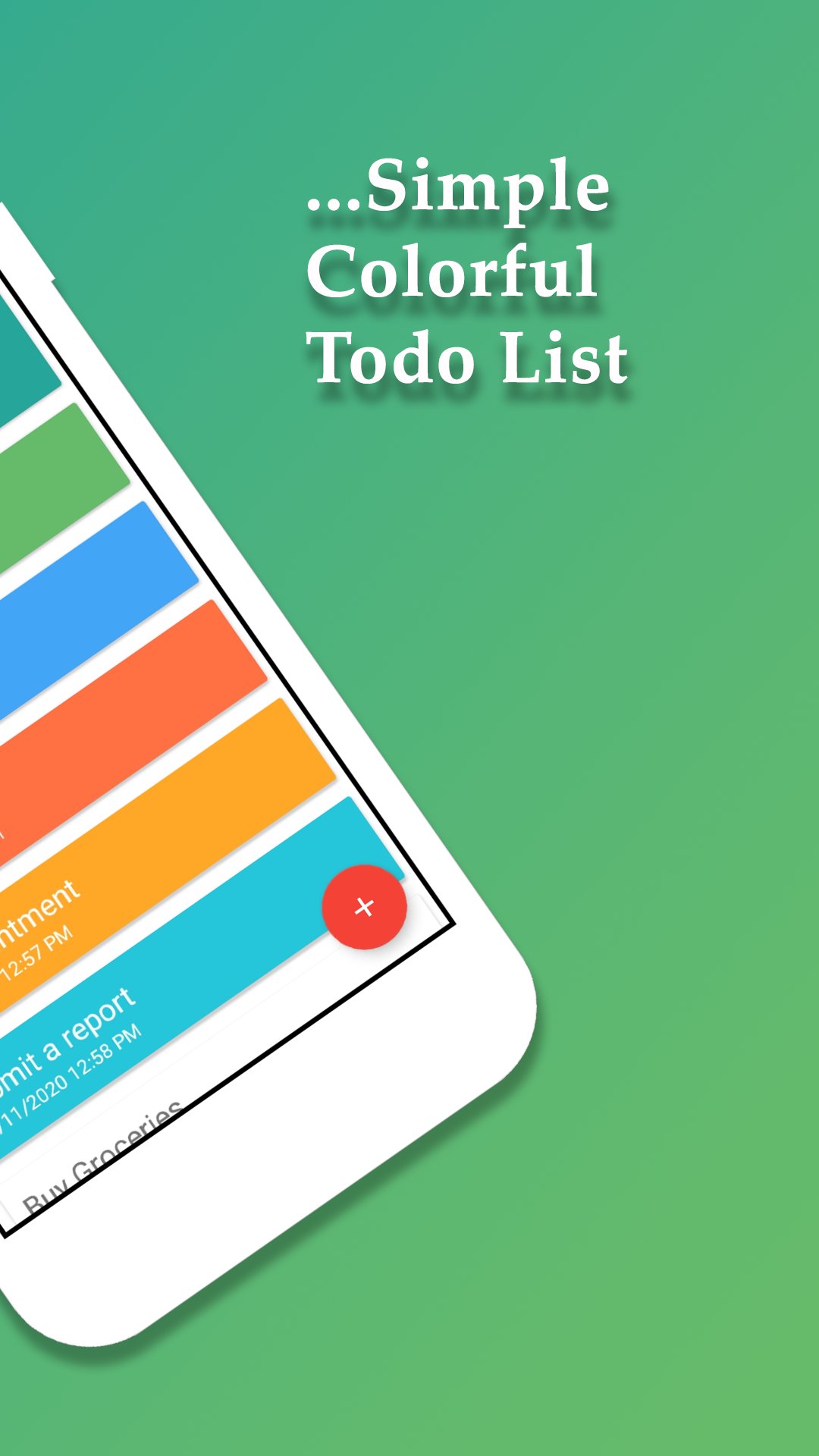
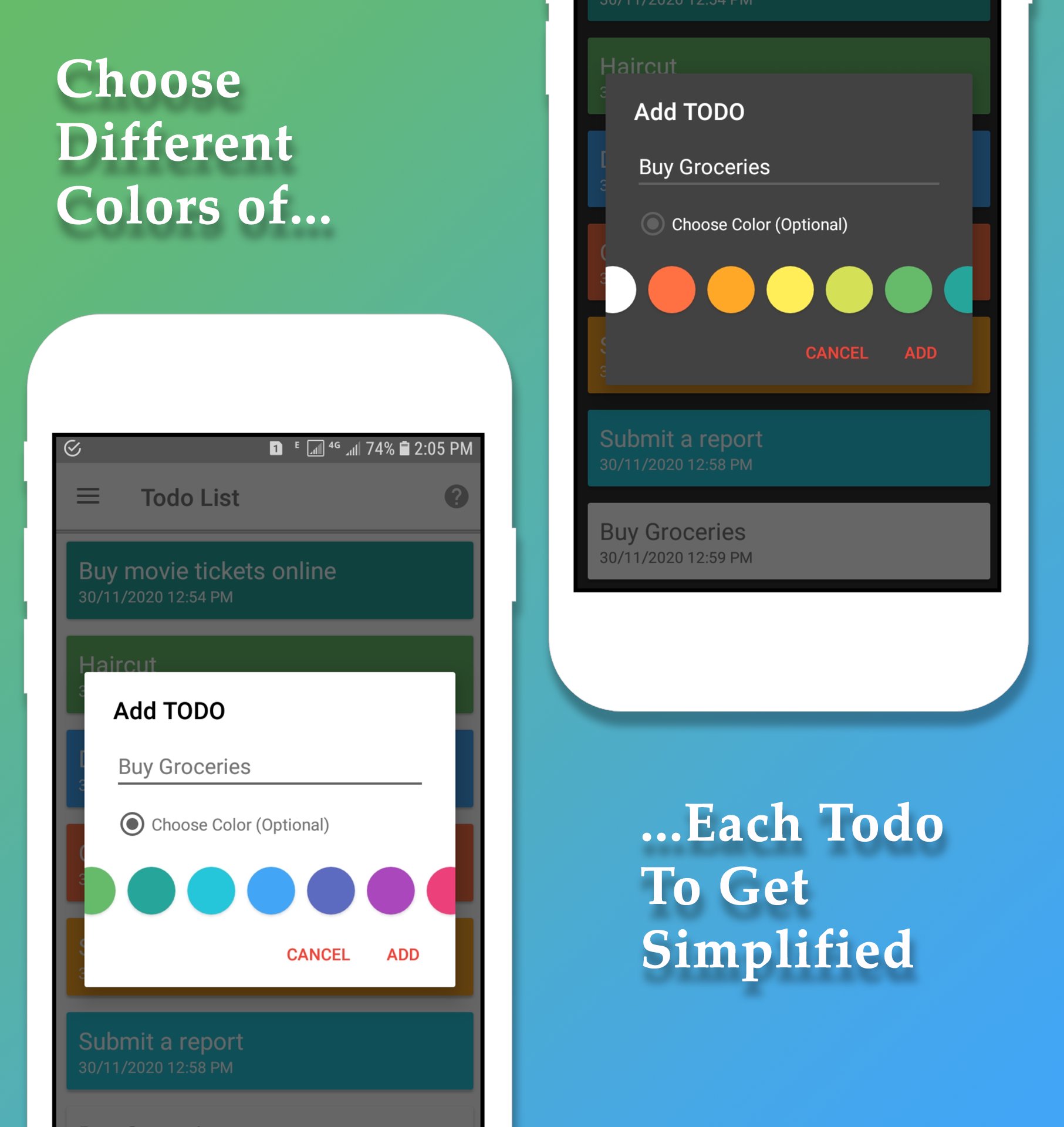
Colorful Todo List:
With Todo List App : Task Planner & Todo Reminder 2021 you can color your todo's to get things easily done on time.
Sticky Notification:
Never miss a task with this todo list app. You can easily manage your tasks with sticky notifications and get things done easily and on time. Sticky notification will help you to track your tasks on the go.
Plan your day easily:
Todo List App : Task Planner & Todo Reminder 2021 is carefully designed for every kind of users starting from the busy managers of big companies to an ordinary persons.
Set an Alaram to get a reminder.
With Todo List App : Task Planner & Todo Reminder 2021 you can really change your shopping time into a splendid time by organizing all your shopping lists organized. The intelligent notification system will keep you more done.You will be get notified by sound or vibration notifications.
A beautifully simple todo list app
Tasks is a simple todo list app that emphasises simplicity and ease of use. Whether you want a shopping list, grocery list or you just have lots of things to remember Tasks is built for you. With Tasks you can build powerful lists, colour code them and then manage them with intuitive gestures like drag and drop to re-prioritise or swiping to delete.
How to Delete or Move Todo?
To Delete any Todo from list, just "Swipe left or right" Todo and it will be deleted. if you want to ajdust or move up or down any todo, simply "HOLD" Todo and move it up or down according to your need.
Main features:
- User friendly
- Easy and Powerful interface.
- Color your Tasks to easily manage
- Choice of Themes and be comfort
- Sticky Notifications and get reminder
- Advanced Notification System
- Easy To Use
- Customizable Todo Lists View
- Repeating Tasks
- Light ,Dark and Full Black Themes
Install Todo List App : Task Planner & Todo Reminder 2021 today and organize your day with this easy to use application and enjoy the fun of getting done.
Enjoy :)




One-click to install XAPK/APK files on Android!

Thanks for your rating and feedback!
You have already rated.