Package Name:kr.co.royzero.tableclock
Show More


4.0 MB
File Size
Everyone
Android 5.0+
Android OS
Create your unique desktop clock with custom colors and backgrounds.
Table Clock is a premium personalized desk clock app that perfectly reflects your unique style.
Unlimited Personal Customization:
Complete Color Freedom
- Set different colors for hour, minute, and second hands individually
- Freely change number colors to match your taste
- Fine-tune even the center point color
- Create your truly unique clock with millions of color combinations
Personal Background Image Settings
- Set your favorite photos from gallery as background
- Use meaningful images like family photos, travel memories, pet pictures
- High-resolution image support for clear background display
- Restore default background anytime with one click
Create Your Own Style
- Express various styles: classic, modern, minimal
- Custom settings for business, personal, or interior use
- Infinite combinations for a one-of-a-kind clock design
- Real-time customization preview with instant application
Premium Features:
Immersive Full-Screen Experience
- Full-screen mode displays only the clock
- Clean screen composition with auto-hidden system bars
- Pure clock viewing with complete distraction removal
Precise Analog Clock
- Accurate real-time display
- Premium experience with smooth second hand movement
- Excellent readability with clear numbers and scales
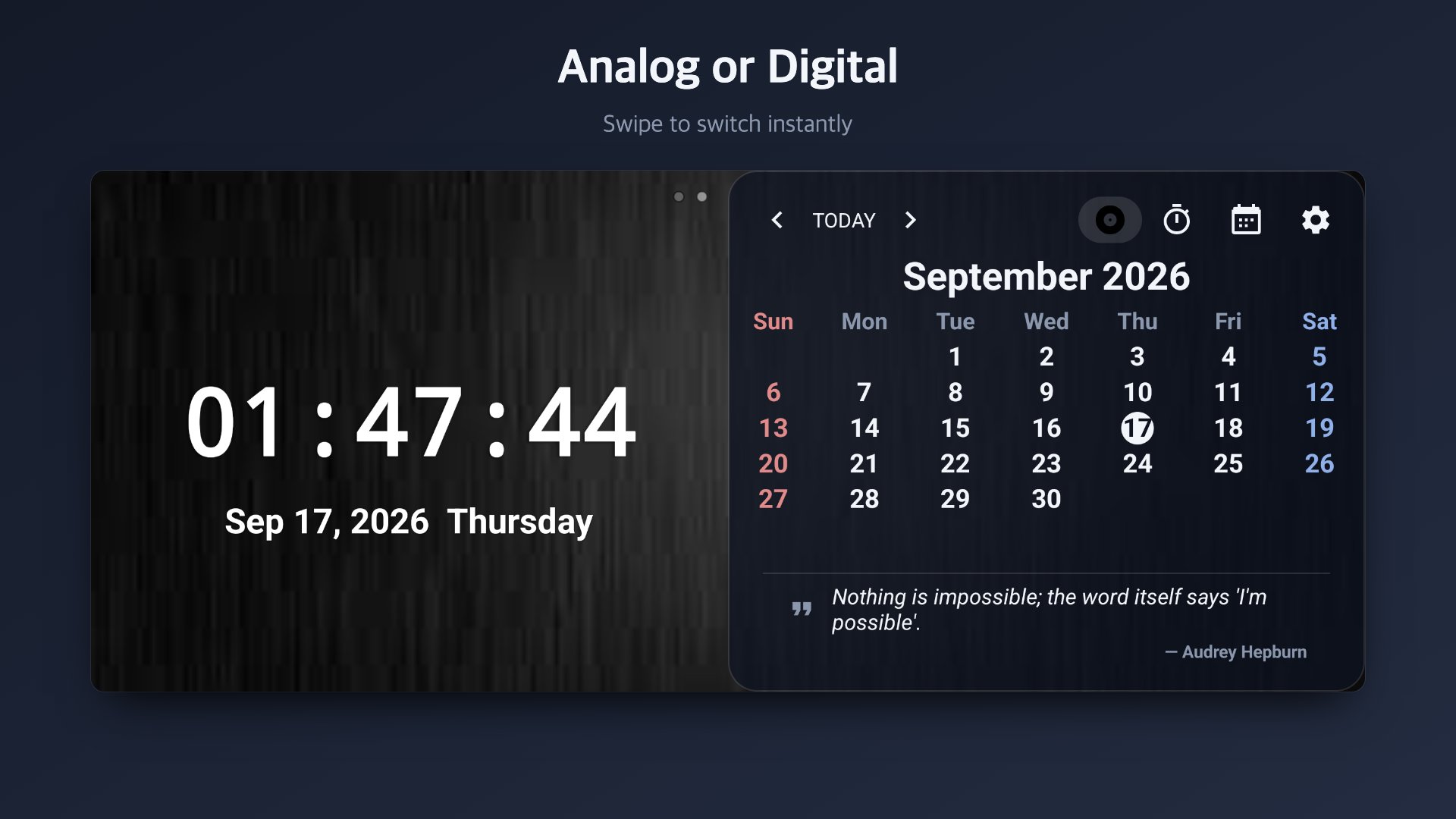
Integrated Calendar Function
- Perfect integration of clock and calendar on one screen
- Large, clear date display for convenient schedule management
- Day of week information at a glance
Daily Quotes
- Inspiring quotes shown automatically at the bottom of the screen
- Add your own favorite lines
- Celebratory messages on special days like birthdays and anniversaries
Clock Styles & Color Themes
- Roman numerals, Arabic numerals, or tick marks (tap the clock to switch)
- 6 one-tap color themes: Classic, Neon, Pastel, Gold, Ocean, and more
Comfortable All-Day Use
- Automatic night dimming to reduce glare in the dark
- Burn-in protection for worry-free 24-hour use
- Optional world clock (secondary time zone) — enable in settings
Personalized Usage Scenarios:
Work Environment Optimization
- Use as a dedicated desk clock in the office
- Perfect for meeting room time display
- Improved work efficiency reflecting personal preferences
Living Space Interior
- Create an emotional atmosphere as a bedroom desk clock
- Use as a living room interior accessory
- Perfect as a point item for personal space
Commemorating Special Moments
- Set favorite memory photos as background
- Express the meaning of special days through your clock
- Create a unique clock with personal significance
Advanced User Experience:
Intuitive Operation
- Access settings menu with one touch
- Complex customization with simple operations
- Real-time preview with instant application
Stable Performance
- Optimized performance for 24-hour continuous use
- Lightweight design considering battery efficiency
- Stable operation on all Android devices
Break free from standardized clocks with Table Clock and create your fully personalized desk clock. Experience a one-of-a-kind clock that perfectly reflects your personality and taste.
Download now and start customizing your special clock!




One-click to install XAPK/APK files on Android!

Thanks for your rating and feedback!
You have already rated.