
Scan Date:Nov 14, 2026
Show More

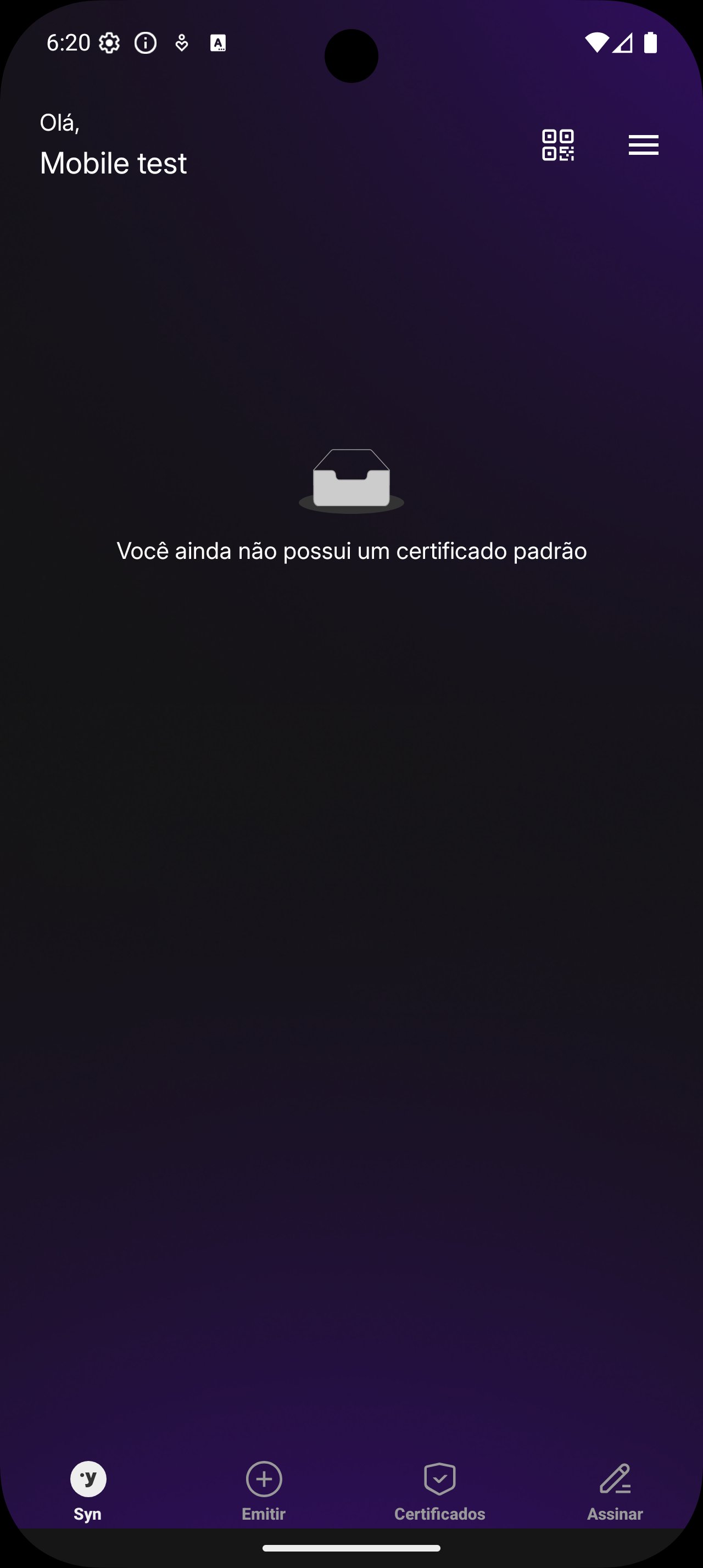
Syn is a mobile companion for secure, cloud-based digital certificate approvals.
Developed by Syngular ID, it gives you exclusive control over certificate use from your phone. Certificates are generated and stored on Hardware Security Modules for CA-grade protection. To help decide whether to download Syn, the highlights below show how it works.
HSM-backed cloud certificates provide CA-grade protection. The private key is generated inside certified Hardware Security Modules and stays there. The device never sees or exports the key. Instead, services submit signing or authentication operations to the HSM. This protects against device loss, malware, and cloning, because the key material never leaves controlled hardware.
In the Syn app, certificate use is approved on your phone, while cryptographic work happens in the HSM. When you sign a document or authenticate to a portal, the service sends a key-use request to the HSM. You simply approve or decline on the phone. Network connectivity is required, so brief delays can occur on poor connections.
Syngular Authenticator acts as the control point for certificate access. Each request triggers a push notification that summarizes what is being asked. With a quick tap, you allow or block the action before anything proceeds. This keeps unauthorized use from slipping through, especially when working across multiple devices. Notifications are designed to be timely, so the Syn app can fit into everyday routines without being disruptive.
If the phone is offline or notifications are disabled, requests may wait or fail. In busy environments, concise prompts help you decide fast without digging into menus.
Approvals are built for on-the-go decision making. The interface focuses on speed and clarity, which helps when you are between meetings or commuting. One phone can authorize cloud certificate use across laptops, desktops, and services, reducing friction in hybrid setups. The flow suits short, frequent approvals, like confirming an e-signature or authenticating to a web portal during a support call. Because the Syn app handles consent from the pocket, teams keep moving while maintaining tight control.
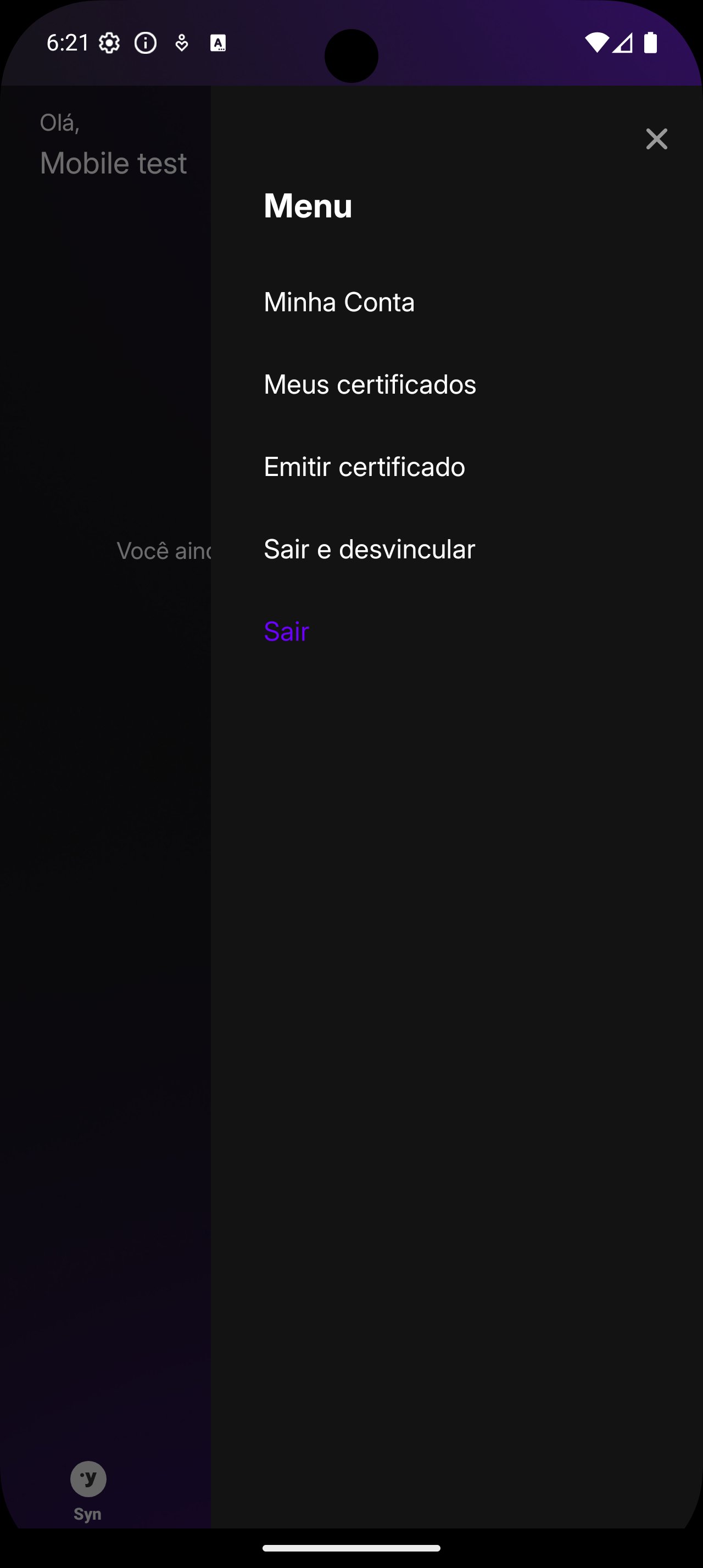
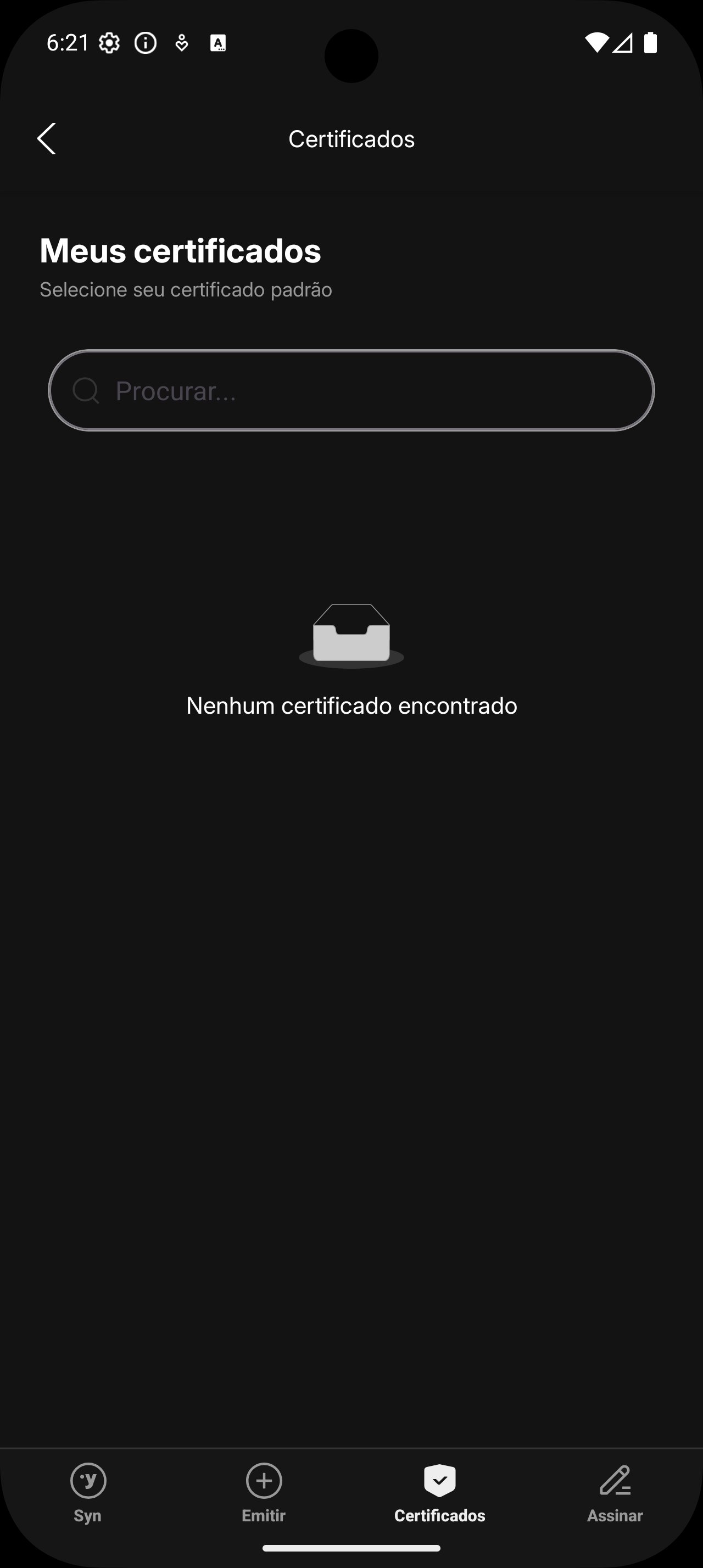
The solution ties into Syngular ID for centralized cloud certificate management across connected services. This brings consistent policies and a single place to manage identities, which benefits organizations standardizing on the platform. It pairs strongest with other Syngular components, while interoperability with unrelated third-party tools is not clearly documented. For planning and procurement, understanding this ecosystem focus helps set expectations around integration and rollout. Within that environment, the Syn app becomes the approval surface that links users to their cloud certificates.
These pros and cons stem from its HSM-first design and ecosystem focus; the Syn app prioritizes strong security and user consent over broad compatibility.
ProsYou can download the Syn latest version from APKPure as an APK file. On a stable connection, downloads usually finish within a few minutes. APK size may vary by version, so ensure sufficient storage before starting.
During installation, Android may request permission to install apps from this source. On first launch, allow notifications so approval requests can reach your phone promptly. Keeping the device online helps requests arrive quickly.
Once linked to your Syngular ID account, approvals happen on the phone while keys remain in secure HSMs. This setup keeps control in your hands without moving keys between devices.






One-click to install XAPK/APK files on Android!

Thanks for your rating and feedback!
You have already rated.