Package Name:com.dyiz.speedx
Show More

Speed test, WiFi analyzer, ping, DNS, traceroute and network diagnostics.
SpeedX is an internet speed test, WiFi analyzer and network diagnostics toolkit designed to help you understand your connection, troubleshoot network problems and get clearer insight into your WiFi.
Test your internet connection in seconds and measure download speed, upload speed and ping latency from one simple screen. Whether you are using WiFi, 4G or 5G, SpeedX gives you an easy way to check how your connection is performing.
Internet Speed Test
• Measure download and upload speed
• Check ping and connection latency
• Test WiFi and mobile data connections
• View clear, easy-to-understand results
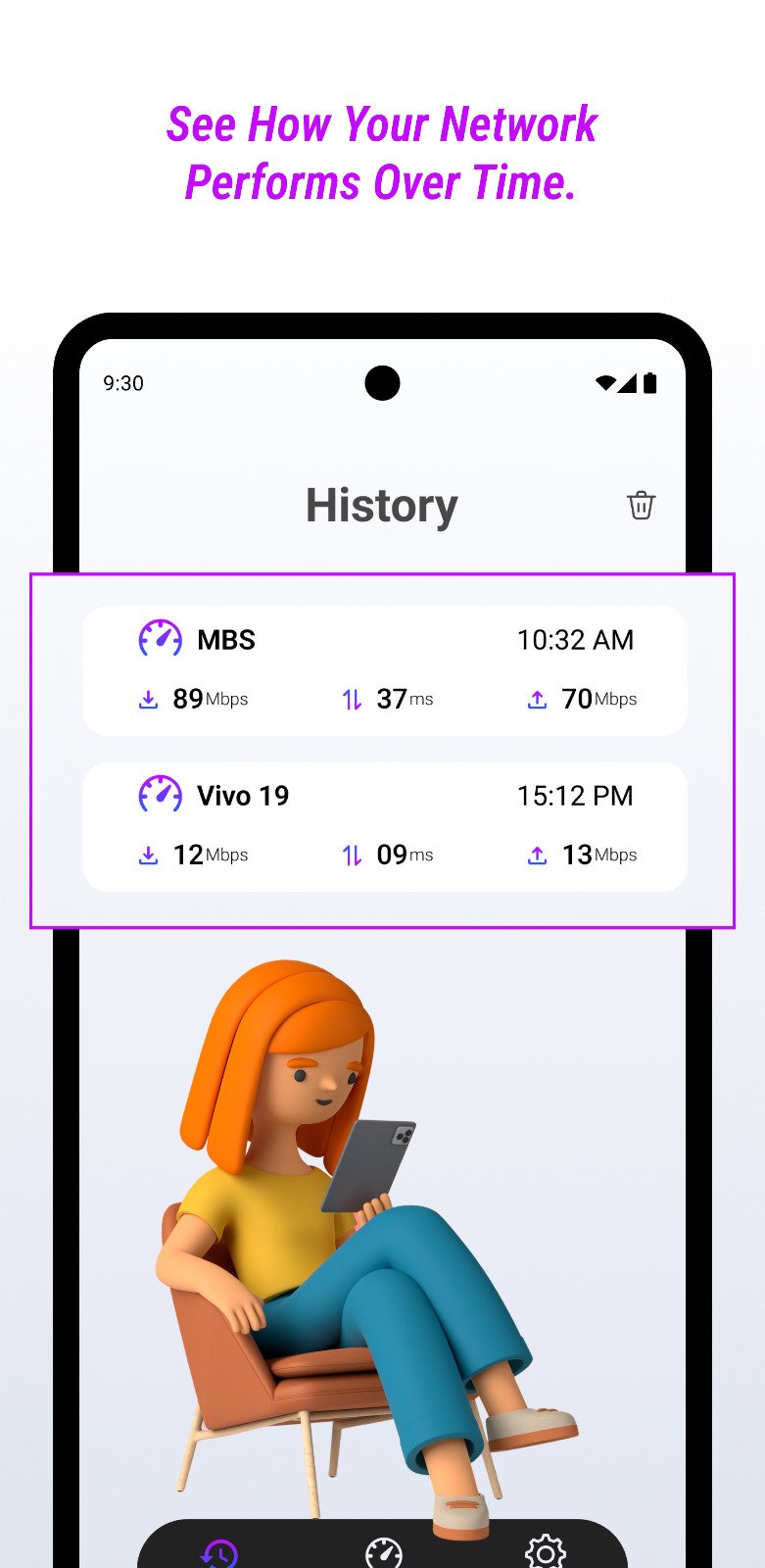
• Save previous speed tests automatically
• Compare results over time
• Share speed test results
WiFi Analyzer
Understand what is happening around your wireless network instead of guessing.
• Scan nearby WiFi networks
• Analyze 2.4 GHz and 5 GHz channels
• View channel congestion and interference
• Find the best available channel based on nearby networks
• See when no low-congestion channel is currently available
• Check signal strength in dBm
• View channel, frequency and network information
• Compare nearby access points and their signal quality
SpeedX uses actual WiFi frequency information when analyzing network bands and channels, helping provide more meaningful channel insights.
Network Diagnostics
Troubleshoot connection problems directly from your phone with built-in network tools.
• Ping test
• DNS lookup
• Traceroute
• Port check
• Packet loss information
• Minimum, average and maximum latency
• Jitter measurement
• Reachability and connection status
These tools can help identify whether a connection problem is related to latency, DNS resolution, routing or network availability.
Network Analyzer
Explore your current local network and better understand the devices and connection around you.
• Scan your local network
• Discover nearby network devices
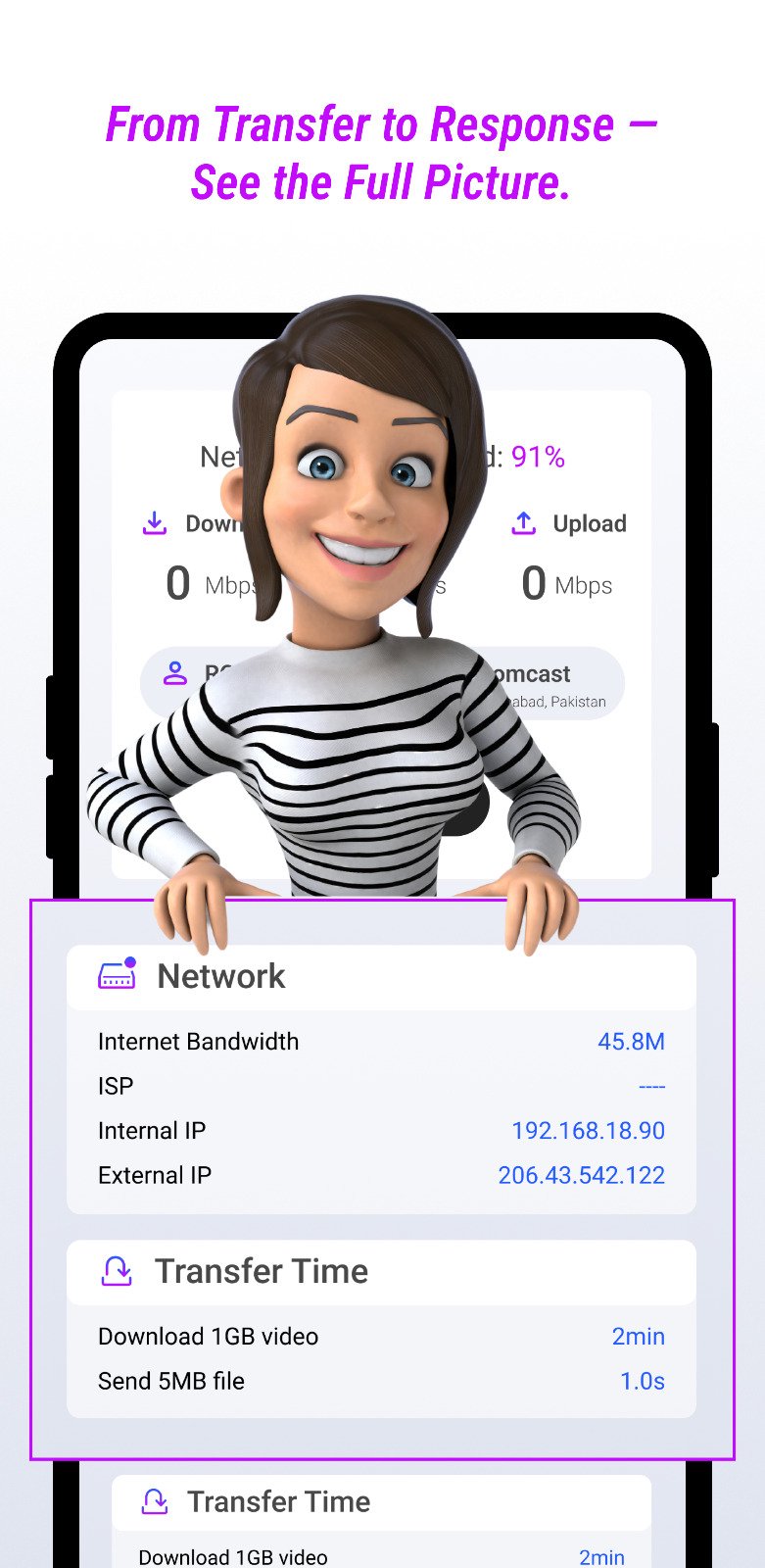
• Review network and connection information
• Inspect your current WiFi connection
• Check IP and network details
WiFi Signal & Connection Information
Check useful details about the network you are currently connected to, including WiFi signal quality, frequency, channel and other available connection information.
Use SpeedX when:
• Your internet feels slow or unstable
• You want to check your actual internet speed
• Gaming or video calls have high latency
• Streaming keeps buffering
• You want to inspect WiFi signal strength
• Your WiFi channel appears crowded
• You need to troubleshoot DNS or connectivity problems
• You want to compare different WiFi or mobile connections
Simple, Modern and Easy to Use
SpeedX combines everyday speed testing with practical WiFi and networking tools in one clean interface, so you do not need several separate apps just to understand your connection.
Some WiFi analysis features require Android network or location-related permissions because Android requires these permissions to access nearby WiFi scan information. Availability of WiFi information may also depend on your Android version and device capabilities.
Test your speed. Analyze your WiFi. Diagnose your network with SpeedX.





One-click to install XAPK/APK files on Android!

Thanks for your rating and feedback!
You have already rated.