Safe & Fast APK Downloads on APKPure
APKPure uses signature verification to ensure virus-free Slide to unlock - Lock screen APK downloads for you.

The most elegant lock screen for your phone
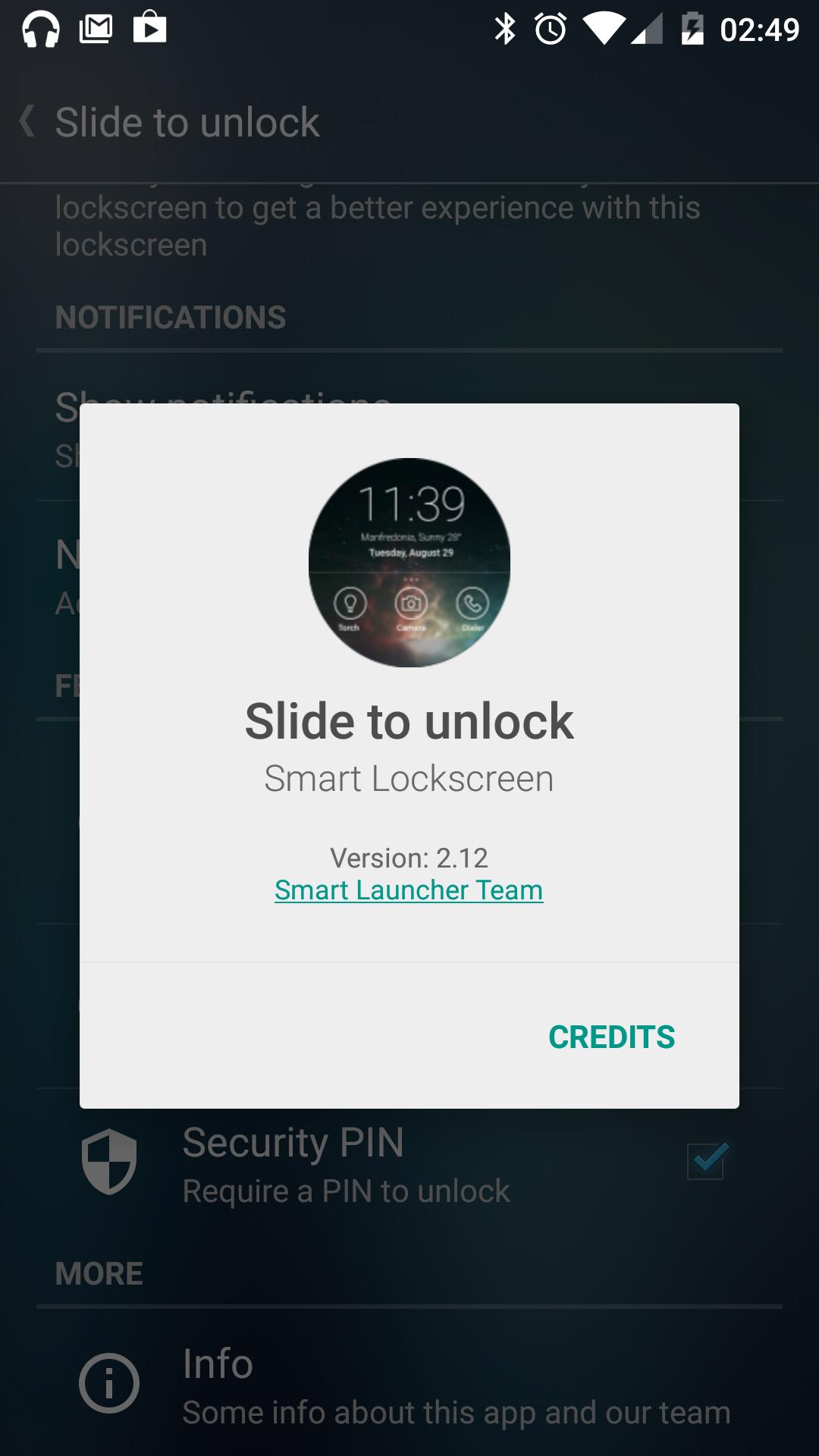
"Slide to unlock" is a lock screen for Android. It has been designed to work with Smart Launcher, but you can use it also in standalone mode. It allows you to replace your device lock screen with a new functional unlock screen.
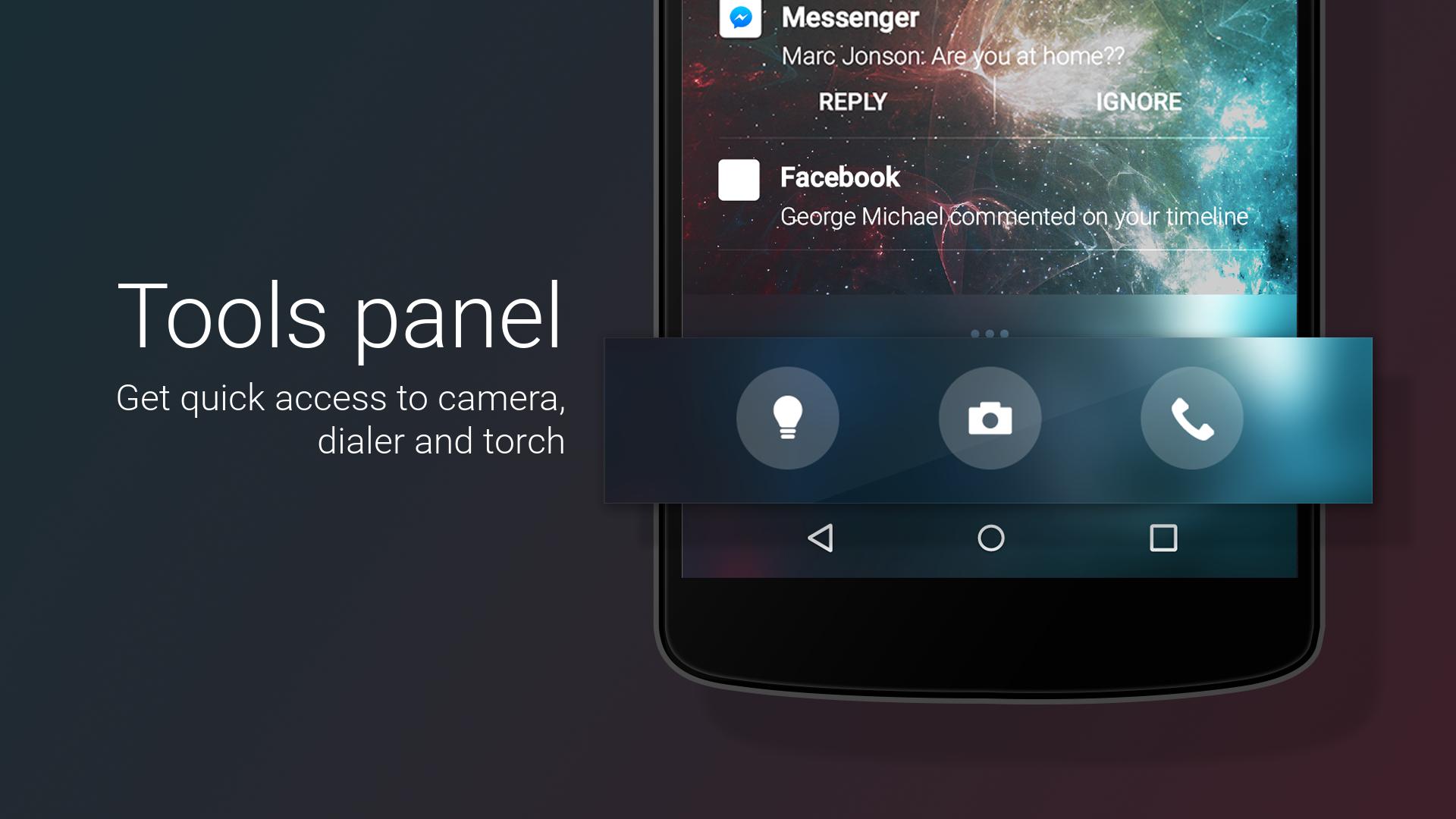
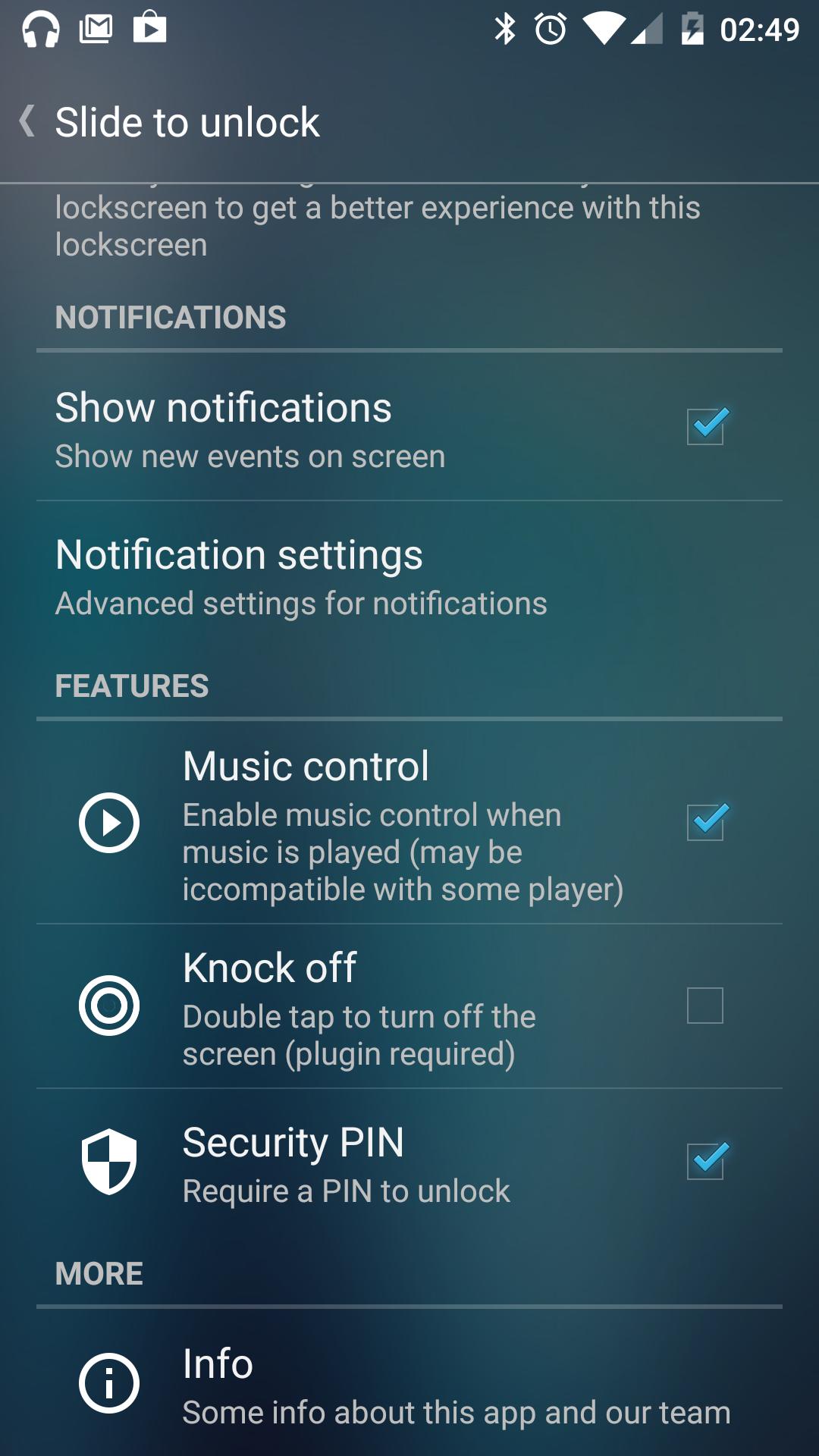
- Shortcut panel: quickly access torch, dialer or camera
- Pin pattern: set a pin to protect your phone
- Customizable: set a different background for your lockscreen
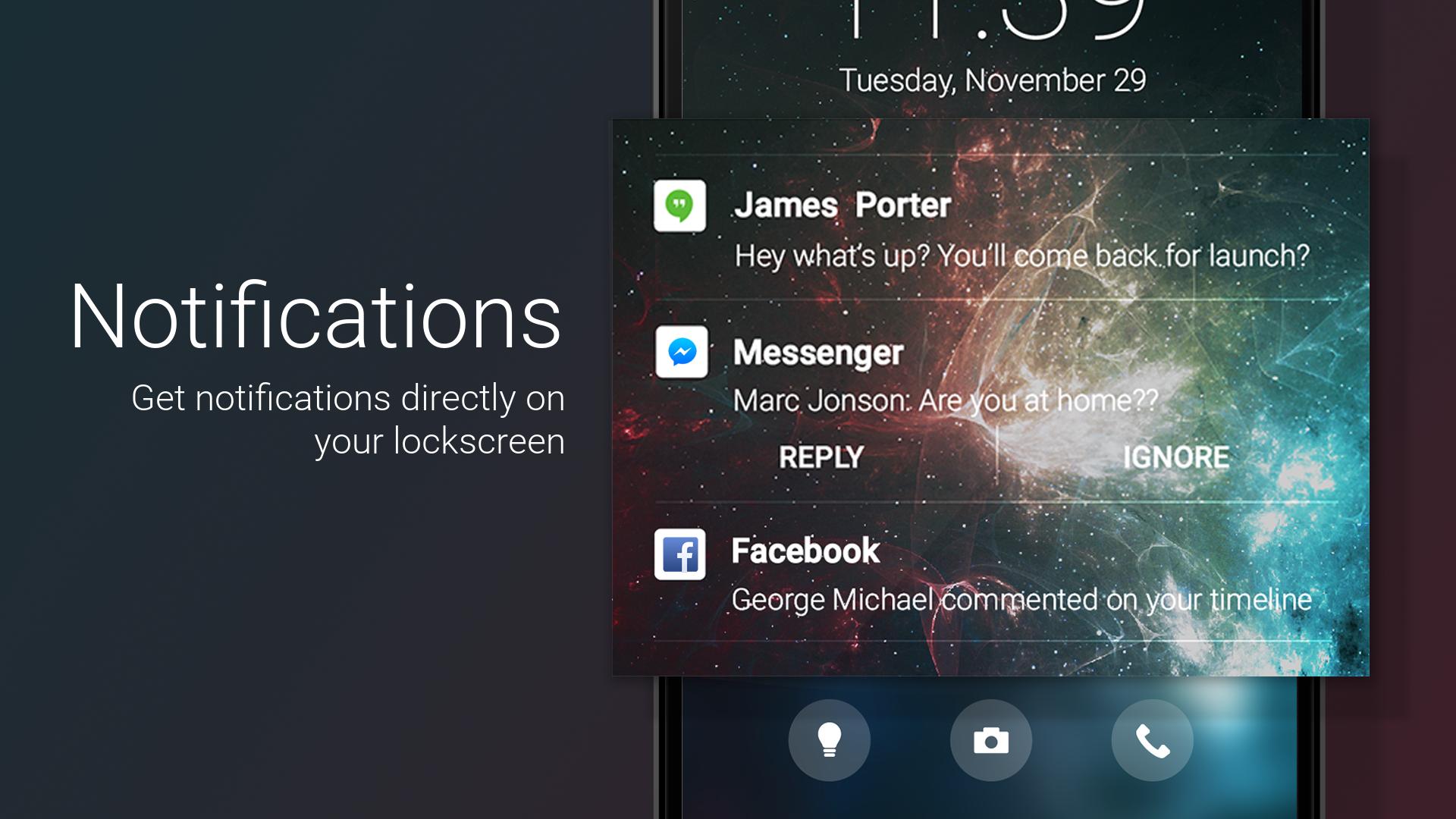
- Notifications on screen
- Music controls (If you have trouble with music control and Spotify please check this tutorial: https://youtu.be/sgf0SSduaN8 )
If you have Smart Launcher installed , follow these steps:
- Open Smart Launcher → Preferences → Lockscreen, then select the new lock screen and choose "select as lock screen";
- Now press the standby button twice, the new lock screen should be active.



One-click to install XAPK/APK files on Android!

Thanks for your rating and feedback!
You have already rated.