Safe & Fast APK Downloads on APKPure
APKPure uses signature verification to ensure virus-free Slide Card for KLWP APK downloads for you.

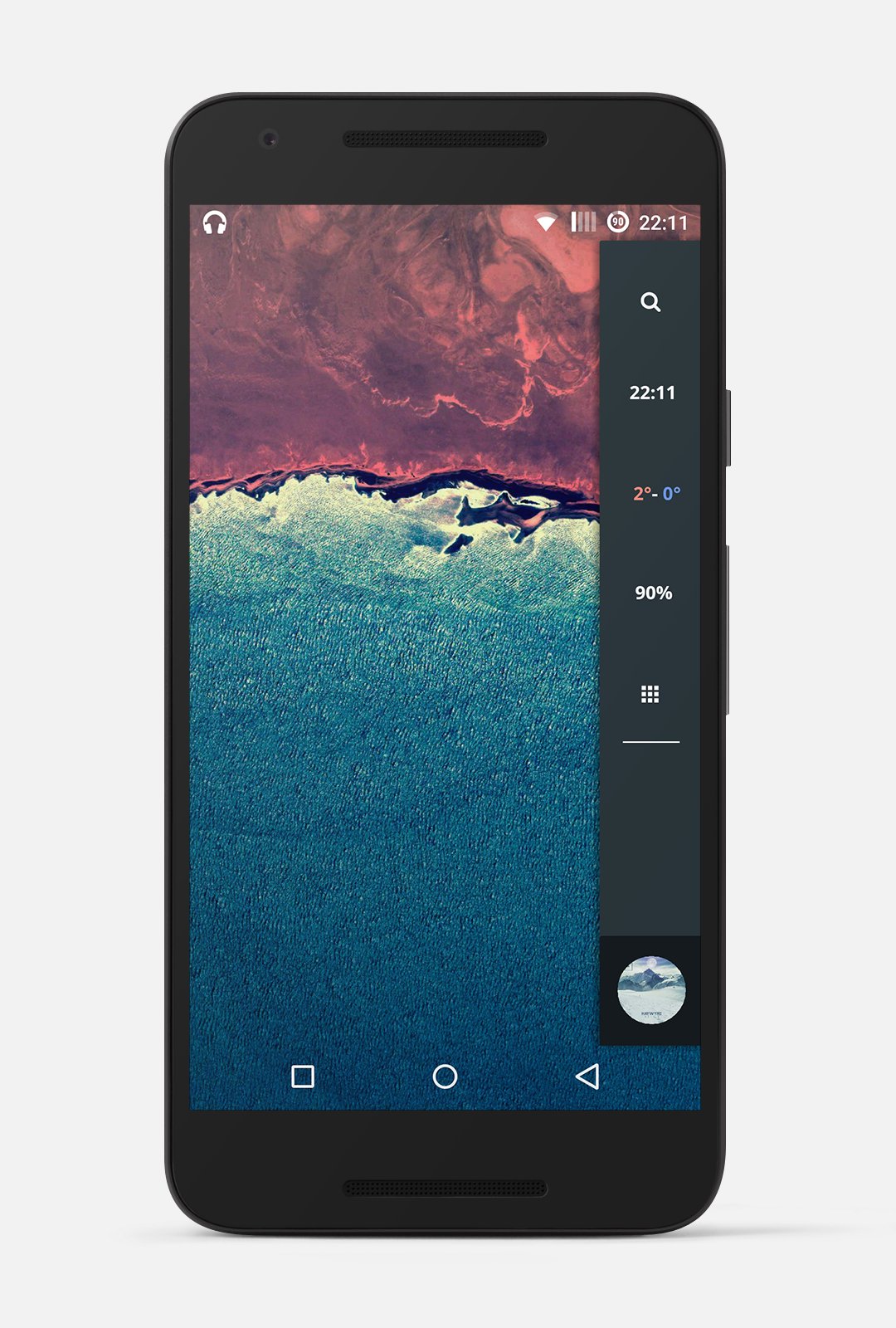
A kustom live wallpaper with a sliding menu.
REQUIREMENTS:
*This app needs Kustom Live Wallpaper and its key*
USE:
In KWLP
1) Go to "Load Preset"
2) Under the tab "Installed", you will find 2 setups called "Slide Card"
3) Select the corresponding setup
* You will also need to setup you launcher in a specific way if you want the icons to land perfectly on their place.
- Desktop grid: 7 x 5
- Dock: Off
Than you can place your favorite icons on the dedicated place.
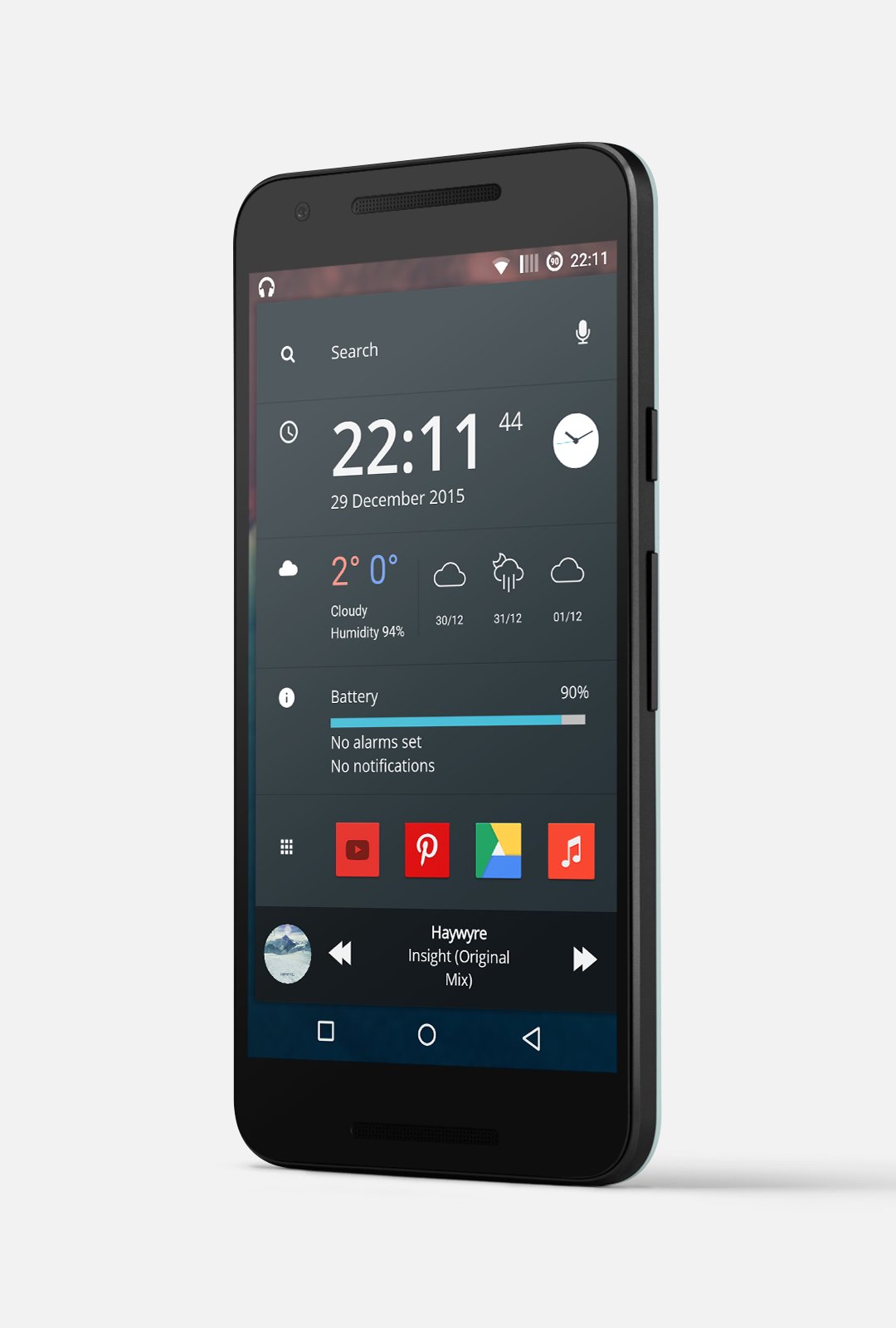
(See screenshots for help)
Also don't forget to change the background to your favorite one.
DESCRIPTION
This theme includes
- Basic information that you can see on a glance, slide to expand and see more information
- Music control: Play/Pause (press album art) , Next, Previous and Open music player (press title/artist name)
- Smooth animations
- Don't forget, NEED to use 2 pages on your launcher for this theme to be effective
You can contact me for any suggestions, comments and questions.
If you want the same ICONS you can check out my other app.
Thank you for using this theme.

One-click to install XAPK/APK files on Android!

Thanks for your rating and feedback!
You have already rated.