Package Name:com.shogunink.app
Show More

A clean drawing app for tablets and phones with everything you need.
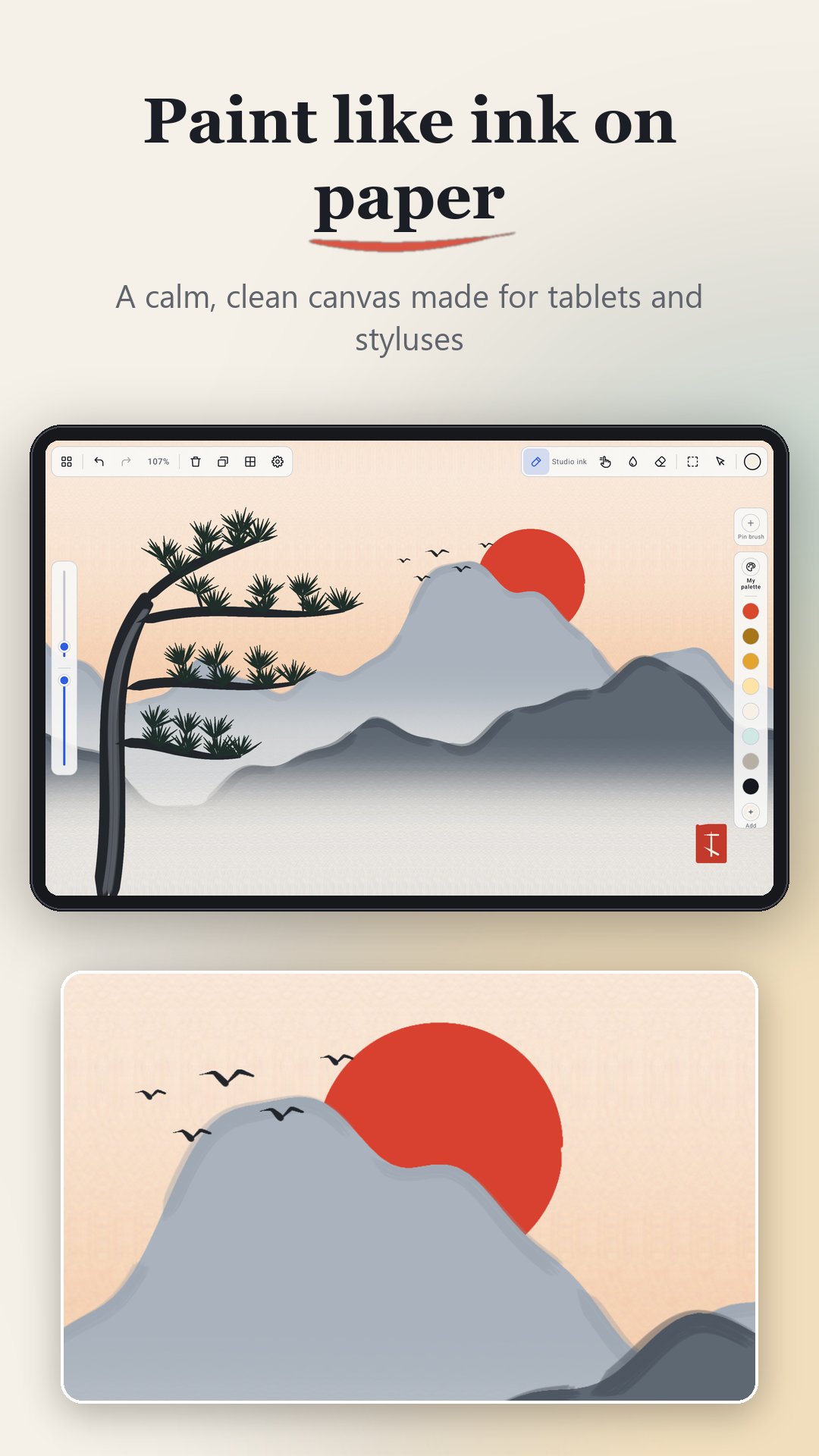
Shogun Ink is a free drawing and painting app for Android tablets, built around a clean, minimal interface. Your canvas fills the screen, the tools stay out of the way, and everything else is a gesture.
Offline, no subscriptions, no accounts.
★ Clean, canvas-first interface: just your art and a few quiet controls, in light or dark mode.
★ Gestures you already know: two-finger tap to undo, three-finger tap to redo, pinch to zoom and rotate, hold to pick a color, and palm rejection.
★ Made for the S Pen: brushes respond to pressure and tilt, and the pen button switches between brush and eraser.
★ 18 brushes, plus a brush editor to make your own: inks, pencils, charcoal, markers, calligraphy, airbrushes, spatter, bristle and wet paint that blends like real pigment.
★ Layers with blend modes, clipping masks and alpha lock.
★ Select and transform: move, scale, rotate, skew or flip any part of your drawing.
★ Symmetry and guides: mirror, quadrant and radial symmetry, plus grid and perspective guides.
★ Reference window: keep a photo beside your canvas and pick colors straight from it, or turn it into a palette.
★ Smudge and blur: blend and soften any area with a brush.
★ Time-lapse and PSD: replay your whole process as a video, and export layered PSD files.
Made for sketching, illustration, digital art and painting on Samsung Galaxy Tab and other Android tablets.
Missing a feature? Tell me at ninkilim.dev@gmail.com, I read everything so
feel free to suggest or complain about anything!



One-click to install XAPK/APK files on Android!

Thanks for your rating and feedback!
You have already rated.