Package Name:com.imagetopdf.pdfmaker
Show More

39.4 MB
File Size
Everyone
Android 5.0+
Android OS
Accurate card scanner, business card & document scanner with ID scanner app.
With ID Scanner - ID Scan app, an excellent OCR app for quickly and accurately digitizing and scanning your id cards, business cards and documents, you can jump into the future of handling files. Enjoy the capabilities of a wide range of scanning tools using your smartphone.
A ID Scanner - ID Card Scanner, Document Scanner with Image to Text capabilities allows you to easily convert physical documents into editable digital text. Additionally, the built-in QR Scanner enables quick scanning of QR codes for instant access to information. This all-in-one tool streamlines document management and enhances productivity.
📇 Document Scanner - OCR | ID Scanner
A scanning app with scan to PDF equipped with Optical Character Recognition (OCR) technology not only converts physical documents into digital formats but also recognizes and extracts the text from the scanned image. This makes the document fully searchable and editable. OCR technology enhances the scanner’s functionality by converting printed text into machine-readable text, allowing users to copy, edit, and store the content in various digital formats like PDFs or Word documents. This combination of scanning and OCR is particularly useful for digitizing large volumes of paperwork, streamlining workflows, and improving document management.
• Id Card Scanner - Trading Card Scanner - Passport Scanner
• Drivers License Scanner - Sports Card Scanner
• Business Card - Card Scanner
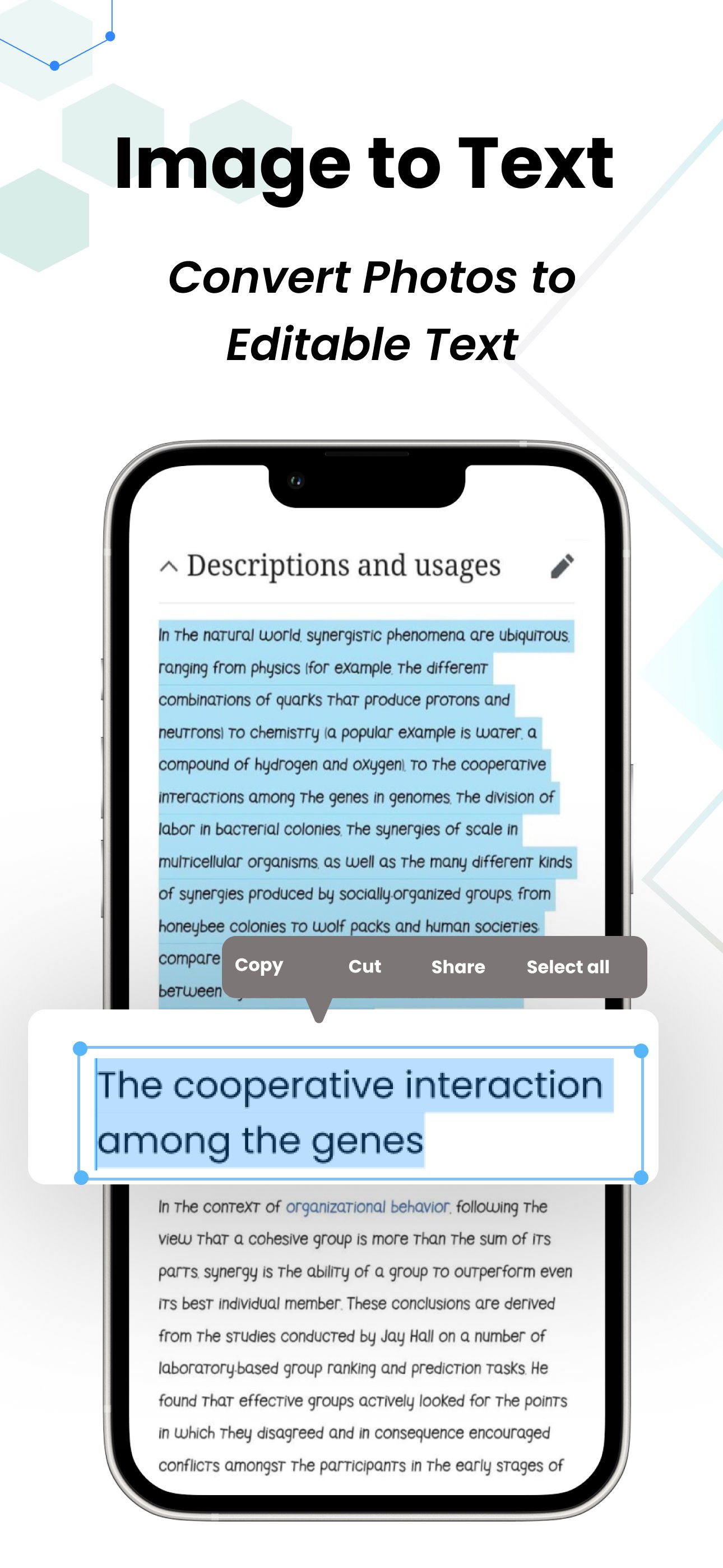
📇 Image to Text - Extract Text from Image | ID Scanner
Image to text conversion uses OCR (Optical Character Recognition) technology to extract text from images. This process allows you to quickly transform printed or handwritten content into editable digital text, streamlining workflows and saving time.
📇 QR Scanner, QR Reader and QR Code Generator | ID Scanner
A QR code scanner reads and scan QR codes to instantly access websites, apps, and other digital content. On the other hand, a QR code generator creates custom codes that can link to specific information, making it easier to share details in a quick, scannable format.
📇 Write Notes with AI | ID Scanner
Write notes with AI using tools like Gemini, which leverage advanced artificial intelligence to assist with writing, summarizing, and organizing ideas. It enhances productivity and creativity, making note-taking smarter and more efficient.
📇 PDF Maker - PDF Creator - PDF Converter | ID Scanner
A PDF maker allows you to create PDFs from various file formats, offering a flexible solution for converting documents, images, or web pages into secure, shareable, and professional-looking PDF files with ease.
📇 Add Digital Signature to PDF | ID Scanner
Adding a digital signature to a PDF ensures authenticity and security. This feature allows you to sign documents electronically, preventing tampering and making it easier to approve contracts, forms, and agreements remotely.



One-click to install XAPK/APK files on Android!

Thanks for your rating and feedback!
You have already rated.