
Безопасная и Быстрая Загрузка APK на APKPure
APKPure позволяет легко и безопасно загружать xfer APK с проверкой подписи.

Экспорт контактов с телефона Android на смартфон IMPulse K1
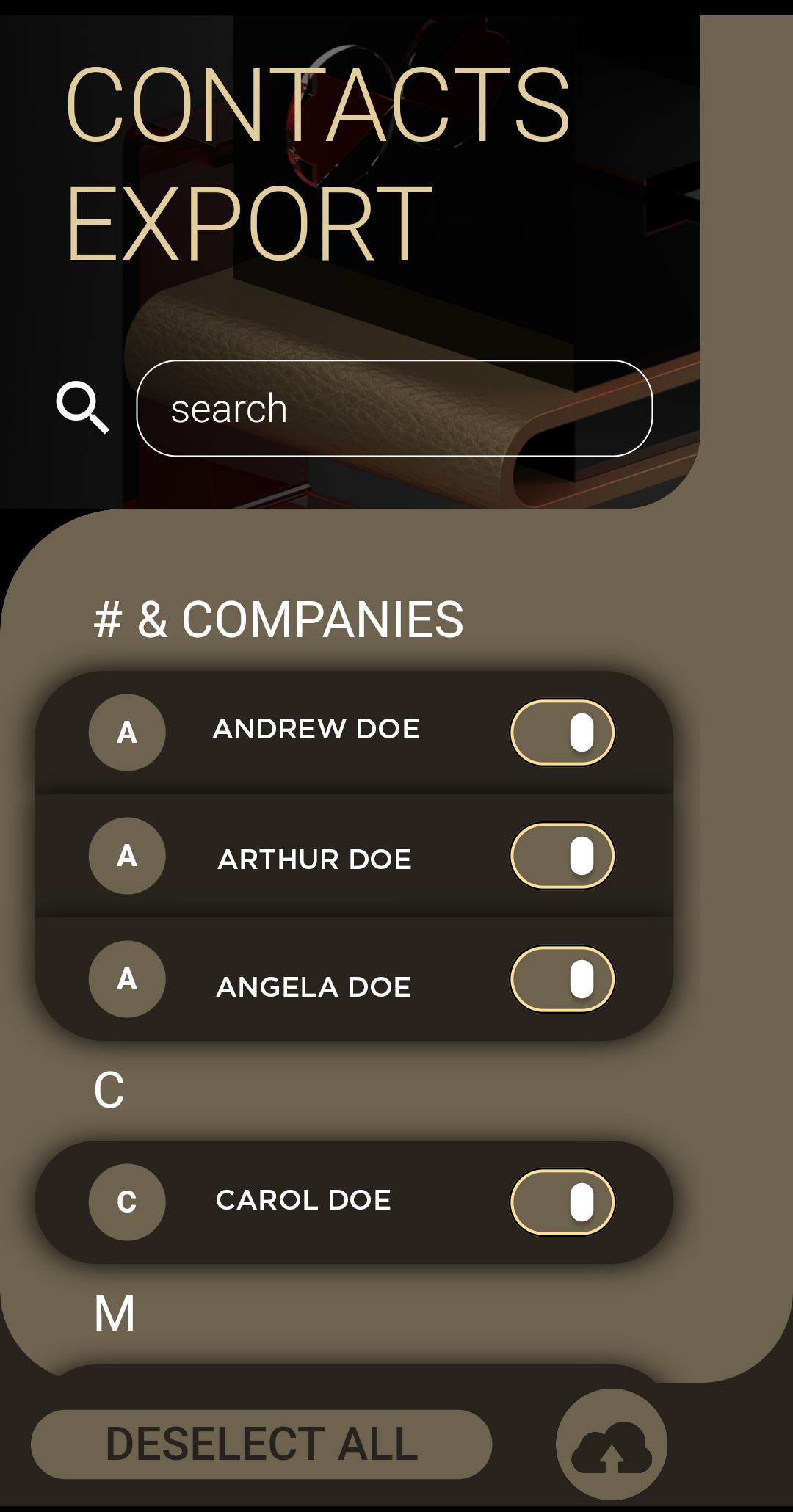
Switching to IMPulse K1 Smartphone must be a simple and intuitive process. Install the xfer application and follow this three easy steps:
1. Select the desired contacts that you wish to transfer
2. Click the 'Upload to Cloud' button to prepare your files
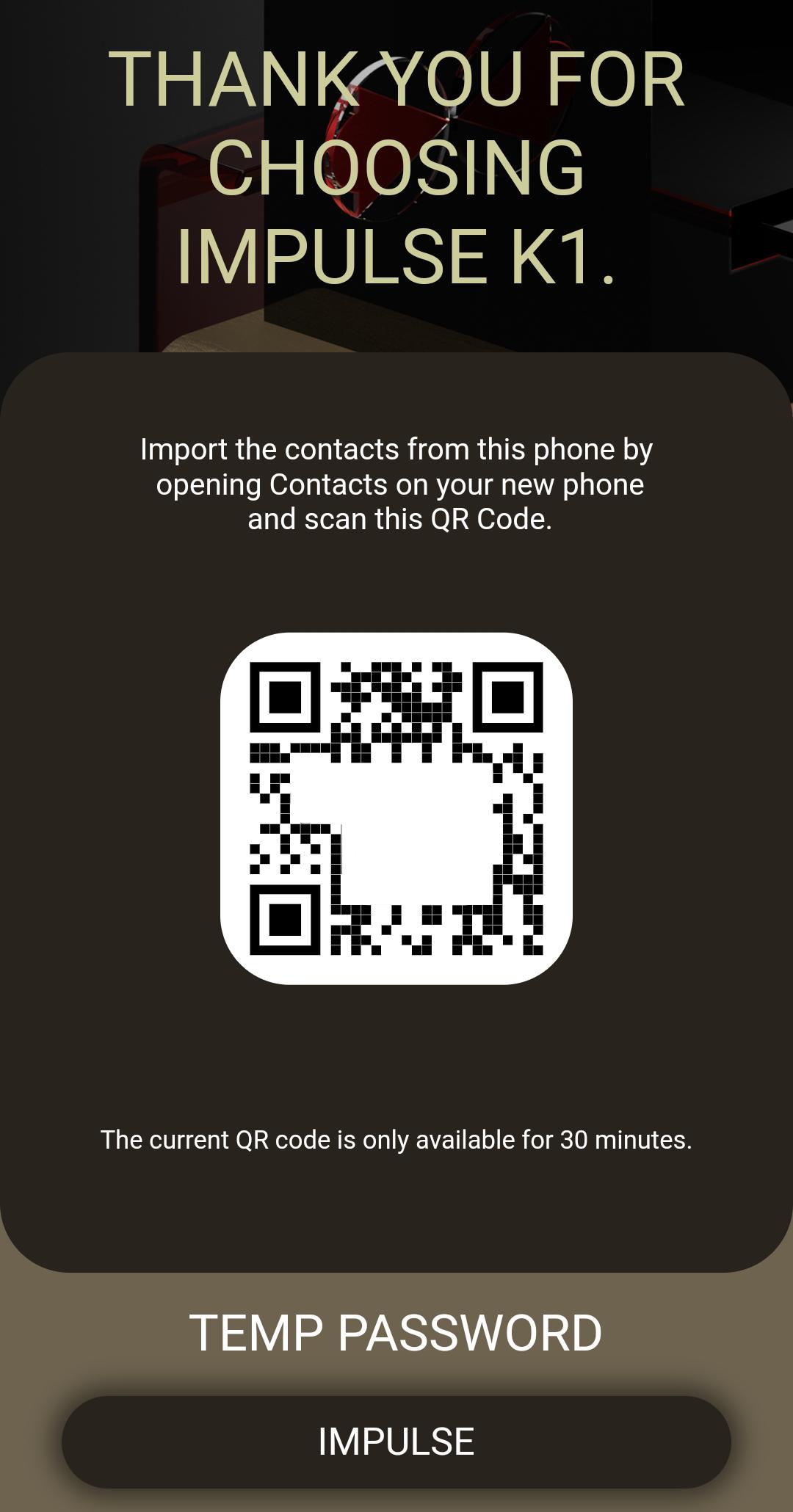
3. Open the 'Contacts' application from your IMPulse K1 Smartphone, open the settings menu, click on the Import from QR link and scan the QR code. In a matter for minutes the entire process is complete. Never it's been easier for you to transfer contacts from a phone to other.
Thank you for using the IMPulse K1 ecosystem application to better protect your privacy.

Один клик для установки XAPK/APK файлов на Android!

Спасибо за оценки и отзывы!
Вы уже оценили.


