
APKPure에서 안전하고 빠른 APK 다운로드
APKPure는 바이러스 없는 xfer APK 다운로드를 위해 서명 확인을 사용합니다.

안드로이드 폰에서 IMPulse K1 스마트 폰으로 연락처 내보내기
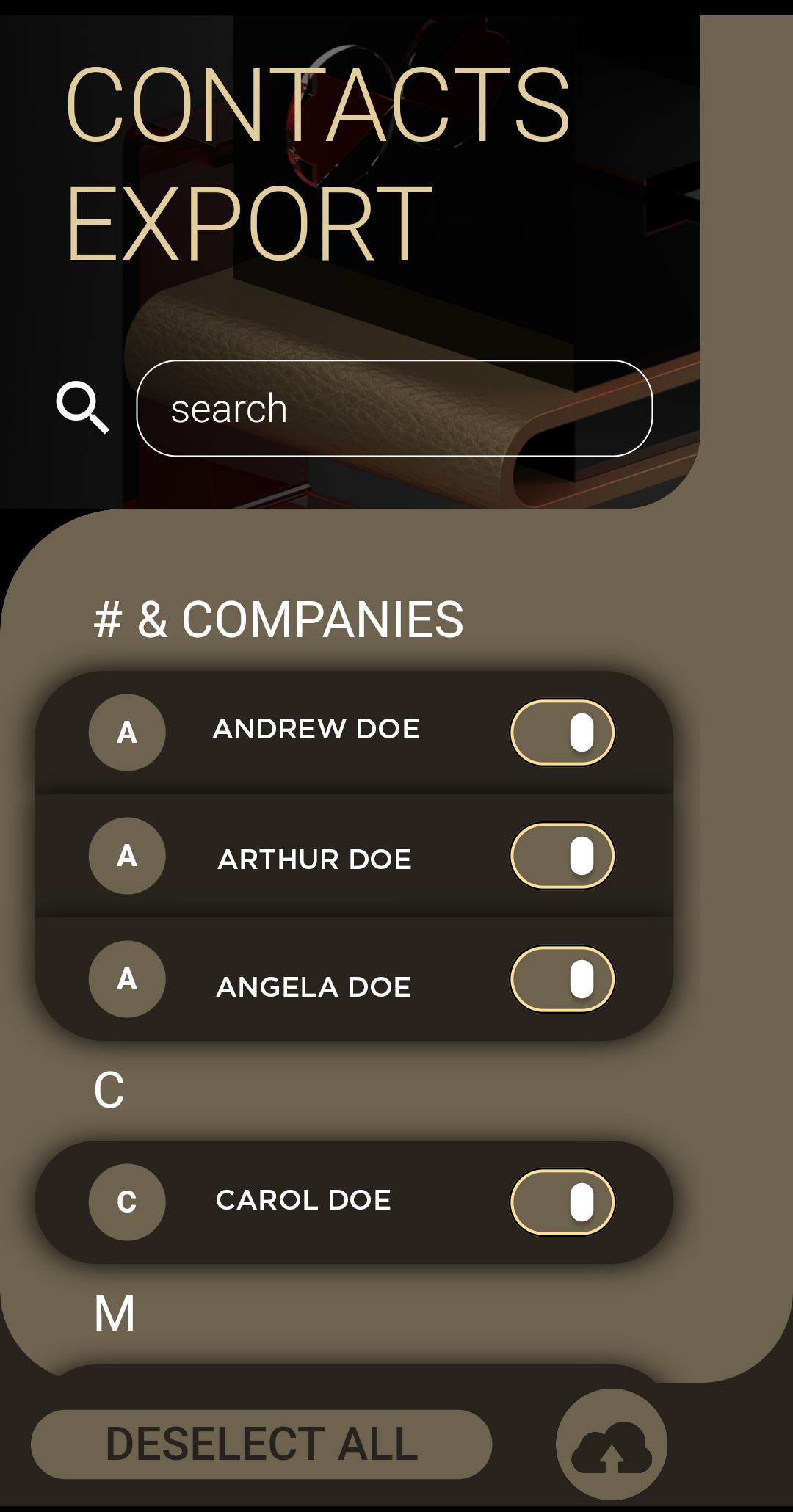
Switching to IMPulse K1 Smartphone must be a simple and intuitive process. Install the xfer application and follow this three easy steps:
1. Select the desired contacts that you wish to transfer
2. Click the 'Upload to Cloud' button to prepare your files
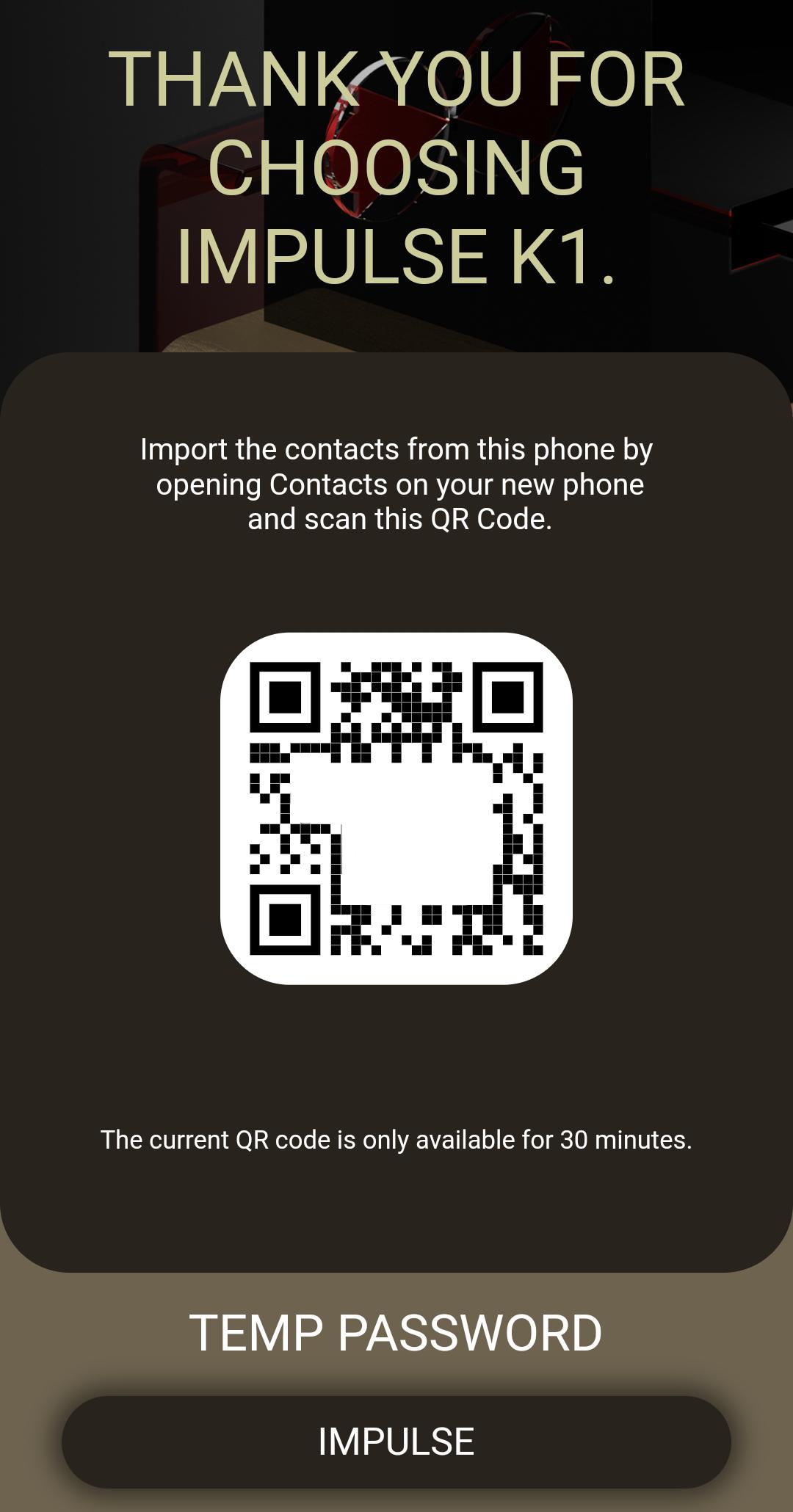
3. Open the 'Contacts' application from your IMPulse K1 Smartphone, open the settings menu, click on the Import from QR link and scan the QR code. In a matter for minutes the entire process is complete. Never it's been easier for you to transfer contacts from a phone to other.
Thank you for using the IMPulse K1 ecosystem application to better protect your privacy.

등급과 피드백에 감사드립니다!
당신은 이미 평가했습니다.



