QDLink
  • 6.5 MB

    File Size

  • 0/60
    Security
  • Everyone

  • Android 6.0+

    Android OS

About QDLink

QDLink is an APP that supports interconnection with the car's display.

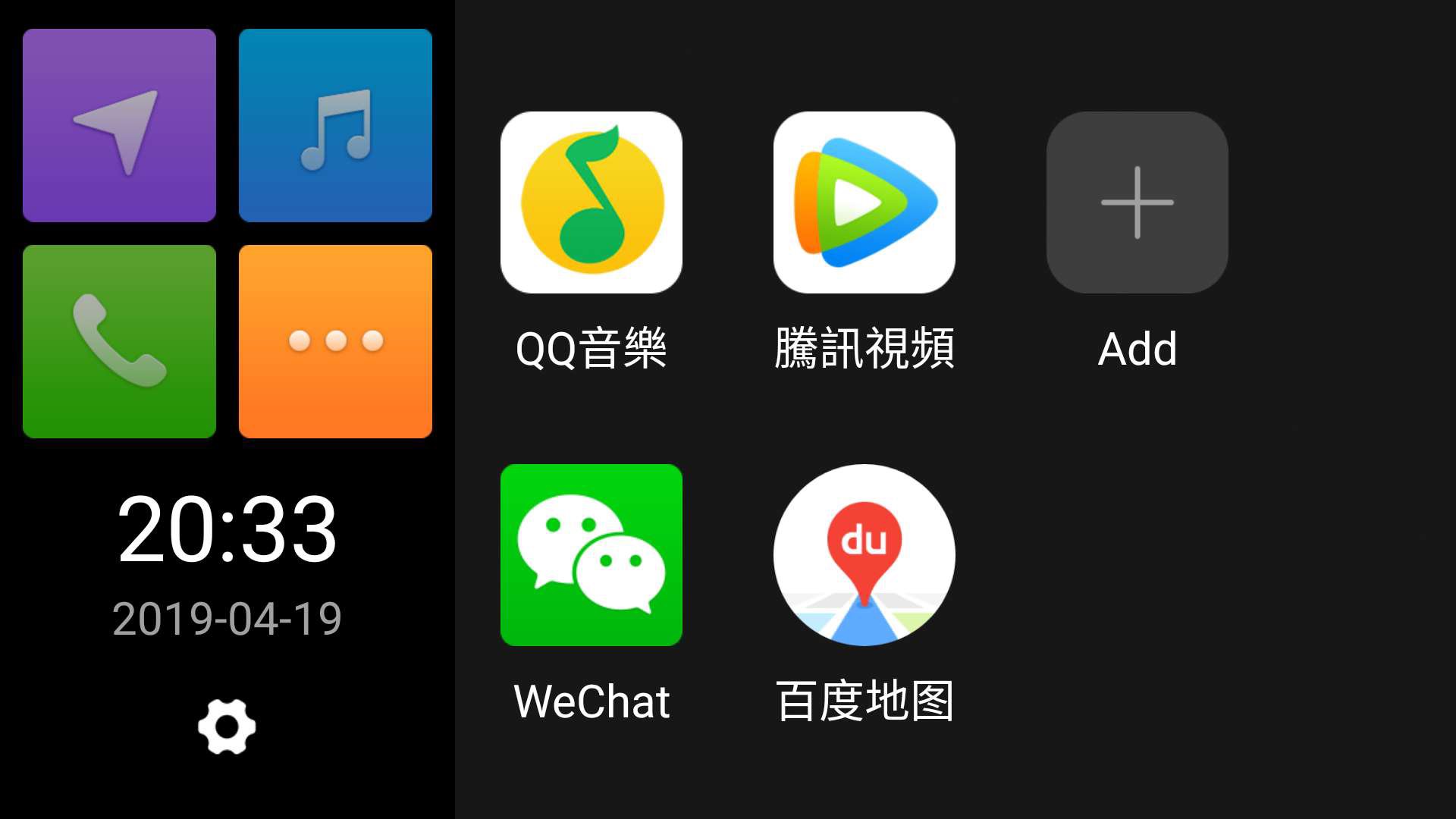
QDLink APP can support the connection with the car’s display. You can use the rich entertainment, communication and other useful features on the mobile phone through the car’s display.

QDLink APP can connect your mobile phone with the car’s built-in display by mirror function, then phone’s screen will appear on the car’s display. You can operate the car’s display via mobile phone and vice versa. It gives you an easy way to access your multi-apps on the phone and convenient mobile experience while driving.

This application uses the Android AccessibilityService API and is only used to [allow users to reversely operate their phones through the car screen when using WiFi screen projection] and will not collect sensitive data or interfere with other applications.

Show More

What's new in the latest 1.9.8

Last updated on 2026-11-05
1.修改已知bug
2.支持Android 16
Show More

Videos and Screenshots

  • QDLink poster
  • QDLink screenshot 1
  • QDLink screenshot 2
  • QDLink screenshot 3

QDLink APK Information

Latest Version
1.9.8
Android OS
Android 6.0+
File Size
6.5 MB
Available on
Content Rating
Everyone
Security Report
0/60
Scan Result: Secure
No security vendors flagged this file as malicious
No Virus
No Spyware
No Malware
No Virus
No Spyware
No Malware
Scan Date:Nov 5, 2026
Package Name:com.neusoft.qdrivelink
SHA-256:464bfae04f4a044b80dfbf20cad39c4b5e052dee3d80955e602412433f854354
SHA-1:21d22164c15d35443d5534af1aa15e4f92eb825a
Show More

Old Versions of QDLink

6.5 MBNov 5, 2026
Download
6.3 MBApr 8, 2026
Download
6.0 MBOct 27, 2025
Download
5.7 MBAug 5, 2025
Download
APKPure icon

Super Fast and Safe Downloading via APKPure App

One-click to install XAPK/APK files on Android!

Download APKPure
thank icon
We use cookies and other technologies on this website to enhance your user experience.
By clicking any link on this page you are giving your consent to our Privacy Policy and Cookies Policy.
Learn More about Policies