Safe & Fast APK Downloads on APKPure
APKPure uses signature verification to ensure virus-free Pluvia APK downloads for you.

3D weather radar data viewer.
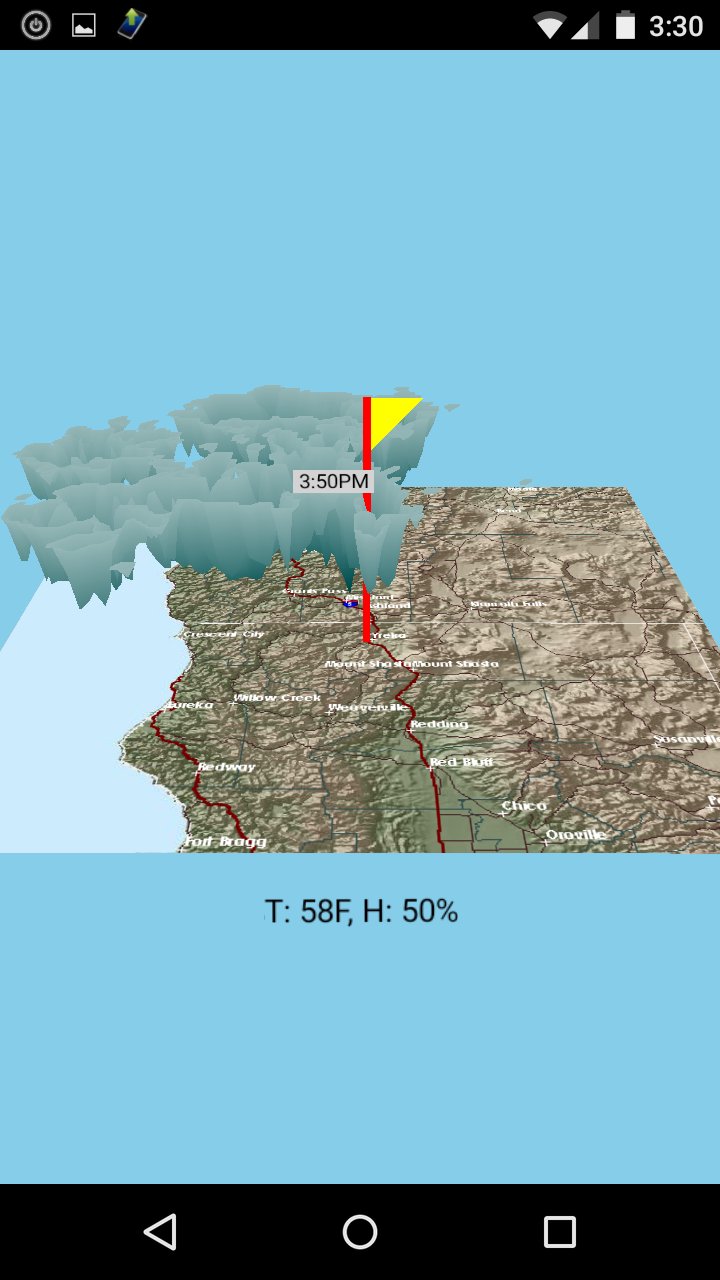
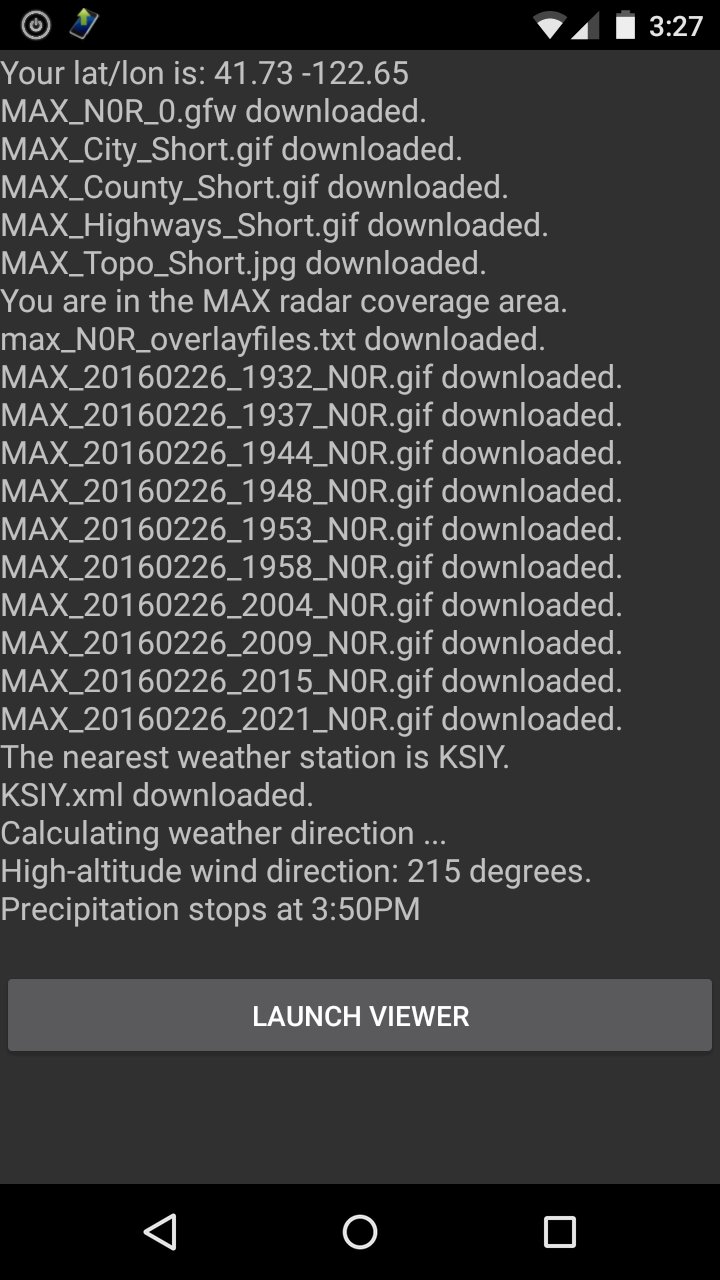
Downloads data directly from weather.gov and displays 10 recent radar scans in a 3D movie.
It also displays your current temperature and humidity.
In the 3D viewer:
The center of the map is the source of the radar beam.
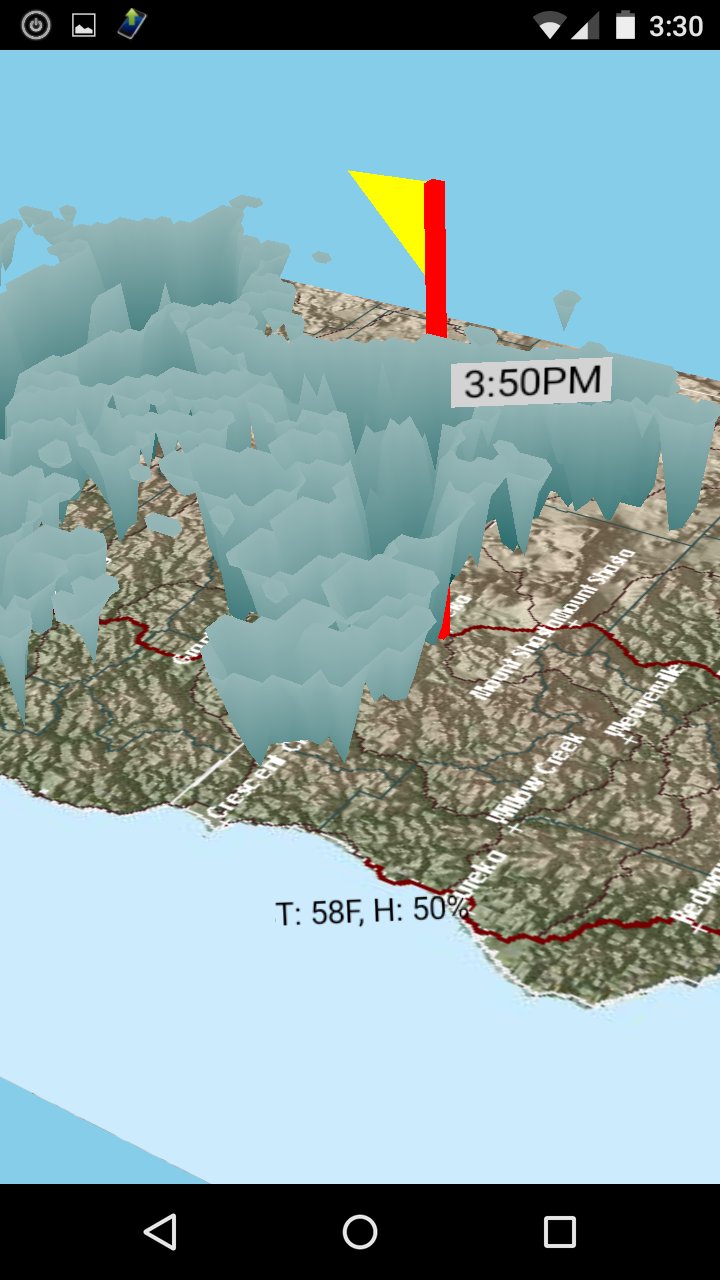
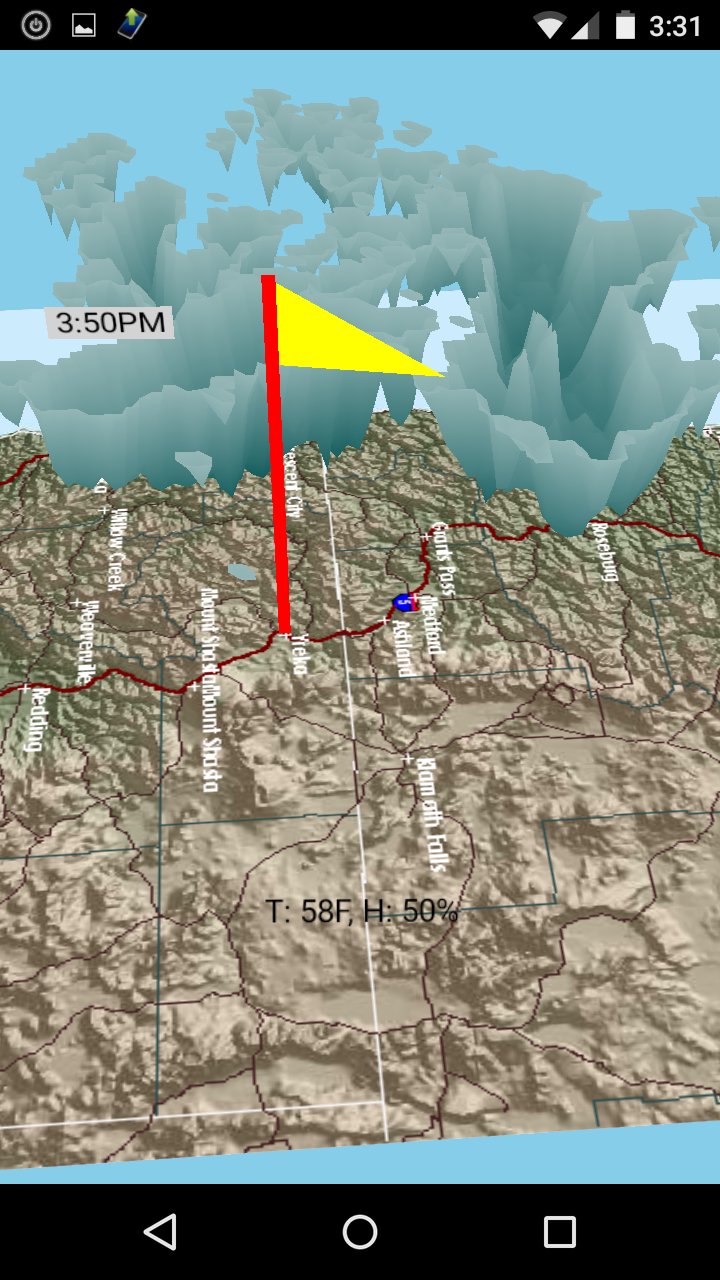
The red flagpole is your location.
The yellow flag shows the high-altitude wind direction.
The clouds are precipitation: either rain or ice or snow.
Approaching clouds have a label with the arrival time and another label with the end time.
The map floats and spins using the magnetic compass sensor.
The magnetic sensor is very sensitive and often gets confused.
To reset the compass, flip your phone in each direction so that each edge faces the ground.
Pinch-zoom works with two fingers. One finger does nothing for now.
This is the Google Plus Community for the app:
https://plus.google.com/communities/102905727261957472901
This is the Facebook group:
https://www.facebook.com/groups/173877356324375/
Support is also available via e-mail.

One-click to install XAPK/APK files on Android!

Thanks for your rating and feedback!
You have already rated.