Safe & Fast APK Downloads on APKPure
APKPure uses signature verification to ensure virus-free No Ad Internet Browser APK downloads for you.


4.3 MB
File Size
Everyone
Android 4.0+
Android OS
Fast internet browser with ad block feature.
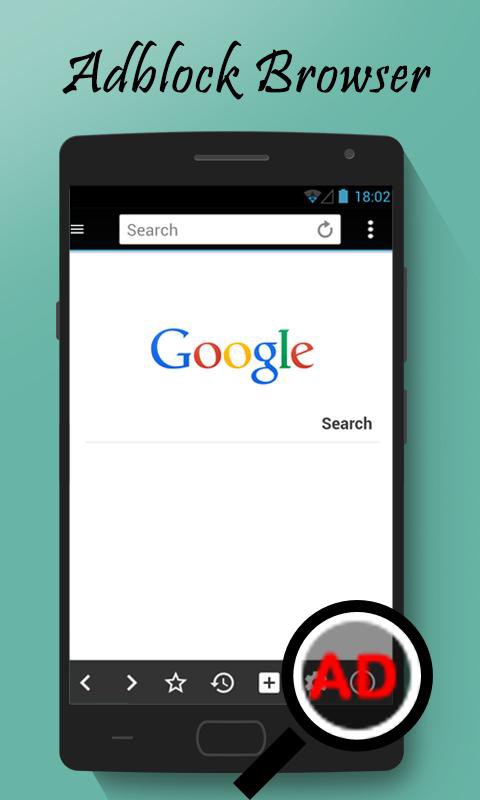
A fast internet browser with advance ad block features. If you are tired of ads in web browser, just keep your ad blocker active and you'll have no ads appearing on your web browser.
App features:
- Simple UI with easy and fast to use browser.
- Easy access to all important features right in the browsing page.
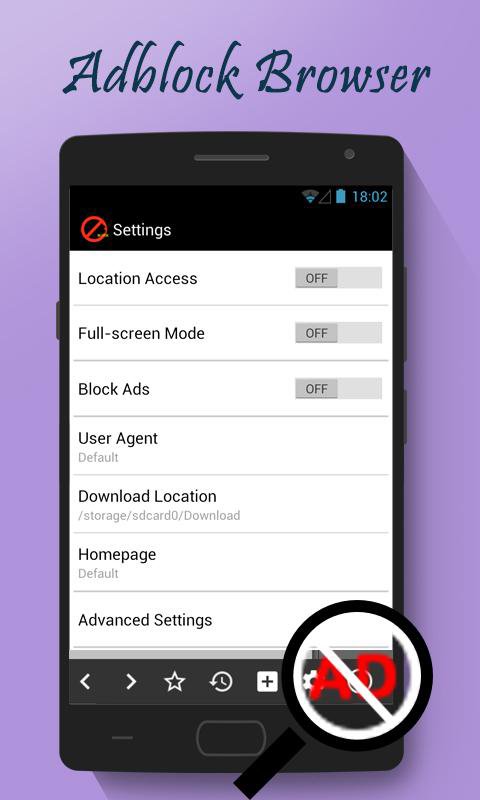
- Ad block Features available in settings.
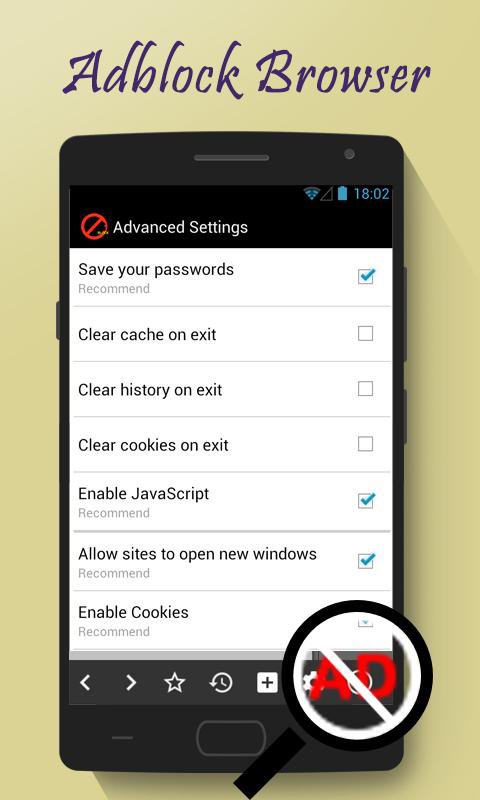
- Easy access to history and bookmarks, and clearing history, cooking and cache in advance settings.
- Other features like full-screen, block ads, location access, Incognito mode, search suggestions and much more.
- Completely free to use. As this browser is free to use, we have placed nominal ads.
A super fast 4g browser with advance adblocker. Keep your ad blocker active and enjoy ad free web browsing.






One-click to install XAPK/APK files on Android!

Thanks for your rating and feedback!
You have already rated.