My Assurance from Allocate

My Assurance from Allocate

Allocate Software
Jun 14, 2021
  • 14.8 MB

    File Size

  • Everyone

  • Android 4.1+

    Android OS

About My Assurance from Allocate

Mobile assurance tool for paperless audits, inspections and accreditations.

My Assurance is a mobile assurance tool for paperless audits, inspections and accreditations. Accurately complete detailed audits quickly and efficiently allowing more time to focus on patient care.

With the My Assurance app you have;

• Audits, inspections and accreditations sent directly to your tablet

• Only see audits/inspections that you need to complete

• Clearly see when inspections need to be completed

• Ability to work in ‘off-line’ mode

• Ability to capture text and picture responses

• Review results from previous inspections

• View all completed, ongoing and future inspections for your area

• Add actions following inspection

Show More

What's new in the latest 1.23

Last updated on 2021-06-14
Option to search wards, audits and owners
Improvements in Actions
Show More

Videos and Screenshots

  • My Assurance from Allocate poster
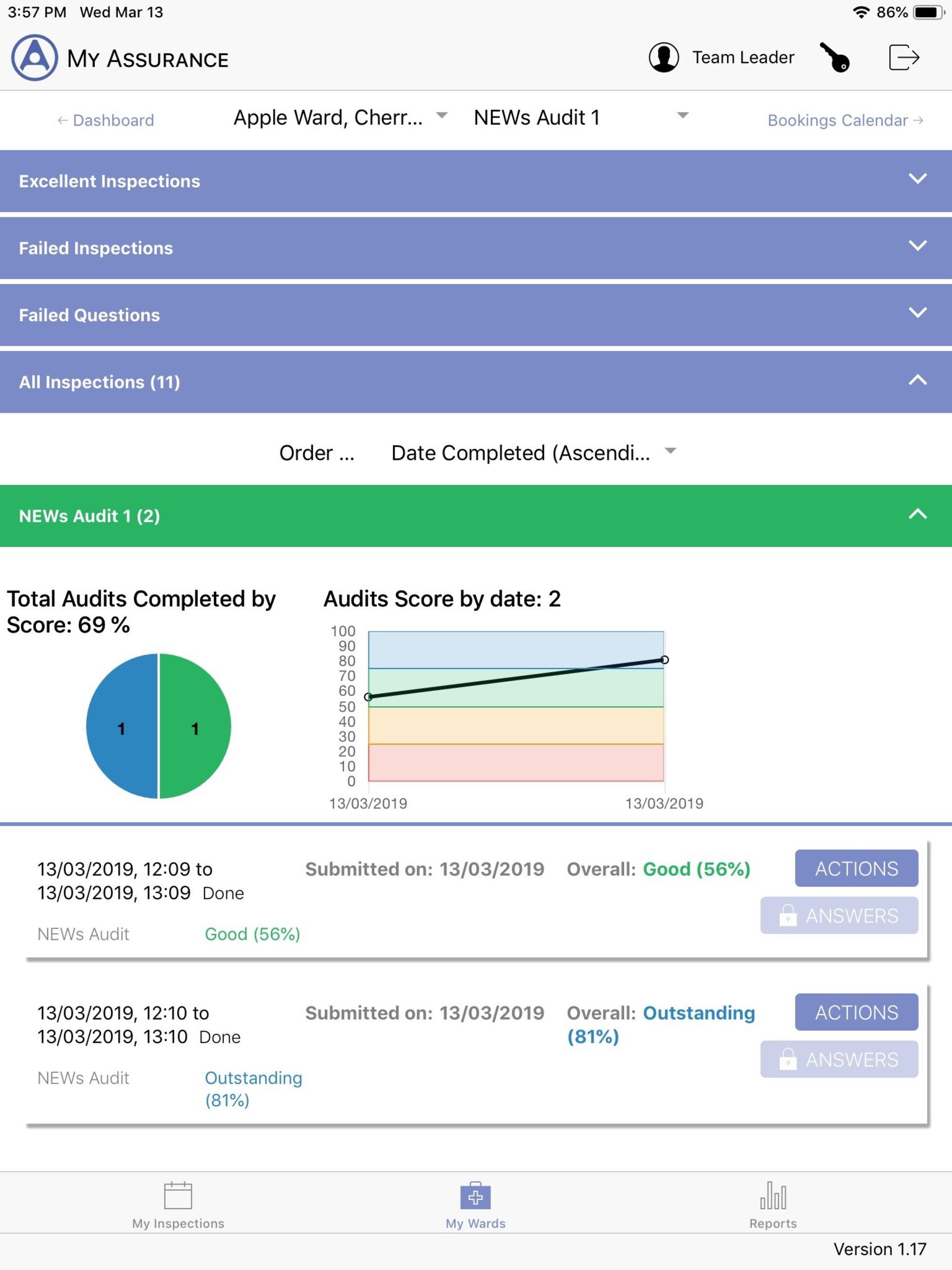
  • My Assurance from Allocate screenshot 1
  • My Assurance from Allocate screenshot 2
  • My Assurance from Allocate screenshot 3
  • My Assurance from Allocate screenshot 4
  • My Assurance from Allocate screenshot 5
  • My Assurance from Allocate screenshot 6
  • My Assurance from Allocate screenshot 7

My Assurance from Allocate APK Information

Latest Version
1.23
Category
Medical
Android OS
Android 4.1+
File Size
14.8 MB
Content Rating
Everyone
Safe & Fast APK Downloads on APKPure
APKPure uses signature verification to ensure virus-free My Assurance from Allocate APK downloads for you.

Old Versions of My Assurance from Allocate

APKPure icon

Super Fast and Safe Downloading via APKPure App

One-click to install XAPK/APK files on Android!

Download APKPure
thank icon
We use cookies and other technologies on this website to enhance your user experience.
By clicking any link on this page you are giving your consent to our Privacy Policy and Cookies Policy.
Learn More about Policies