
Muat turun APK Selamat & Cepat di APKPure
APKPure menggunakan pengesahan tandatangan untuk memastikan muat turun APK xfer tanpa virus untuk anda.

Export contacts from your Android phone to IMPulse K1 Smartphone
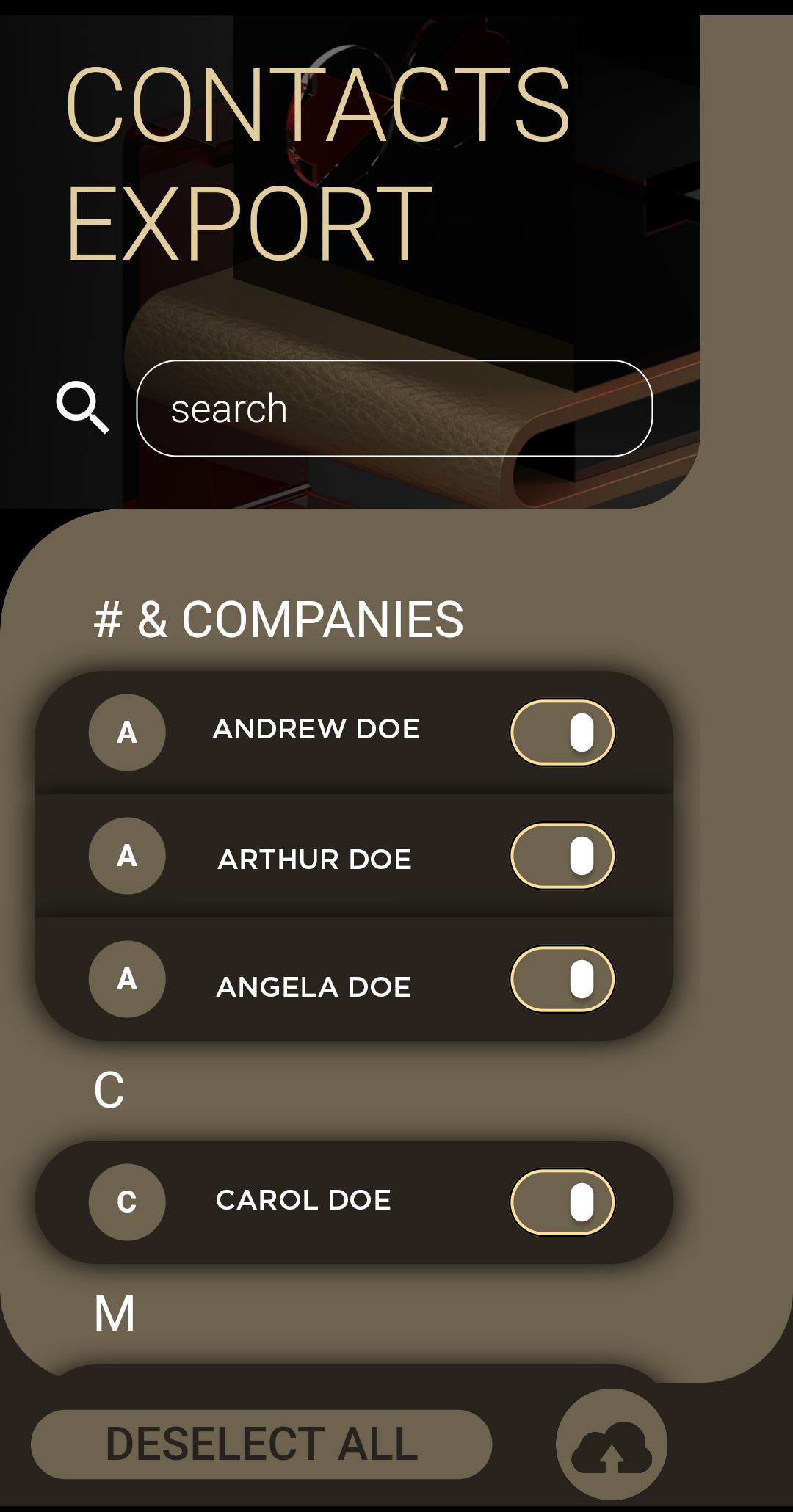
Switching to IMPulse K1 Smartphone must be a simple and intuitive process. Install the xfer application and follow this three easy steps:
1. Select the desired contacts that you wish to transfer
2. Click the 'Upload to Cloud' button to prepare your files
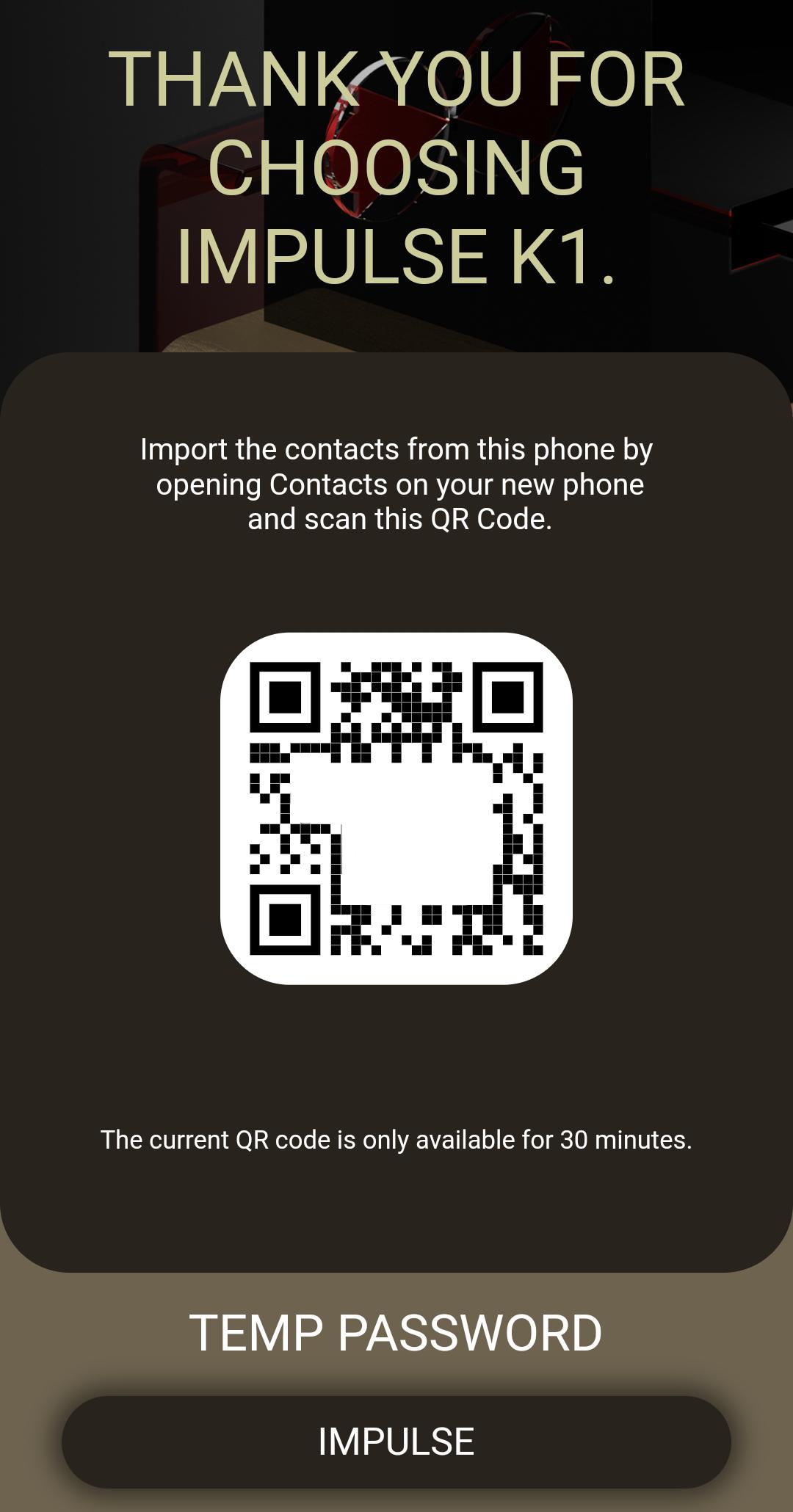
3. Open the 'Contacts' application from your IMPulse K1 Smartphone, open the settings menu, click on the Import from QR link and scan the QR code. In a matter for minutes the entire process is complete. Never it's been easier for you to transfer contacts from a phone to other.
Thank you for using the IMPulse K1 ecosystem application to better protect your privacy.

Satu klik untuk memasang fail XAPK/APK pada Android!

Terima kasih atas penilaian dan maklum balas anda!
Anda sudah dinilai.






