Scan Date:Nov 3, 2026
Show More


106.0 MB
File Size
Everyone
Android 9.0+
Android OS
MP Saara App is a government revenue administration and field data collection solution for Madhya Pradesh.
Developed by MPSeDC under the Department of Science and Technology, Govt of MP, its main appeal is an integrated platform that brings crop survey (Girdawari), crop cutting experiments, partition, mutation, and key schemes into one place. This helps field staff record updates on the spot and supervisors track progress without juggling multiple tools. If you plan to download MP Saara App, the overview below highlights the core modules and how they work together.
This feature brings core revenue workflows into a single mobile experience. Staff can record Girdawari (Digital Crop Survey), enter crop cutting experiment details, and submit partition or mutation information while on-site. It cuts down on duplicate work and reduces delays between field visits and reporting.
In practice, a user selects the relevant module from the home screen, then opens the village or plot-level context to add entries and submit reports. The MP Saara App keeps these inputs structured so supervisors can review them later, without switching systems. Access is mainly departmental; others will see limited public report links.
The Digital Crop Survey module helps users view and update status down to the village and parcel level. Selection flows naturally from district to tehsil, then to the RI circle/halka and village, where raqba-wise information is checked or updated. This keeps Girdawari entries consistent and traceable across blocks and districts.
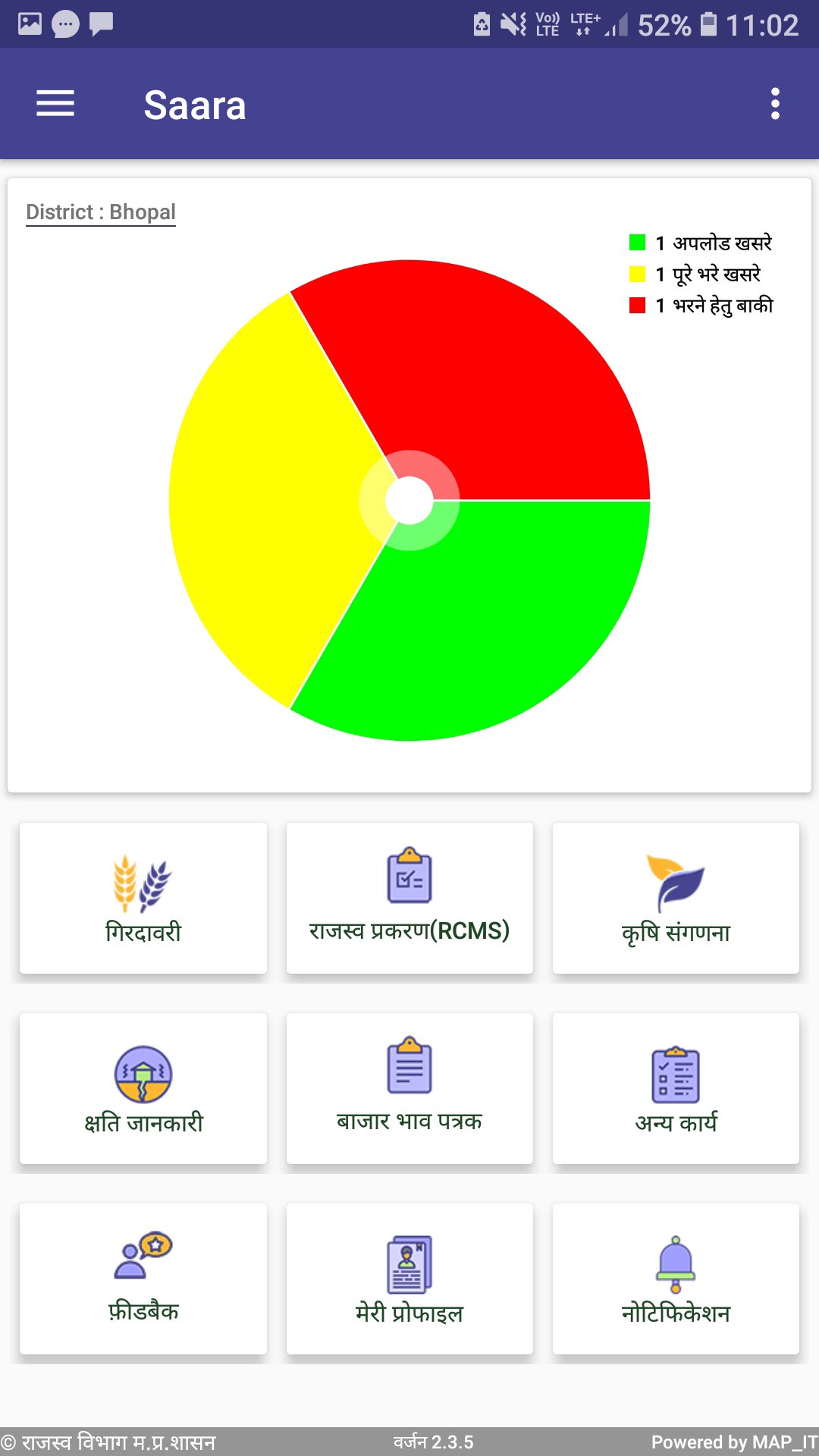
With WebGIS and NIC integration, maps and dashboards give a quick sense of how much work is complete and where attention is needed. For example, a supervisor can open the Revenue Supervisor Status dashboard to see progress patterns before assigning the next round of field checks. The MP Saara App supports this oversight without making the user jump to external tools.
CCE entries capture crop cutting experiment details against a selected khasra or field. The module aligns with the workflow staff follow in the field, so entries feel natural and timely. It is designed for accurate experiment data that later feeds into aggregated reports.
Users can open the Reports link to review CCE outputs and spot missing or anomalous entries. This makes validation easier before district-level consolidation. If connectivity is weak, saving drafts and syncing later is a practical approach some teams use. Within each session, the MP Saara App keeps the experiment and reporting path straightforward.
PM-Kisan status, Girdawari inspection updates, Swamitva mapping, and MI Census views are accessible through their respective sections. Public report links help quickly check account or upload status, while administrative dashboards bring block and district-level monitoring under one roof. This mix keeps day-to-day checks efficient and planning data visible.
When a supervisor needs to confirm village coverage or view map-based layouts, the dashboards answer most questions without manual compilation. For assistance, the helpdesk at 0755-2525804 operates daily from 10 AM to 6 PM, guiding users through common issues. The MP Saara App keeps these resources adjacent to operational modules so staff can switch from entry to oversight smoothly.
The “CM Awasiy Bho-Adhikar Yojana” survey sits inside the same revenue platform, which reduces tool changes during verification. Field teams can capture required survey information alongside standard revenue tasks, then move to dashboards to confirm submission status. It simplifies coordination between survey and routine revenue work.
Since the module shares the same structure as other sections, training time remains low. Users familiar with Girdawari or mutation modules can adapt to this survey flow quickly. As with other features, the MP Saara App aligns the survey with monitoring tools, helping officers assess progress before closing cases.
These points reflect how field modules, dashboards, and scheme links come together in the MP Saara App while keeping departmental access in mind.
ProsYou can get the MP Saara App APK latest version from APKPure. The download typically completes within a few minutes, depending on your network speed. APK size may vary by build, so ensure sufficient storage before downloading and make sure your device allows installation from APK files.
After installation, departmental users can sign in and start with Digital Crop Survey or check PM-Kisan public reports as needed. If the app prompts for permissions, grant only those required for core features. For secure updates, revisit APKPure when seeking the MP Saara App latest version, and restart the device if any modules do not load correctly.
Since access is focused on official use, general users may rely on public dashboards and report links. For operational questions, contact the helpdesk during working hours for timely support.



One-click to install XAPK/APK files on Android!

Thanks for your rating and feedback!
You have already rated.