Scan Date:Mar 21, 2026
Show More

30.9 MB
File Size
Everyone
Android 7.0+
Android OS
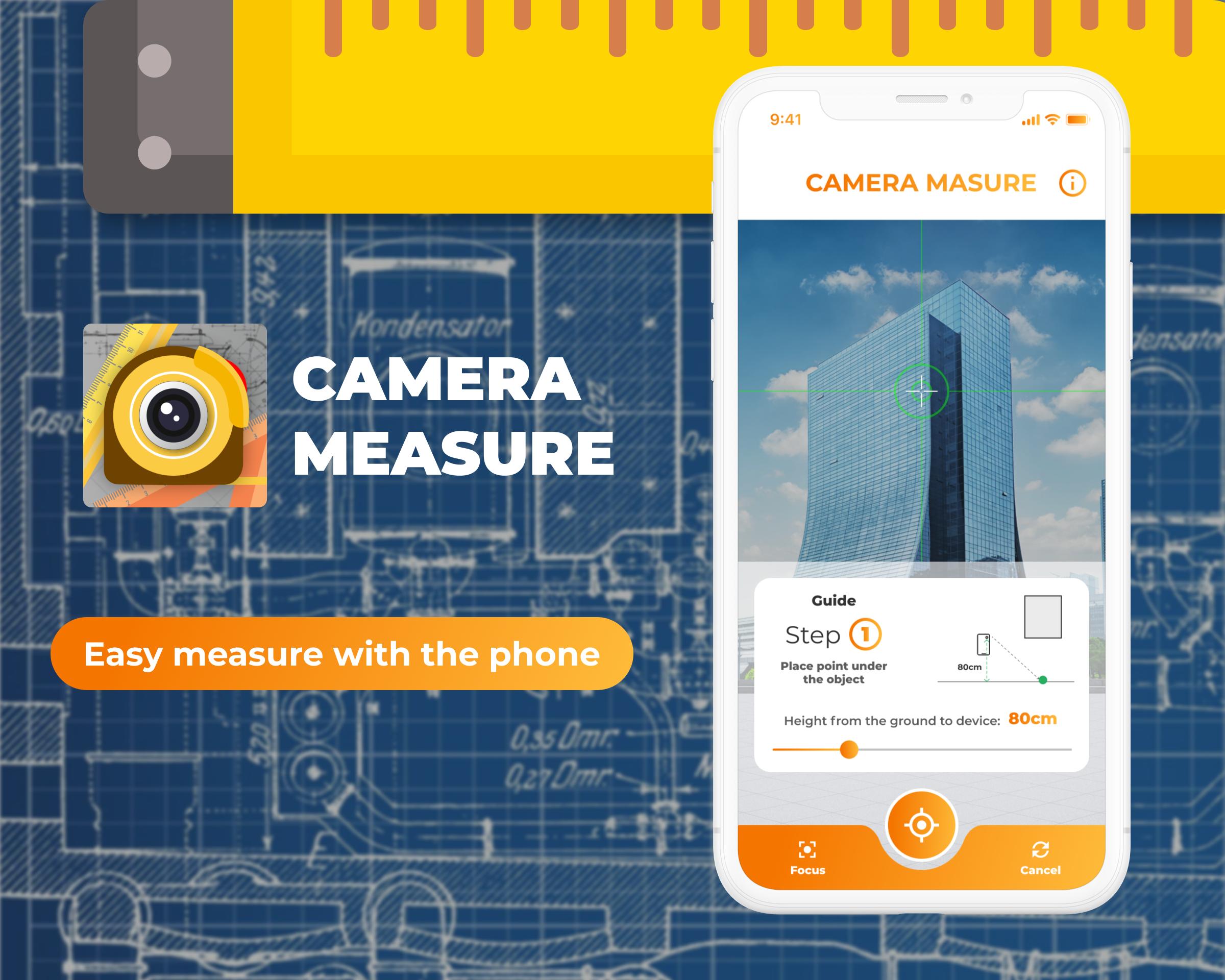
Turn your phone to a tape measure & ruler inches measurement with AR technology.
Measure With AR Ruler is the tape measure app that harnesses the power of Augmented Reality (AR) to bring unprecedented accuracy and convenience to your measurements. Say goodbye to the traditional tape measure and welcome the future of measurement with this innovative AR Ruler app.
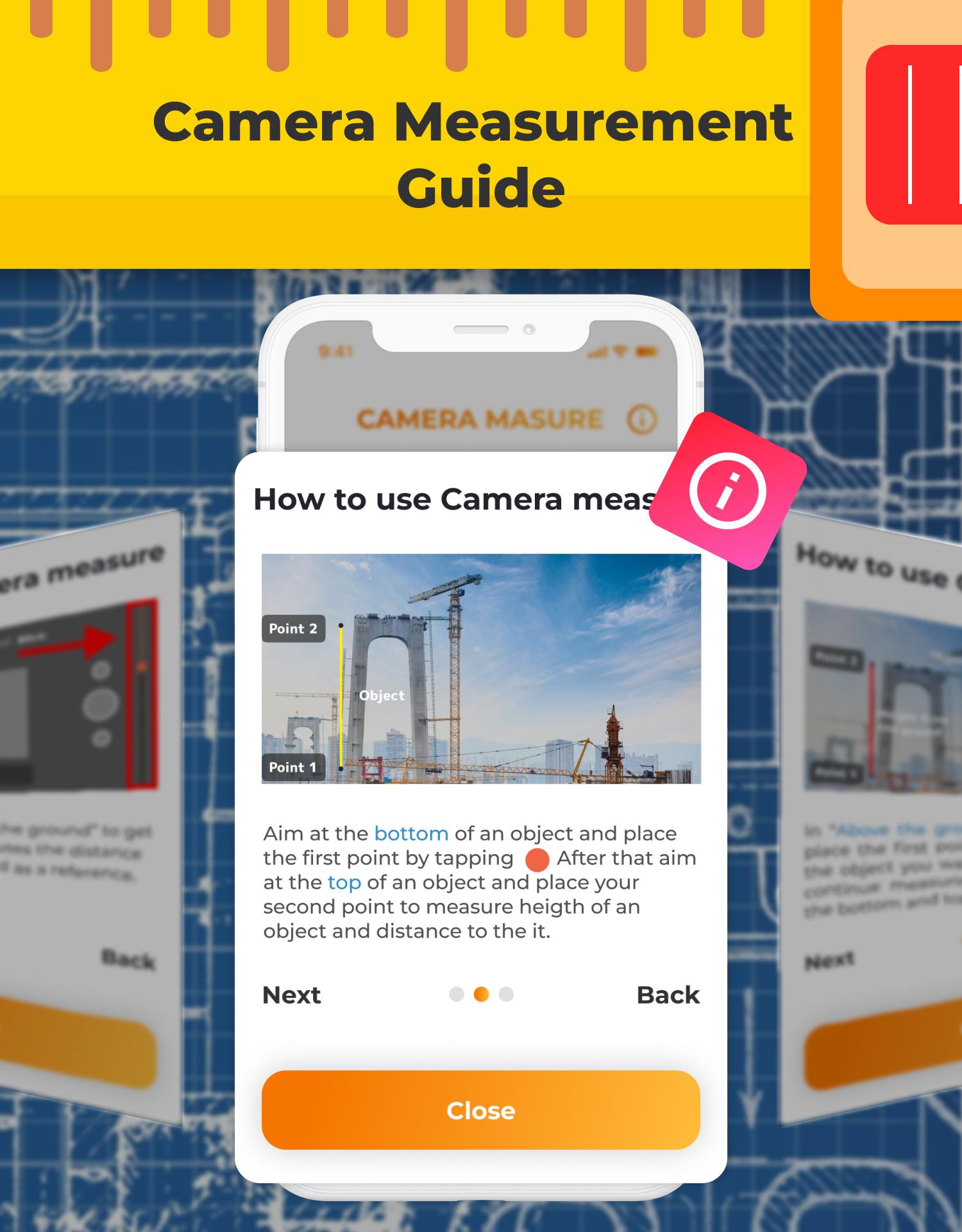
Photo Measurement at Your Fingertips
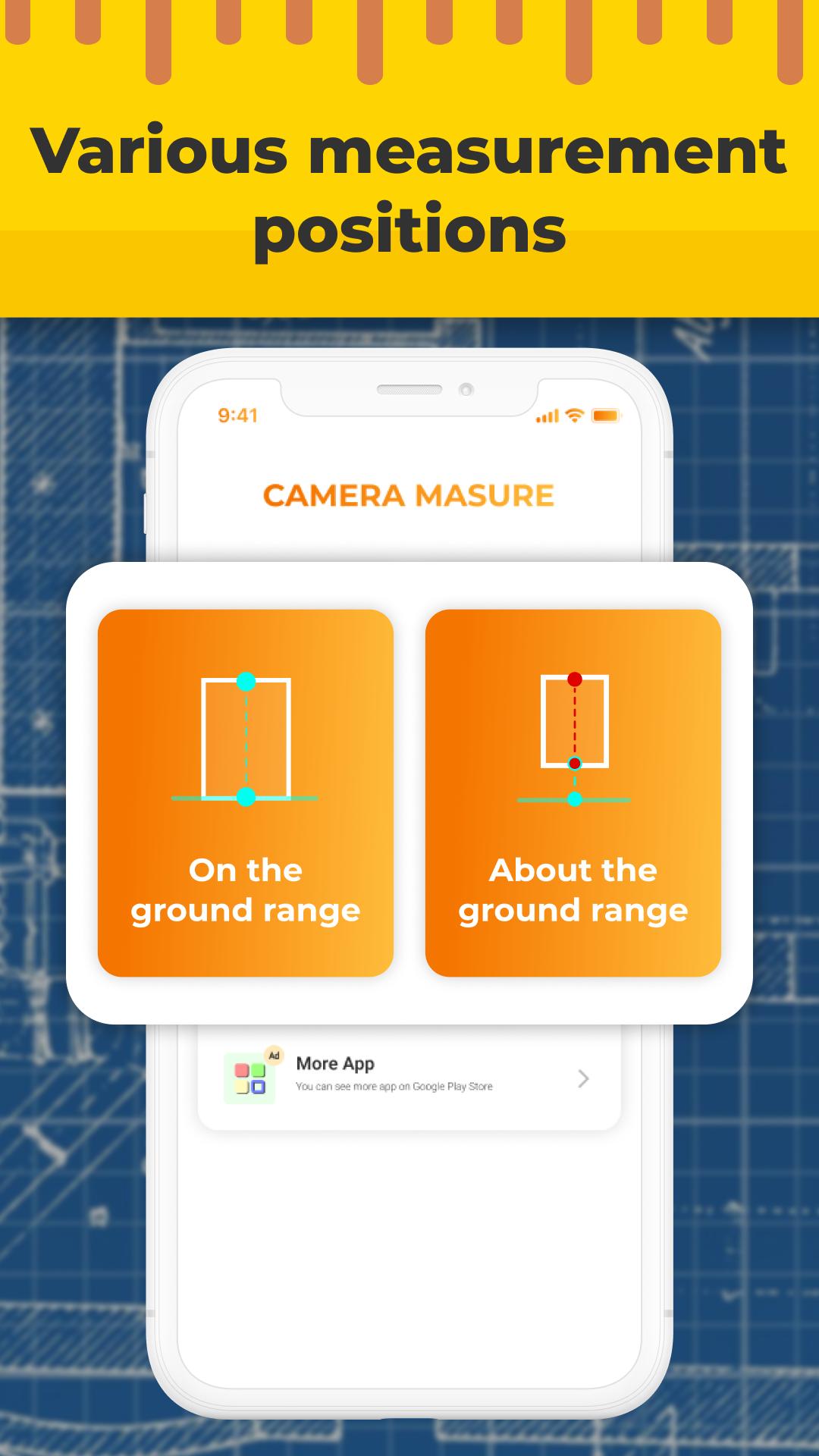
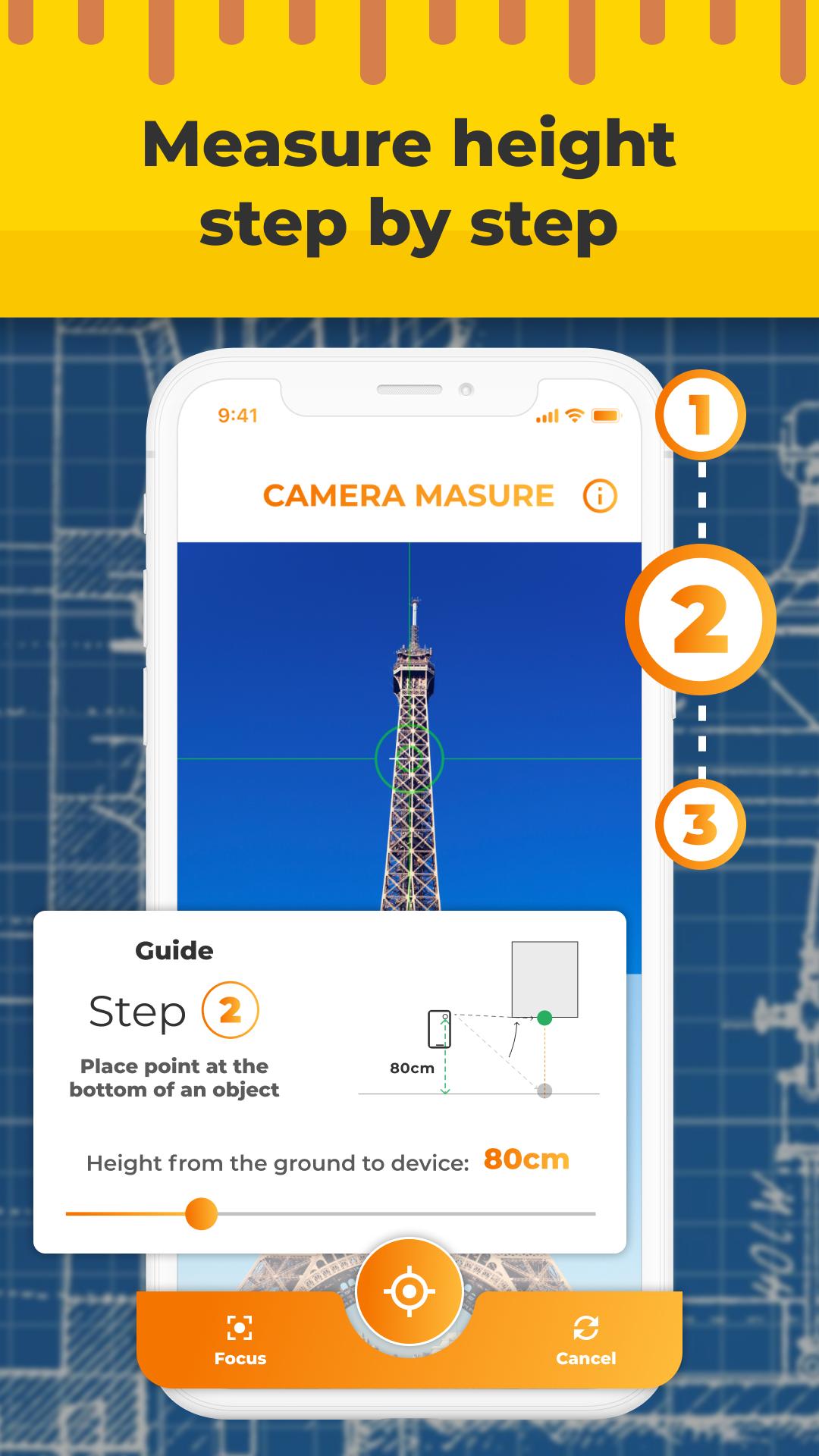
Augmented reality technology is used in the development of this app, which makes it possible to properly estimate distance and height with only your phone. Use the Photo Ruler app to take photos of any item and then measure it on the screen to get an accurate measurement. Using the Photo Ruler app, you can take measurements that are just as accurate as those taken with a regular millimeter ruler or tape measure.
Unmatched Measurement Accuracy
Accurate measurements are crucial, especially in professional settings. With this photo ruler app, you can rest assured that you'll get unmatched measurement accuracy, making it perfect for architects, engineers, and anyone who demands precise measurements. Say goodbye to estimation errors and welcome the reliability of Measure With AR Ruler.
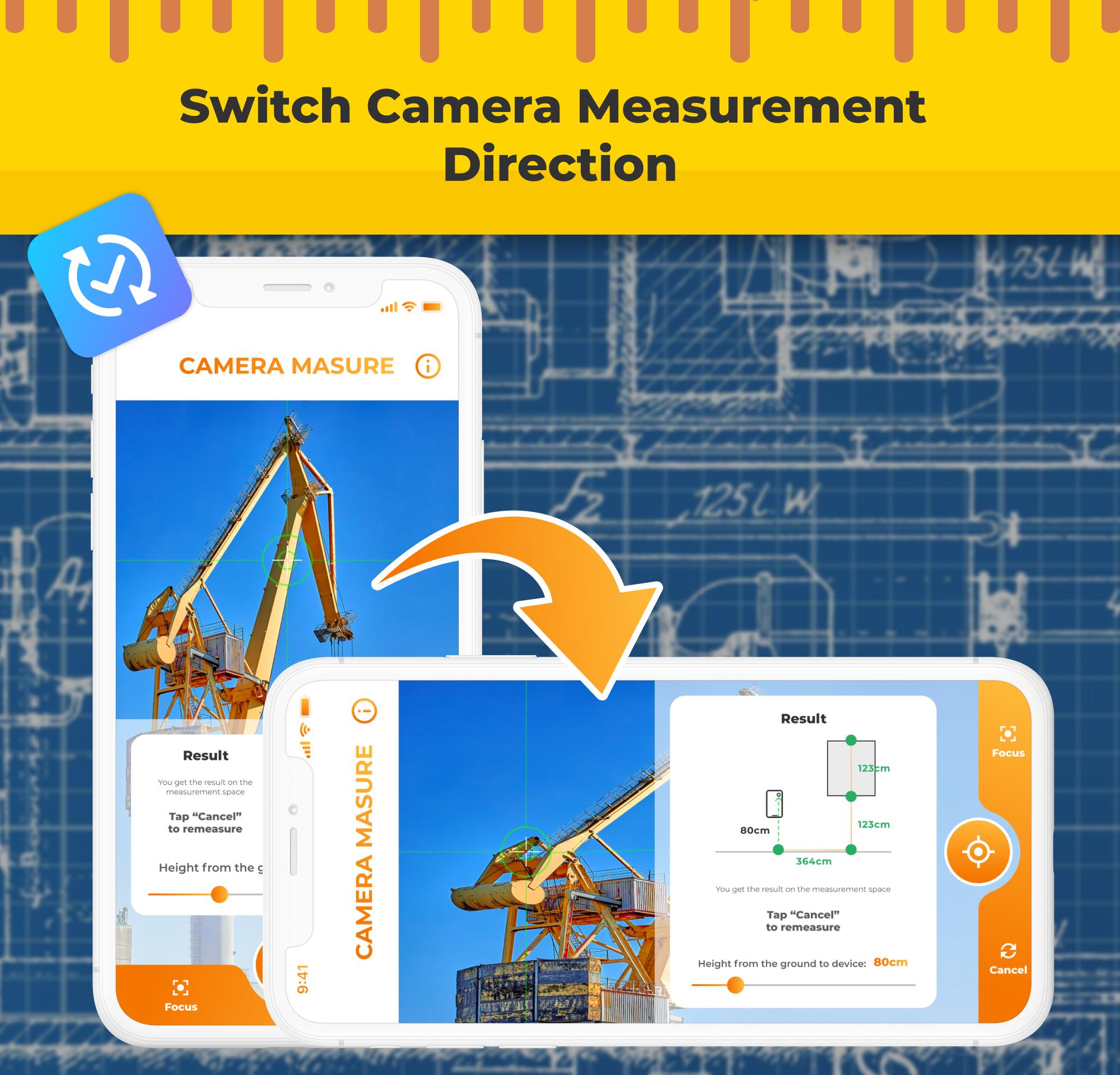
Time is of the essence and our tape measure app understands that. Get accurate measurements of length, width, height, angle and surface area in seconds with our ruler app. Mass measurements are also possible with this tool, making volume calculations simple and easy 🔢.
Smart History for Easy Reference
Keeping track of your measurements has never been easier. height scanner features a smart history function that saves all your recent measurements for easy reference. Whether you need to revisit a past measurement or compare different objects' sizes, the app's intuitive history feature has got you covered.
User-Friendly Interface
Designed with user experience in mind, Measure With AR Ruler boasts a sleek and user-friendly interface. The intuitive controls make measuring a breeze for users of all ages and experience levels.
It is not necessary for the user to pay any further fees after installing. Measure With AR Ruler in order to take full advantage of the service. Organizers can use the Measure With AR Ruler app from any location and at any time thanks to the management tool's ability to operate without internet access.
🔥Highlight features🔥
🔥Measurement accuracy.
🔥Smart history for your most recent measurements
🔥Measuring from a photograph
🔥Anyone can use this user-friendly interface.
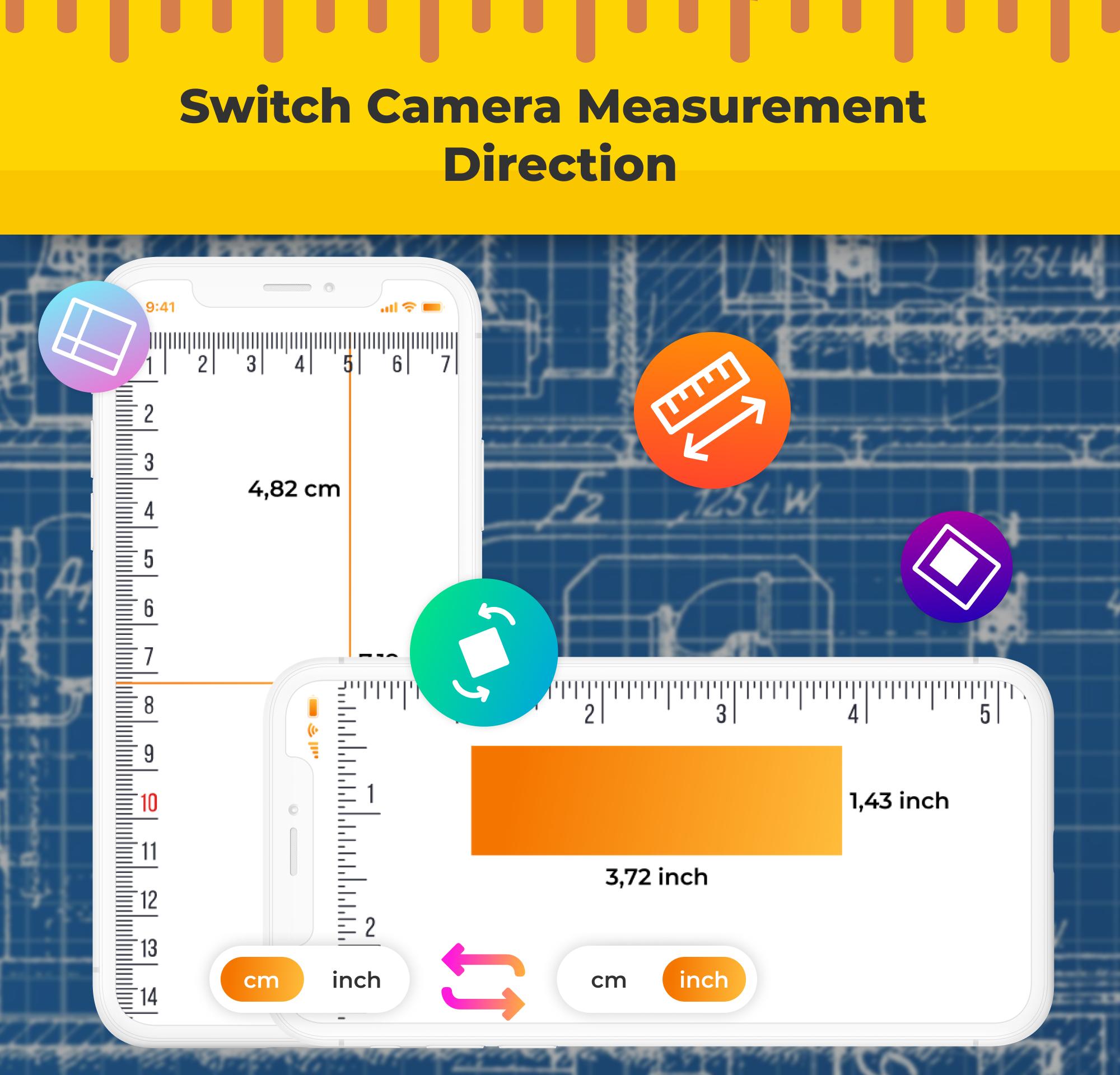
🔥Set the units to cm or inch.
🔥Share with other apps
📌 Please email us at admobah21@gmail.com if you have any issues or problems using the Measure With AR Ruler ❓. We will try to get back to you as soon as possible. We'd appreciate it if you could write a remark and give us a nice rating on the Measure With AR Ruler app.

One-click to install XAPK/APK files on Android!

Thanks for your rating and feedback!
You have already rated.