Scan Date:Mar 23, 2026
Show More


7.4
3 Reviews
65.1 MB
File Size
Everyone
Android 6.0+
Android OS
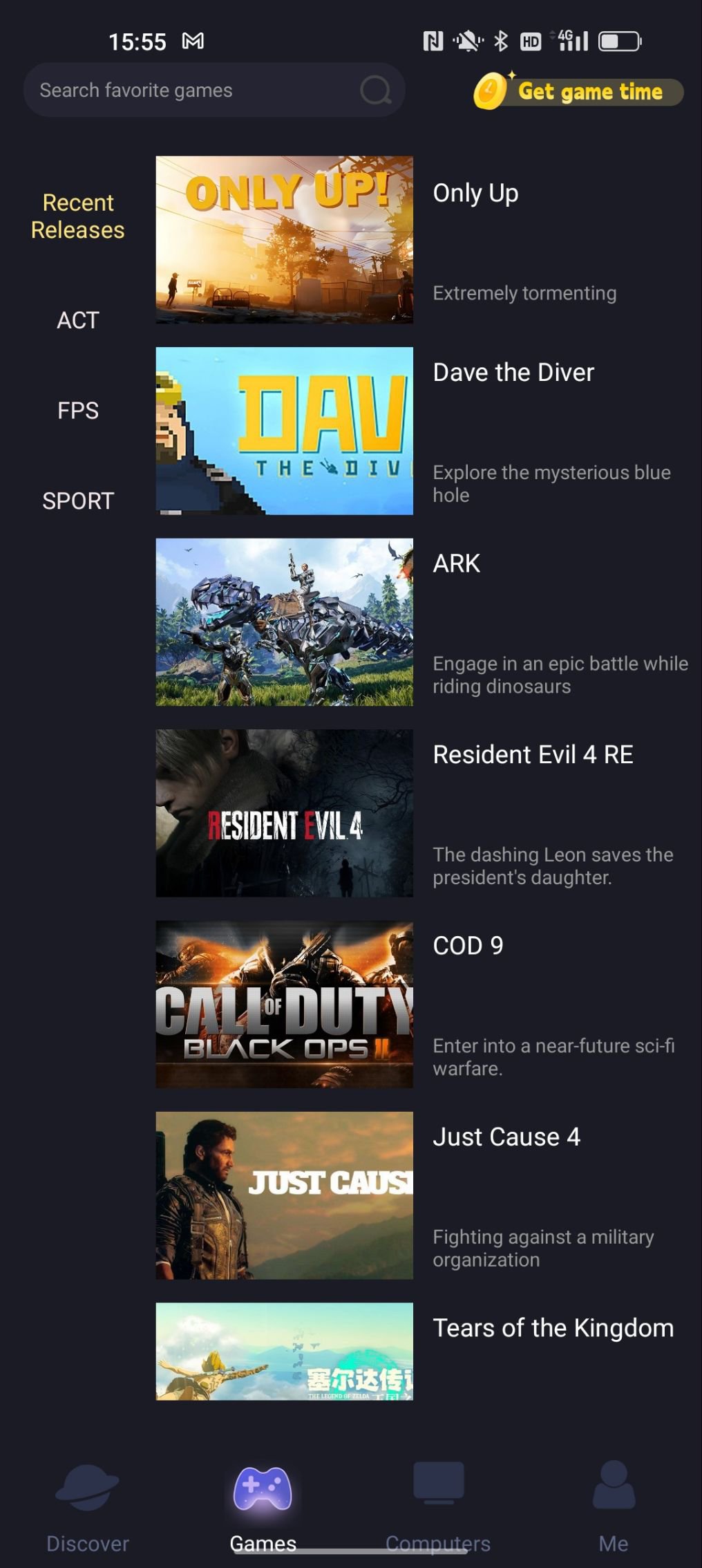
Limore Cloud Game is a mobile cloud gaming app for PC titles.
Developed by Chengdu Dongqing Technology Co. Ltd, Limore lets users stream popular PC games to Android without storing large files. Your phone acts as the controller and screen while a Windows PC handles the heavy lifting, so sessions feel familiar wherever you play. Many well-known titles are supported, from GTA 5 and Elden Ring to Red Dead Redemption 2. For a direct install option, the Limore APK is available. Here are the key features that matter in everyday use.
Limore streams a clear, interactive HD view from a connected Windows computer. Your phone becomes the controller and display while the PC handles processing. Sign in on both devices, choose the host, then tap Play to jump into GTA 5 or Elden Ring without storing large files. The session feels close to desktop for reliable menus and aiming.
After signing in, sessions start with a simple Play tap and stream from the host PC. This saves phone storage and cuts install time. To get set up fast, download Limore, link your account, then play with consistent controls.
You can get the latest APK for Limore on APKPure for a direct Android install. Most downloads complete in a short time depending on your network. If a prompt appears during installation, confirm permissions to proceed.
Open the app, connect it with the PC client, and start streaming when ready. Installing the Limore latest version helps maintain compatibility and smooth sessions. For best results, keep a stable connection and update both phone and PC clients.





One-click to install XAPK/APK files on Android!

Thanks for your rating and feedback!
You have already rated.