Scan Date:Jan 6, 2026
Show More

Let's Print Droid Suite - Cloud free print service for Android
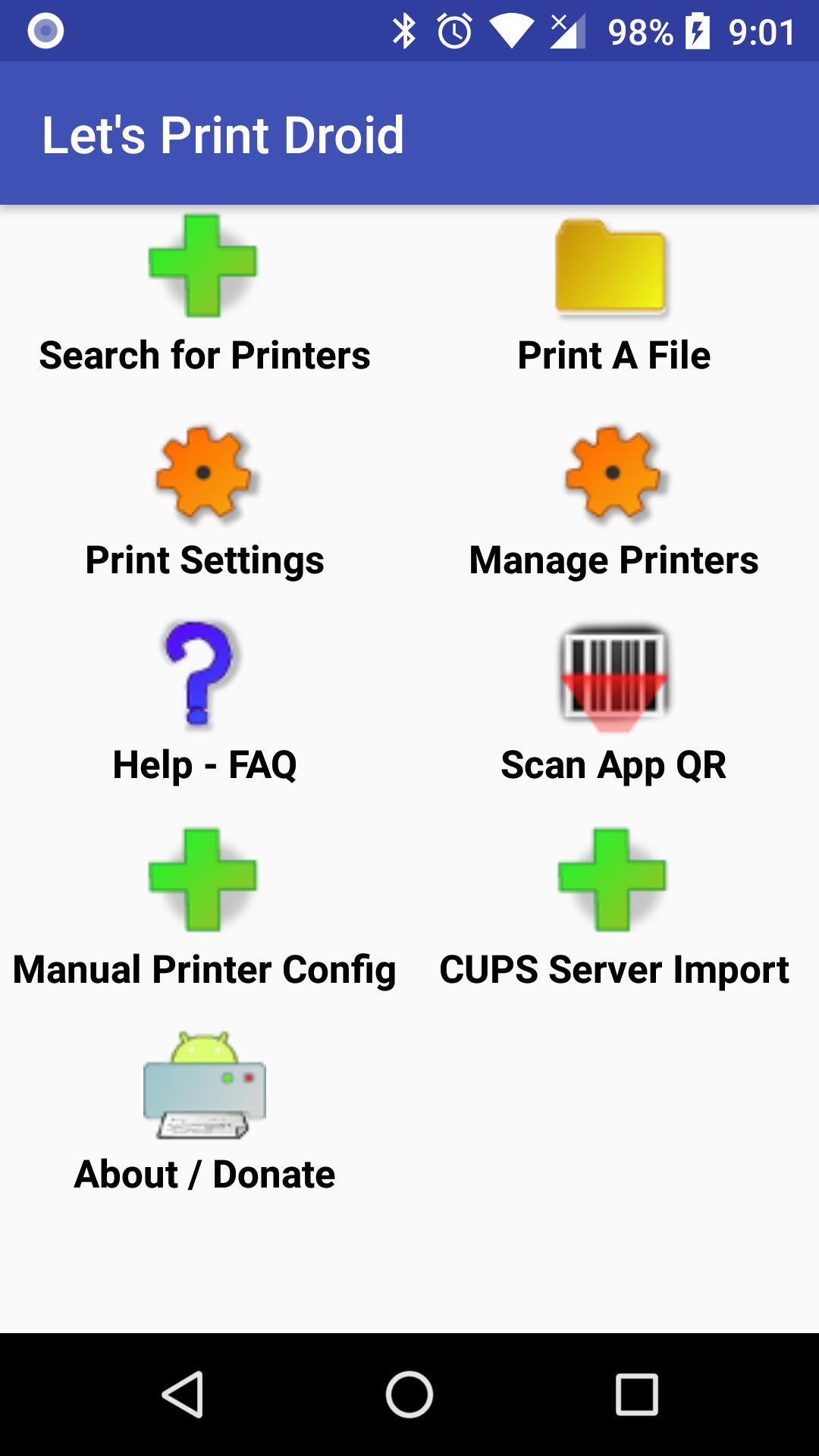
Let’s Print Droid (LPD) is a Cloud-free printing service for Android phones and Tablets.
Ink Jet and USB printer users please read the app's Ink Jet help file. You may need to use Google Cloud Print. This app is not perfect for novice users.
If you have a business grade laser or print server (CUPS,LPR,SAMBA, etc) , the app will talk directly to them without any off-site conversion. No print data leaves your local network unless you choose the GCP (Google Cloud Print) option. (This app is not NSA approved ;-)
- Works on devices using Android 2.3 or greater.
- Designed to print to wifi connected laser printers.
- implements the Android Print Framework Service; use the Print option on Gmail, Chrome, Gallery, etc.
- connects to CUPS on Linux (Raspberry Pi up to the largest servers), Unix or Macintosh.
- ideal for connecting to print servers as it understands most protocols: Line Printer Daemon, IPP/CUPS, Server Message Block/CIFS, HTTP, JetDirect/RAW, etc.
- use the Share or Send function of another Android app to print.
-LPD supports Google Cloud Print. Just choose Cloud Print from the Protocol option list in the Add Printer dialog box.
- LPD can print PDFs, Jpeg, PNG, GIF images, Text Documents and static web pages.
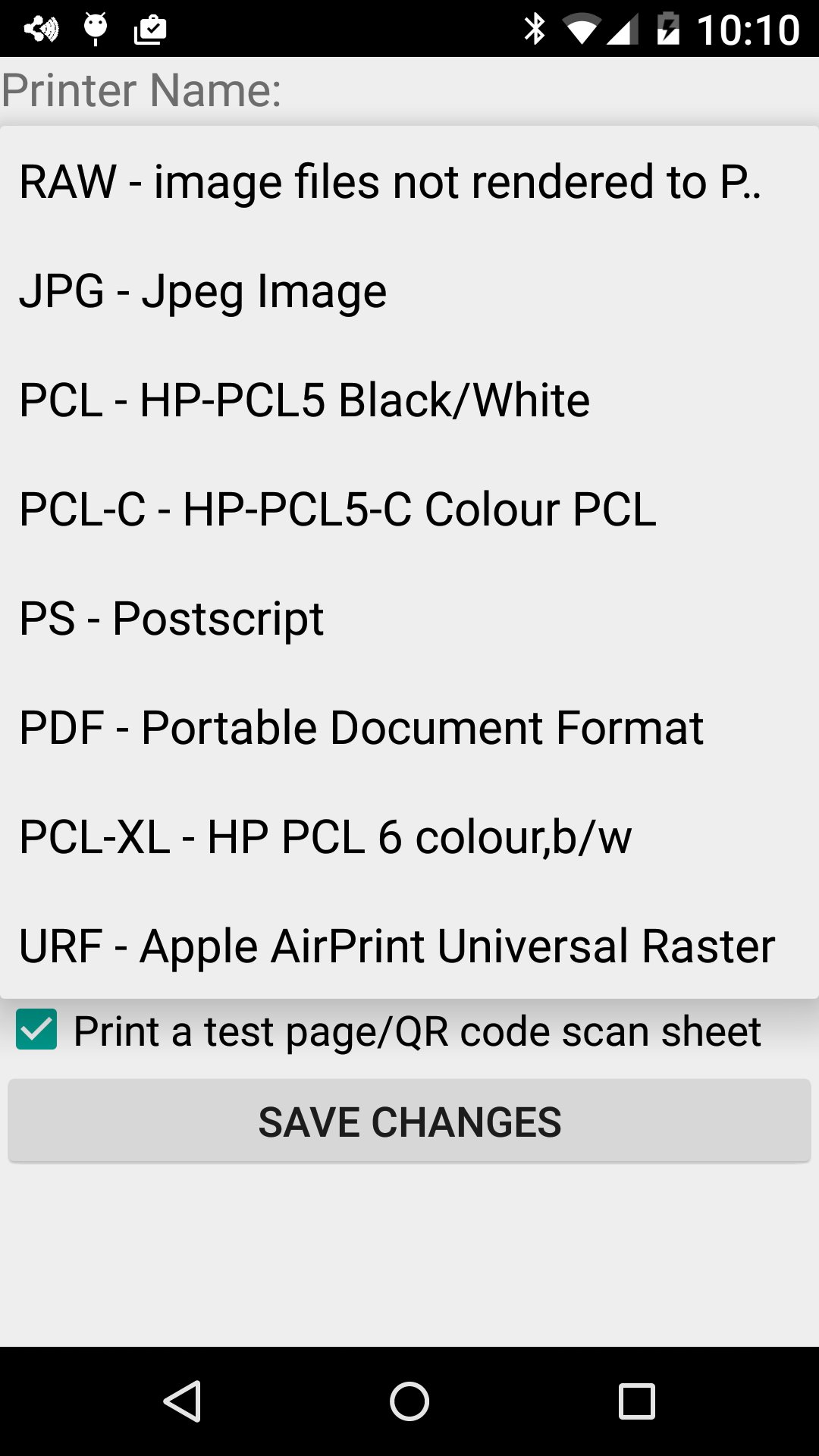
- LPD includes generic PCL,POSTSCRIPT, PDF & Airprint Universal Raster drivers if your printer does not understand Raw image files.
- It allows visiting Android users to print with minimal configuration by the user. Load the app, scan a QR code; the document prints.
- LPD can also perform simple File Transfers using FTP(S), HTTP(S) or SMB/CIFS. Transfers are performed similarly to printing and appear as options in the Protocol pull-down in Add Printer screen.
- It enables secure corporate “cloud printing” when teamed with server software such as Enterprise Output Manager by Unisys, Microsoft Server or Linux/Unix.
- A detailed free-ware work around for all types of printers (including USB connected) is provided in the help files.
- Download the companion app "Let's Print PDF" to render PDFs on your android device or choose off-device rendering if you have a CUPS server. See the Help Files.
- Bonjour (AirPrint) / Avahi Printer Discovery using multicast DNS. Hit menu->New Printer and choose Scan option.
- Compatible with most AirPrint capable printers.



One-click to install XAPK/APK files on Android!

Thanks for your rating and feedback!
You have already rated.