Safe & Fast APK Downloads on APKPure
APKPure uses signature verification to ensure virus-free Kiosk Pro - Web & App Lockdown APK downloads for you.

Kiosk provides autostart your app/website by setting it to your default launcher
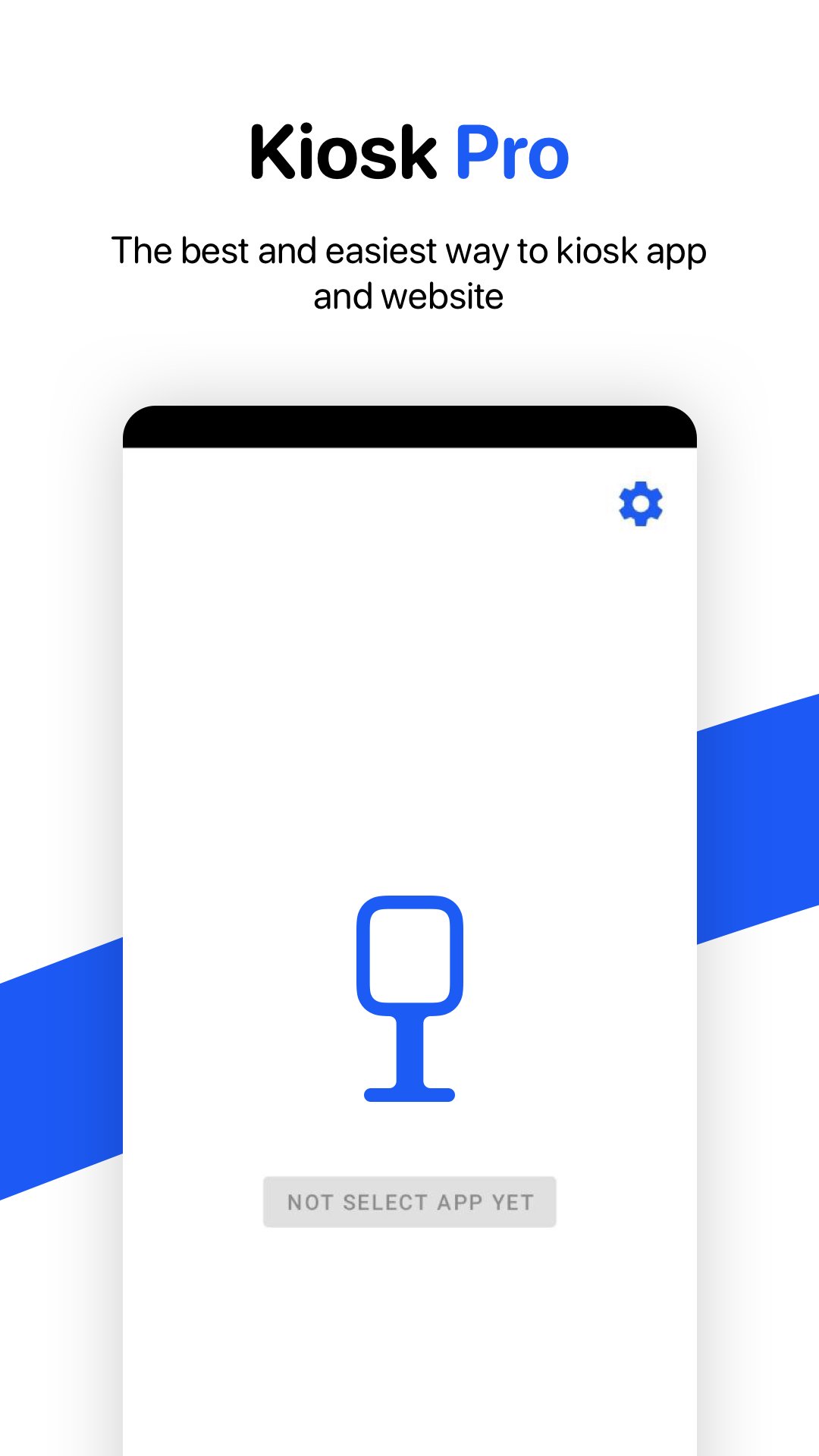
Just simple! Kiosk supports run apps and website under kiosk mode, and it provides autostart your app/website by setting it to your default launcher.
Designed to be used on any Android device, ideal for creating public kiosks, interactive digital signage, etc... Lock down the user interface so that end users can only access web pages you define and cannot adjust Android system settings or access other applications.
Main features:
✅ Password protected settings
✅ Set as default launcher (prevent app from quitting)
✅ Lockdown custom app
✅ Professional Kiosk mode
✅ App stay sticky mode
✅ Change Home logo
✅ Support website kiosk mode (custom url/ domain)
In Kiosk mode, end users can only run and access applications available to them. As an administrator, you can control which applications end users can access. You can have one or more applications for end users to run and test.
For Business and personal use. Shop/eshop demostration, student presentation, pitch deck.
Any suggestion can contact us by email: speedstudent2020@gmail.com
Happy Kiosking!



One-click to install XAPK/APK files on Android!

Thanks for your rating and feedback!
You have already rated.