
Package Name:com.virtupn.kai
Show More

Kai VPN is a simple Android VPN for fast, one-tap secure connections.
Built by Zen-one, it focuses on quick protection with automatic server selection and a clean, readable layout. Clear status indicators and a live session timer make it easy to see what’s happening without digging into menus. A built-in Spin wheel extends sessions when you need more time, so coverage lasts through longer tasks. Here’s what you can expect when you download Kai VPN:
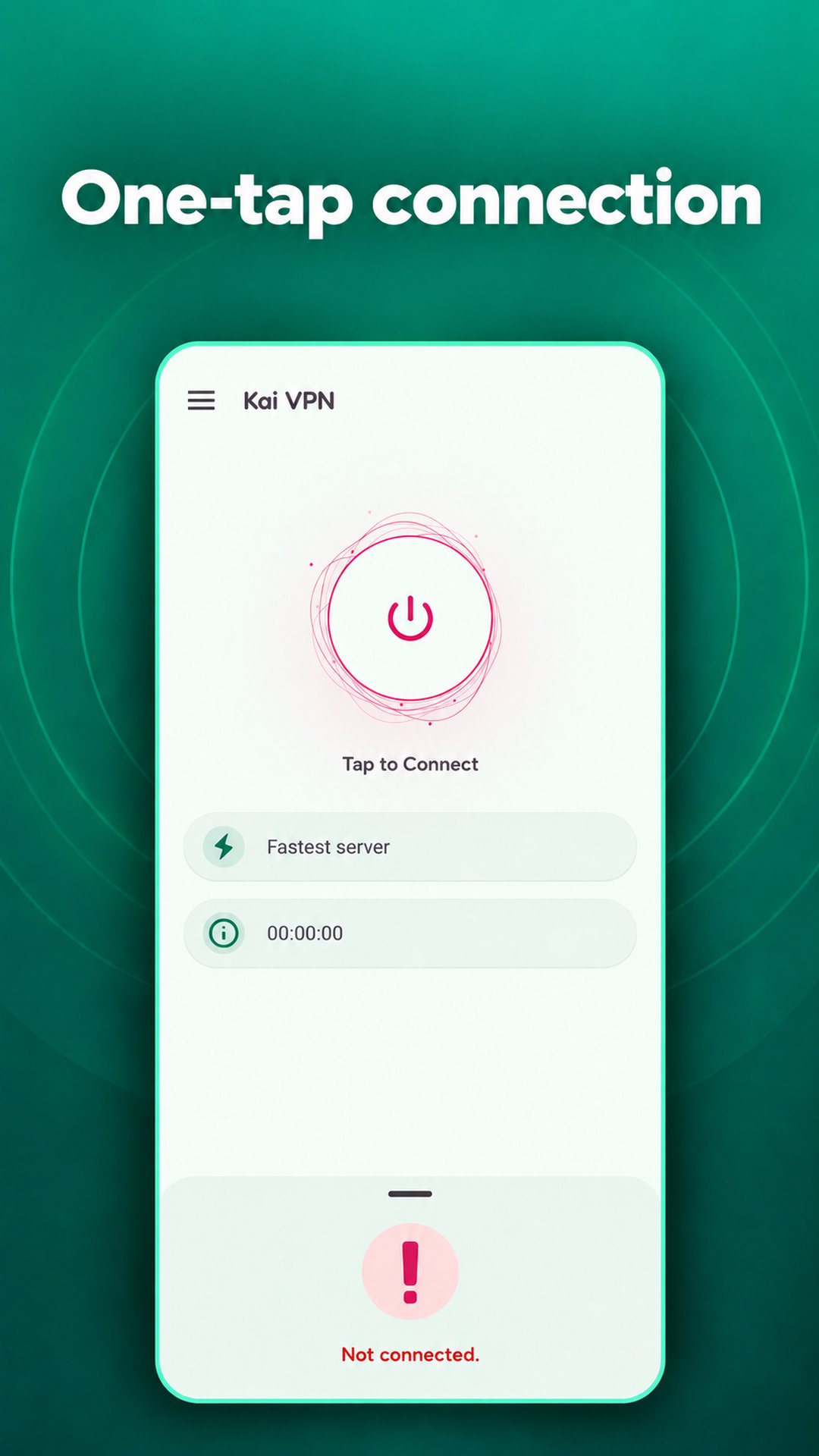
Kai VPN keeps connection setup to a single tap. The Connect button starts a session immediately, while the app picks a server on its own so you don’t lose time scrolling location lists. This suits moments when you just need coverage now, like hopping onto public Wi-Fi at a café or airport. Disconnecting is just as quick, which helps when you only want protection for short checks or quick downloads. The simplicity comes at the cost of advanced control, but the time saved will appeal to users who value speed over fine-tuning.
With Kai VPN, status is always clear. On-screen indicators move from Disconnected to Connecting to Connected, so you can tell at a glance what stage the session is in. A session panel shows the current server and a live timer, which makes it easy to track how long you’ve been connected. This is helpful if you’re pacing your browsing time, working through a set task, or planning when to extend a session. If a connection drops or stalls, the visual feedback lets you react quickly instead of guessing what’s happening in the background.
Kai VPN includes a Spin wheel designed to add extra connection time. When a session runs short, the wheel offers a simple way to keep protection going without leaving the screen or hunting for settings. This aligns with the app’s minimal approach, keeping everything in one place. There is a trade-off: sessions appear time-limited, so longer use may require returning to the wheel. The app also contains ads, which means occasional interruptions can happen. Watching the timer and planning an extension before starting a long download or video call helps avoid mid-task breaks.
Kai VPN uses a clean layout that puts only key information up front: connection state, current server, and elapsed time. Everyday tasks like checking banking, messaging, or reading news benefit from this focused design because it stays out of the way. Users who prefer a straightforward path to privacy will find it approachable, while power users might miss manual server lists or deeper settings. For those moments when simplicity matters most, it’s an easy way to “Connect to Freedom” with minimal setup.
These strengths and trade-offs come from a design centered on speed and clarity, and from how Kai VPN prioritizes automatic decisions over complex options.
ProsYou can get the Kai VPN APK on APKPure to install the Kai VPN latest version. The download is typically small, often under 30MB, so it usually finishes within a minute on a stable connection. If storage is tight, make sure there’s a little room available before starting, as updates may vary slightly in size over time.
After installation, open the app and tap Connect to start a session. The status and timer will confirm when you’re protected. If you expect a longer task, keep an eye on the timer and use the Spin wheel in advance so coverage stays uninterrupted. When ready to disconnect, a single tap returns you to normal browsing.




One-click to install XAPK/APK files on Android!

Thanks for your rating and feedback!
You have already rated.