










Thanks for your rating and feedback!
You have already rated.


9.0
2 Reviews
108.7 MB
File Size
Everyone
Android 8.0+
Android OS
JioHome is a home control and connectivity companion for Jio Set‑top Boxes, Wi‑Fi, and smart devices.
Developed by Jio Platforms Limited, the JioHome APK brings your entertainment, internet, and smart gadgets together in one place. Its main appeal is simple, centralized control that keeps everyday tasks quick and consistent. Below are the key things you can do with it.
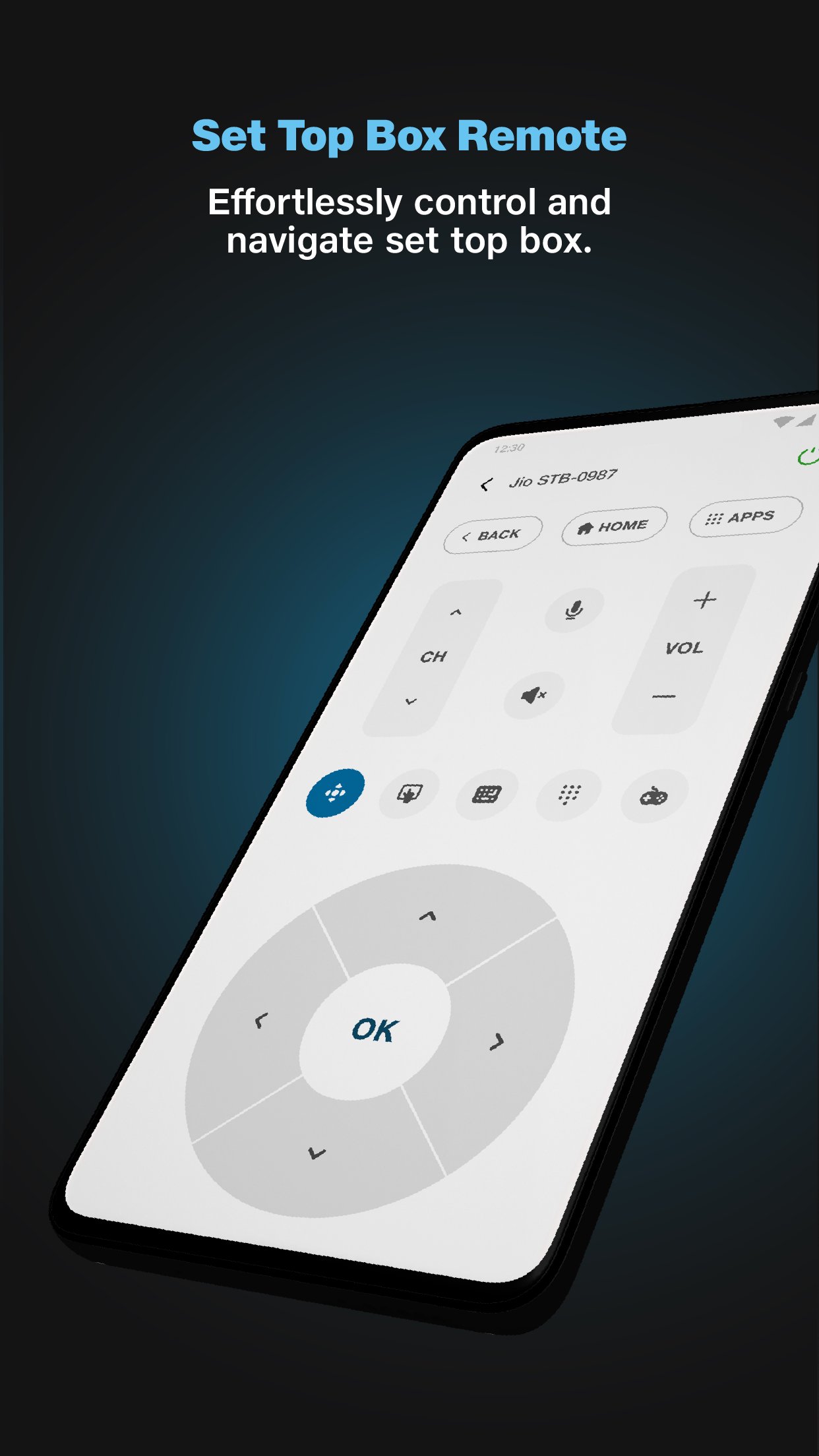
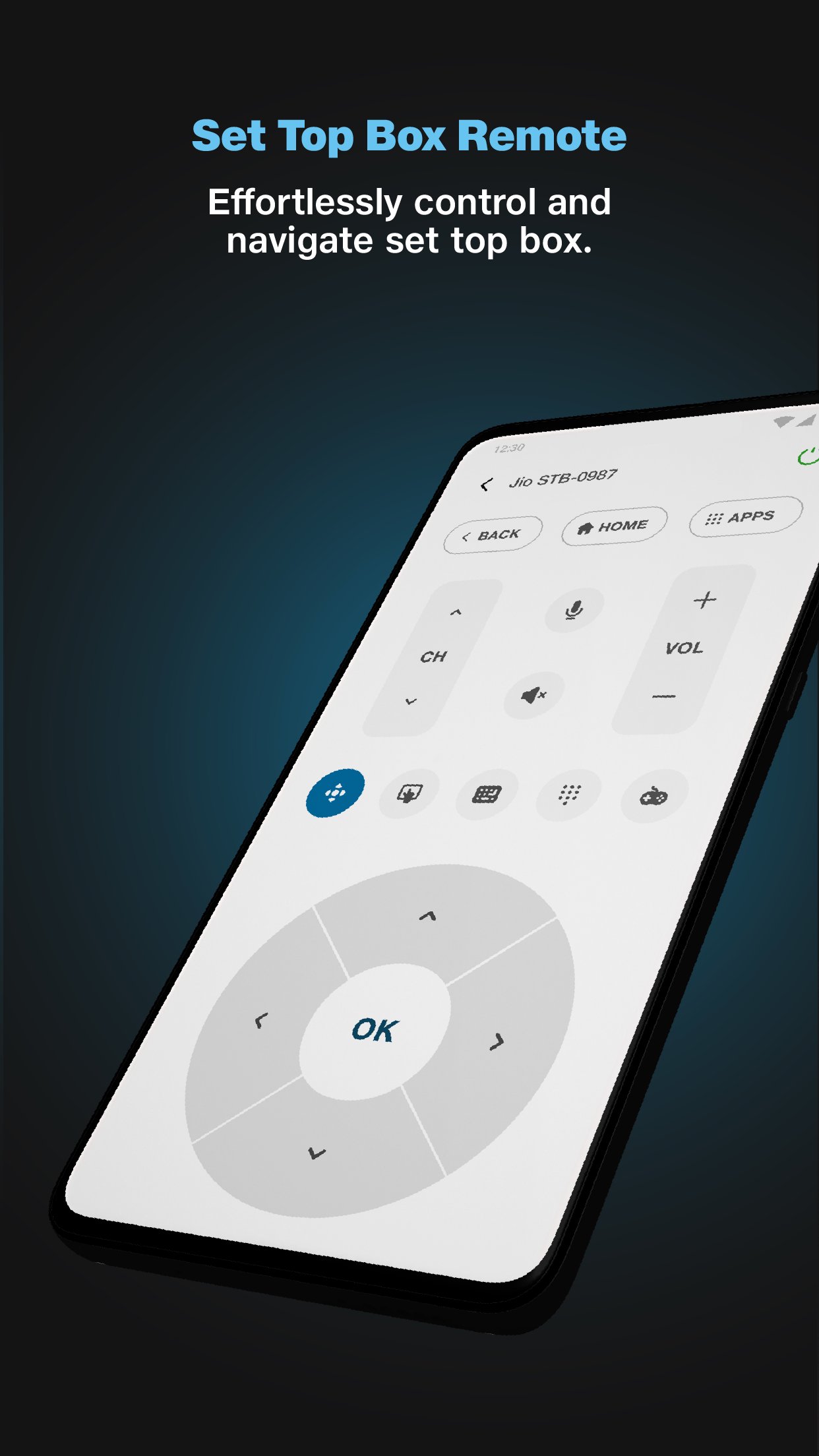
Control your Jio Set‑top Box with a soft remote for TV and OTT.
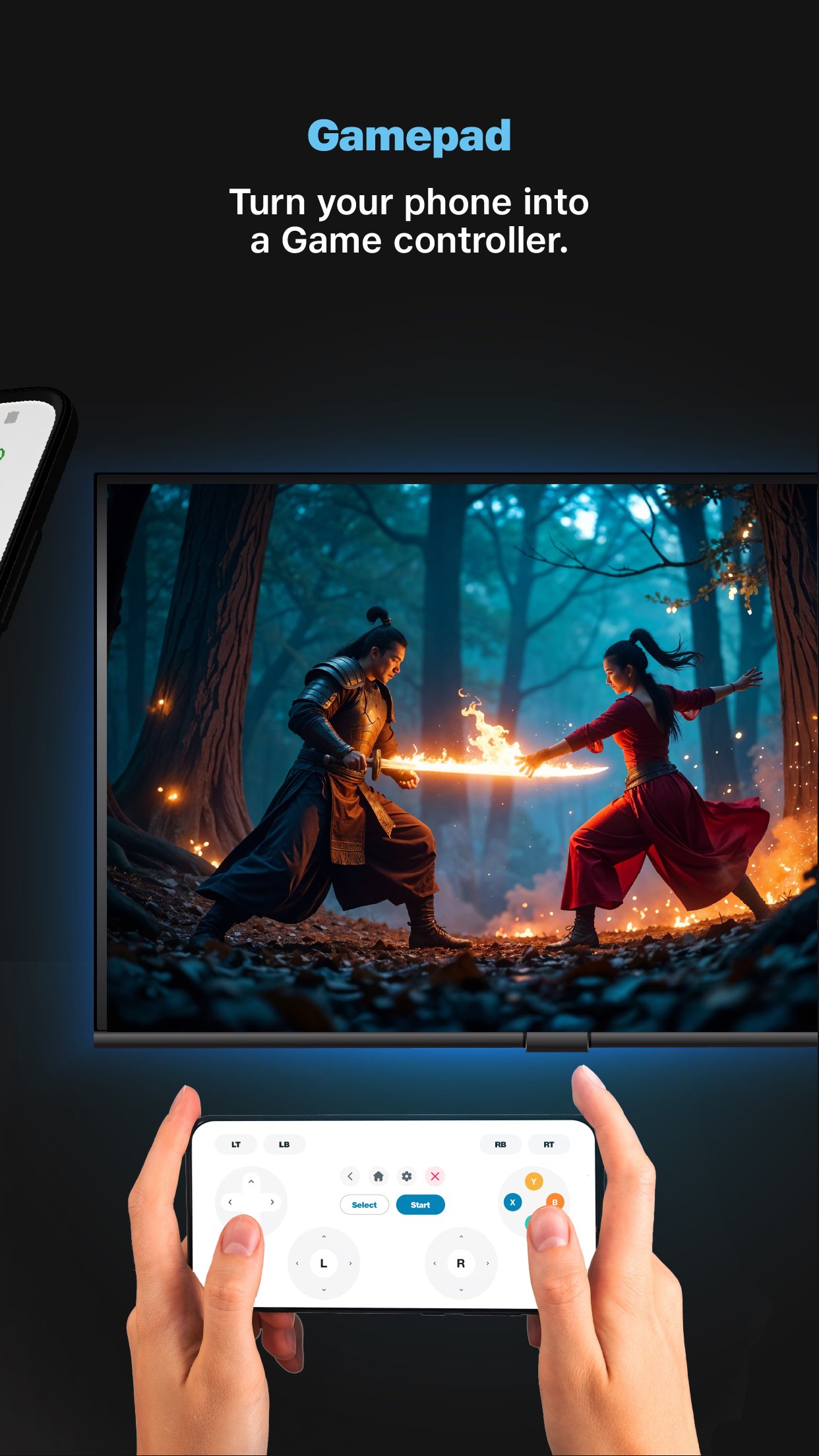
Use your phone as a soft gamepad to play on JioGames.
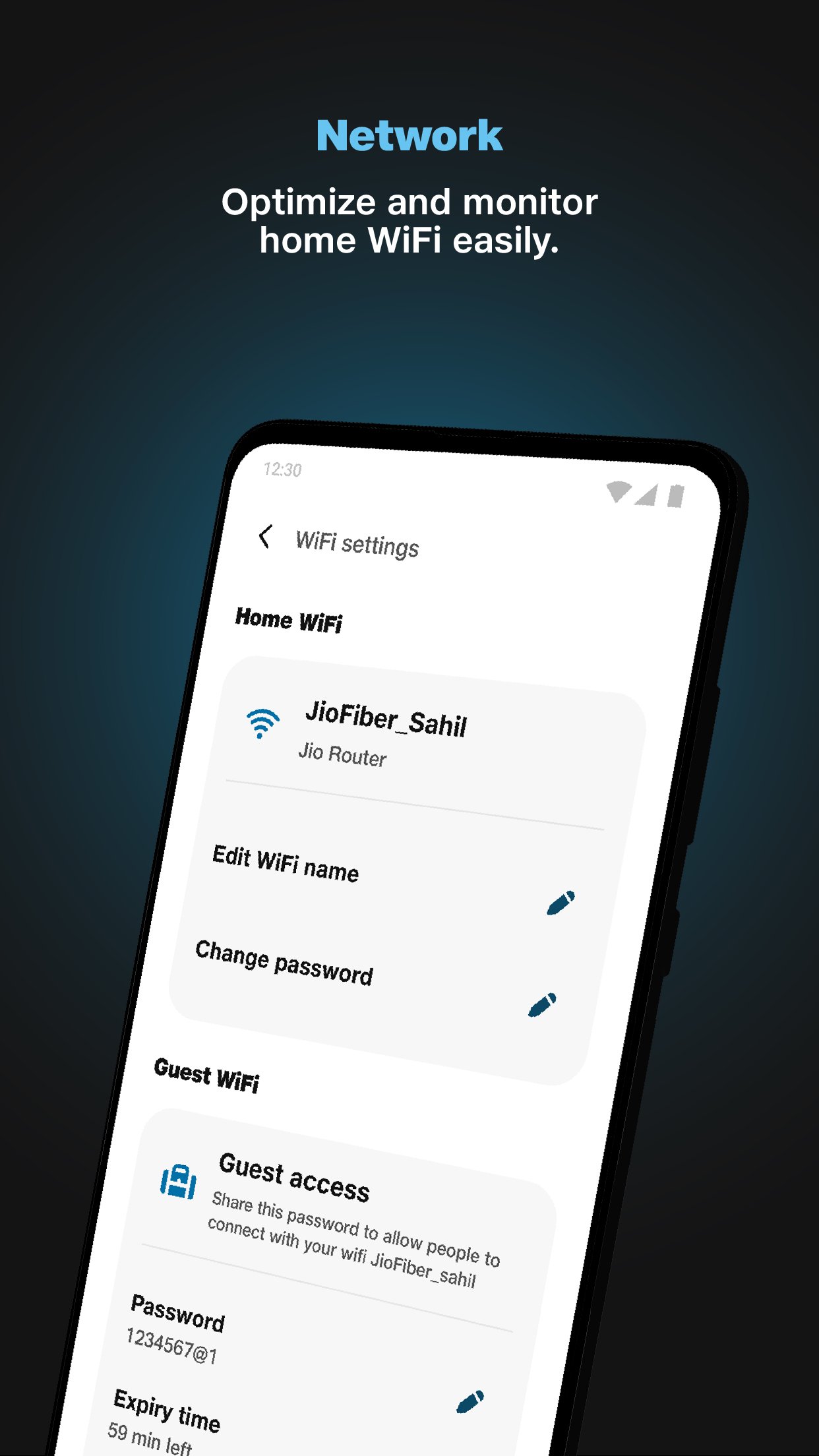
Check connected devices, signal strength, and run quick internet speed tests.
Get room‑by‑room Wi‑Fi coverage tips and JioExtender recommendations.
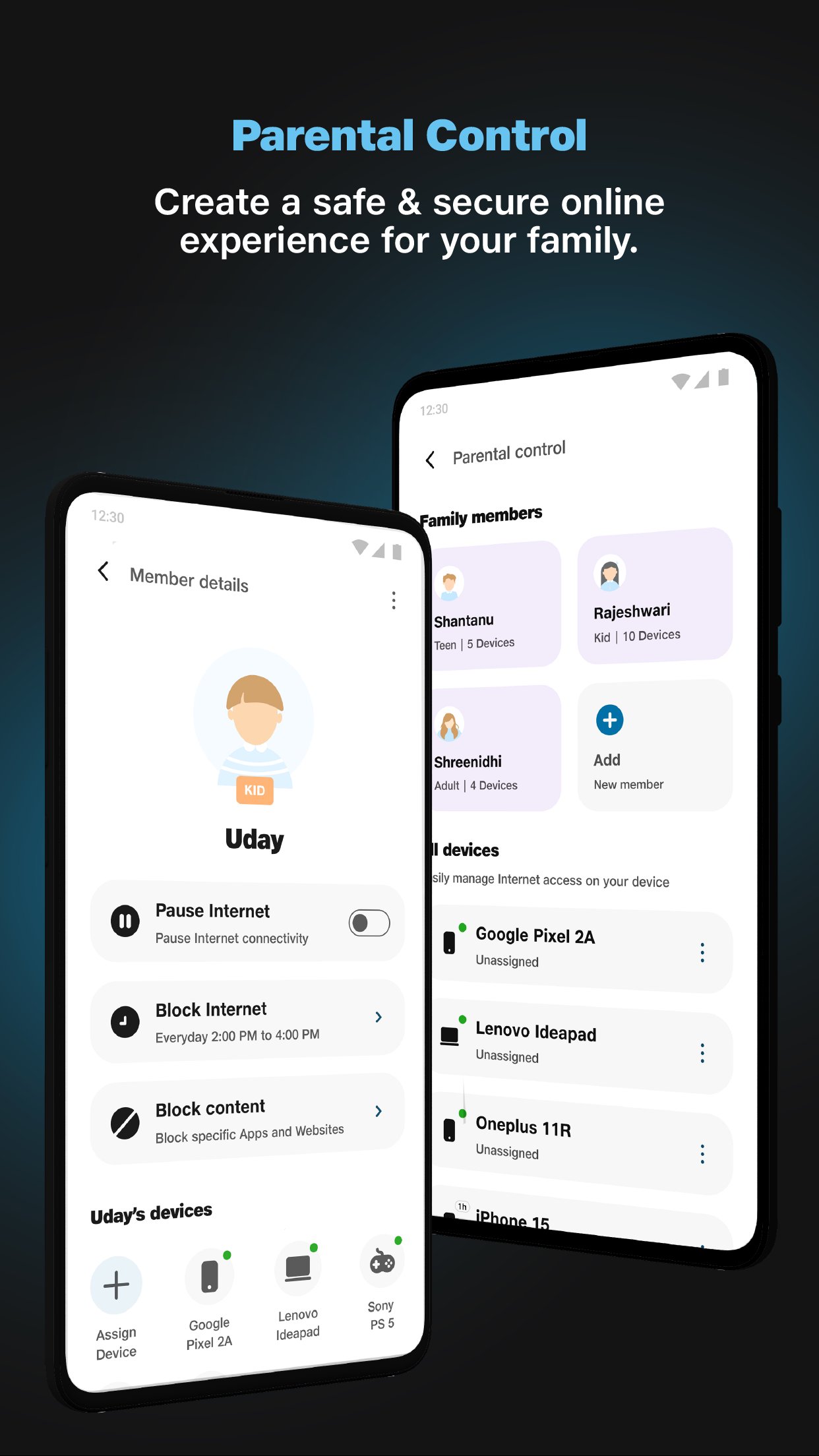
Set parental controls: filters, blocks, usage limits, and device pauses.
The soft remote mirrors your physical Jio Set‑top Box remote so you can switch channels, navigate apps, and control OTT platforms from your phone. It’s handy when the living‑room remote is misplaced or when you want quick access without walking over.
Open STB Remote to use on‑screen keys like the D‑pad, Home, Back, and channel controls. The JioHome app keeps navigation familiar, so switching between TV and streaming apps feels natural. Response can vary depending on your home network, and some users may still prefer the tactile click of a physical remote for fast channel surfing.
Turn your phone into a controller for games running on the JioGames app on your Jio Set‑top Box. It’s an easy way to jump into casual play without buying extra hardware.
Open Soft Gamepad on your phone, select a compatible game, and start playing on the TV. You can hand a second phone to a friend for local multiplayer, making quick matchmaking at home simple. JioHome keeps inputs clear on-screen, though competitive players may notice that a touchscreen lacks the feel of physical buttons. Stable Wi‑Fi helps reduce input lag.
See connected devices, check signal strength, and run speed tests to diagnose slowdowns. When kids complain the movie is buffering or a video call stutters, you can quickly pinpoint which device or room needs attention.
From Network, view every device on your Wi‑Fi, run a Speed Test, and review coverage insights for each room. If the app highlights dead zones, it suggests adding a JioExtender to improve range. You can also generate a guest Wi‑Fi password for visitors and set device priority so critical devices, such as a work laptop, get bandwidth first. JioHome helps you make practical changes without digging into complex router menus.
Monitor and control compatible Jio smart devices in one place, then set simple routines to automate daily tasks. It’s useful for things like turning lights off at bedtime or toggling plugs when you leave home.
Use the SmartHome section to toggle devices and build basic automations for supported Jio gadgets. JioHome keeps routine setup straightforward so you spend less time configuring and more time using your devices. Compatibility focuses on the Jio ecosystem, so non‑Jio devices may have limited or no control within this app.
Create family profiles, apply age‑based content filters, and block specific apps or websites to guide safer internet use. Scheduling internet pauses helps enforce screen‑time limits during homework or bedtime.
Set usage limits per profile, pause the connection for a particular device, and keep guests separated with temporary passwords. JioHome brings these controls under one panel, which makes family management more consistent day to day. Features work best when all core devices are connected through your Jio network.
These points reflect centralized controls, practical network tools, and family features tested across everyday home scenarios within the Jio ecosystem. The JioHome app focuses on convenience while keeping setup simple.
Pros
One app for remote, Wi‑Fi, smart home, and safety
Clear device list, signal strength, and handy speed tests
Helpful coverage insights and JioExtender guidance
Flexible parental controls with profiles and schedules
Cons
Best with Jio ecosystem; limited support for non‑Jio devices
Soft remote/gamepad may feel less responsive than physical
You can download the latest JioHome APK from APKPure. The installation package is about 108.7 MB, so using Wi‑Fi is recommended to save mobile data and speed up the process. On a typical home connection, the download usually finishes in a few minutes, while mobile data may take longer and consume a noticeable chunk of your plan.
JioHome requires Android 7.0 or newer. After installation, open the app and allow the requested permissions so it can find connected devices and assess your network. For remote and gamepad features, ensure your phone and Jio Set‑top Box are on the same home Wi‑Fi.
If you plan to download JioHome for family management, start by creating profiles and testing a quick internet pause to confirm device control works as expected. Keep your phone charged during setup, and you’ll be ready to use the JioHome APK latest version across TV, Wi‑Fi, and smart devices.




One-click to install XAPK/APK files on Android!
Thanks for your rating and feedback!
You have already rated.